
CRAFTYBOX
Preparing your block world
正在准备你的方块世界
First visit setup
首次访问设置
CRAFTYBOX
Preparing your block world
正在准备你的方块世界
First visit setup
首次访问设置
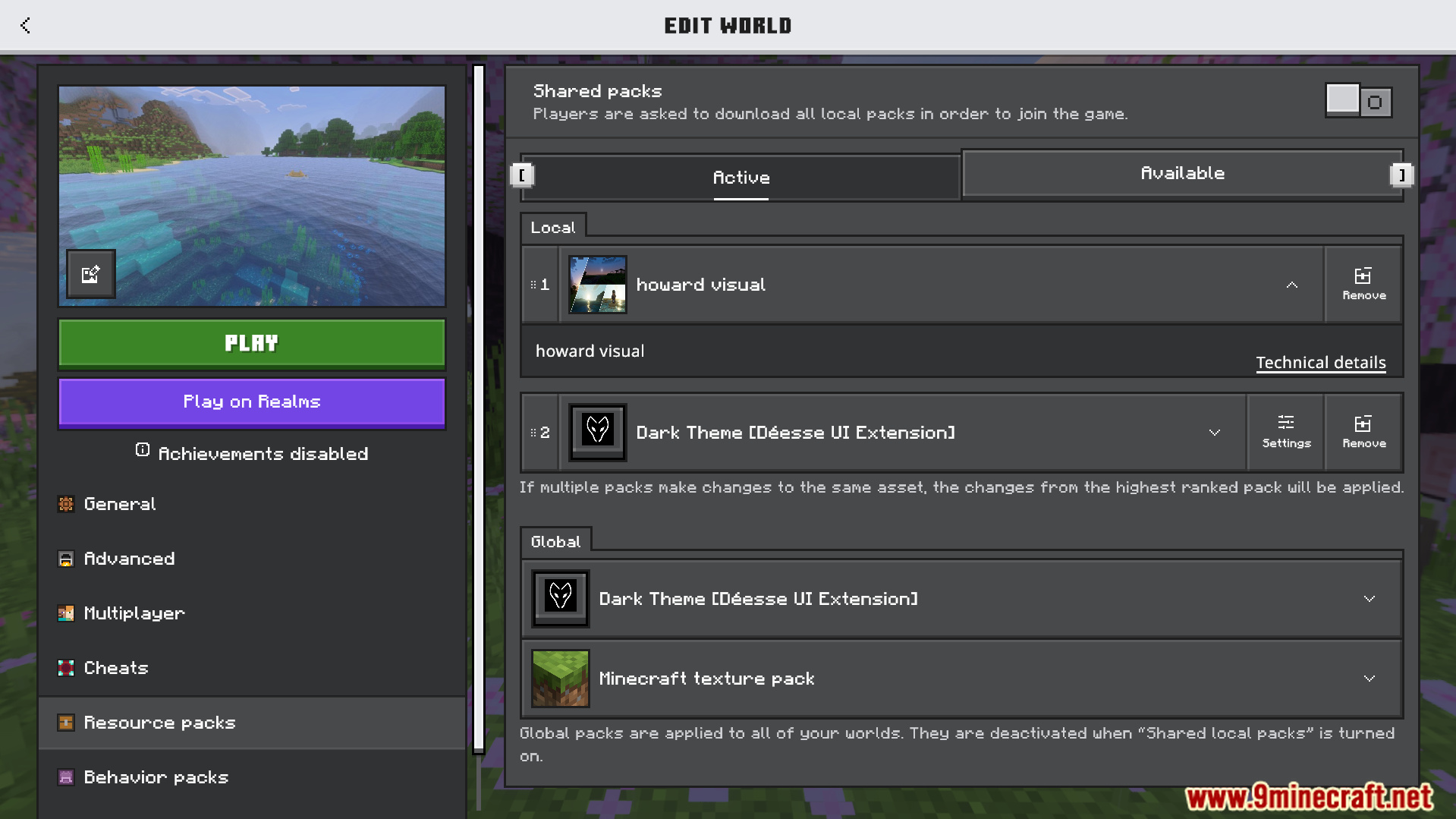
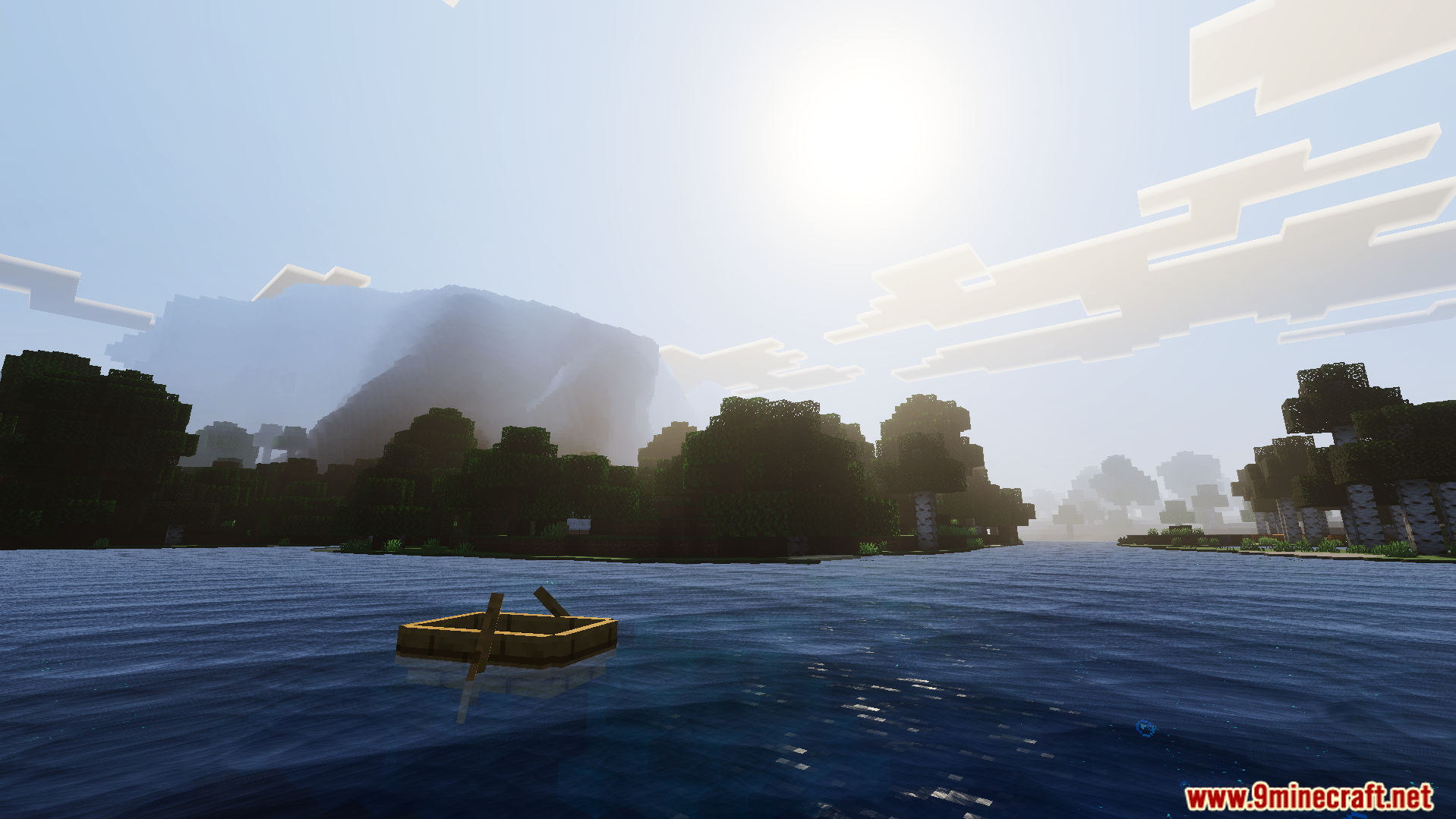
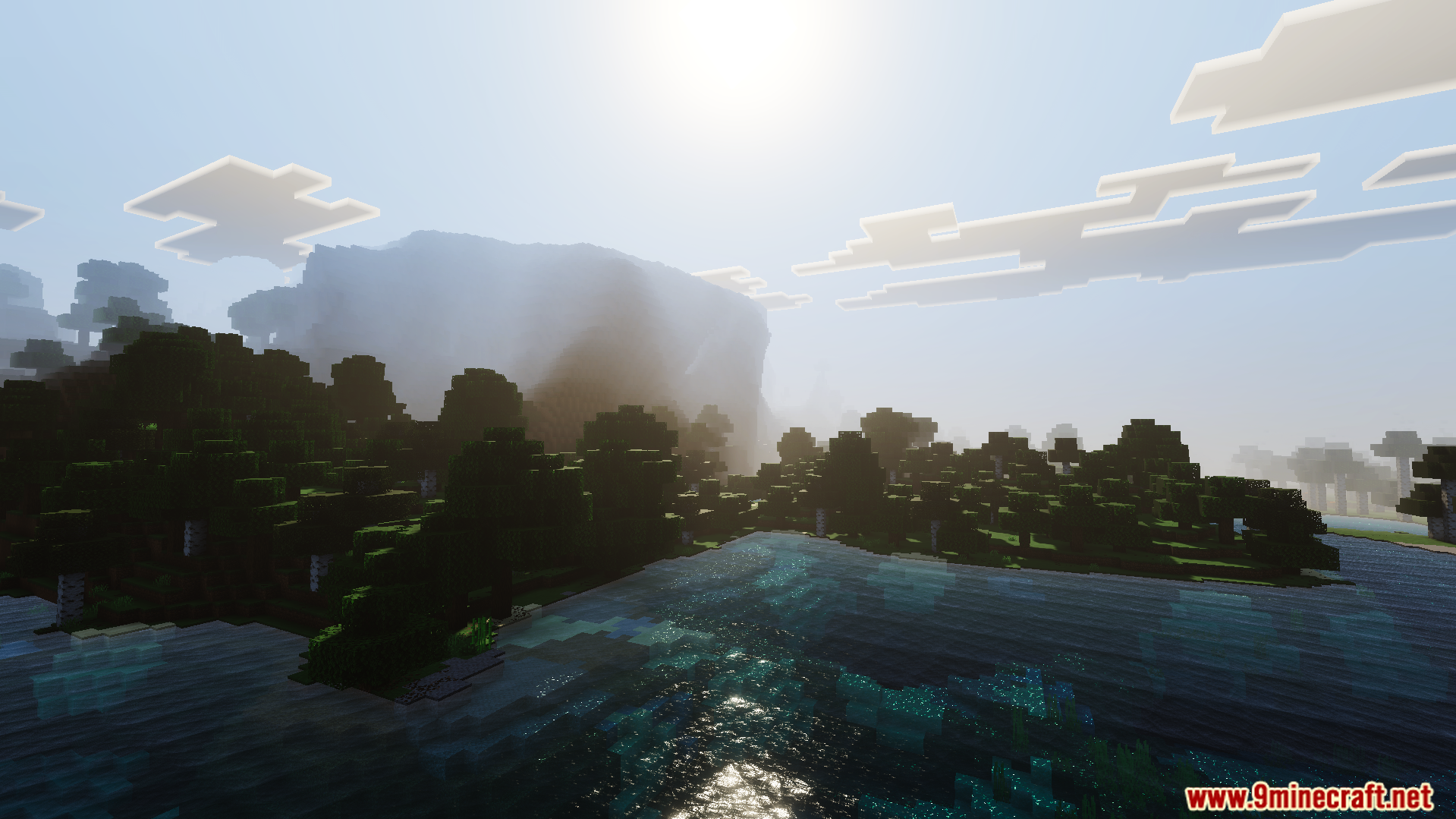
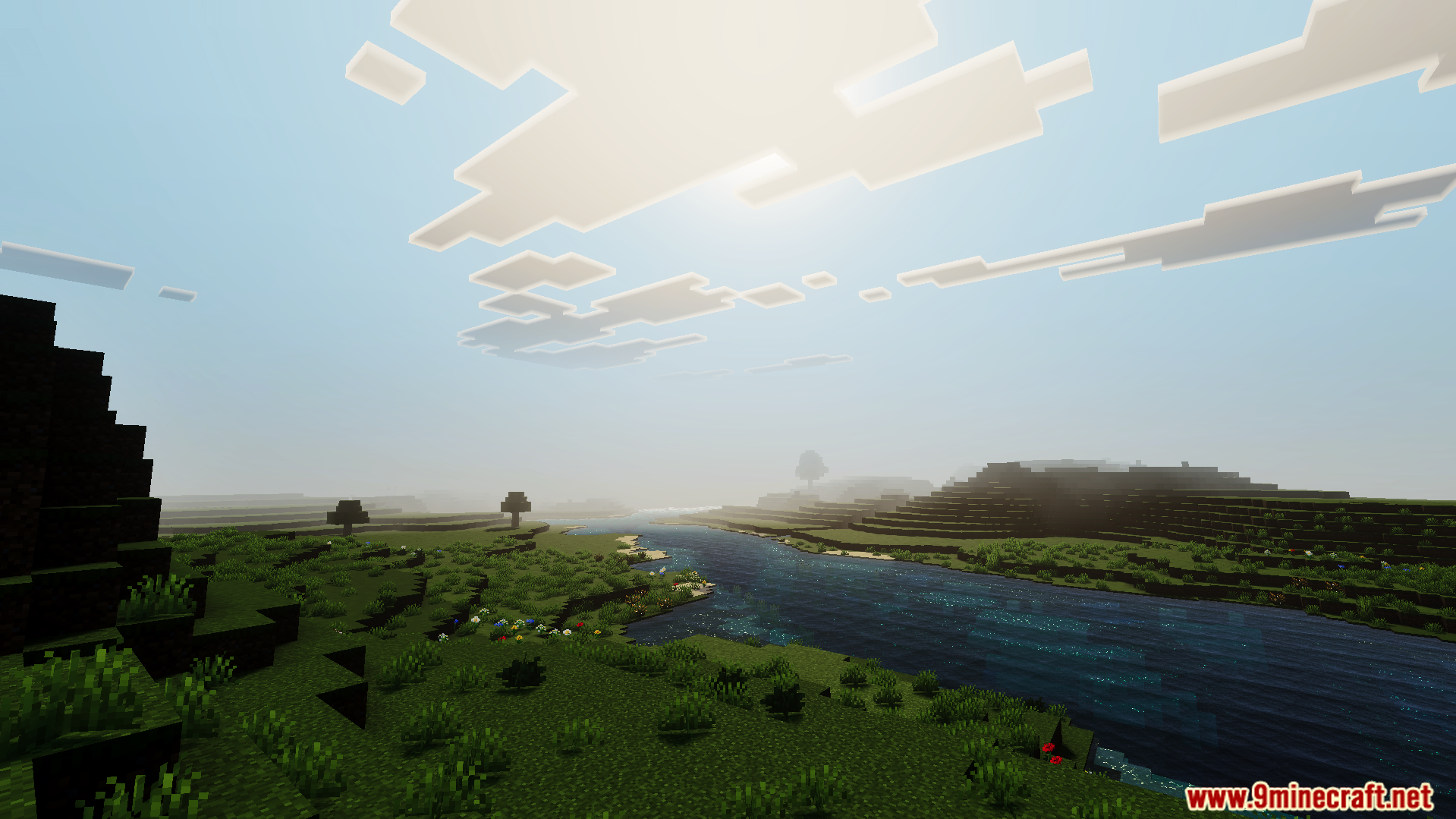
Howard Visual Shader Cinematic color science meets Bedrock — ACES tone mapping and silky water waves for a filmic 1.26+ experience. Features: Professional ACES tone mapping for true-to-life color Smooth, rolling water waves Balanced highlights and rich shadows Film-grade contrast in every scene Why You'll Love It: 1 Your world looks color-graded like a movie 2 Oceans and rivers move with lifelike motion 3 Stunning results with minimal tweaking How to Get Started: 1 Download the Howard Visual Shader. 2 Install it in Minecraft PE. 3 Open your world and enjoy the new experience. Lights, camera, Minecraft!
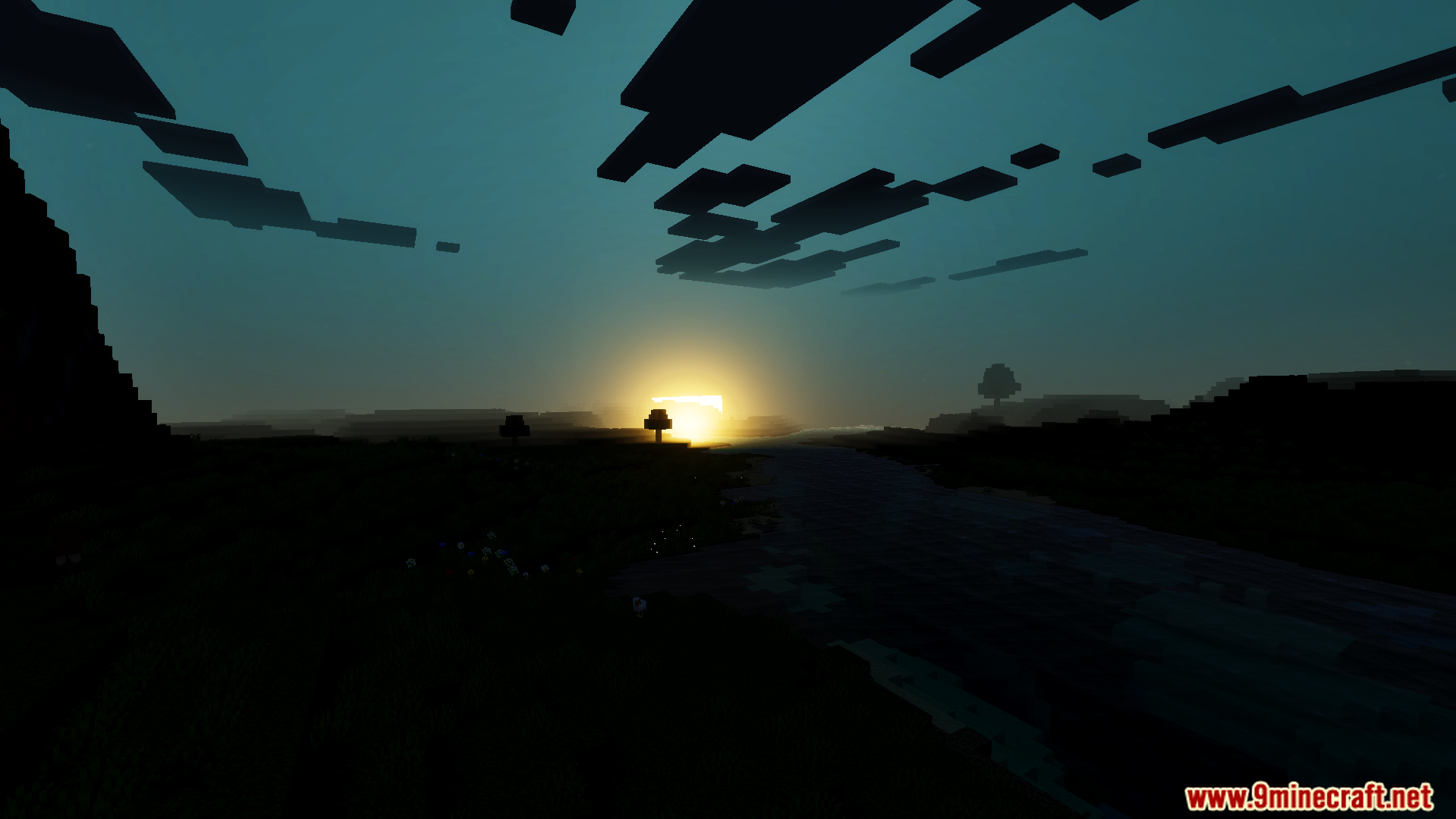
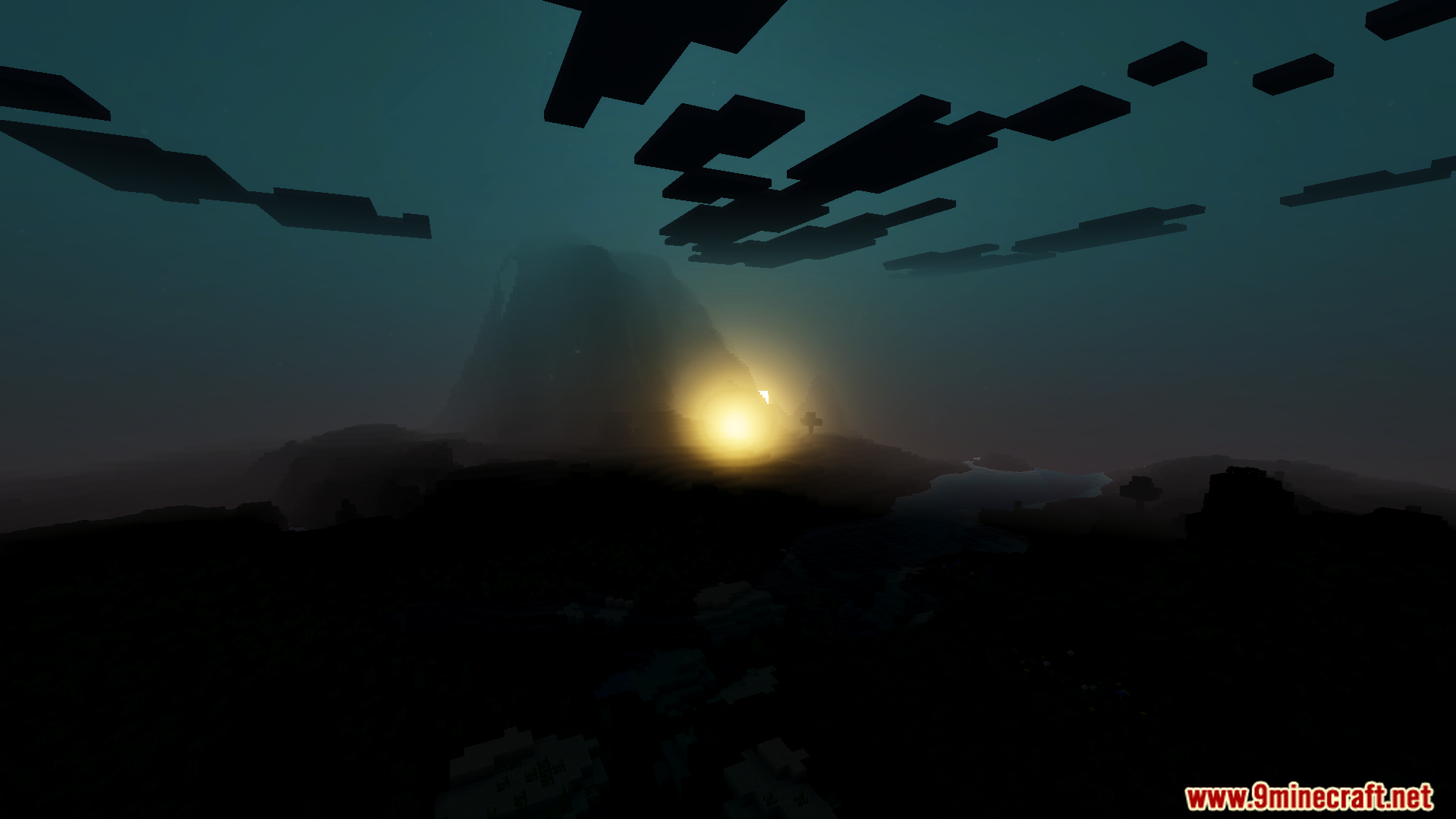
Read the full details and screenshots
Open this resource in CraftyBox