
CRAFTYBOX
Preparing your block world
正在准备你的方块世界
First visit setup
首次访问设置
CRAFTYBOX
Preparing your block world
正在准备你的方块世界
First visit setup
首次访问设置
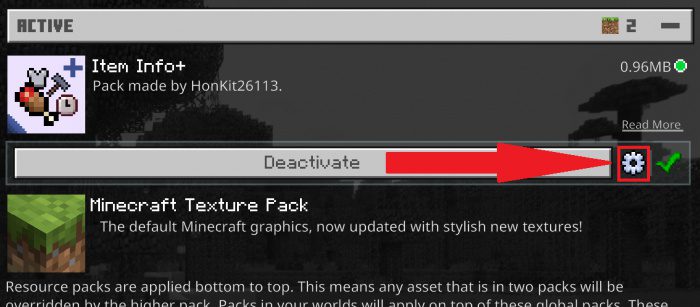
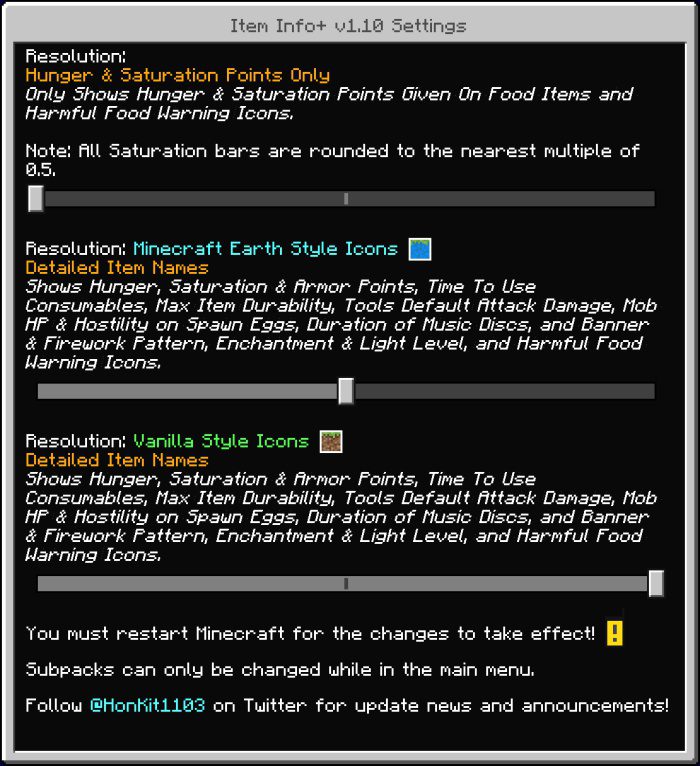
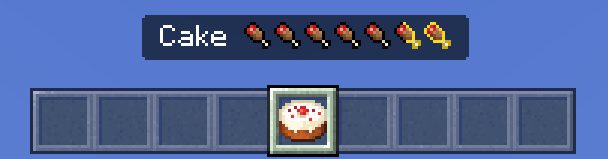
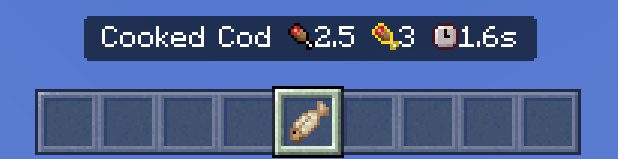
Item Info+ Texture Pack Never guess what an item does again — Item Info+ adds rich extra information to your items right inside Minecraft PE. Features: Detailed item descriptions and stats shown in your inventory Instantly see useful info about tools, food and blocks Great learning aid for new players and handy for veterans Lightweight pack that works alongside your other textures Why You'll Love It: 1 Make smarter choices without opening a wiki 2 Speeds up crafting and gearing decisions 3 Clean presentation that never clutters your screen How to Get Started: 1 Download the Item Info+ Texture Pack. 2 Install it in Minecraft PE. 3 Open your world and
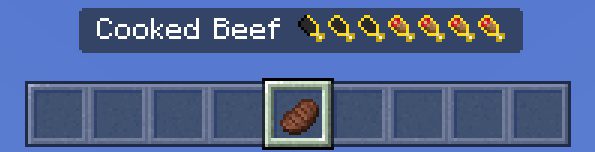
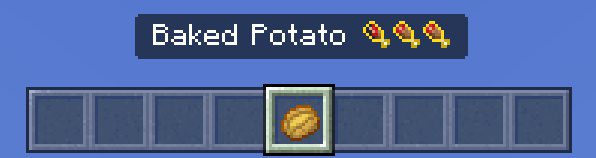
Read the full details and screenshots
Open this resource in CraftyBox