
CRAFTYBOX
Preparing your block world
正在准备你的方块世界
First visit setup
首次访问设置
CRAFTYBOX
Preparing your block world
正在准备你的方块世界
First visit setup
首次访问设置
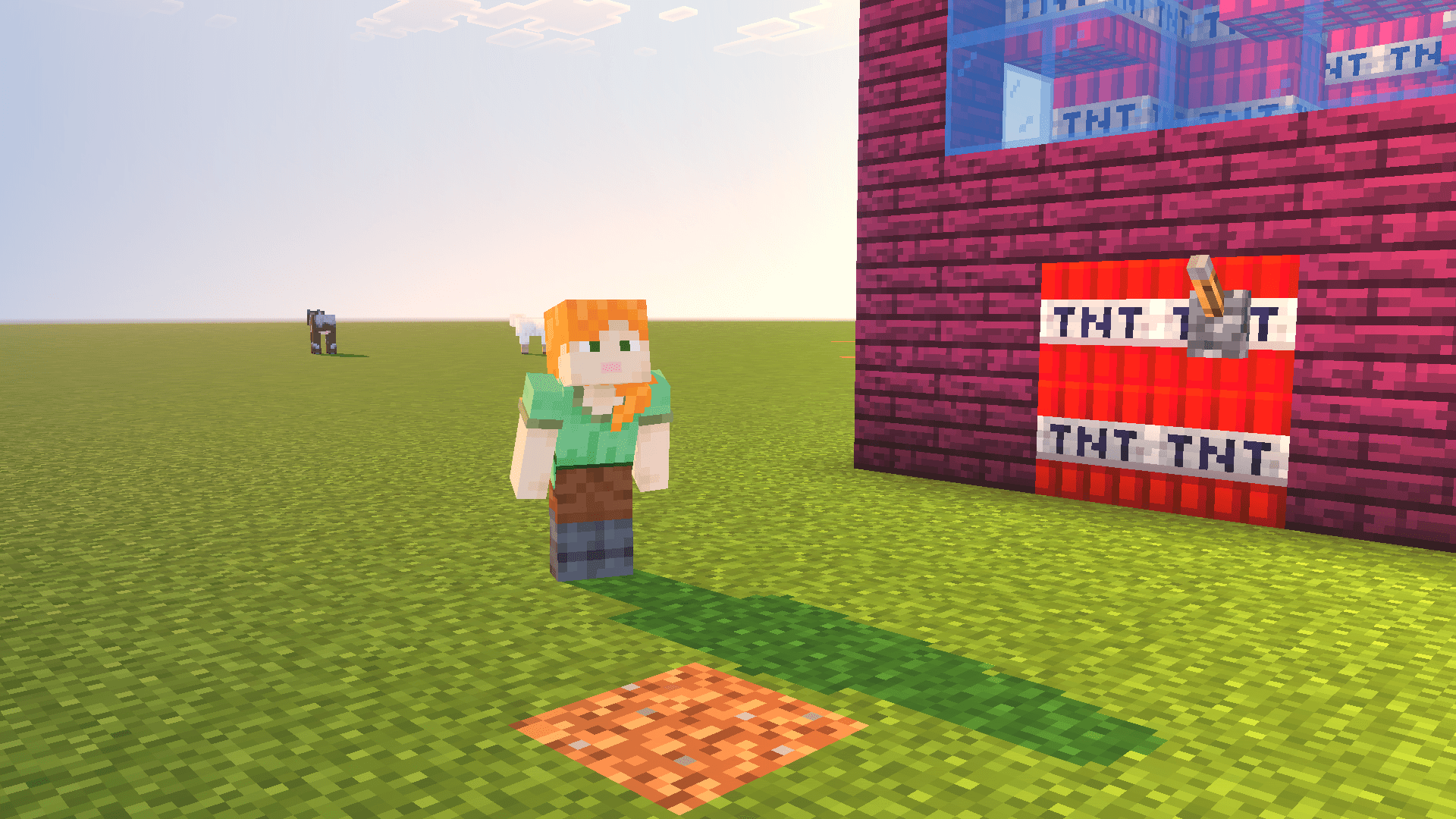
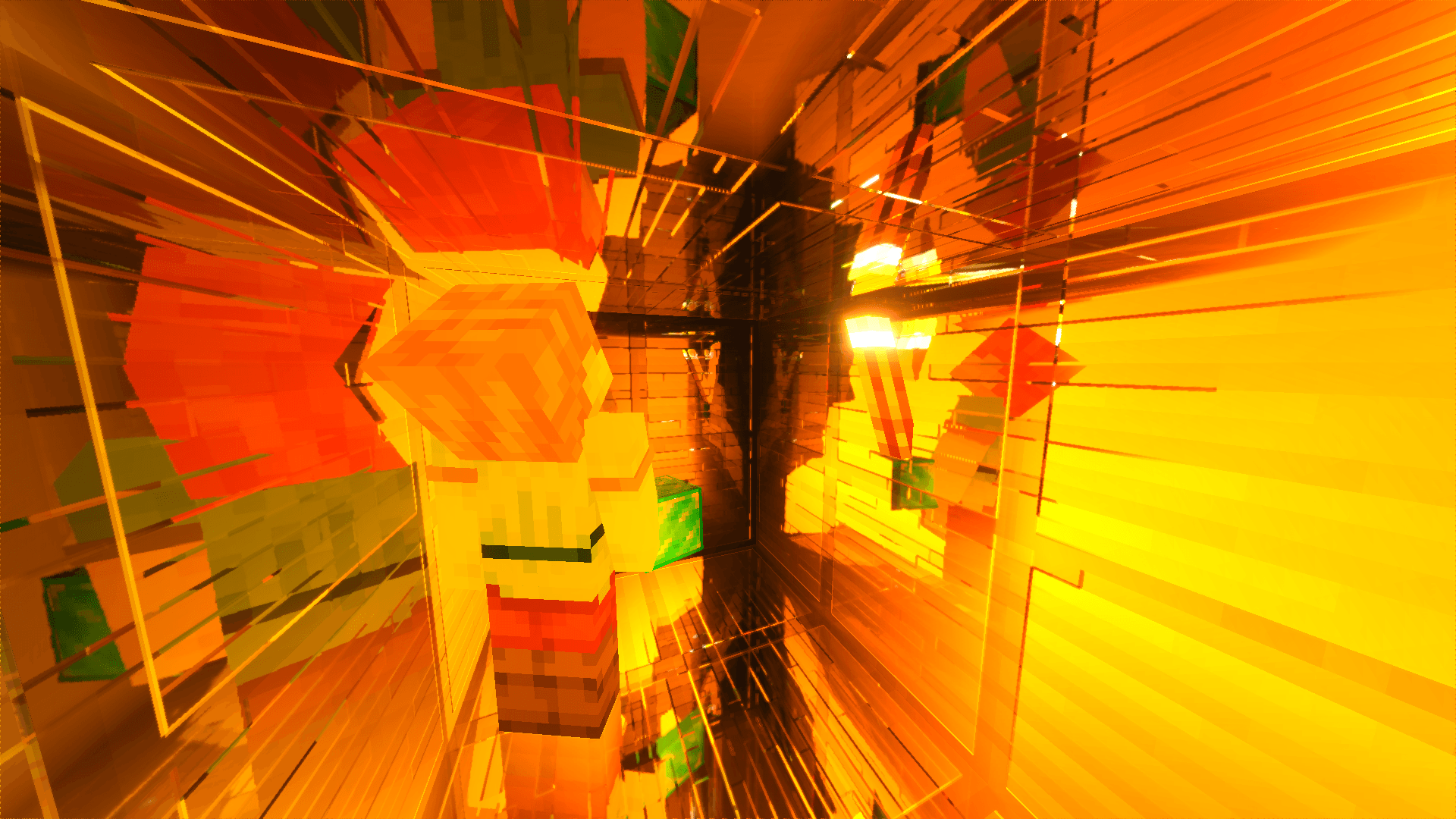
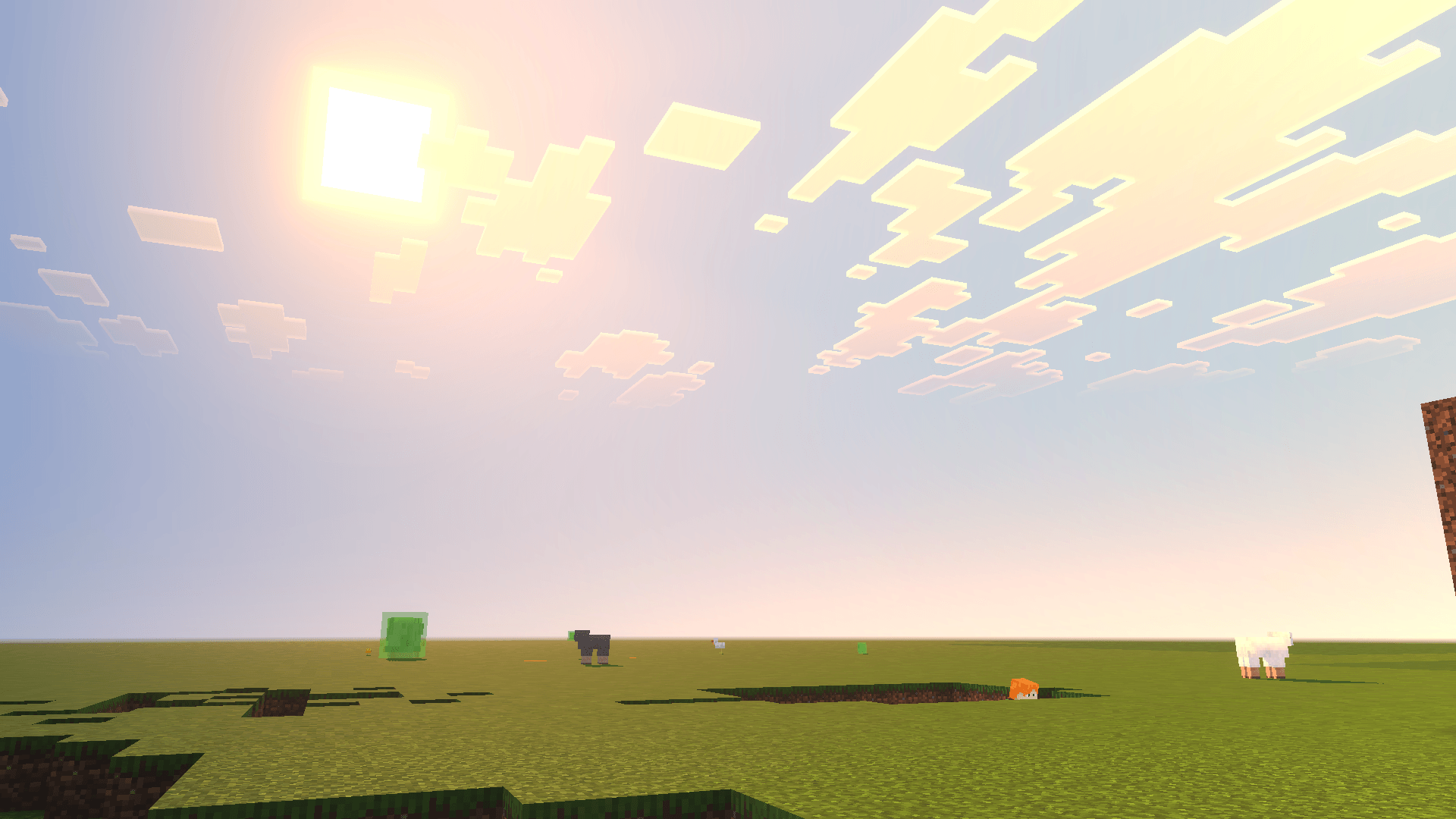
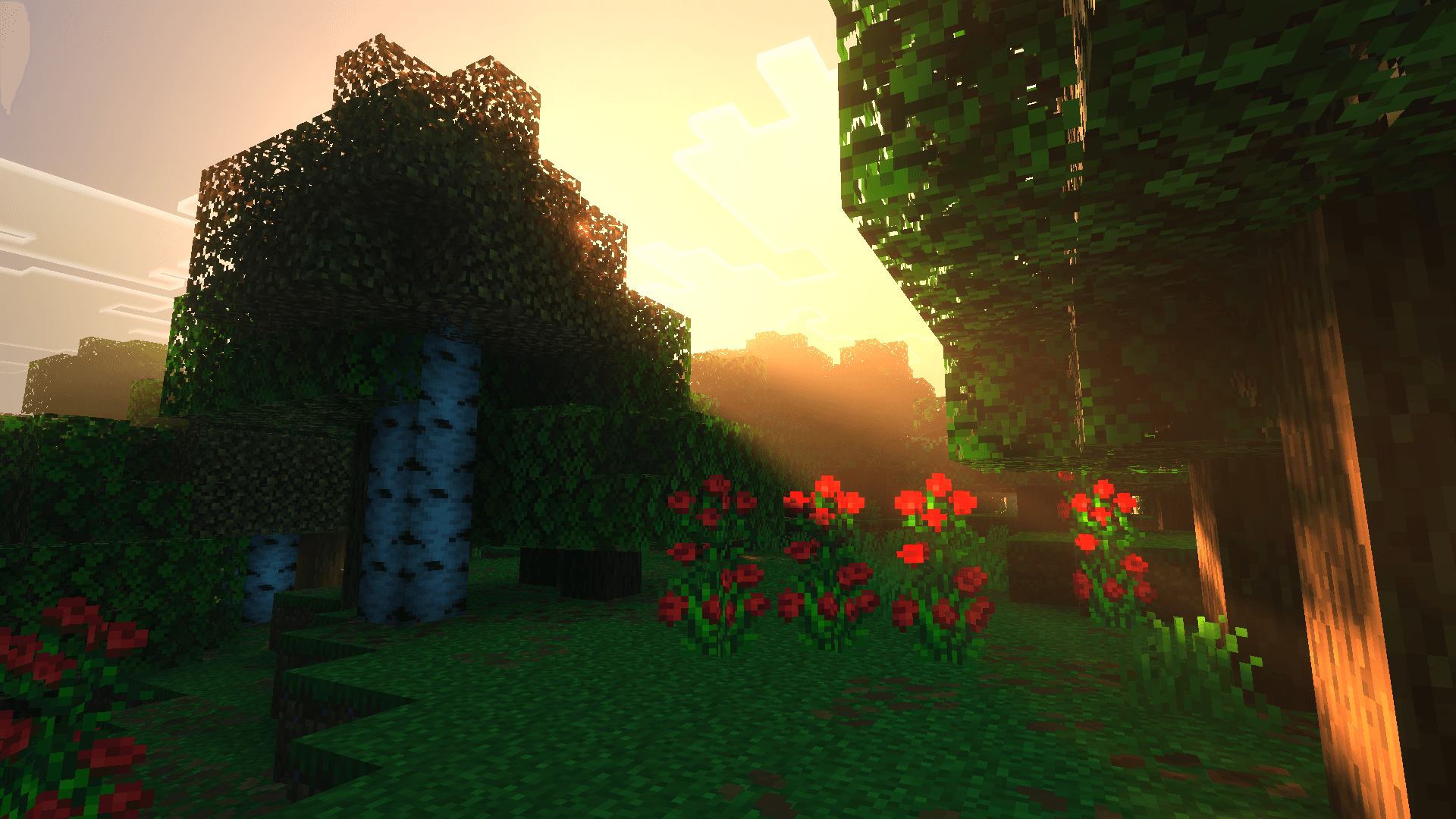
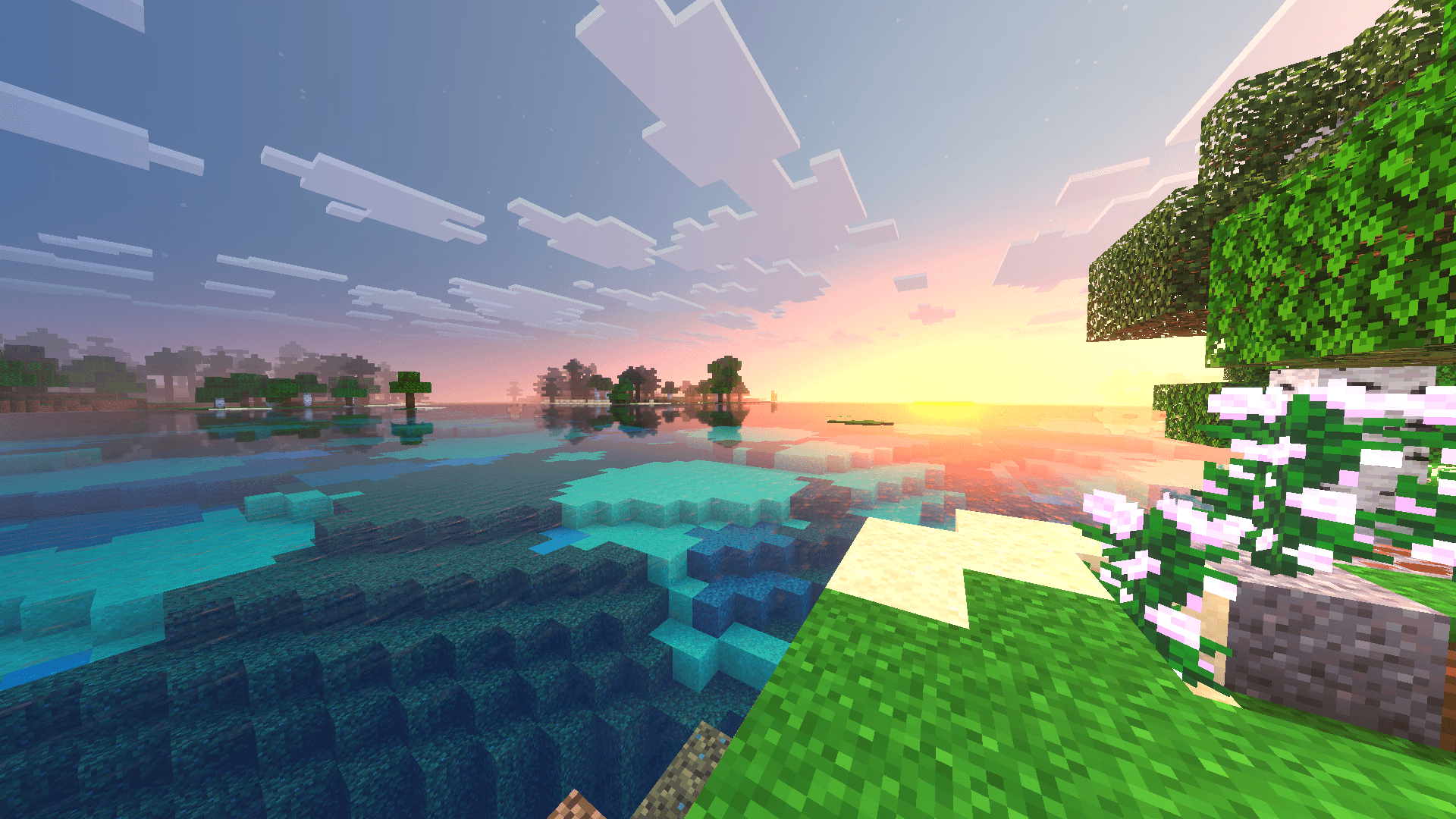
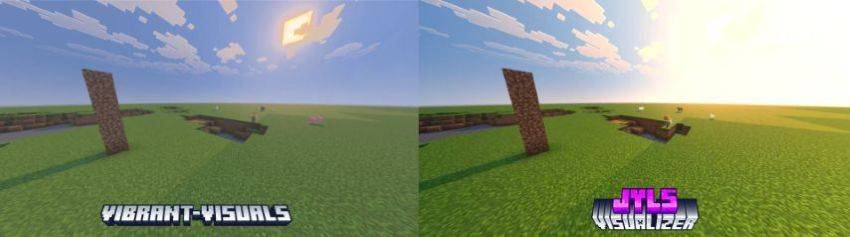
Jyls Visualizer Texture Pack Supercharge your Bedrock visuals with intense, vibrant colors that make everything pop. Features: Bold, vibrant color enhancement Intense, punchy visuals Fresh look across the whole game Optimized for Bedrock Edition Why You'll Love It: 1 Eye-popping, lively colors 2 Makes your world feel alive 3 A striking visual upgrade How to Get Started: 1 Download the Jyls Visualizer Texture Pack. 2 Install it in Minecraft PE. 3 Open your world and enjoy the new experience. See your world in vivid, vibrant color!
Open this resource in CraftyBox