
CRAFTYBOX
Preparing your block world
正在准备你的方块世界
First visit setup
首次访问设置
CRAFTYBOX
Preparing your block world
正在准备你的方块世界
First visit setup
首次访问设置
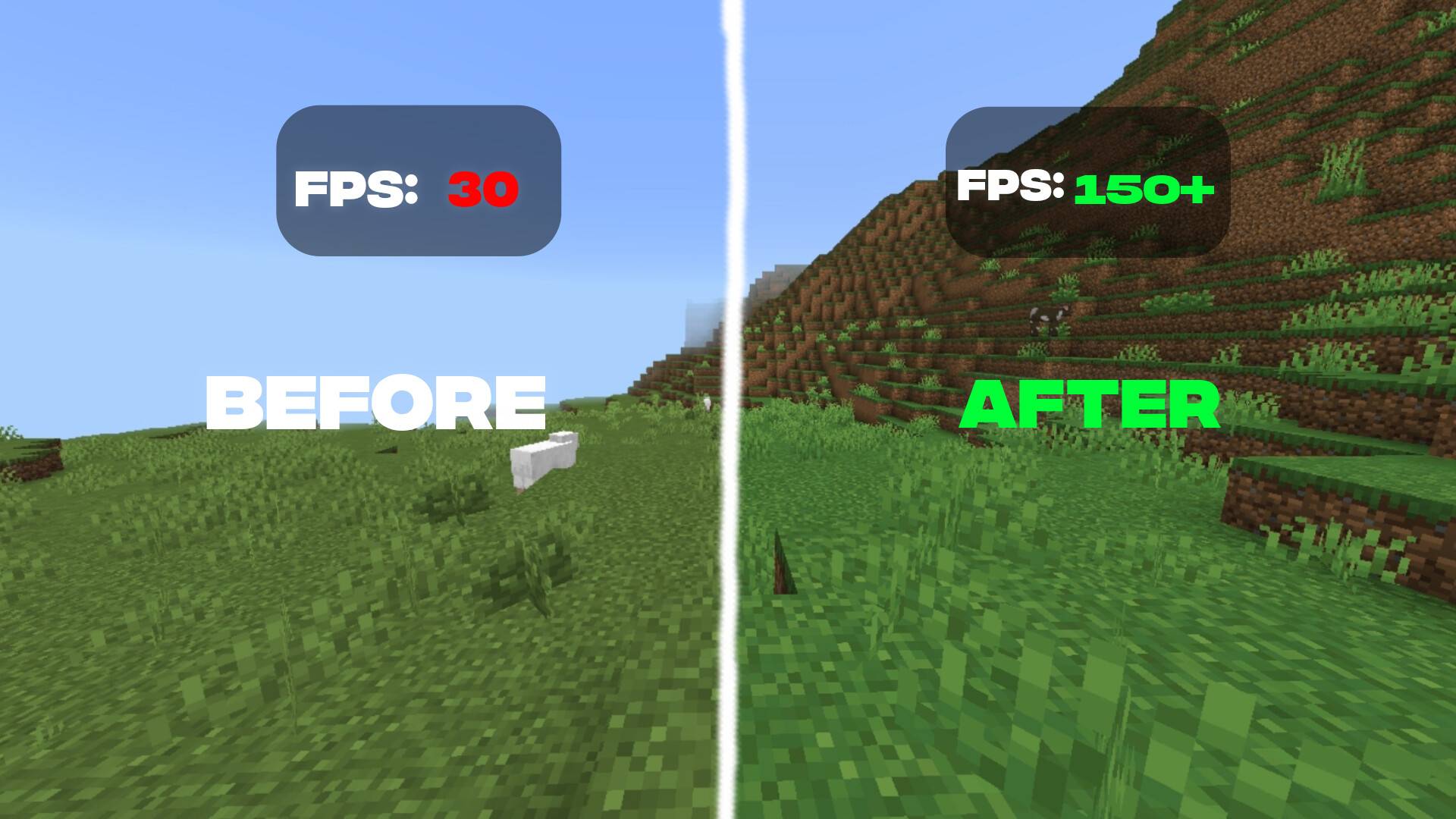
Lithium Fps Booster Texture Pack Squeeze more frames out of your device with a lightweight pack tuned to keep MCPE/Bedrock running smooth. Features: Simplified textures that lighten the rendering load Noticeably higher and steadier FPS on lower-end phones Reduced visual clutter for faster performance Fully compatible with the latest 1.21 update Why You'll Love It: 1 Smoother gameplay with fewer lag spikes 2 Ideal for older or budget devices 3 Keeps the game looking clean while boosting speed How to Get Started: 1 Download the Lithium Fps Booster Texture Pack. 2 Install it in Minecraft PE. 3 Open your world and enjoy the new experience. Play faster,

Open this resource in CraftyBox