
CRAFTYBOX
Preparing your block world
正在准备你的方块世界
First visit setup
首次访问设置
CRAFTYBOX
Preparing your block world
正在准备你的方块世界
First visit setup
首次访问设置
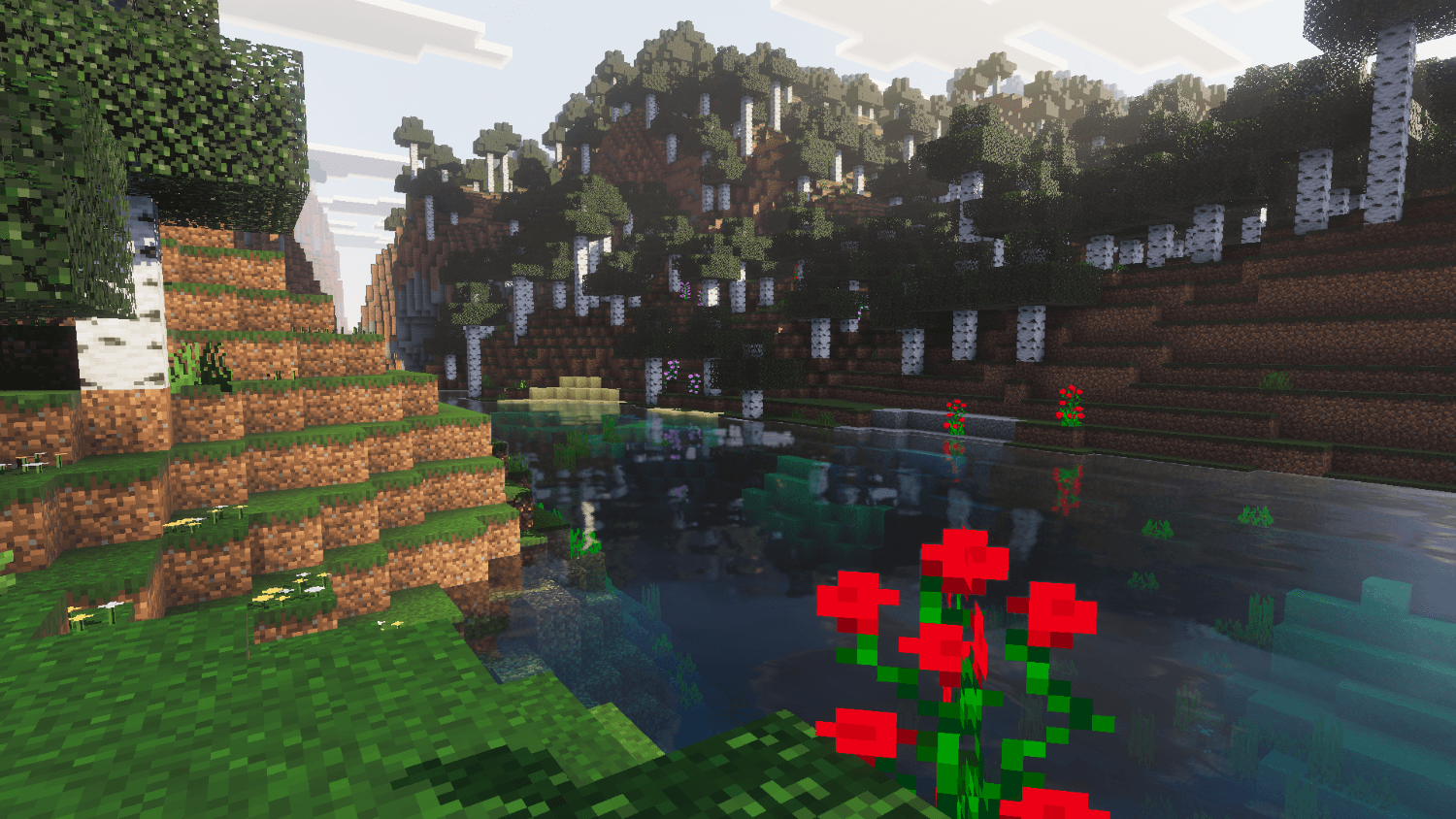
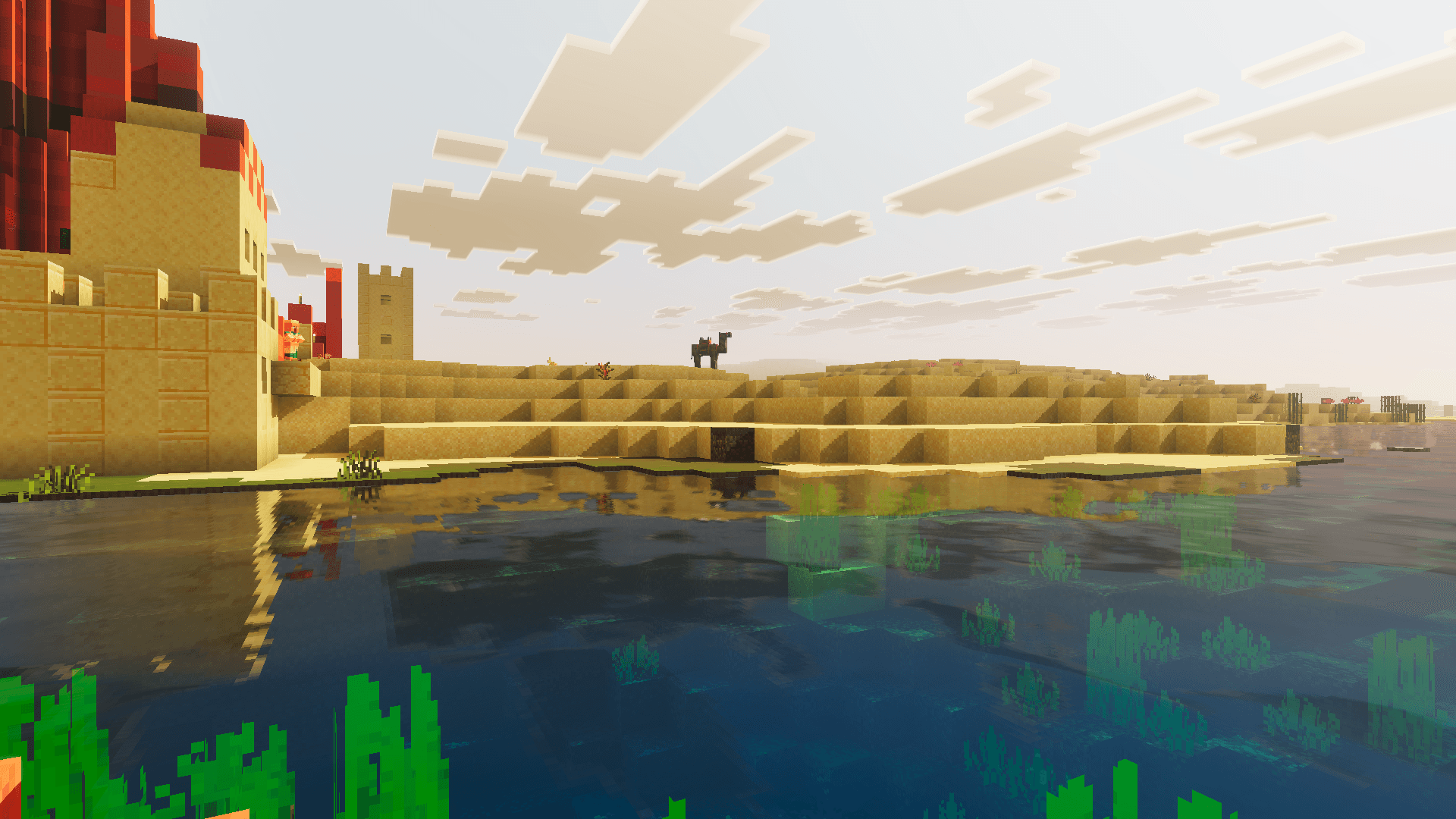
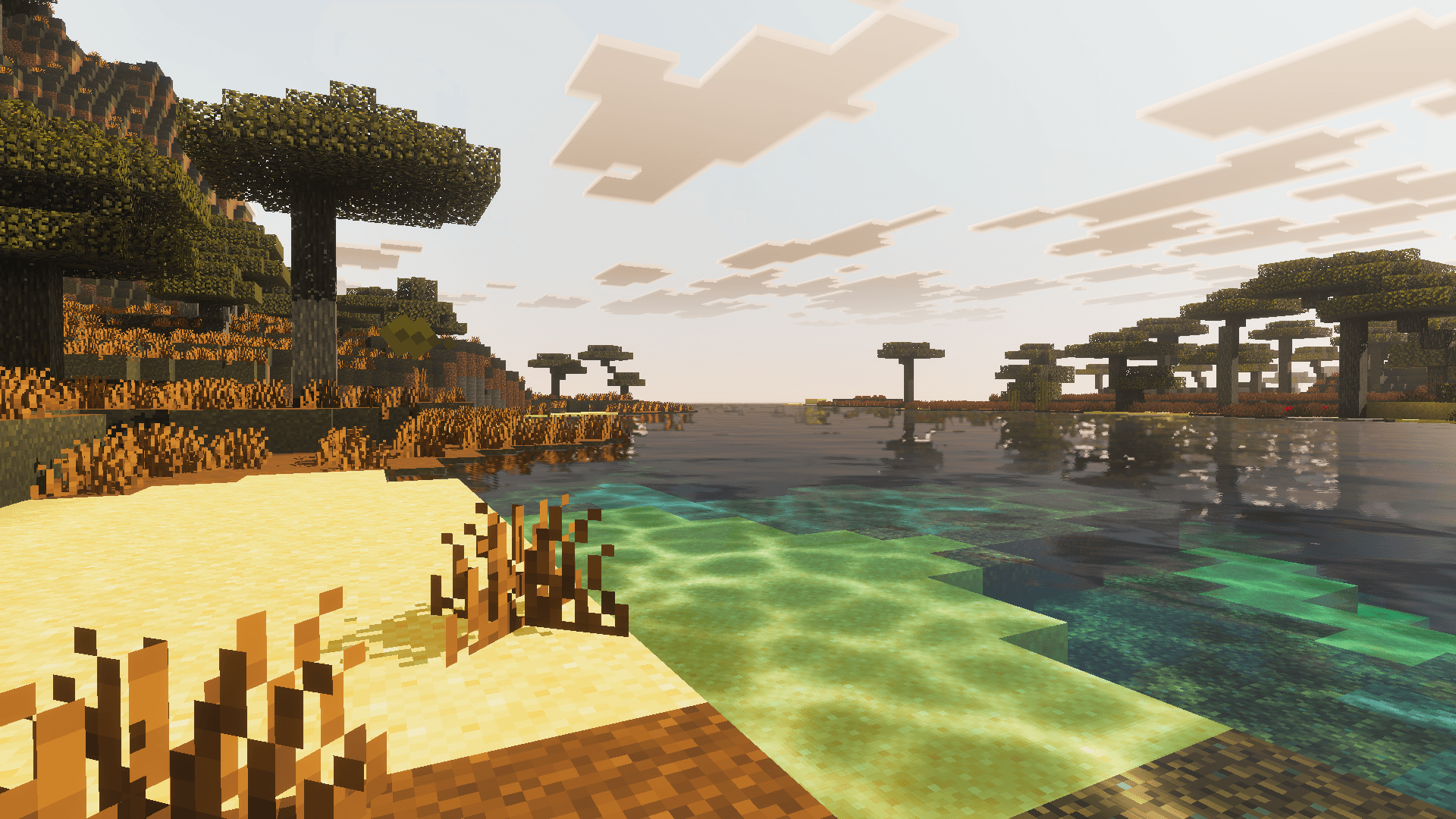
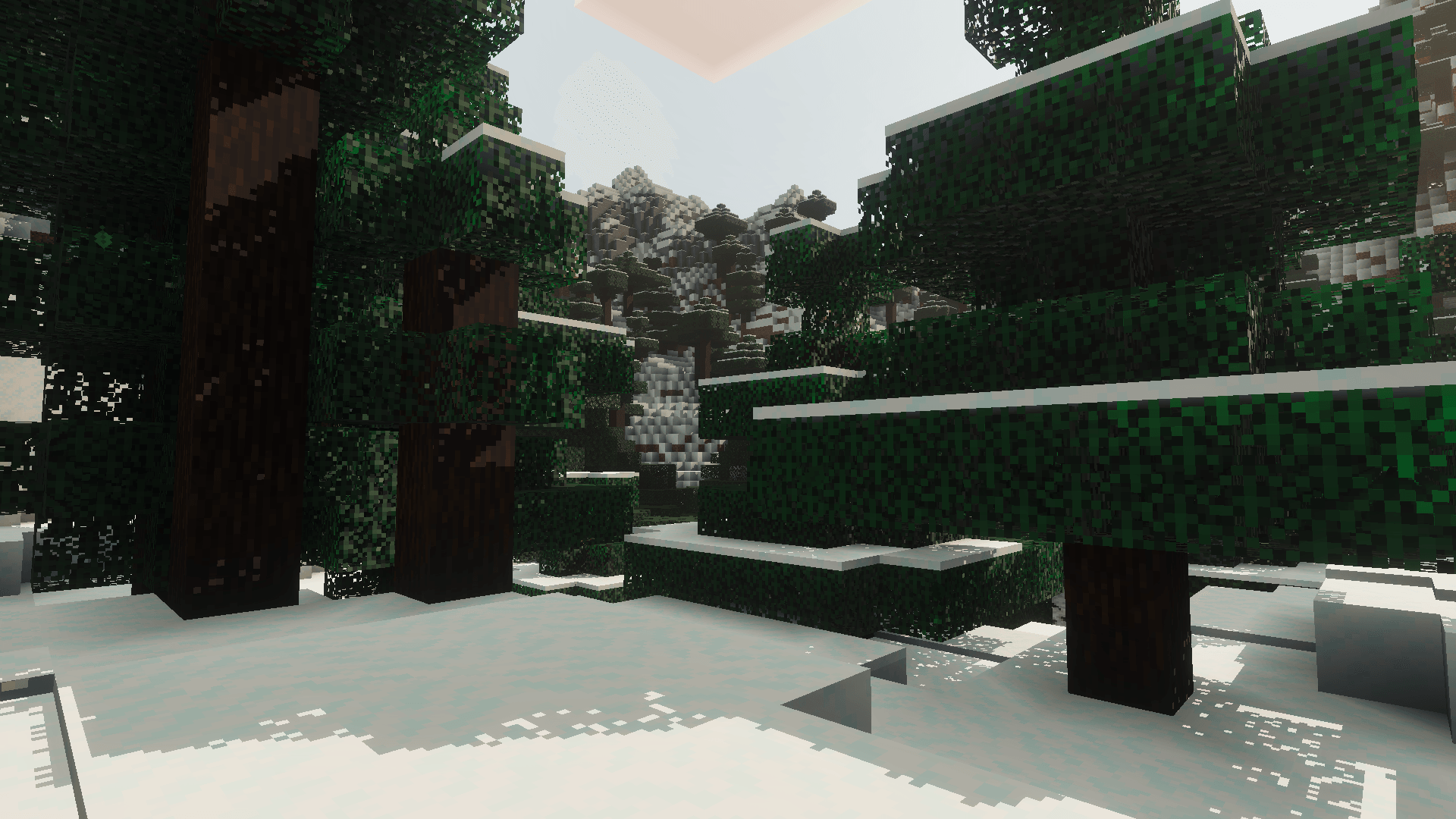
Lumina Visuals Shader Light up MCPE/Bedrock 1.21+ with Lumina Visuals — a bright, clean shader that makes every block glow with clarity. Features: Crisp, luminous lighting across day and night Clear water with soft, realistic reflections Improved skies, clouds, and horizon colors Smooth performance on a wide range of devices Why You'll Love It: 1 Instantly brighter, cleaner visuals with zero fuss 2 Great all-rounder for building, survival, and PvP 3 Balanced look that never feels oversaturated How to Get Started: 1 Download the Lumina Visuals Shader. 2 Install it in Minecraft PE. 3 Open your world and enjoy the new experience. Let there be light —
Read the full details and screenshots
Open this resource in CraftyBox