
CRAFTYBOX
Preparing your block world
正在准备你的方块世界
First visit setup
首次访问设置
CRAFTYBOX
Preparing your block world
正在准备你的方块世界
First visit setup
首次访问设置
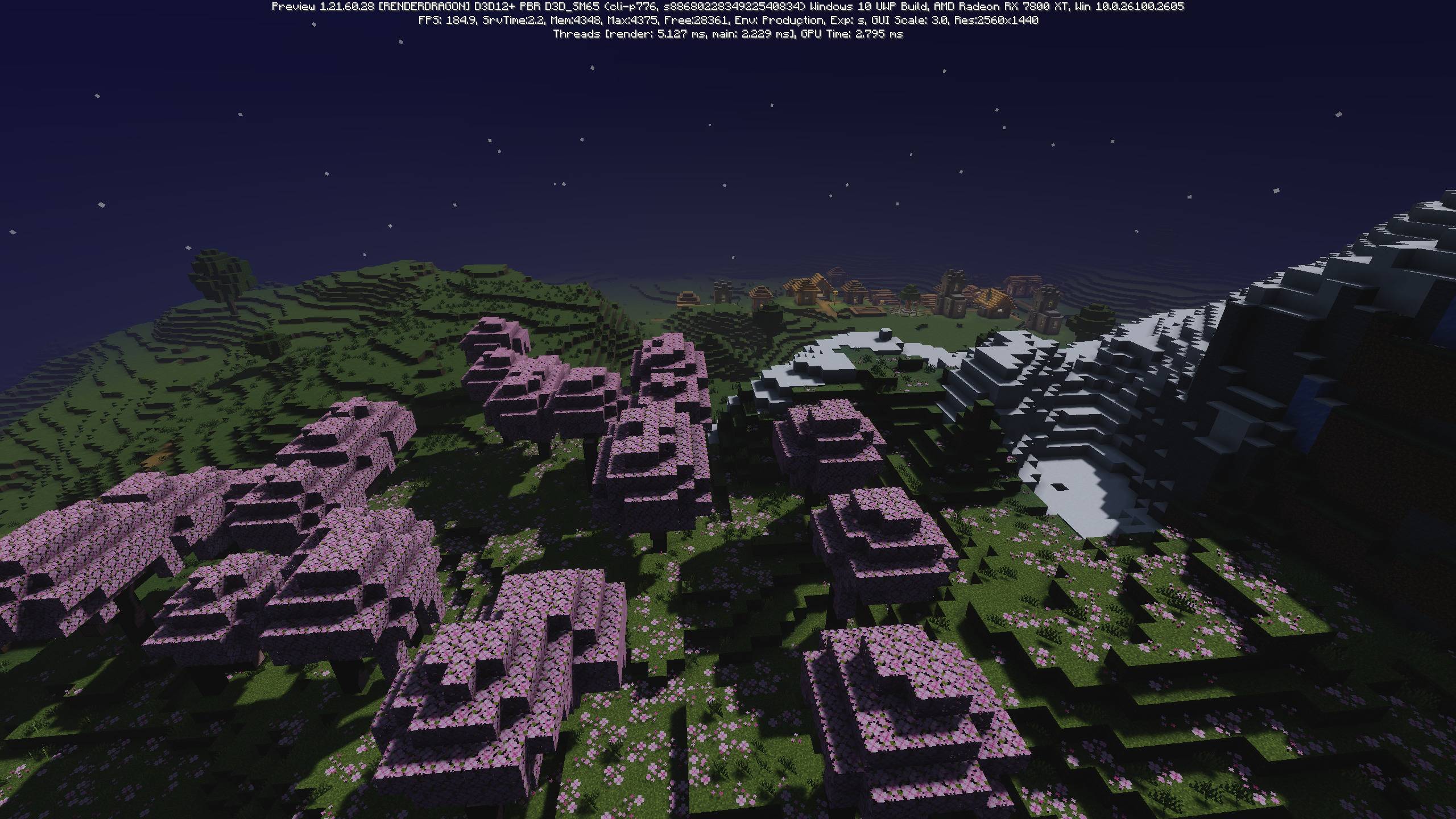
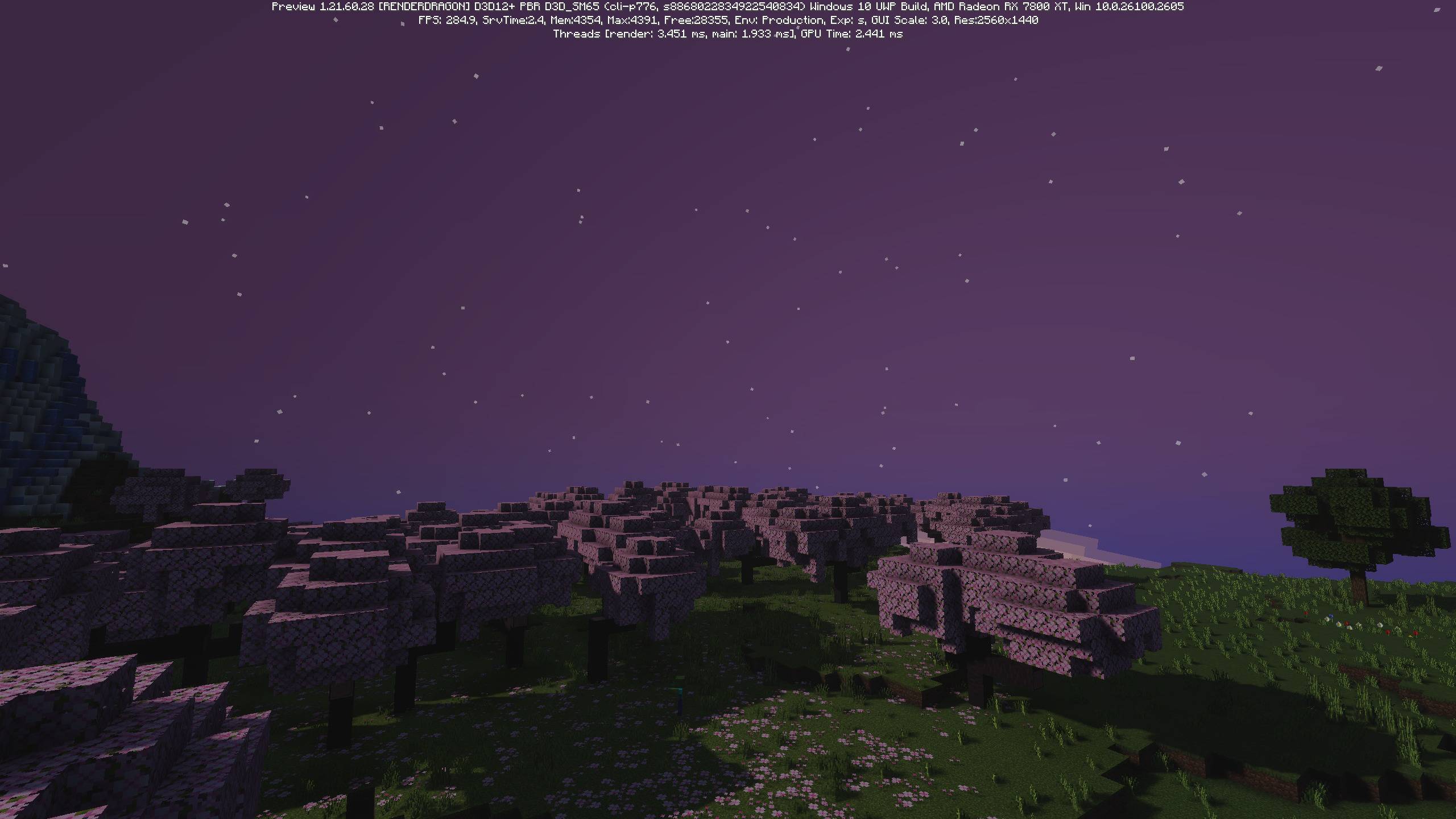
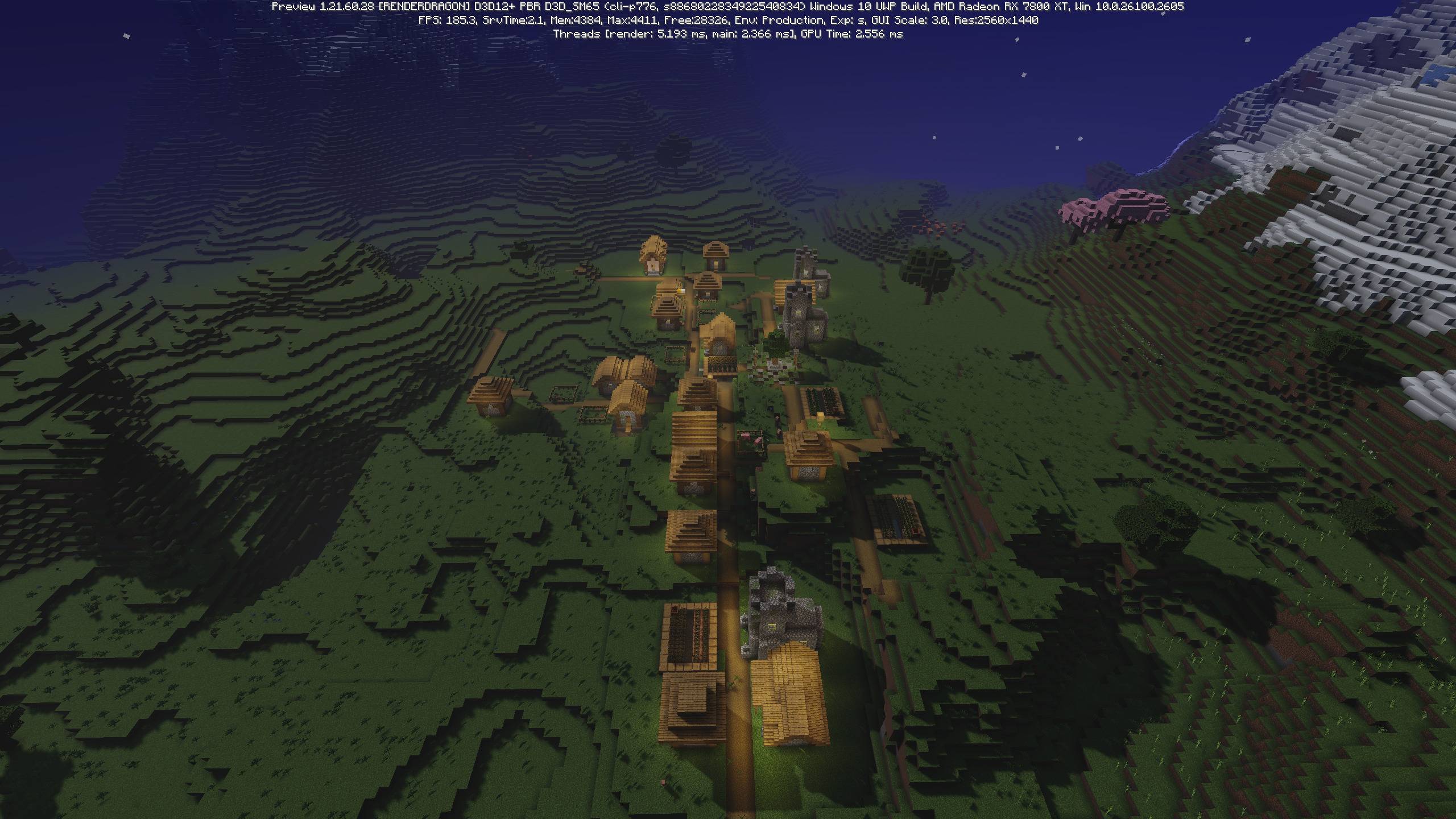
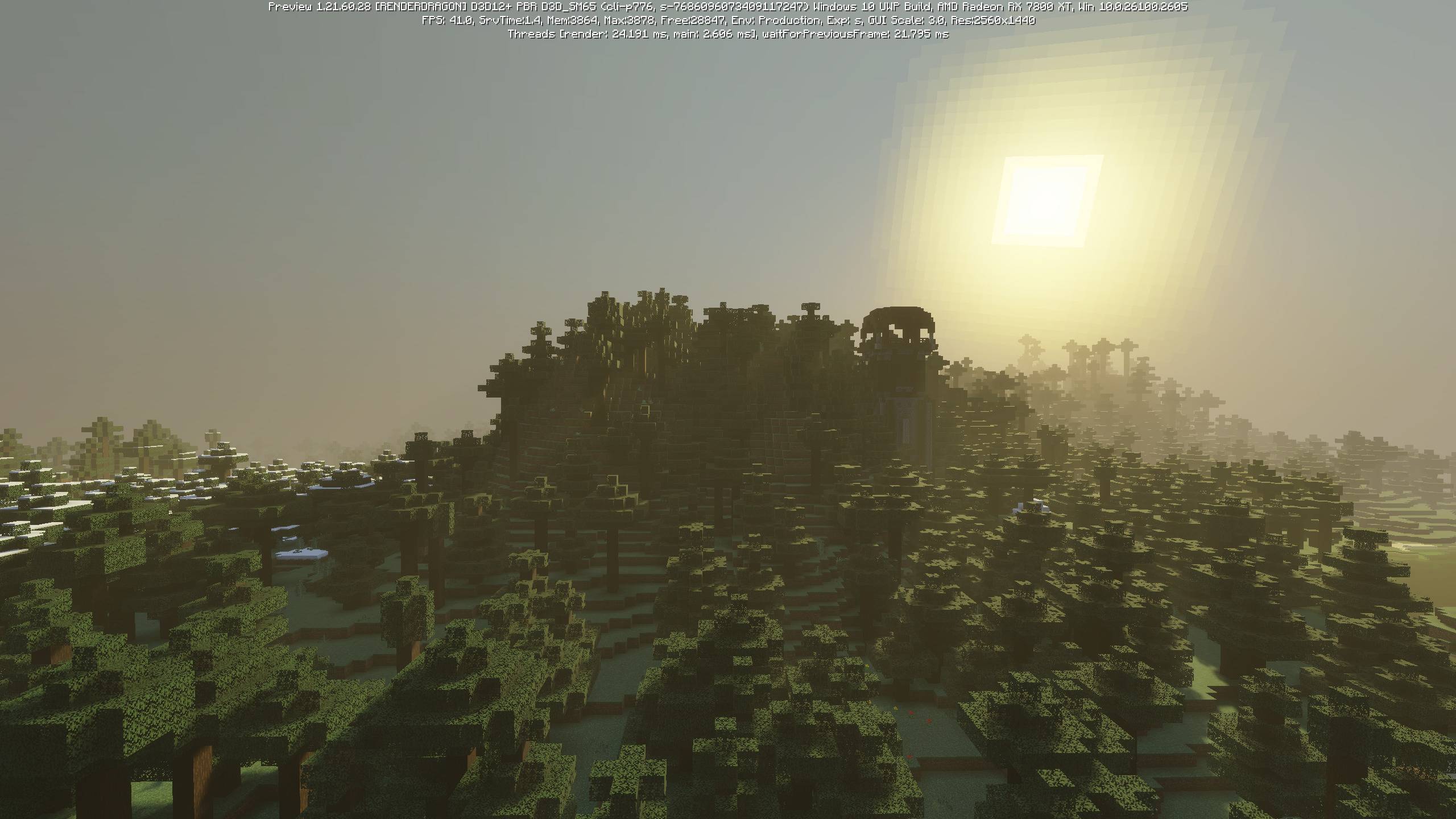
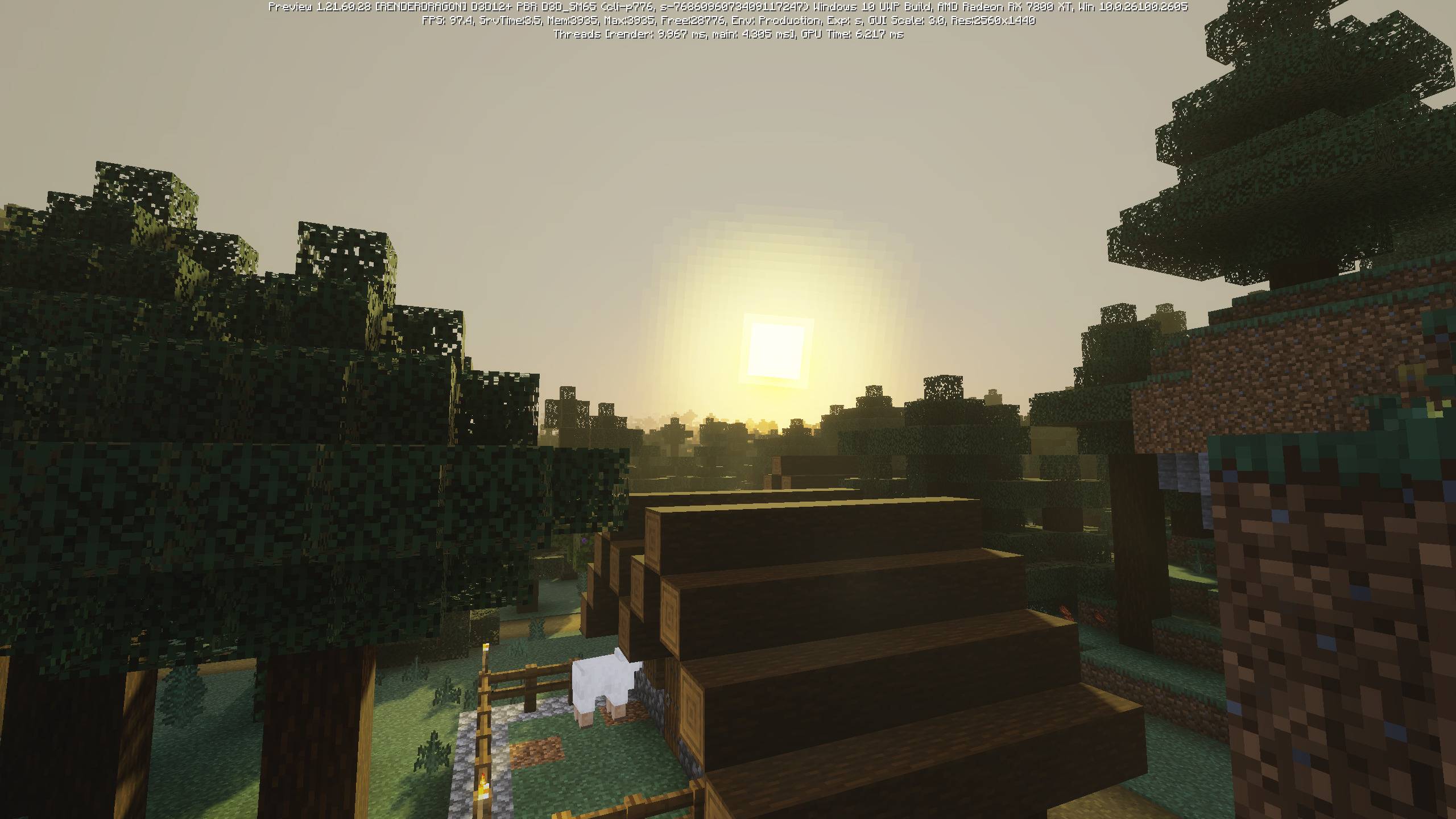
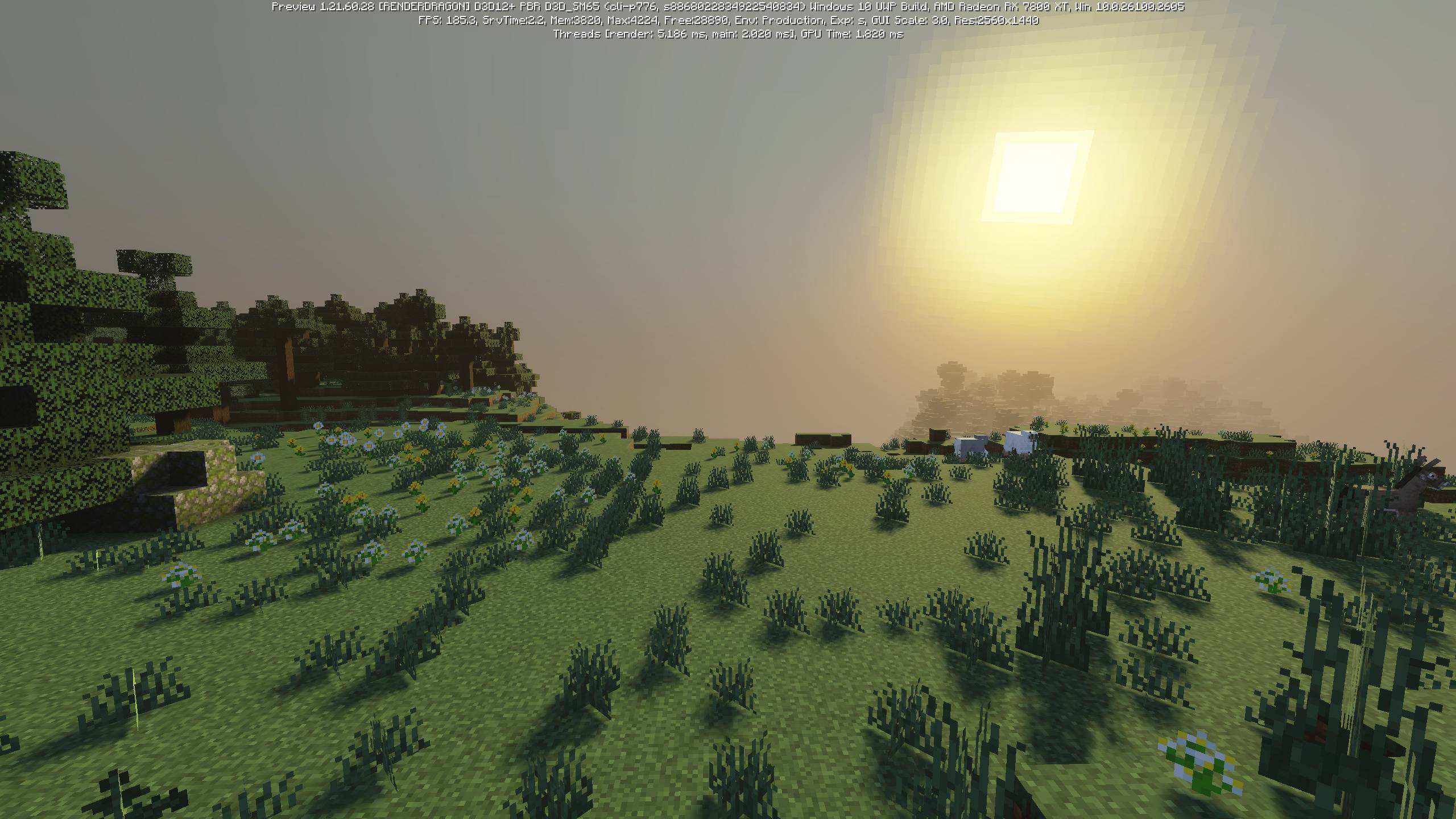
Lunac Shader Light up your Bedrock nights and soften your days with the balanced lighting of Lunac Shader for MCPE 1.26+. Features: Atmospheric night lighting with gentle glow Clean, balanced daylight shading Smooth shadow transitions across the world Built for MCPE/Bedrock 1.26+ Why You'll Love It: 1 Great all-around lighting improvement 2 Comfortable visuals for long play sessions 3 Reliable performance on Bedrock How to Get Started: 1 Download the Lunac Shader. 2 Install it in Minecraft PE. 3 Open your world and enjoy the new experience. Balanced light from dawn to dusk.
Open this resource in CraftyBox