
CRAFTYBOX
Preparing your block world
正在准备你的方块世界
First visit setup
首次访问设置
CRAFTYBOX
Preparing your block world
正在准备你的方块世界
First visit setup
首次访问设置
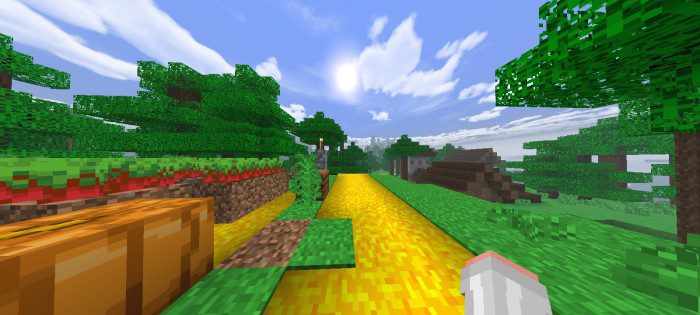
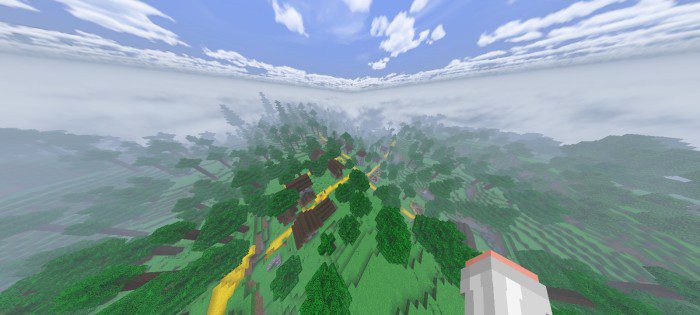
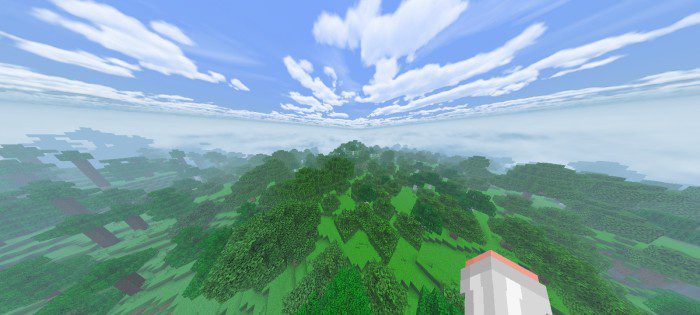
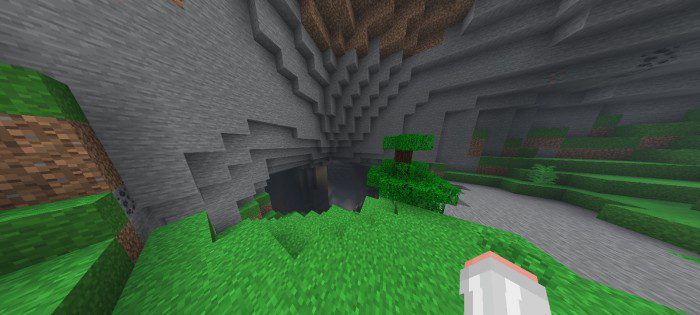
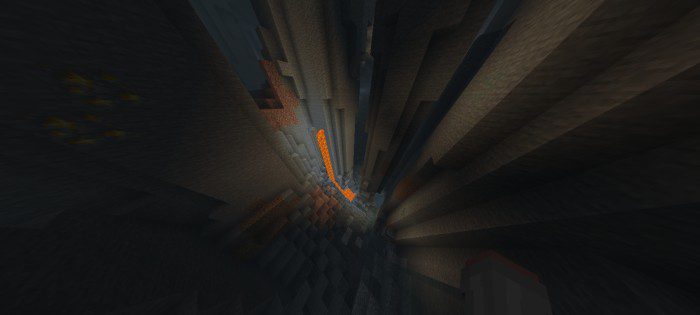
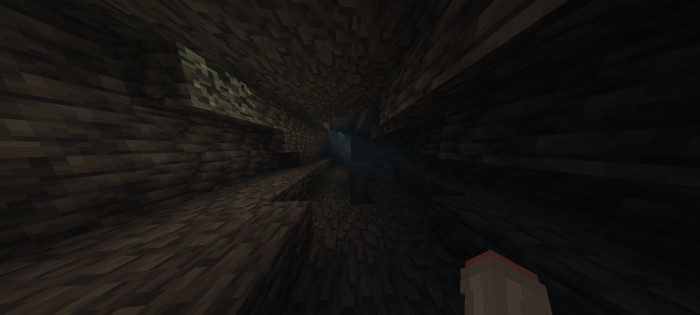
Nitro Shader Fast, punchy and RenderDragon-ready — Nitro Shader boosts your MCPE 1.26+ visuals while keeping the framerate pedal to the metal. Features: RenderDragon support built for speed Snappy lighting with vibrant highlights Slick water reflections without the lag Optimized effects that keep FPS high Why You'll Love It: 1 Great looks with racing-grade performance 2 Perfect for PvP and fast-paced gameplay 3 Runs on the newest Bedrock engine How to Get Started: 1 Download the Nitro Shader. 2 Install it in Minecraft PE. 3 Open your world and enjoy the new experience. Hit the nitro — beautiful graphics at full speed!
Read the full details and screenshots
Open this resource in CraftyBox