
CRAFTYBOX
Preparing your block world
正在准备你的方块世界
First visit setup
首次访问设置
CRAFTYBOX
Preparing your block world
正在准备你的方块世界
First visit setup
首次访问设置
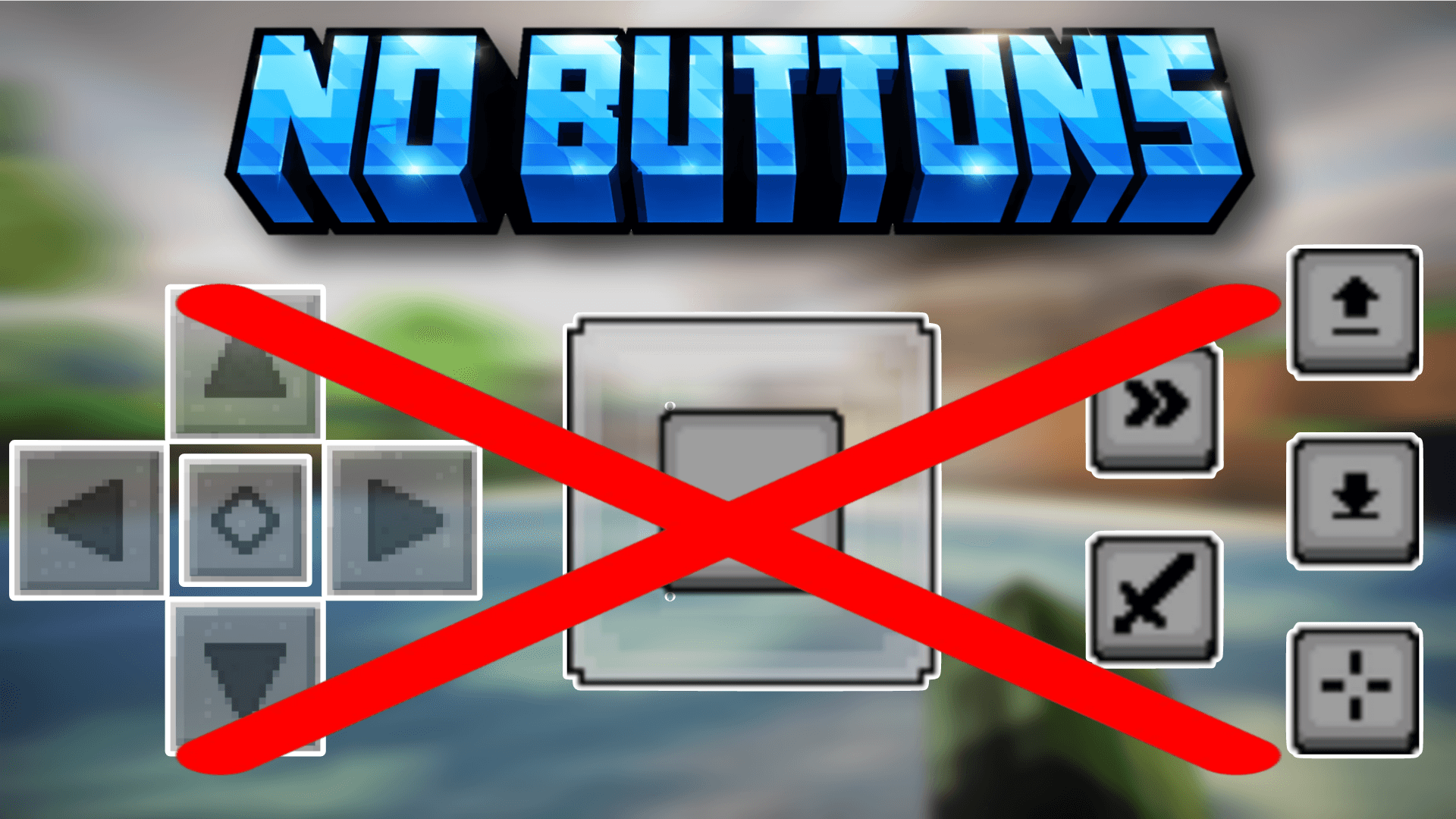
No Buttons Capture cinematic footage and enjoy a distraction-free view by hiding all on-screen mobile touch controls and HUD buttons! Features: Completely hides touch D-pads and action buttons Perfect clean view for content creators and recorders Transparent asset replacement keeping touch gestures active Lightweight design with zero script interference Why You'll Love It: 1 Take stunning, clutter-free screenshots and videos. 2 Immerse yourself fully in unblocked world exploration. 3 Keep touch control functionality while hiding visuals. How to Get Started: 1 Download the No Buttons. 2 Install it in Minecraft PE. 3 Open your world and enjoy the new ex
Read the full details and screenshots
Open this resource in CraftyBox