
CRAFTYBOX
Preparing your block world
正在准备你的方块世界
First visit setup
首次访问设置
CRAFTYBOX
Preparing your block world
正在准备你的方块世界
First visit setup
首次访问设置
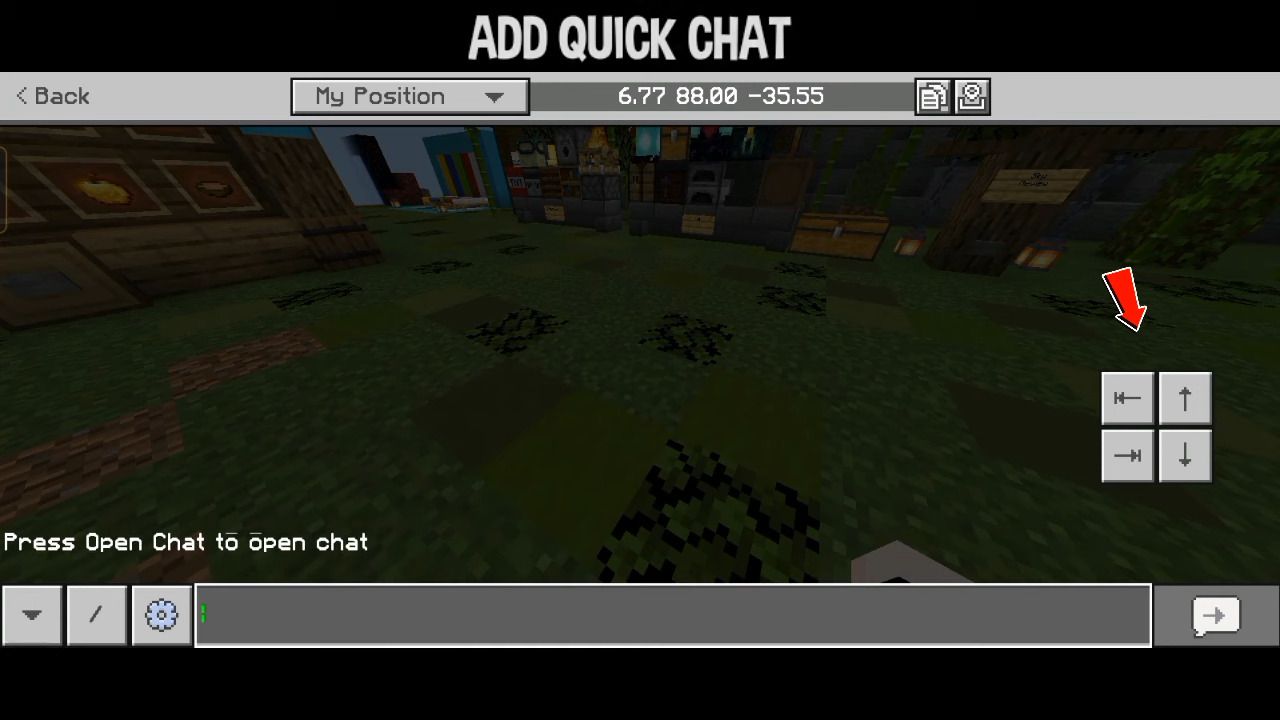
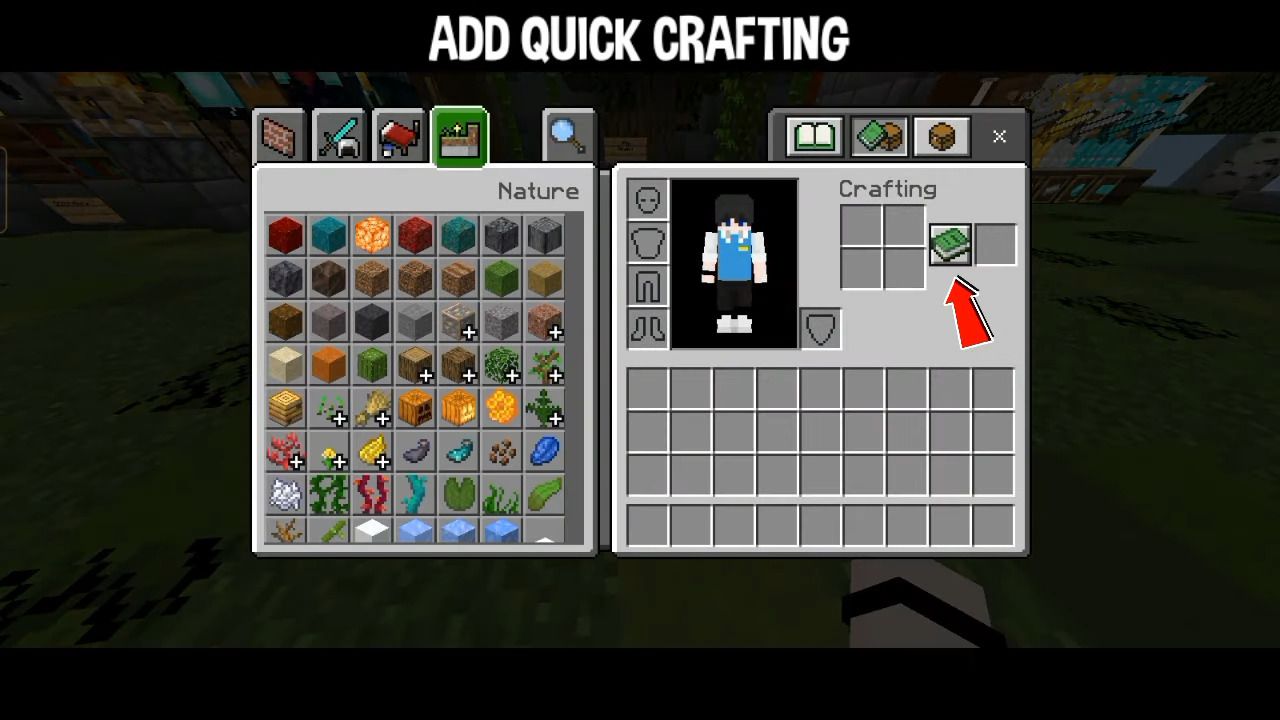
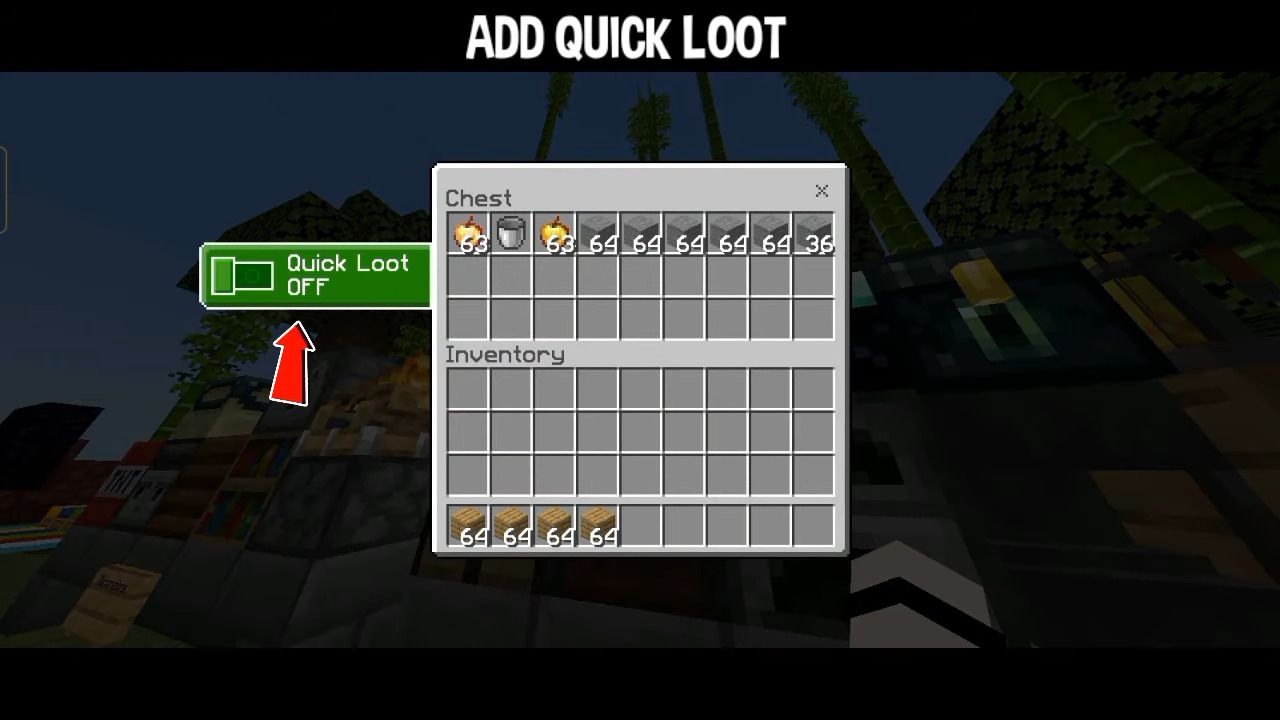
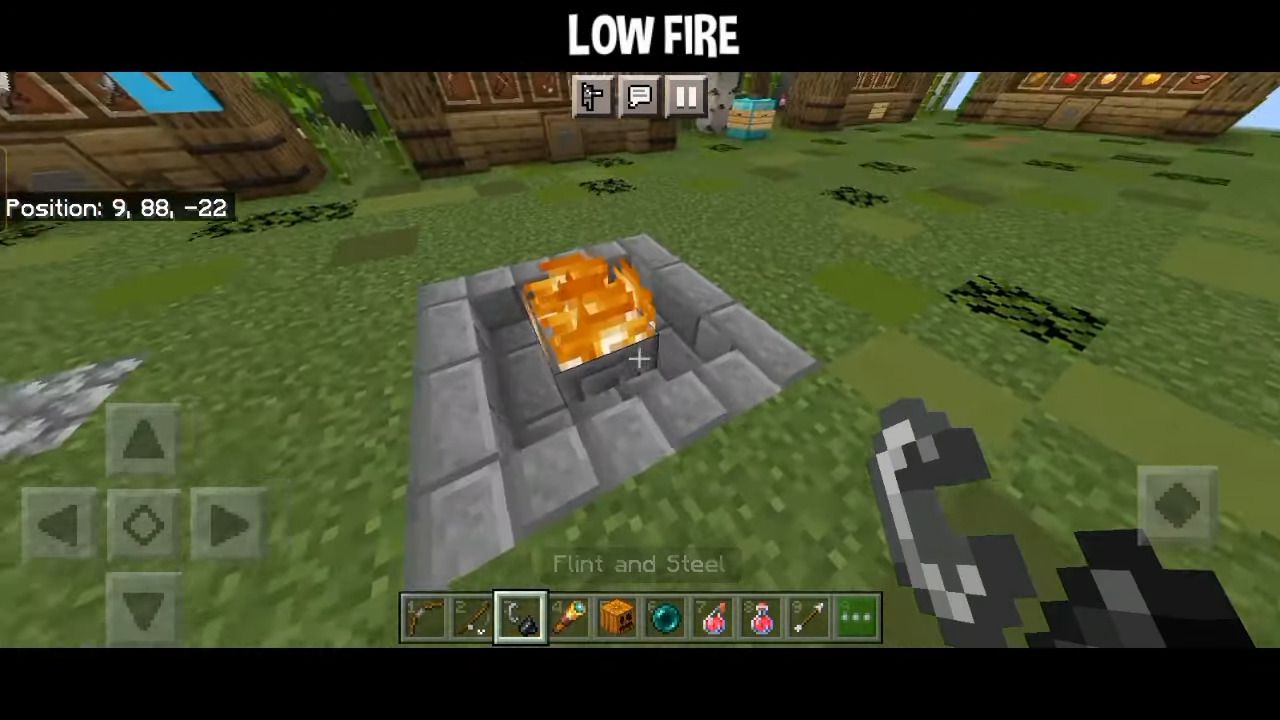
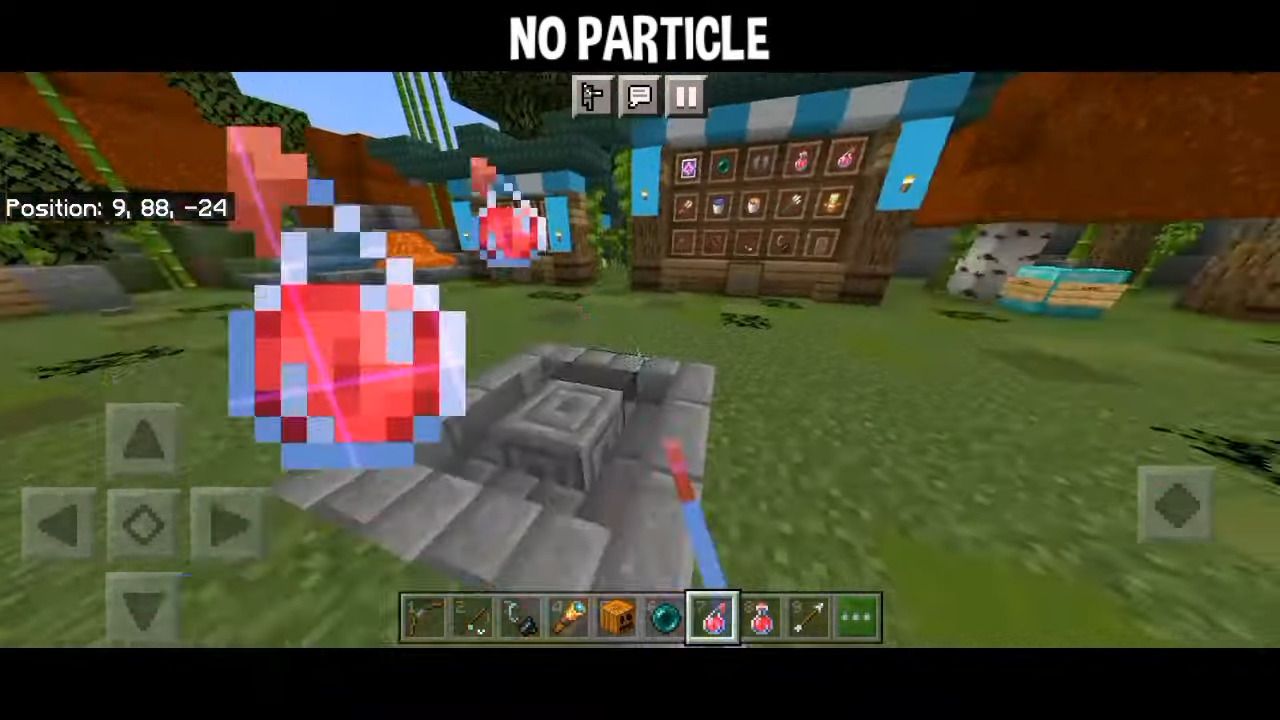
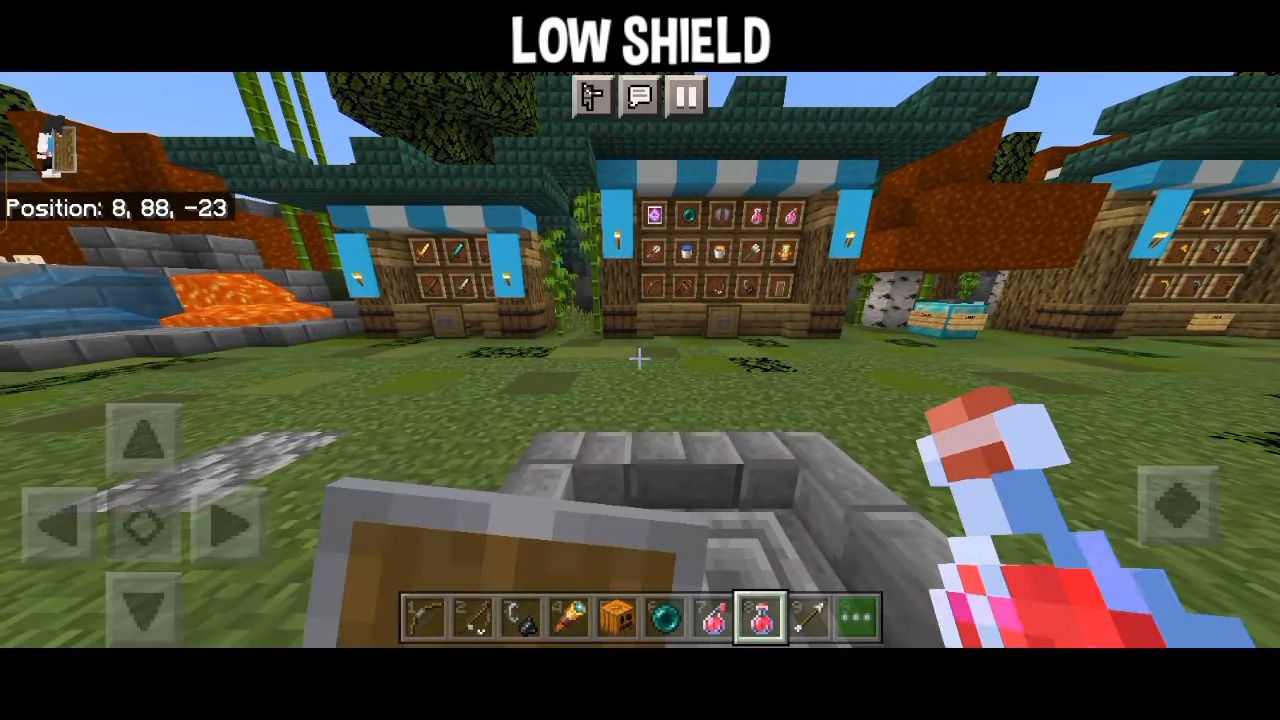
Optimizer Pack Squeeze every frame out of your device — FPS boost, particle removal, and quick loot tweaks bundled into one lightweight pack! Features: Major FPS boost for low-end and mobile devices Removes laggy particles for cleaner fights Quick loot tweaks to grab drops faster Optimized textures for MCPE/Bedrock 1.21 Why You'll Love It: 1 Even older phones can run Minecraft smoothly 2 No particles means clearer vision in PvP chaos 3 Looting speed gives you a real edge in survival games How to Get Started: 1 Download the Optimizer Pack. 2 Install it in Minecraft PE. 3 Open your world and enjoy the new experience. Less lag, more frags — optimize
Read the full details and screenshots
Open this resource in CraftyBox