
CRAFTYBOX
Preparing your block world
正在准备你的方块世界
First visit setup
首次访问设置
CRAFTYBOX
Preparing your block world
正在准备你的方块世界
First visit setup
首次访问设置
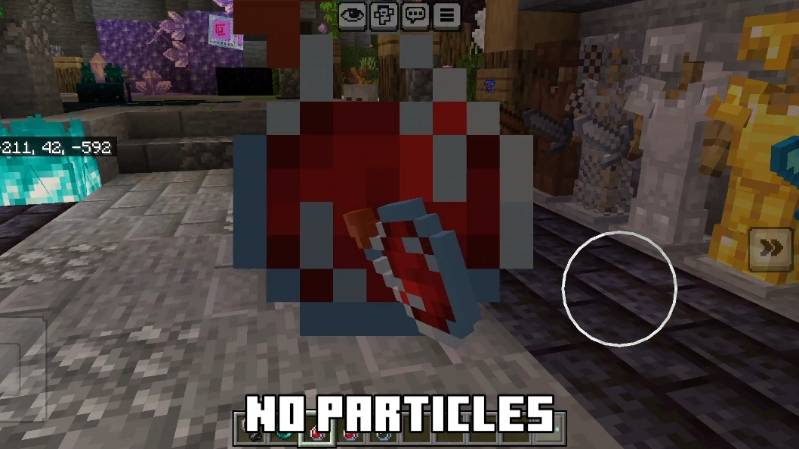
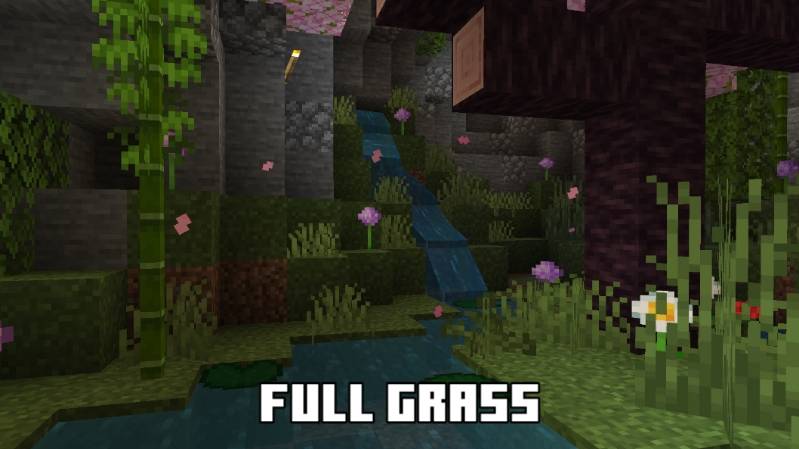
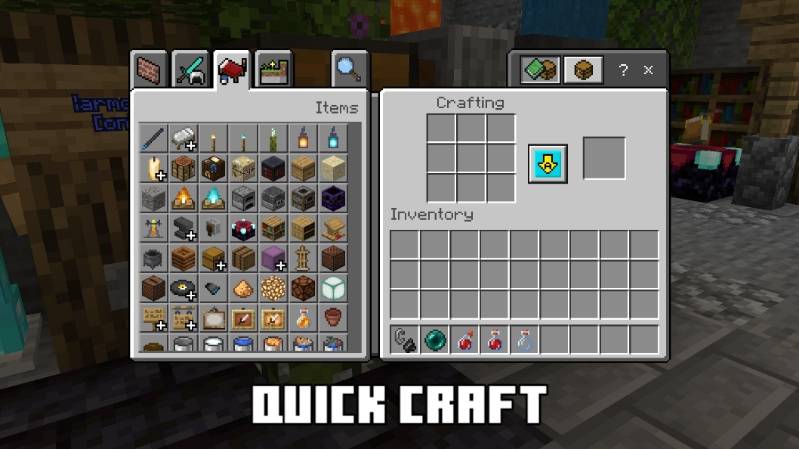
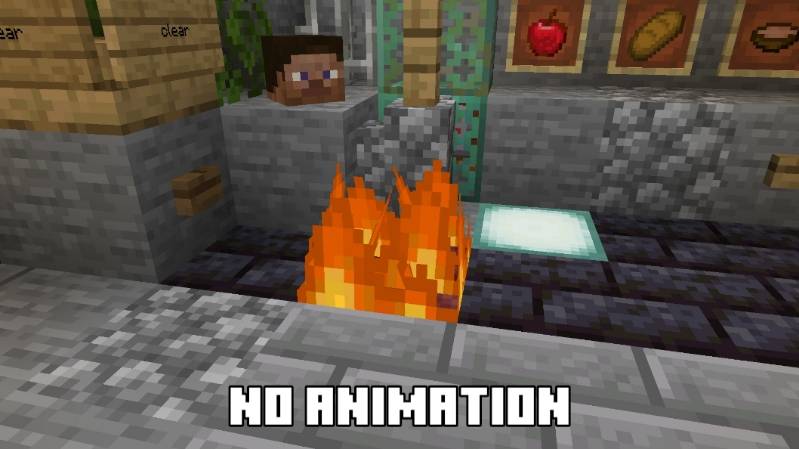
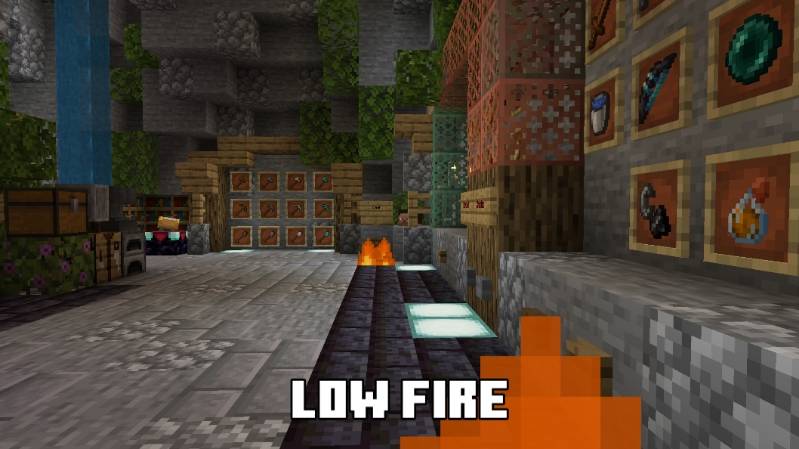
Pure Optimizer Texture Pack The Pure Optimizer Texture Pack cleans up MCPE/Bedrock 26.x and 1.21 with simplified, lag-free textures that put performance first without ruining the look. Features: Simplified block and item textures for faster rendering Noticeable FPS gains, especially on weaker devices Clear, uncluttered visuals that stay pleasant to play Drop-in install with no configuration needed Why You'll Love It: 1 Smoother gameplay in cities, farms, and redstone builds 2 Keeps Minecraft's charm while cutting the lag 3 Ideal companion for PvP and multiplayer servers How to Get Started: 1 Download the Pure Optimizer Texture Pack. 2 Install it in Mi
Read the full details and screenshots
Open this resource in CraftyBox