
CRAFTYBOX
Preparing your block world
正在准备你的方块世界
First visit setup
首次访问设置
CRAFTYBOX
Preparing your block world
正在准备你的方块世界
First visit setup
首次访问设置
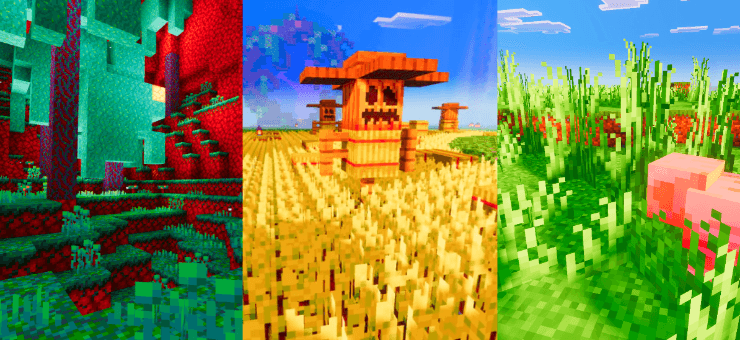
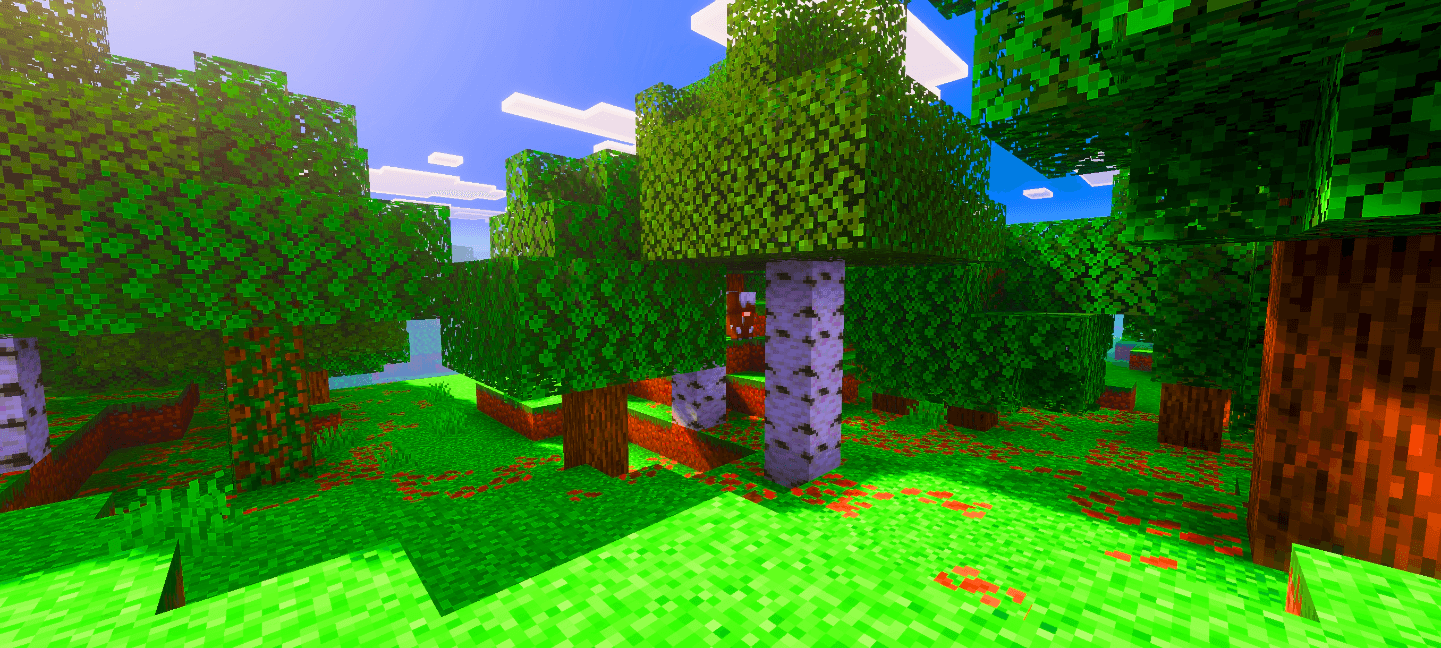
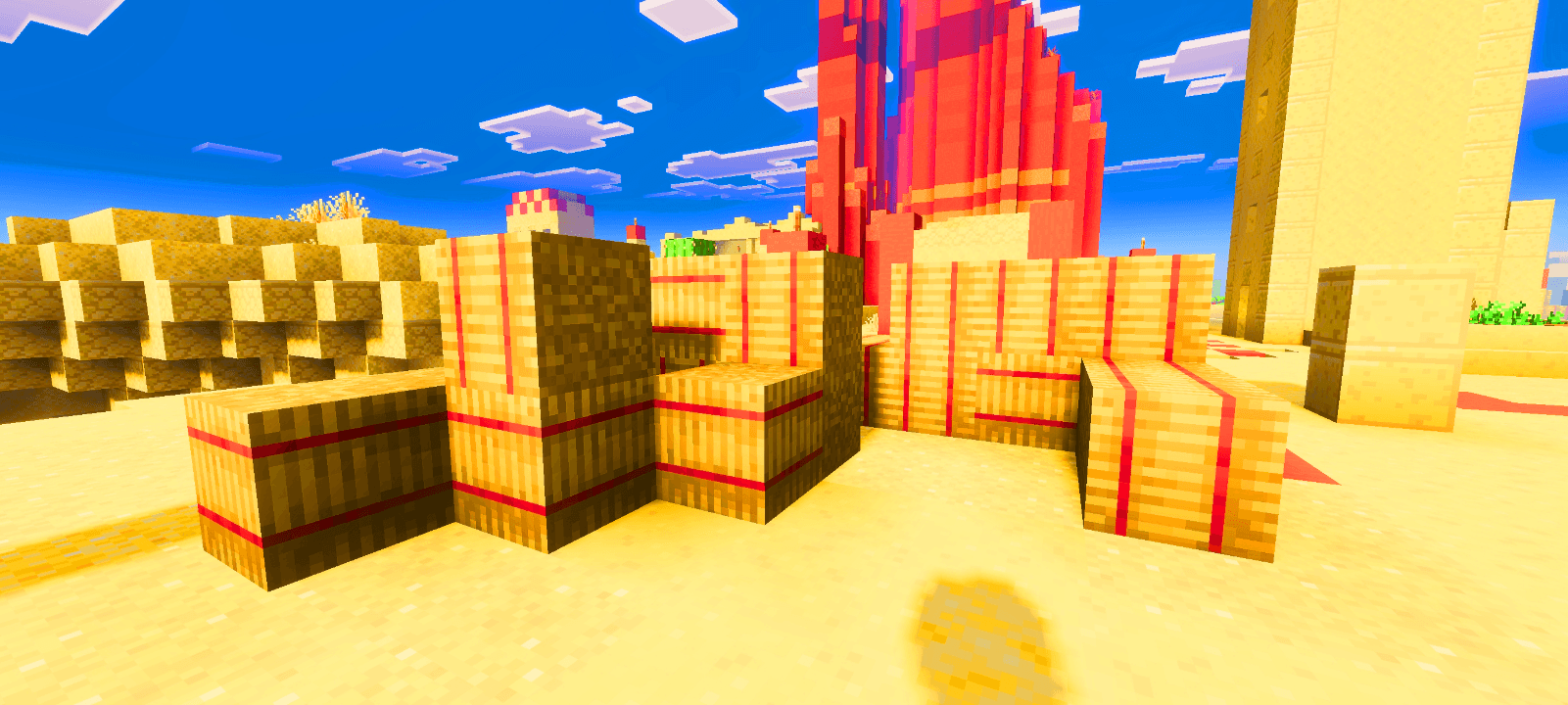
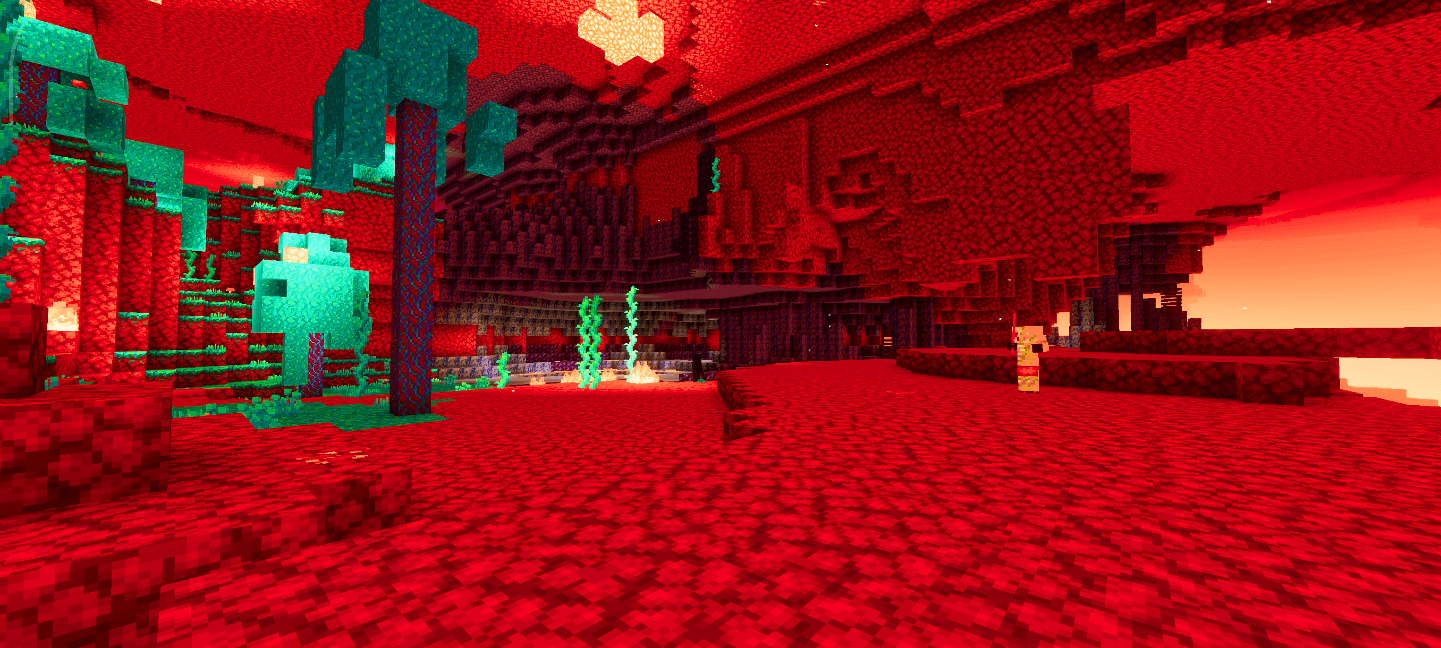
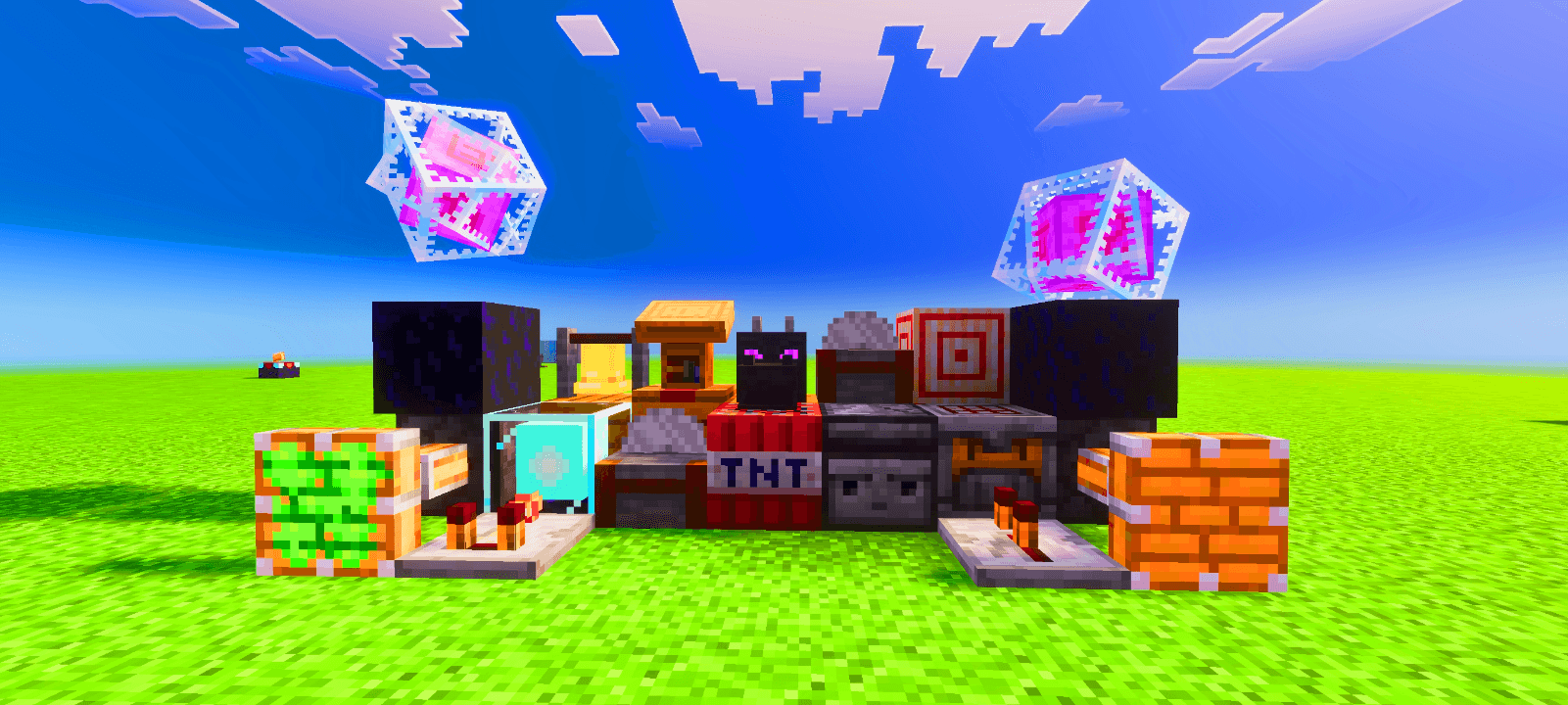
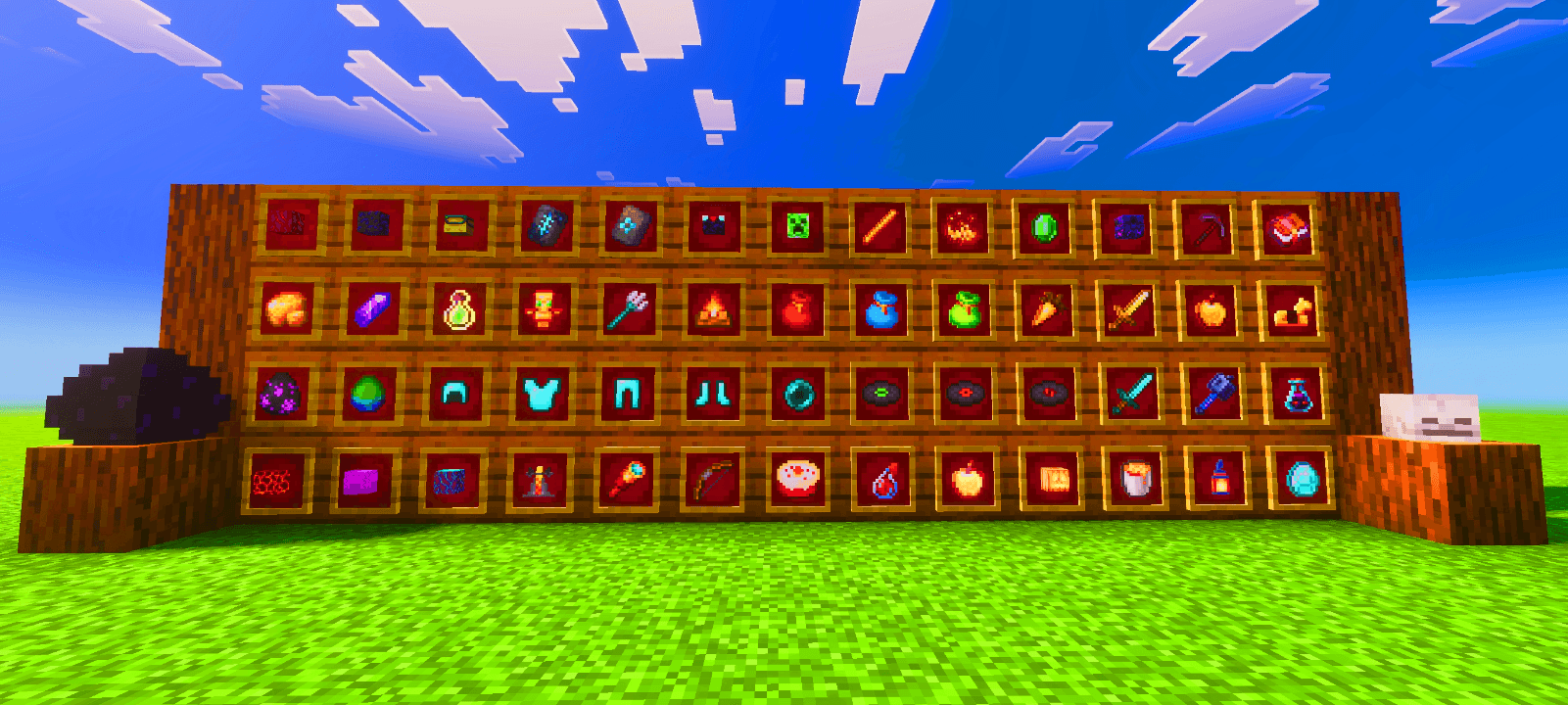
Saturation Shader Crank up the color! This 1.26+ shader floods your Bedrock world with rich, saturated tones that make everything pop. Features: Deeply saturated colors in every biome Lush greens, vivid blues, and warm sunsets Enhanced contrast for bolder scenes Light on resources, heavy on color Why You'll Love It: 1 Dull worlds instantly become vibrant 2 Perfect for colorful builds and screenshots 3 Zero complicated setup — just install and play How to Get Started: 1 Download the Saturation Shader. 2 Install it in Minecraft PE. 3 Open your world and enjoy the new experience. Turn the color dial all the way up!
Read the full details and screenshots
Open this resource in CraftyBox