
CRAFTYBOX
Preparing your block world
正在准备你的方块世界
First visit setup
首次访问设置
CRAFTYBOX
Preparing your block world
正在准备你的方块世界
First visit setup
首次访问设置
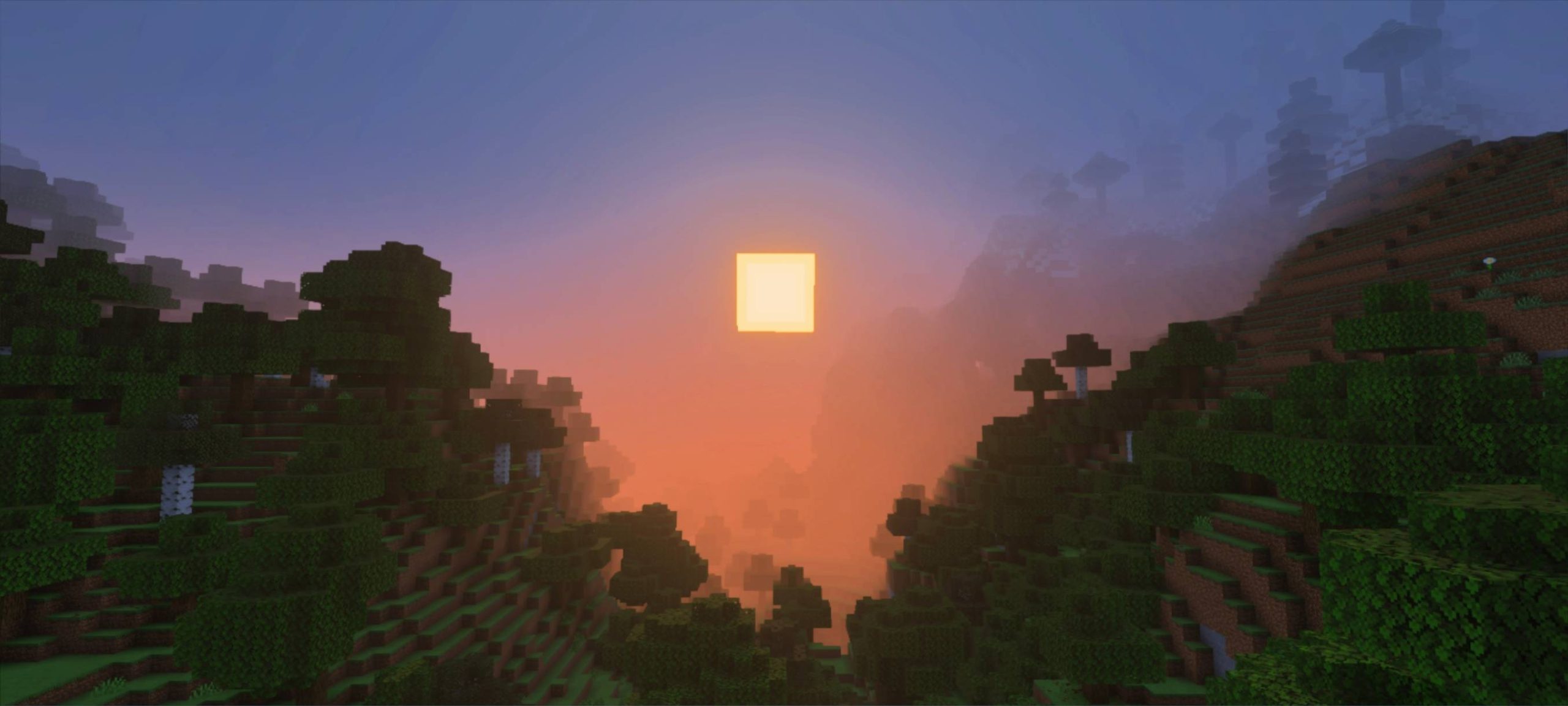
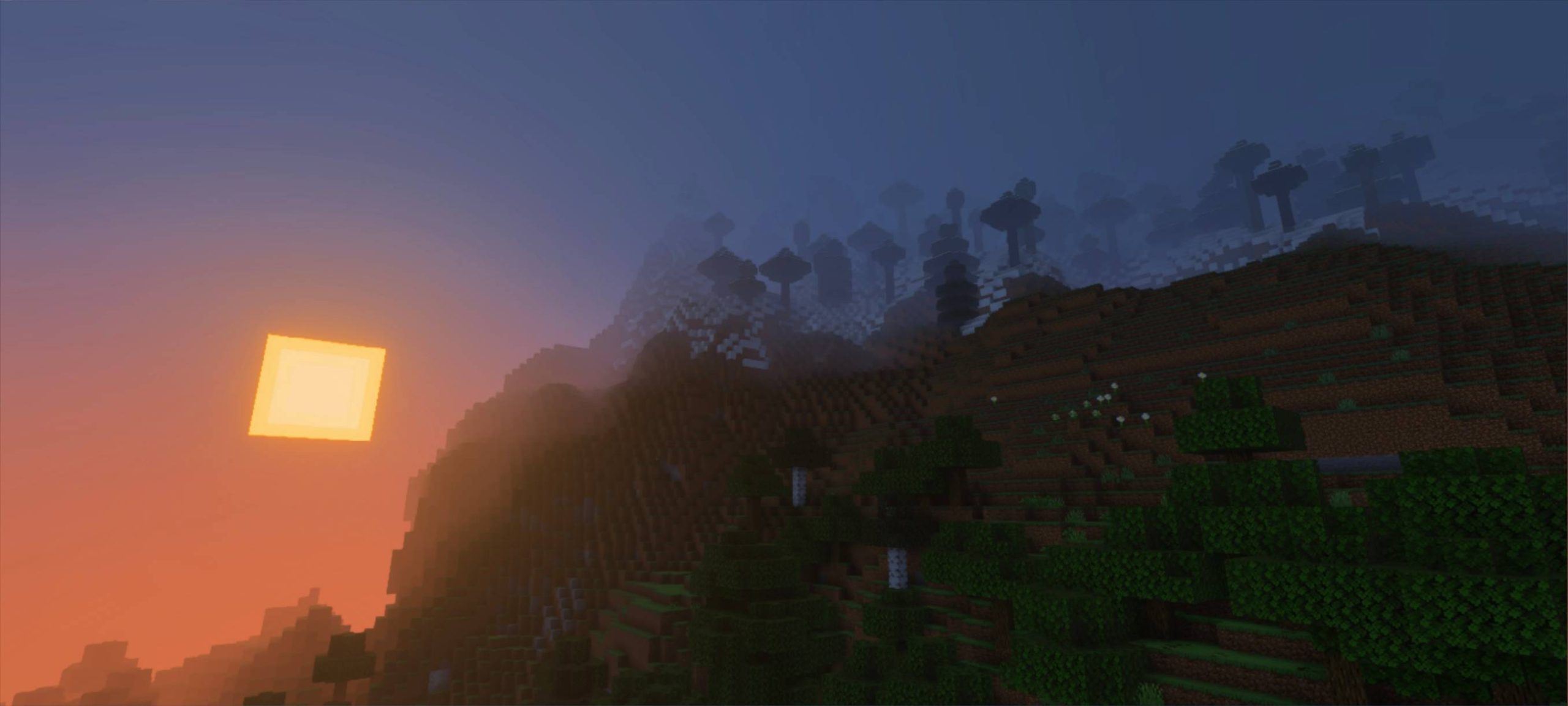
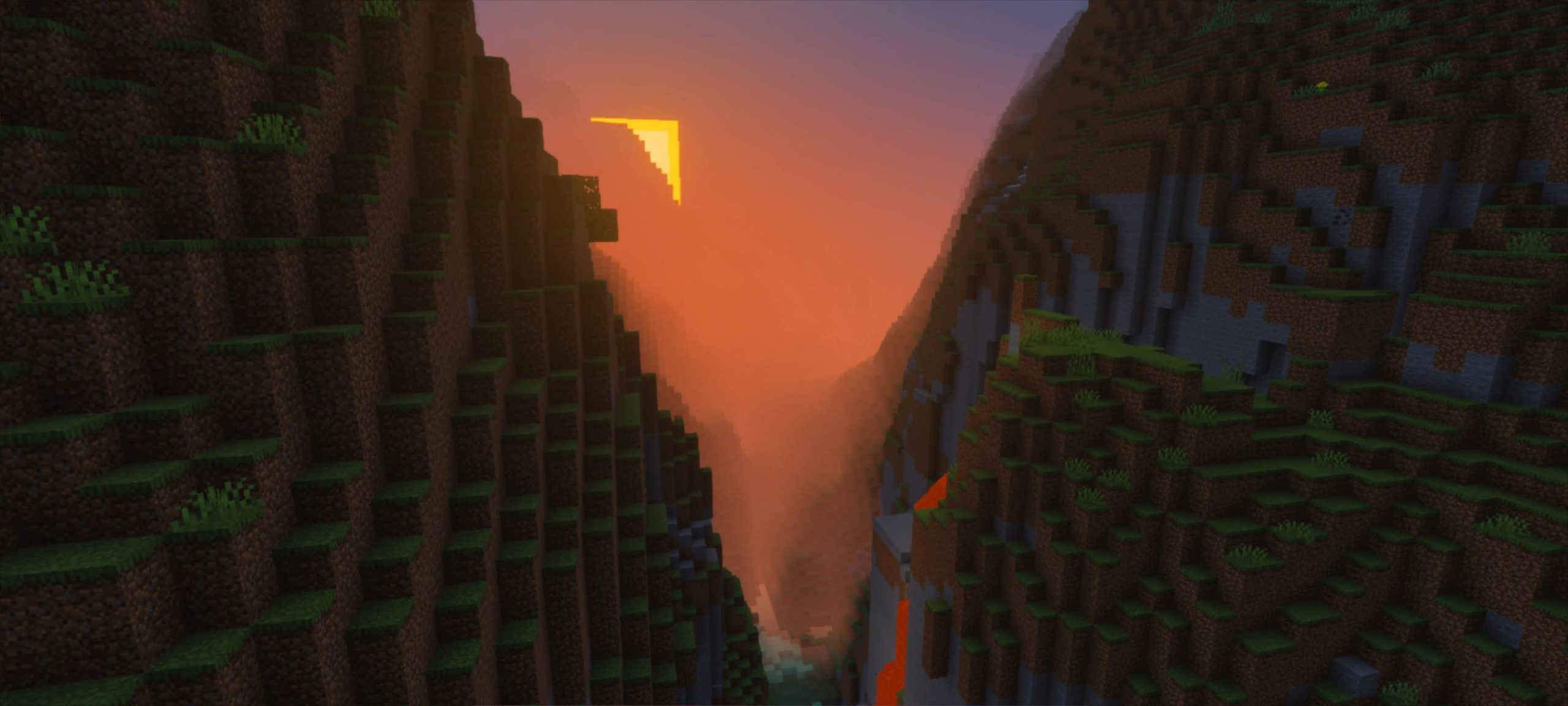
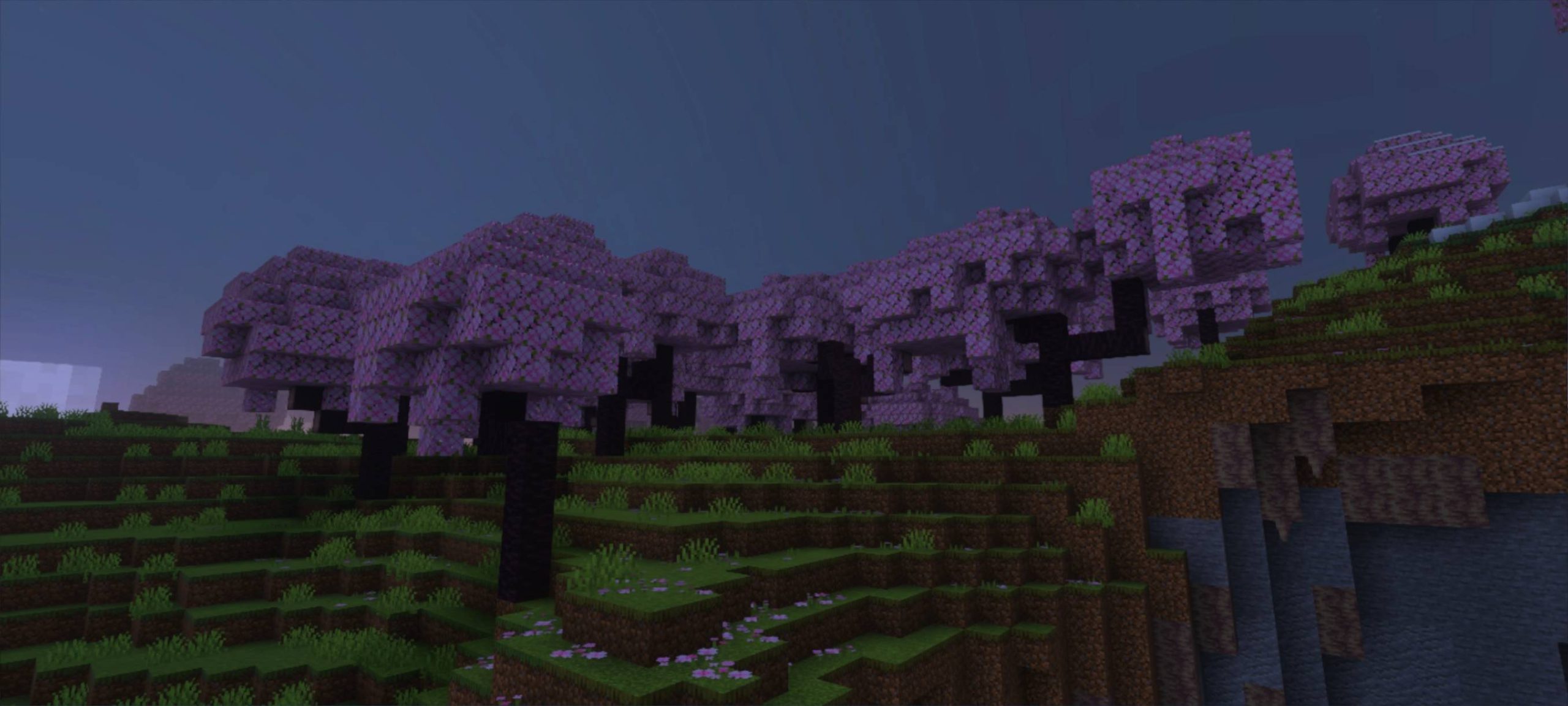
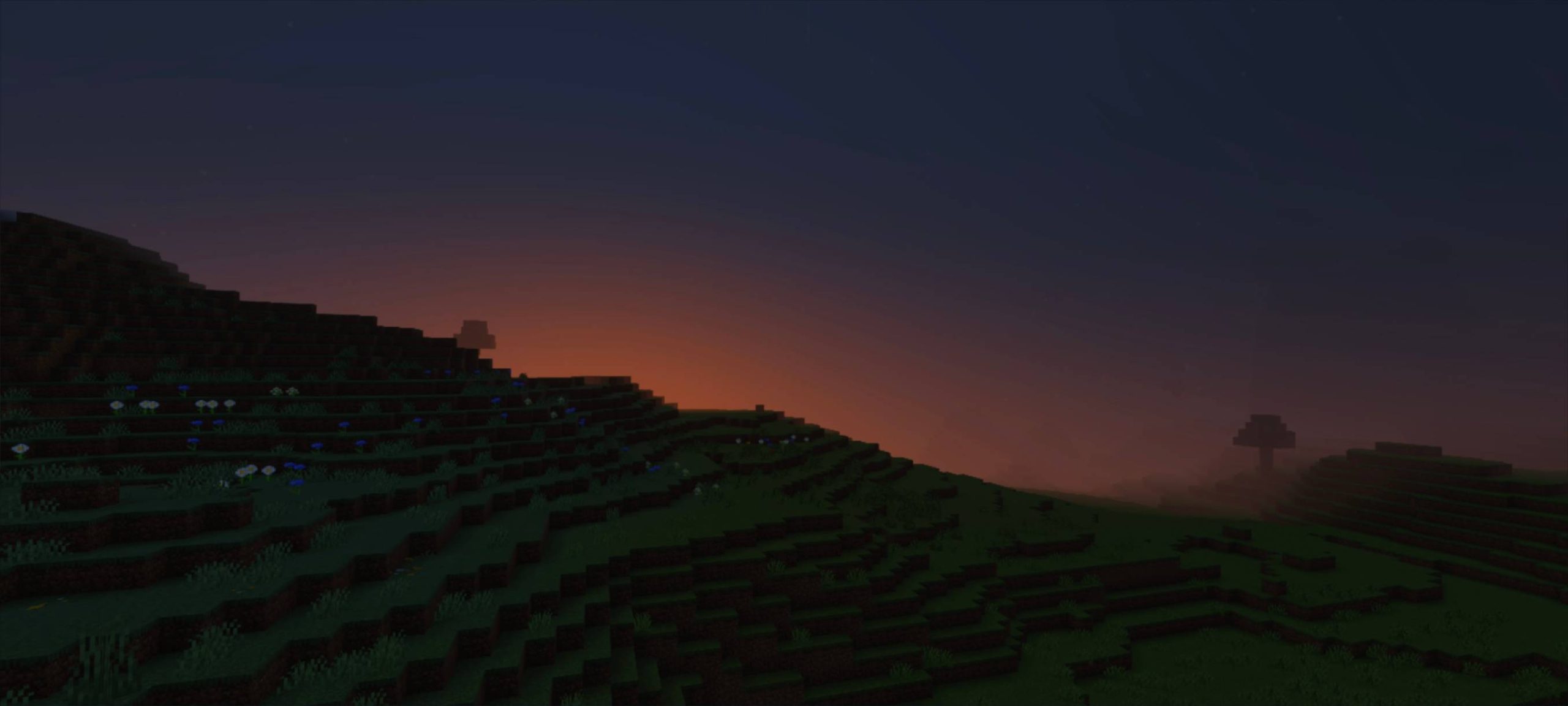
Saturation Visual Shader Crank the color dial to max — Saturation Visual makes every block burst with vivid, punchy color! Features: Boosted saturation that brings biomes to life Rich greens, deep blues, and glowing sunsets Enhanced brightness and contrast balance Lightweight tweaks that keep gameplay smooth Why You'll Love It: 1 Dull vanilla colors become instantly vibrant 2 Screenshots pop without any editing 3 Minimal performance cost for maximum color How to Get Started: 1 Download the Saturation Visual Shader. 2 Install it in Minecraft PE. 3 Open your world and enjoy the new experience. Life's too short for washed-out worlds!
Read the full details and screenshots
Open this resource in CraftyBox