
CRAFTYBOX
Preparing your block world
正在准备你的方块世界
First visit setup
首次访问设置
CRAFTYBOX
Preparing your block world
正在准备你的方块世界
First visit setup
首次访问设置
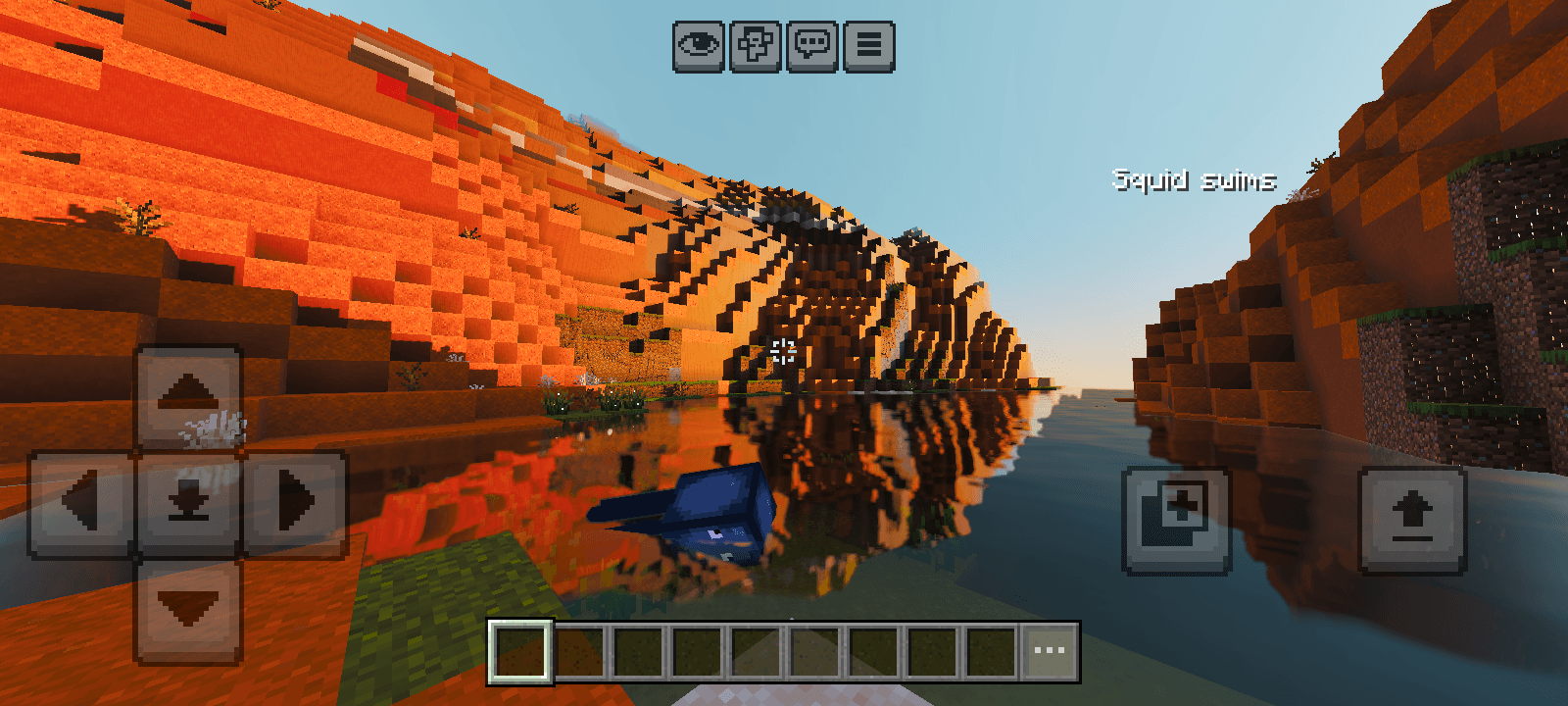
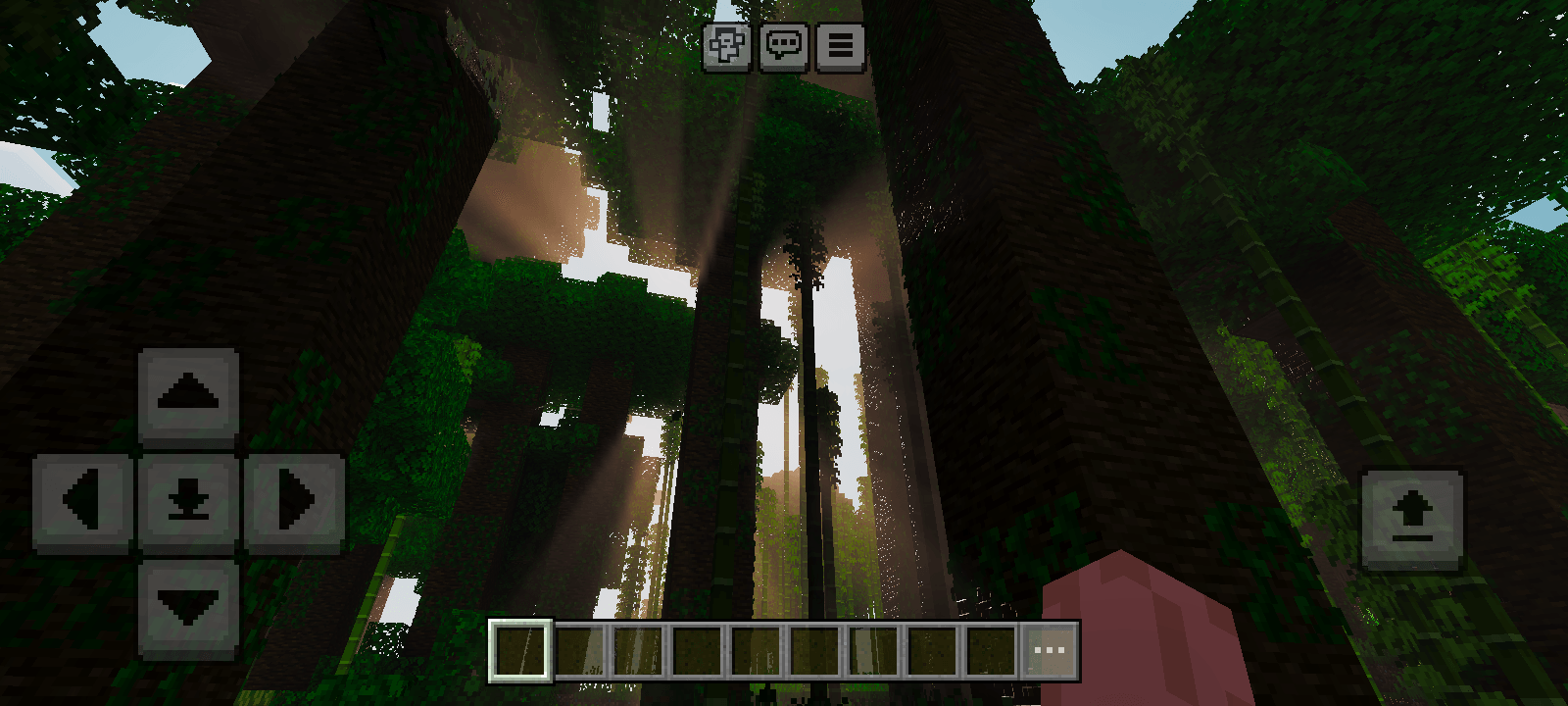
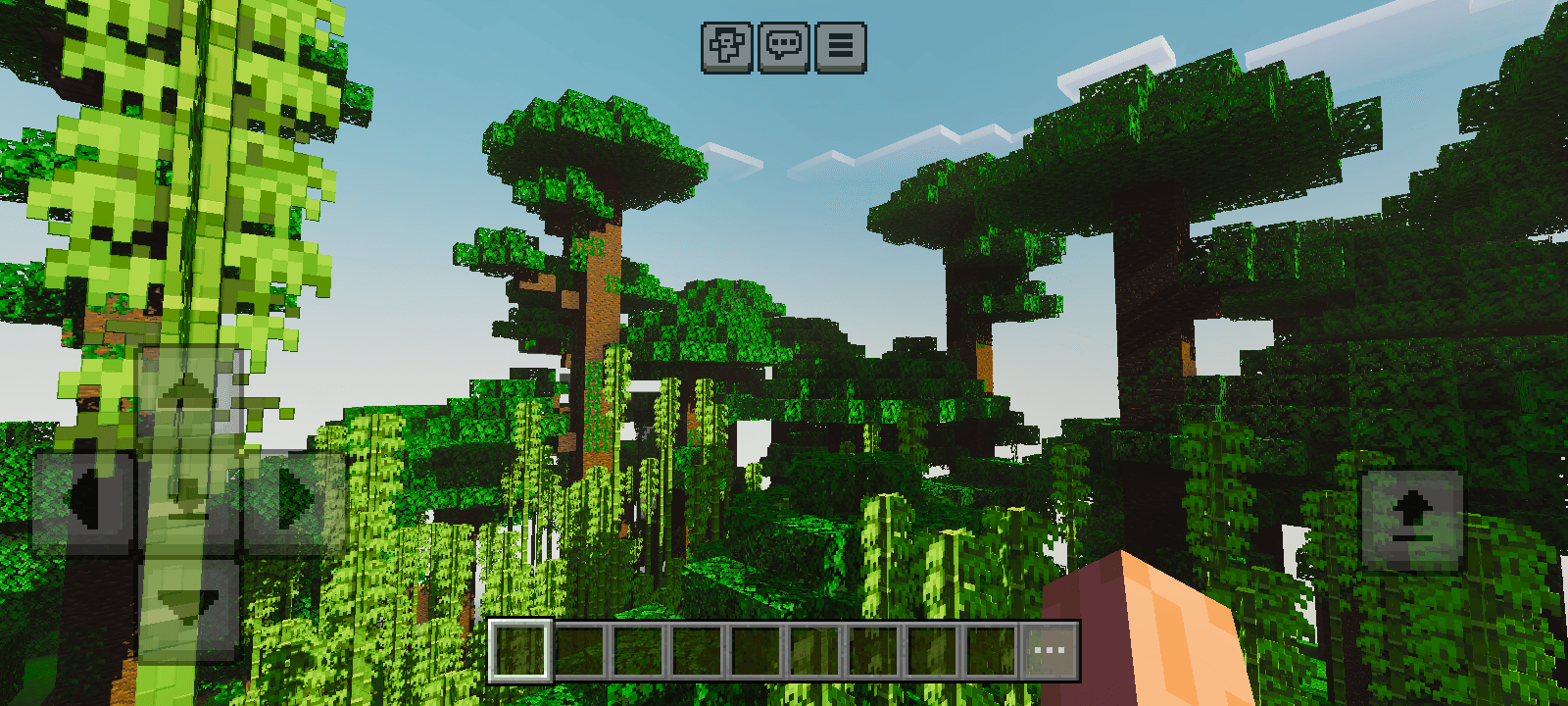
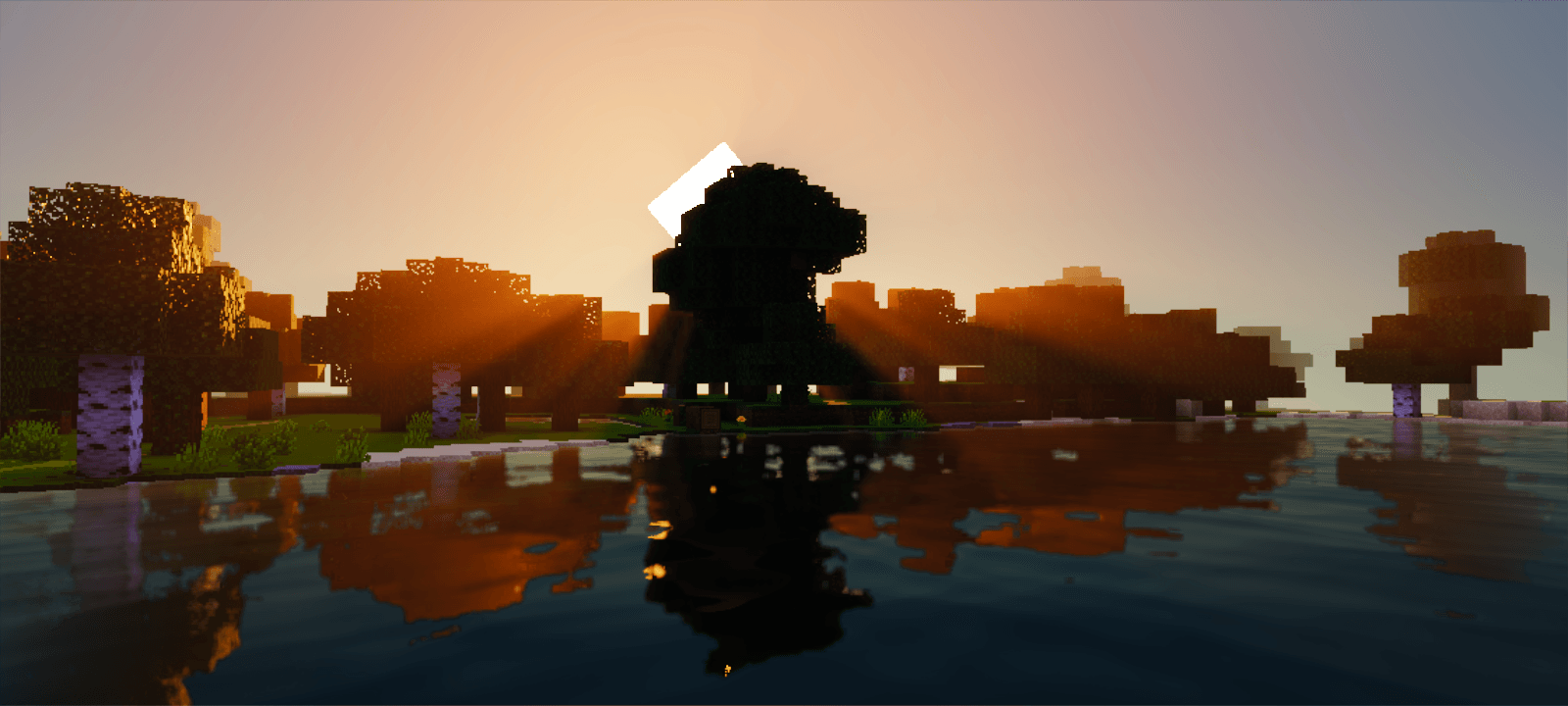
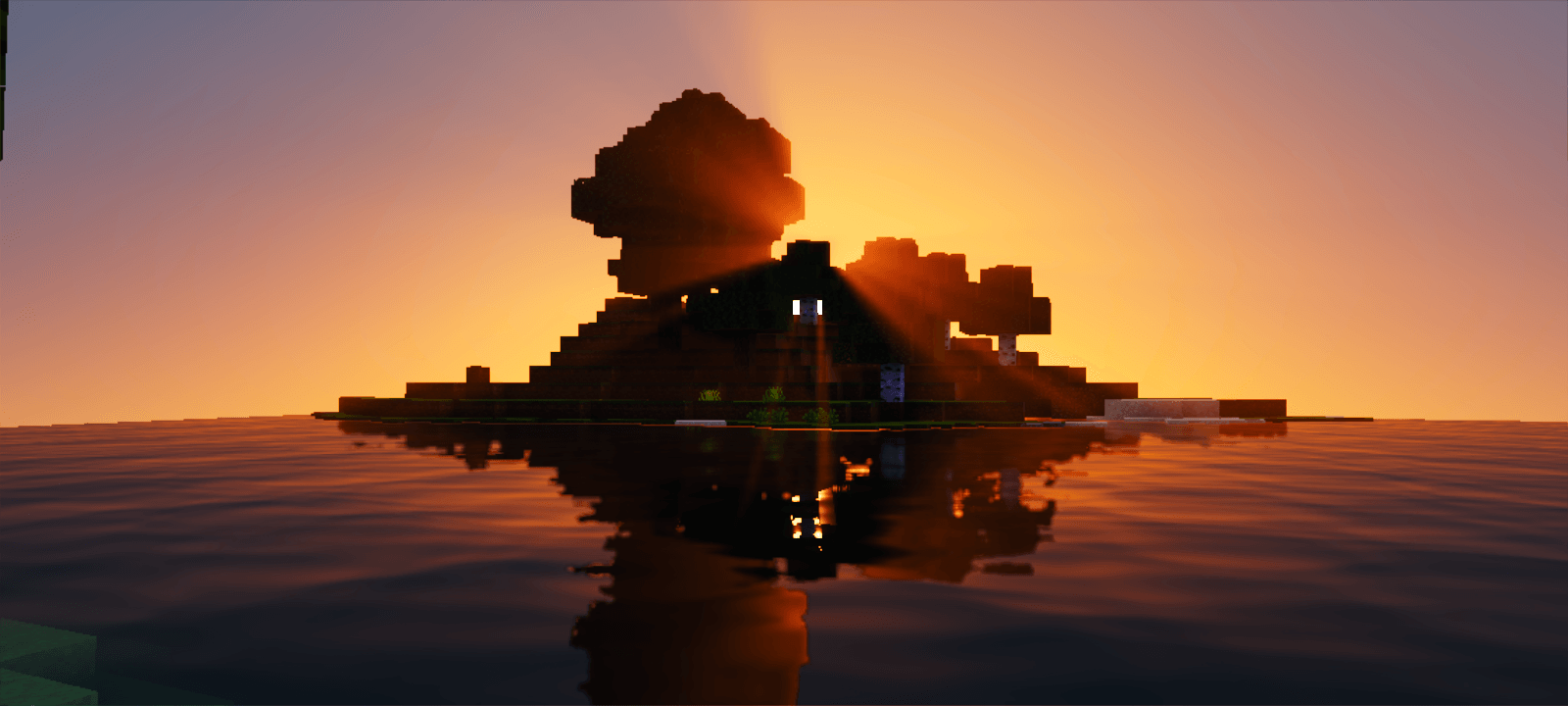
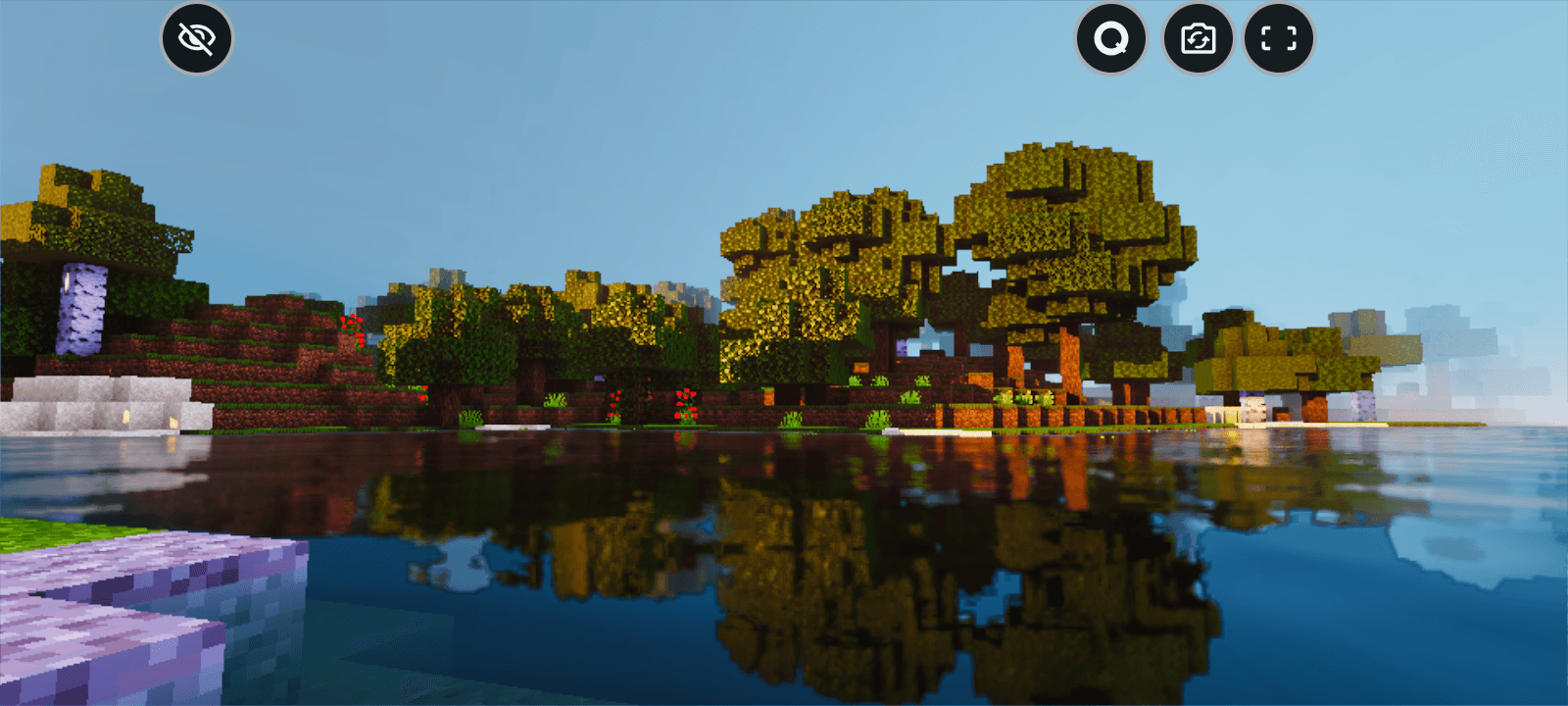
Seraphic Shader Heavenly graphics descend on MCPE — Seraphic bathes your world in angelic light and divine detail! Features: Radiant, ethereal lighting and glowing skies Realistic clouds with soft godray effects Elegant water and refined shadow work A luminous style that elevates every biome Why You'll Love It: 1 Light rays through trees look absolutely divine 2 Stunning realism without extreme hardware needs 3 Makes even simple builds look majestic How to Get Started: 1 Download the Seraphic Shader. 2 Install it in Minecraft PE. 3 Open your world and enjoy the new experience. Play in a world touched by the heavens!
Read the full details and screenshots
Open this resource in CraftyBox