
CRAFTYBOX
Preparing your block world
正在准备你的方块世界
First visit setup
首次访问设置
CRAFTYBOX
Preparing your block world
正在准备你的方块世界
First visit setup
首次访问设置
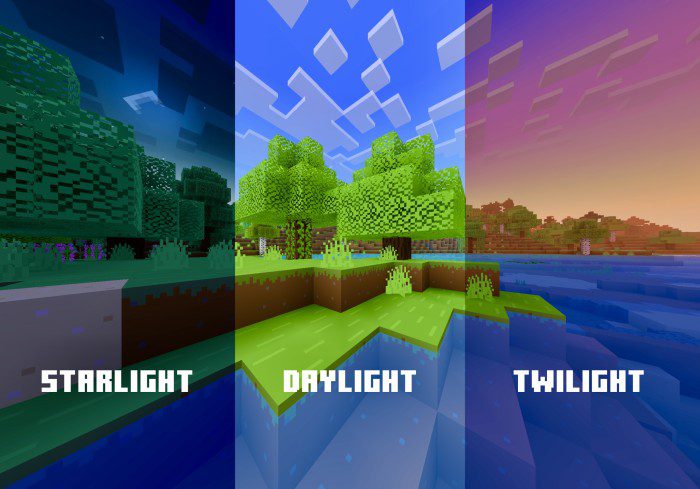
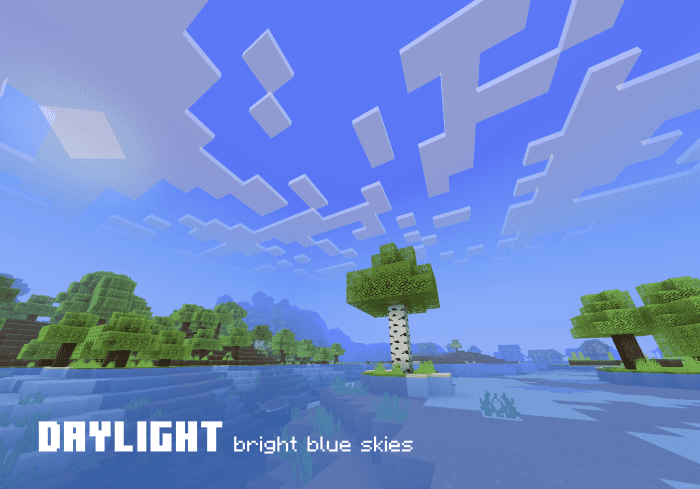
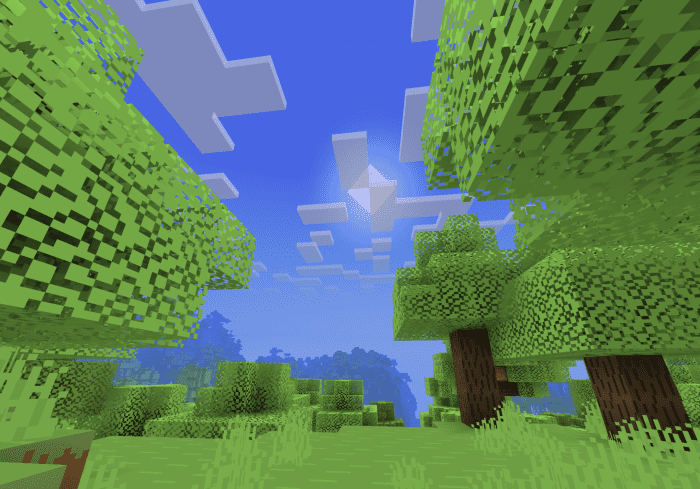
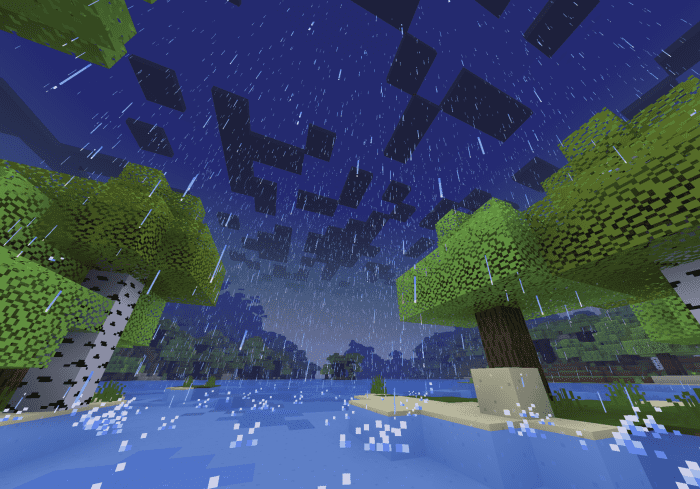
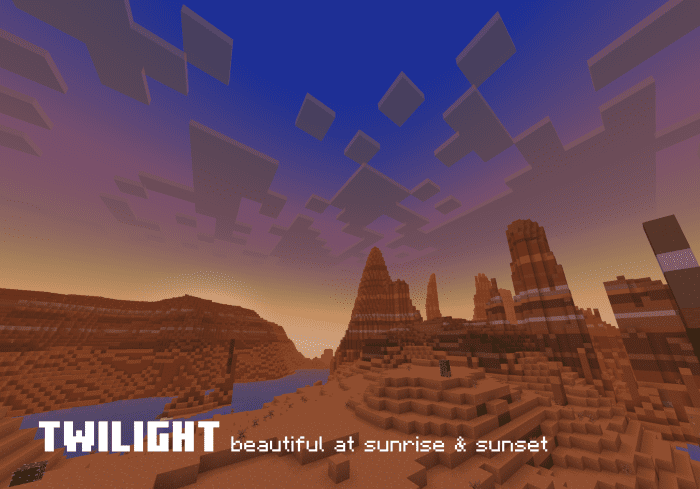
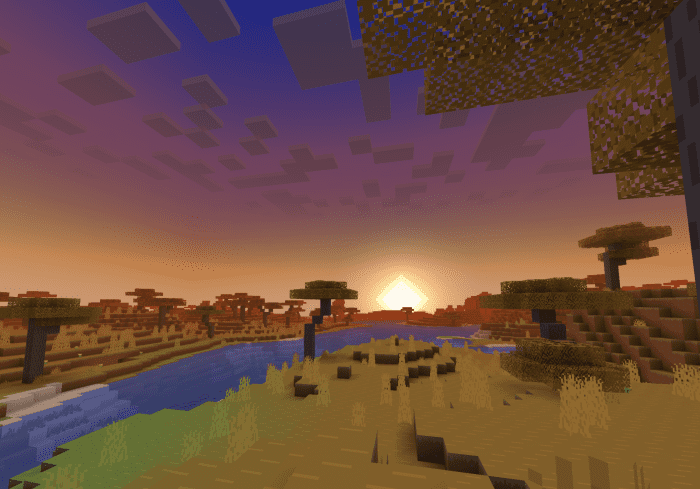
Skye Graphics Shader Skye Graphics lifts Bedrock visuals sky-high with full Render Dragon support and beautifully tuned lighting. Features: Rich lighting and color enhancements on Render Dragon Upgraded skies with softer clouds and cleaner horizons Stable, compatible design for current Bedrock versions Improved water and shadow rendering Why You'll Love It: 1 True shader visuals on the modern Render Dragon engine 2 Balanced results on both mid-range and strong devices 3 A dependable daily-driver shader How to Get Started: 1 Download the Skye Graphics Shader. 2 Install it in Minecraft PE. 3 Open your world and enjoy the new experience. Reach for the
Read the full details and screenshots
Open this resource in CraftyBox