
CRAFTYBOX
Preparing your block world
正在准备你的方块世界
First visit setup
首次访问设置
CRAFTYBOX
Preparing your block world
正在准备你的方块世界
First visit setup
首次访问设置
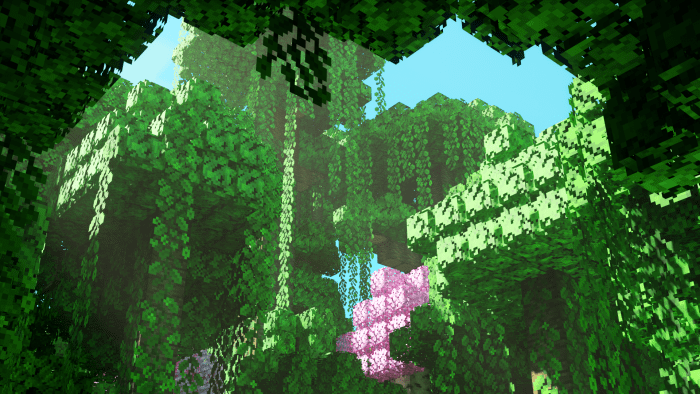
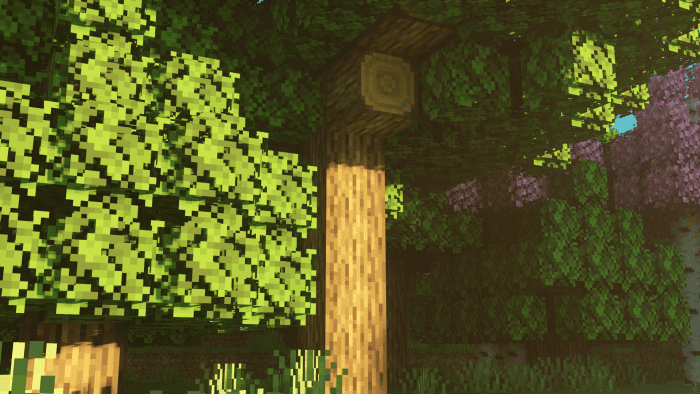
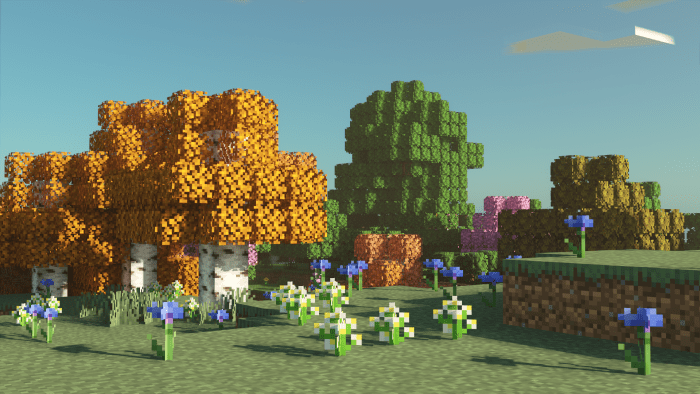
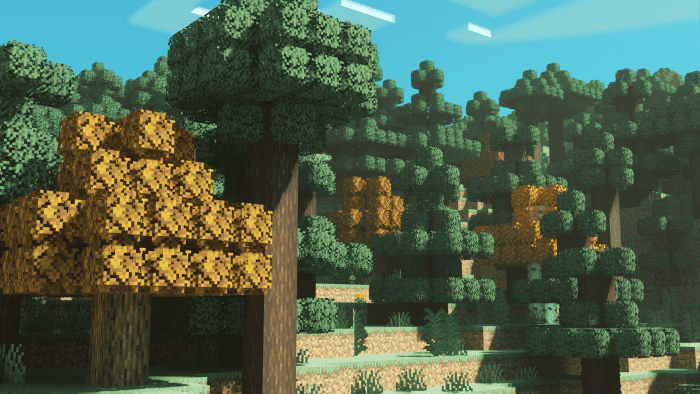
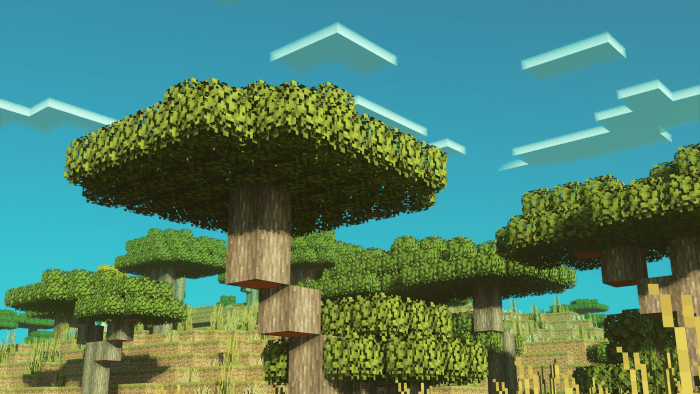
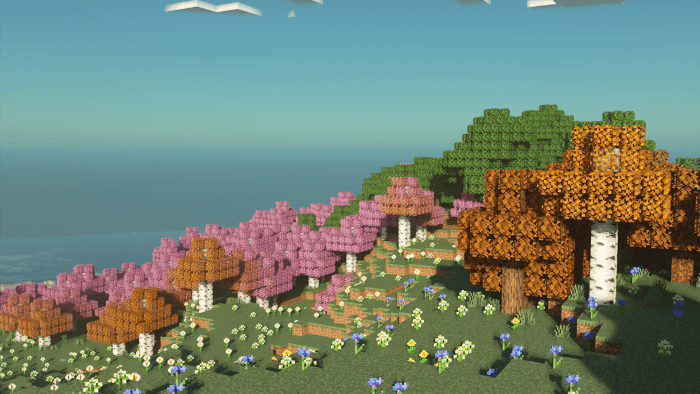
Trees Plus+ Texture Pack Give your forests a glow-up with Trees Plus+, the pack that turns blocky trees into lush, natural beauties. Features: Fuller, rounder leaves for richer-looking canopies Improved bark and foliage detail on every tree type Natural depth that makes forests feel alive Blends smoothly with vanilla textures and shaders Why You'll Love It: 1 Forest biomes become genuinely beautiful places to build 2 Landscapes and screenshots look dramatically better 3 Subtle enough to keep the classic Minecraft identity How to Get Started: 1 Download the Trees Plus+ Texture Pack. 2 Install it in Minecraft PE. 3 Open your world and enjoy the new exp
Read the full details and screenshots
Open this resource in CraftyBox