
CRAFTYBOX
Preparing your block world
正在准备你的方块世界
First visit setup
首次访问设置
CRAFTYBOX
Preparing your block world
正在准备你的方块世界
First visit setup
首次访问设置
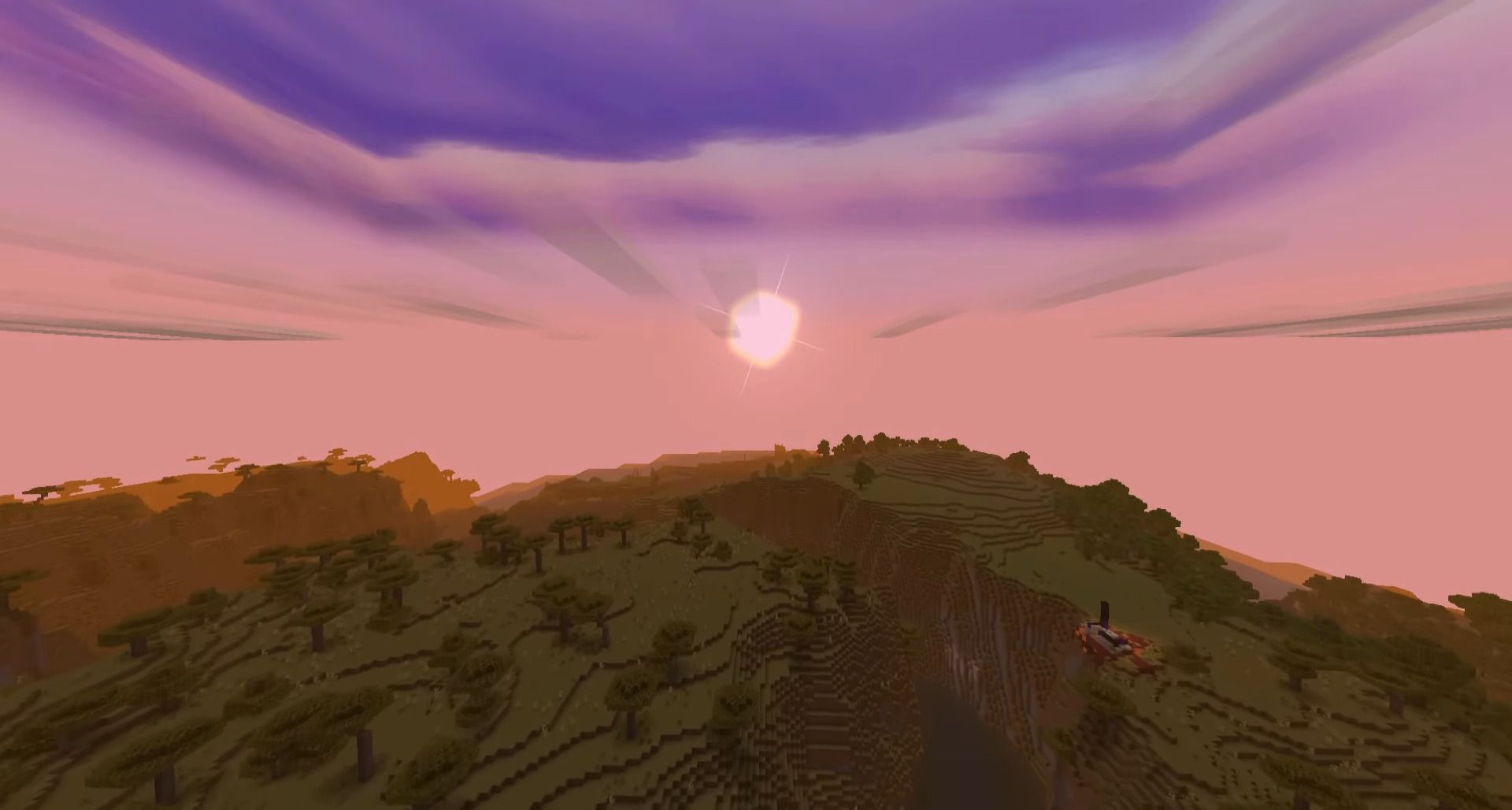
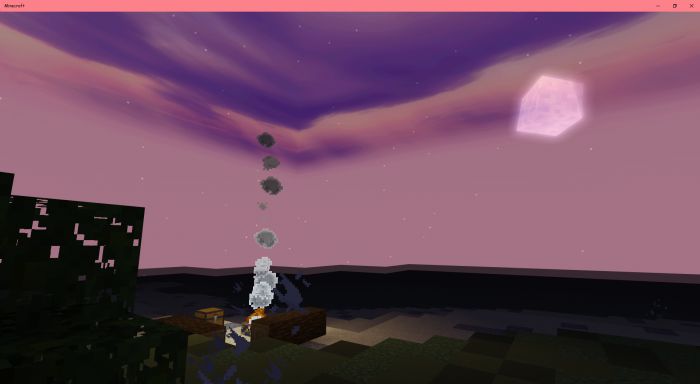
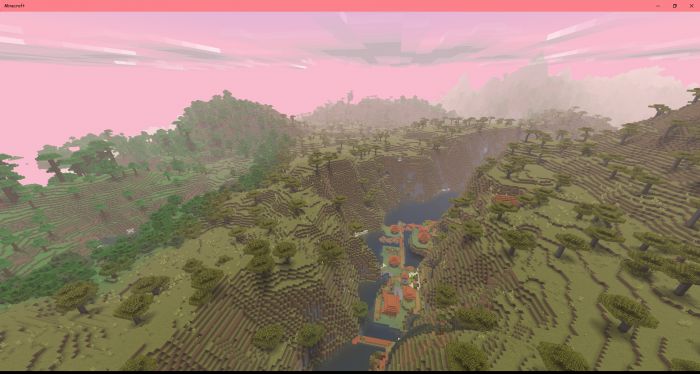
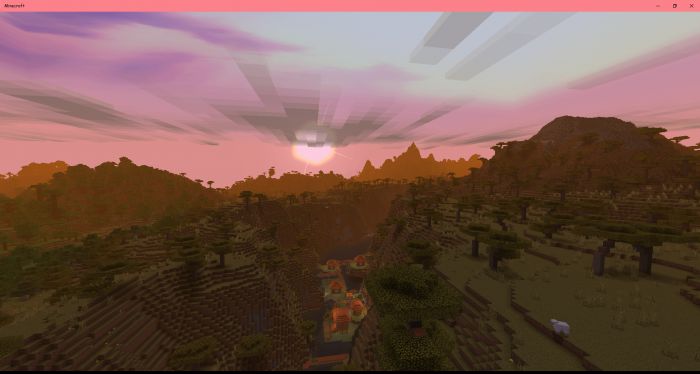
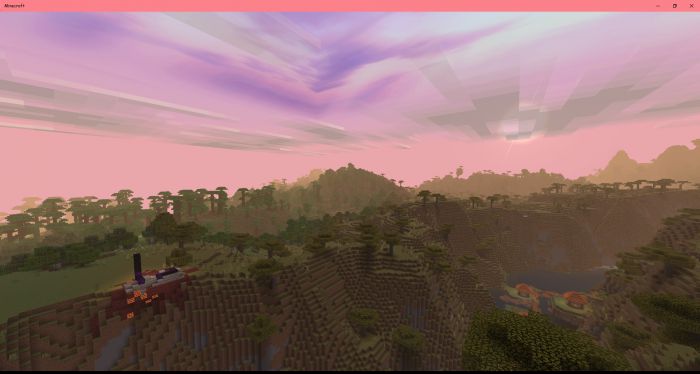
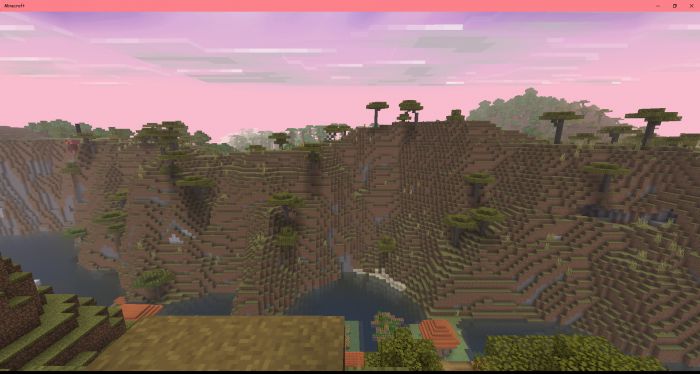
V.O.G Shader Bring your Minecraft world to life with the V.O.G Shader, featuring realistic lighting and vibrant environments! Features: Stunning volumetric lighting effects. Enhanced shadows and ambient occlusion. Realistic water rendering with improved reflections. Vibrant color grading for a more immersive experience. Why You'll Love It: 1 Elevates the visual fidelity of your Minecraft world. 2 Creates a more realistic and breathtaking atmosphere. 3 Perfect for exploration and cinematic builds. How to Get Started: 1 Download the V.O.G Shader. 2 Install it in Minecraft PE. 3 Open your world and enjoy the new experience. See your world in a whole n
Open this resource in CraftyBox