
CRAFTYBOX
Preparing your block world
正在准备你的方块世界
First visit setup
首次访问设置
CRAFTYBOX
Preparing your block world
正在准备你的方块世界
First visit setup
首次访问设置
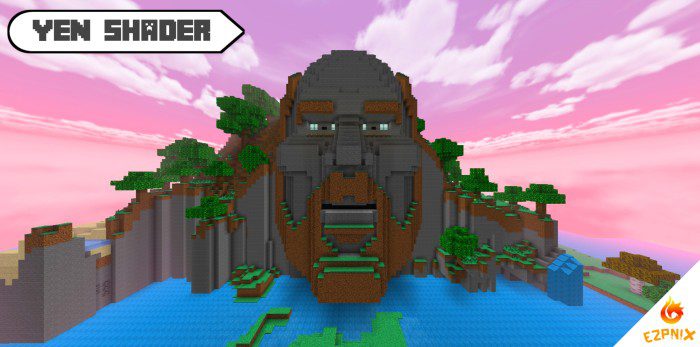
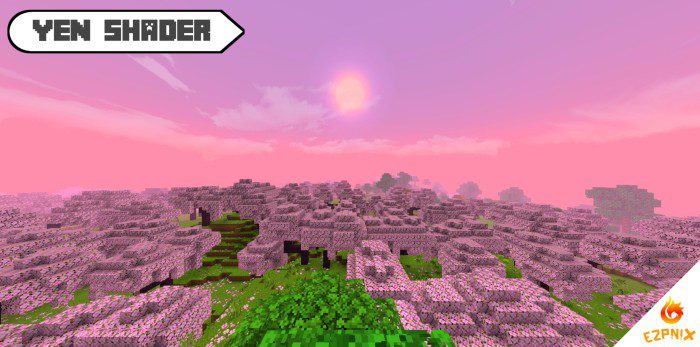
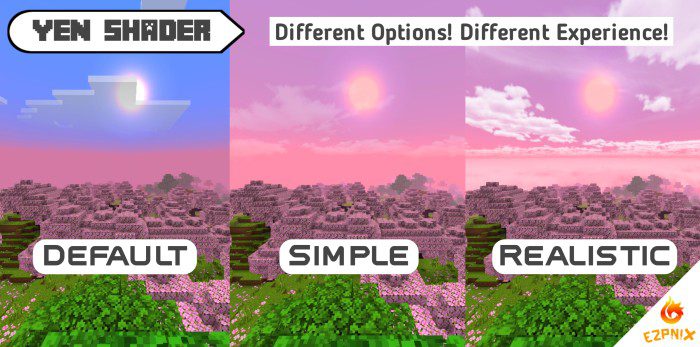
YEN Shader Transform your Minecraft world with the YEN Shader, bringing a fresh, immersive visual experience with enhanced light and shadow. Features: Dynamic lighting effects for a realistic feel. Beautifully rendered skies and atmospheric elements. Smooth water animations and reflections. Optimized for various devices, offering great performance. Why You'll Love It: 1 Enjoy a visually stunning and more engaging Minecraft journey. 2 Experience enhanced realism without sacrificing gameplay. 3 Gives your world a modern and polished aesthetic. How to Get Started: 1 Download the YEN Shader. 2 Install it in Minecraft PE. 3 Open your world and enjoy the ne
Read the full details and screenshots
Open this resource in CraftyBox