
CRAFTYBOX
Preparing your block world
正在准备你的方块世界
First visit setup
首次访问设置
CRAFTYBOX
Preparing your block world
正在准备你的方块世界
First visit setup
首次访问设置
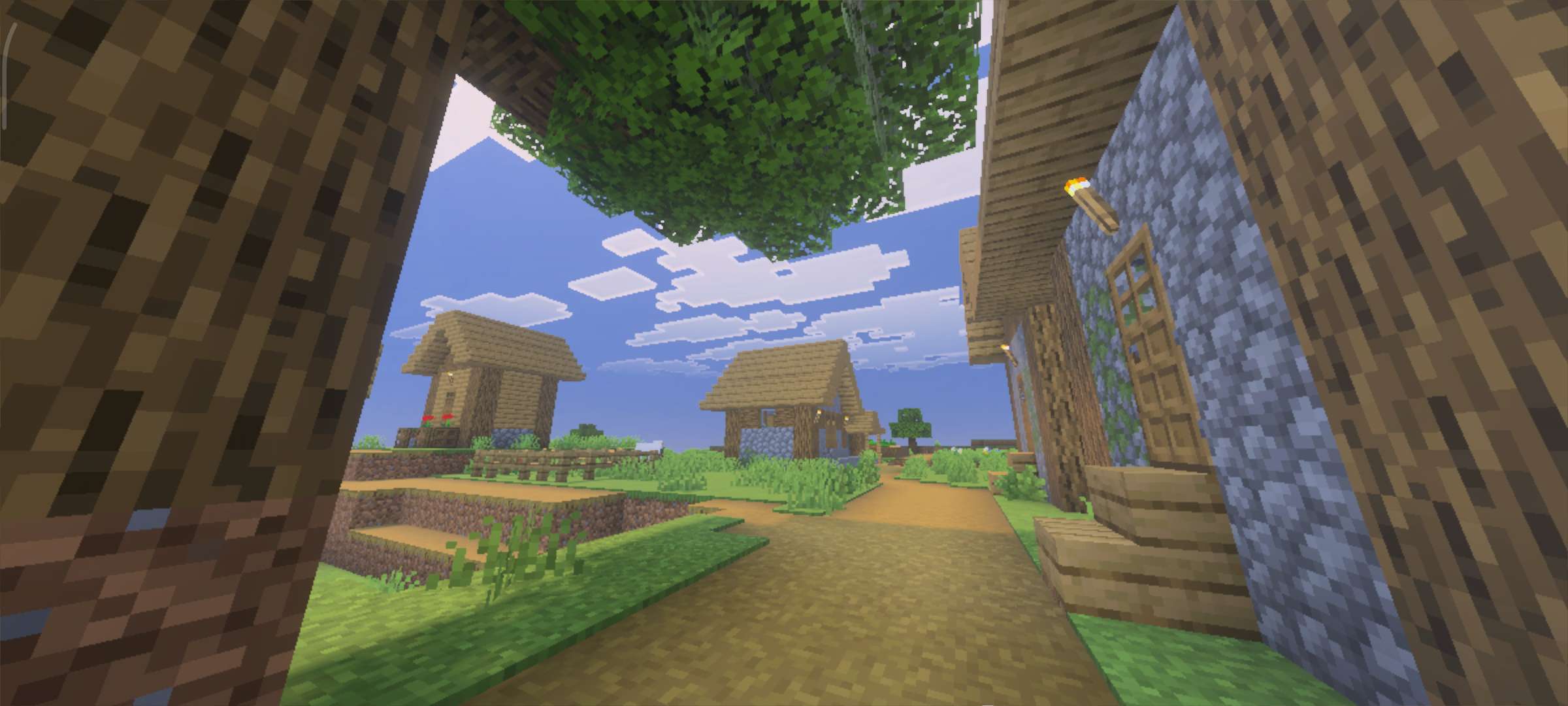
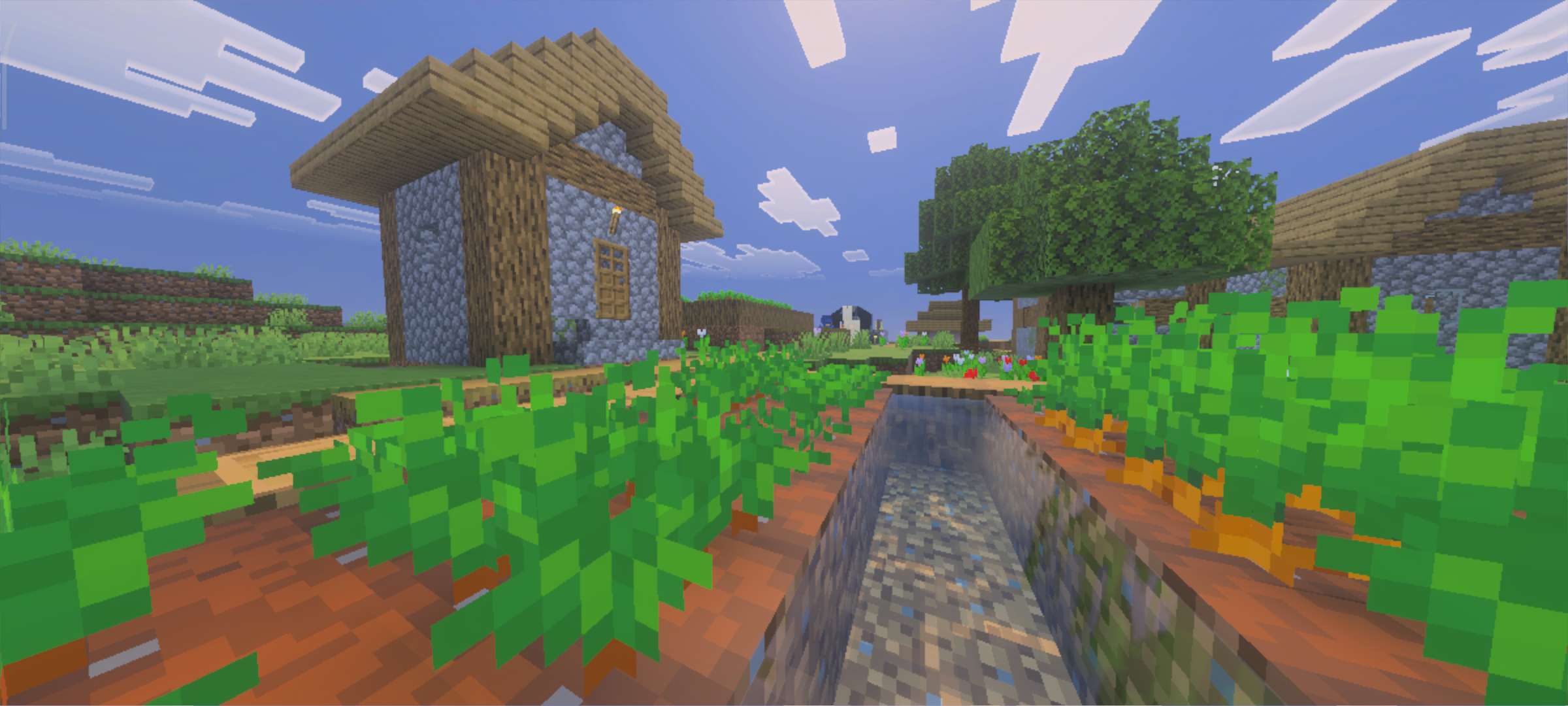
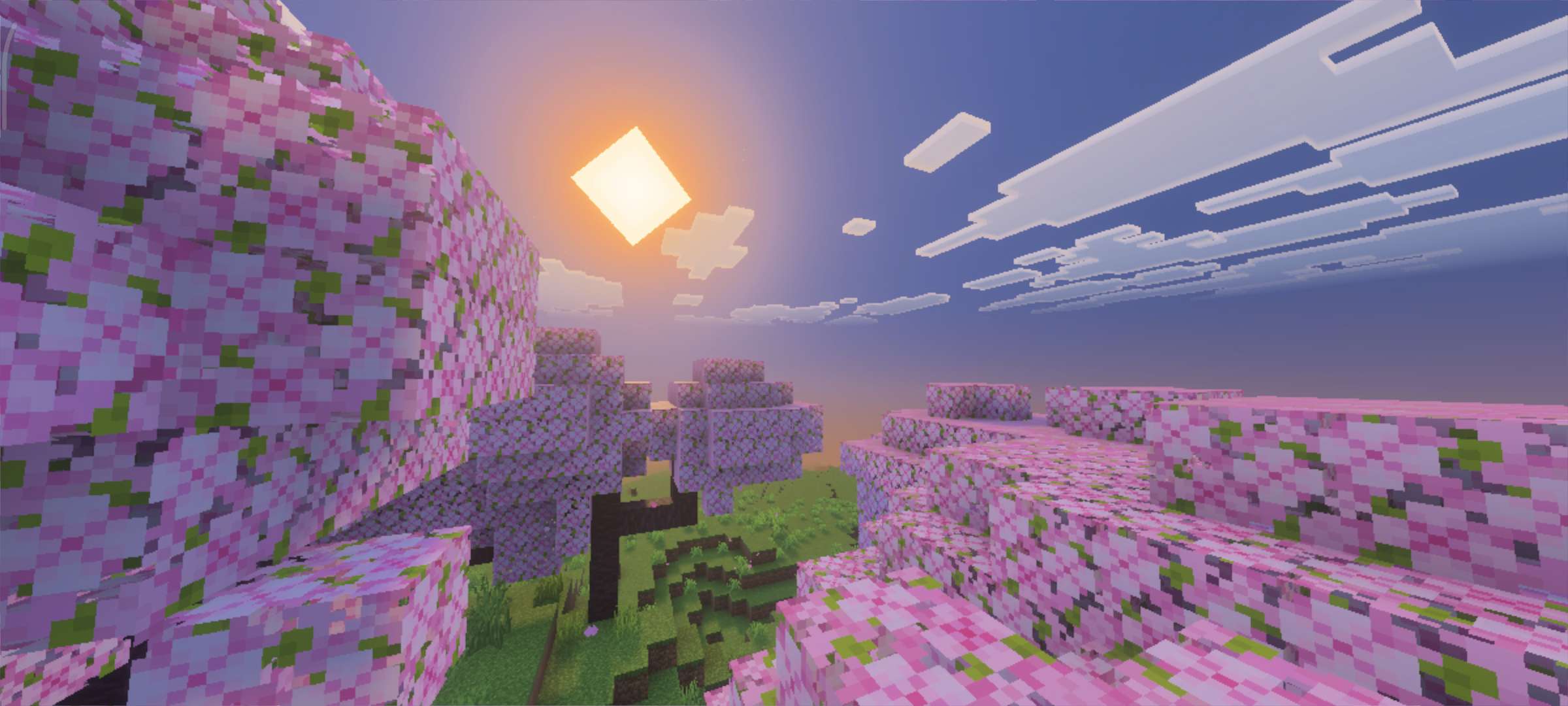
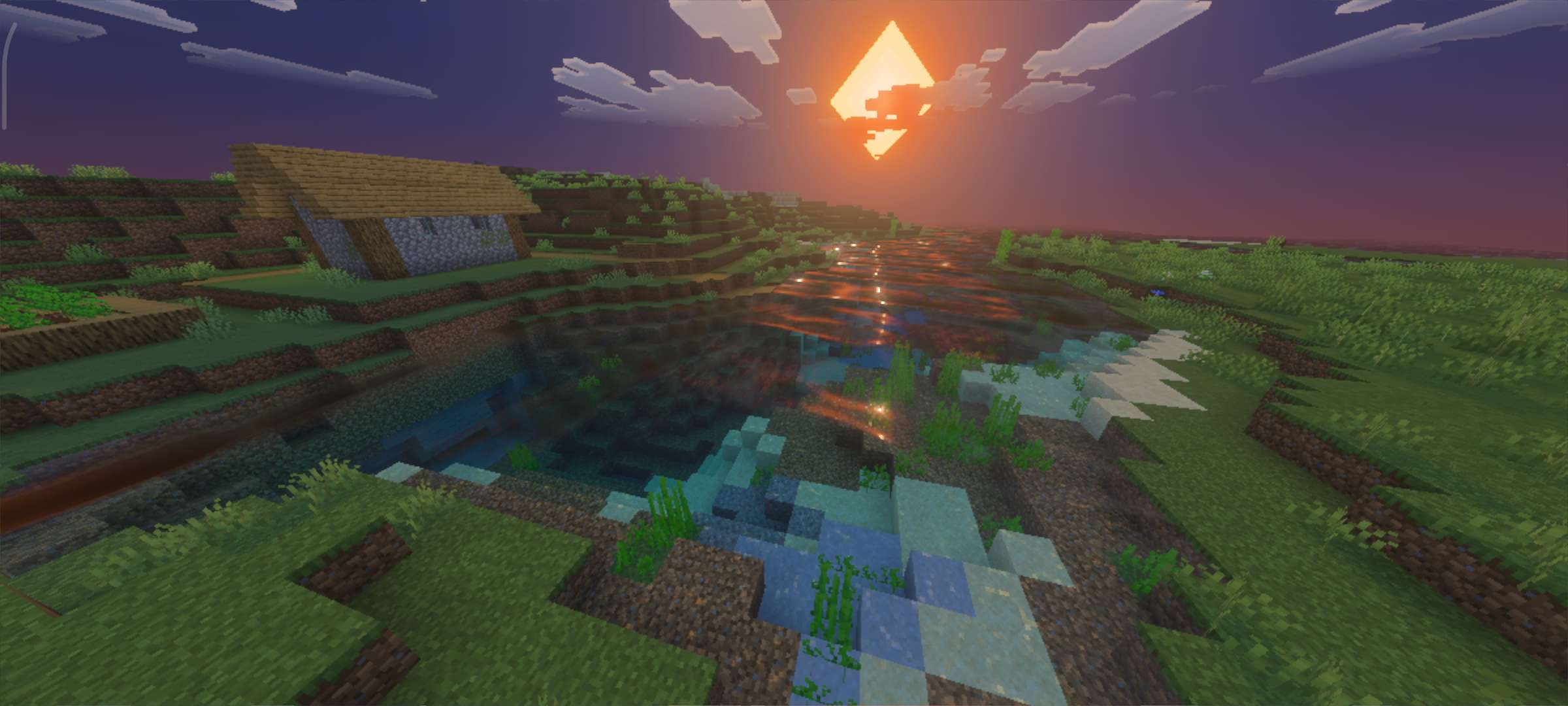
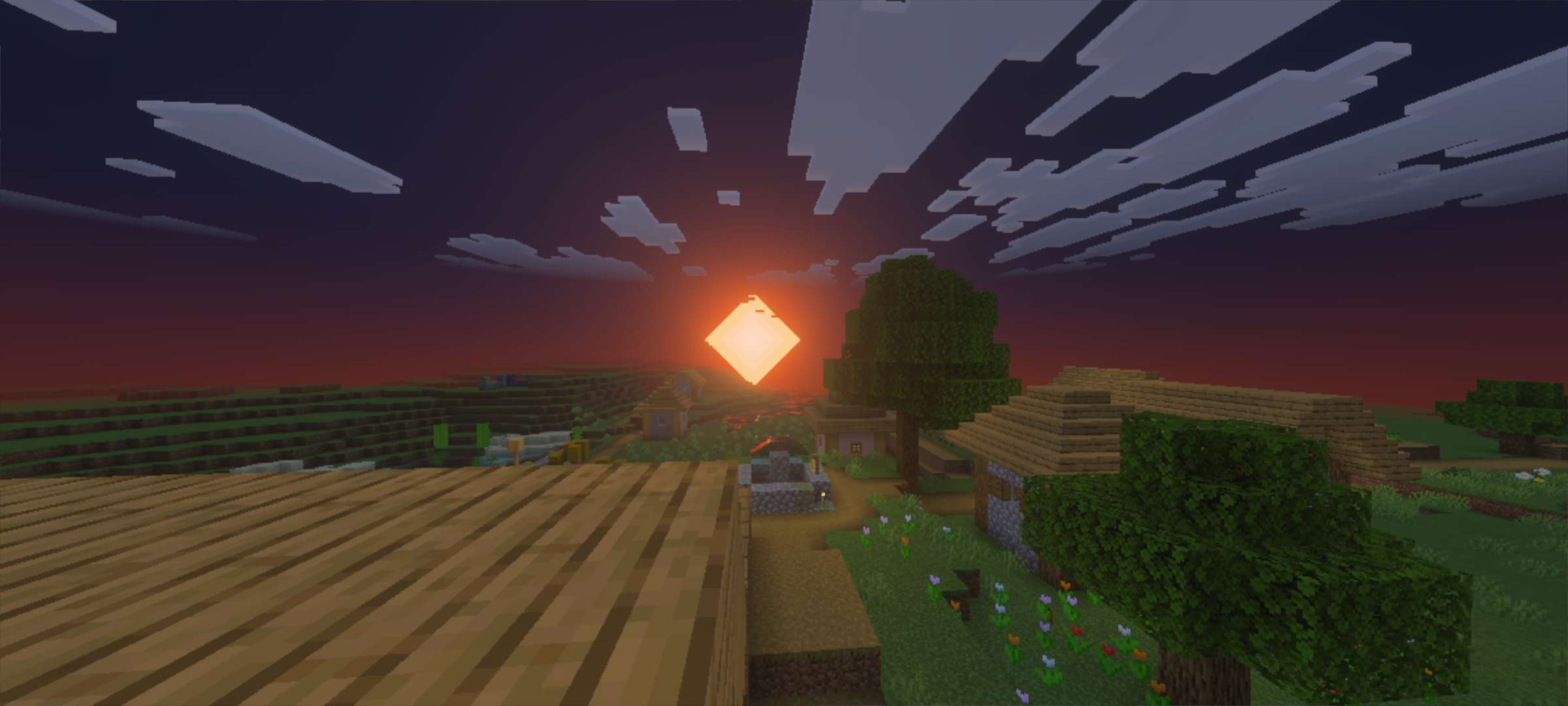
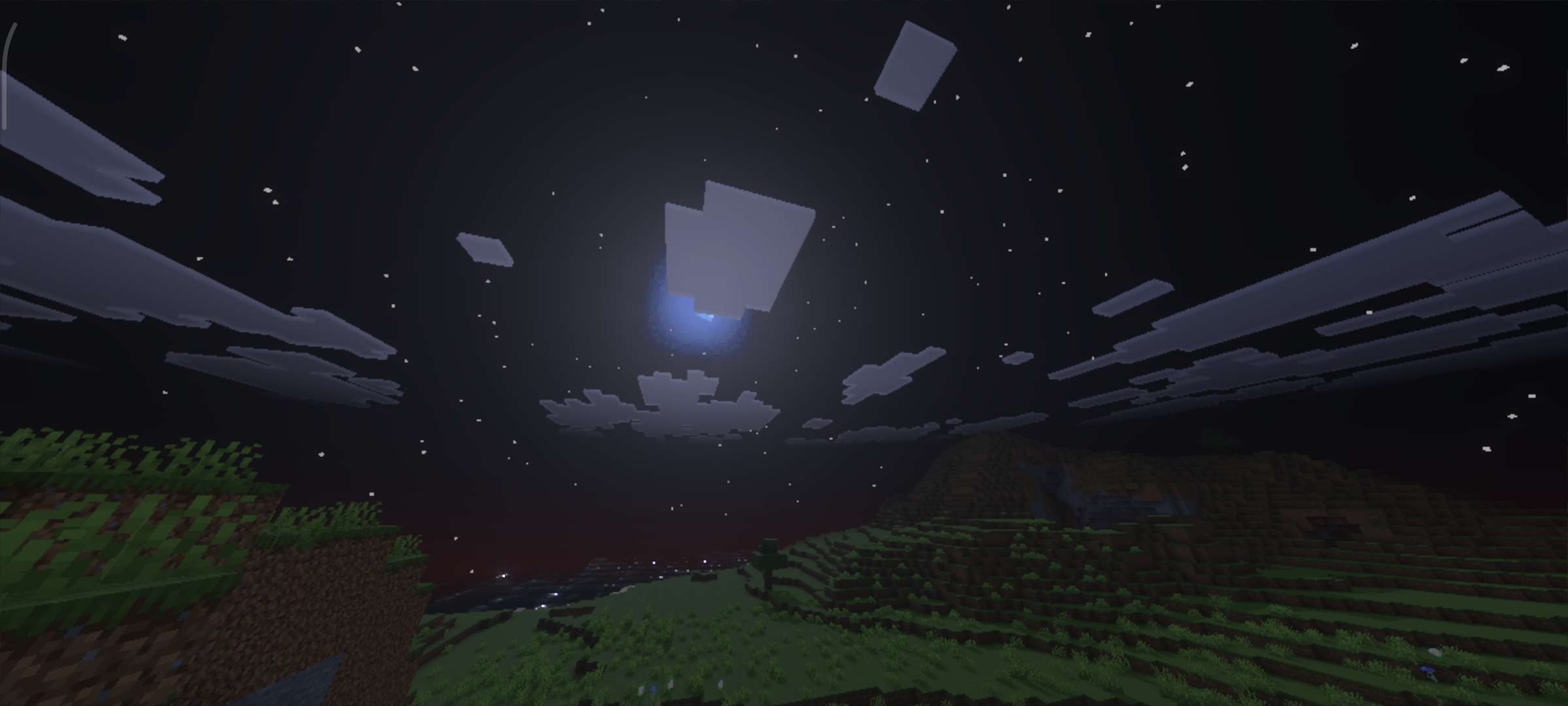
VSL Shader VSL Shader upgrades Bedrock 1.21+ with vivid lighting and silky visuals that make everyday play feel brand new. Features: Vibrant sunlight with soft, realistic shadowing Glassy water surfaces with improved transparency Enhanced night lighting that keeps caves atmospheric Smart optimization for stable FPS Why You'll Love It: 1 Big visual gains with a simple one-time install 2 Balanced brightness for both building and exploring 3 Works great across a wide range of devices How to Get Started: 1 Download the VSL Shader. 2 Install it in Minecraft PE. 3 Open your world and enjoy the new experience. Very Stunning Lighting — see it for yoursel
Read the full details and screenshots
Open this resource in CraftyBox