
CRAFTYBOX
Preparing your block world
正在准备你的方块世界
First visit setup
首次访问设置
CRAFTYBOX
Preparing your block world
正在准备你的方块世界
First visit setup
首次访问设置
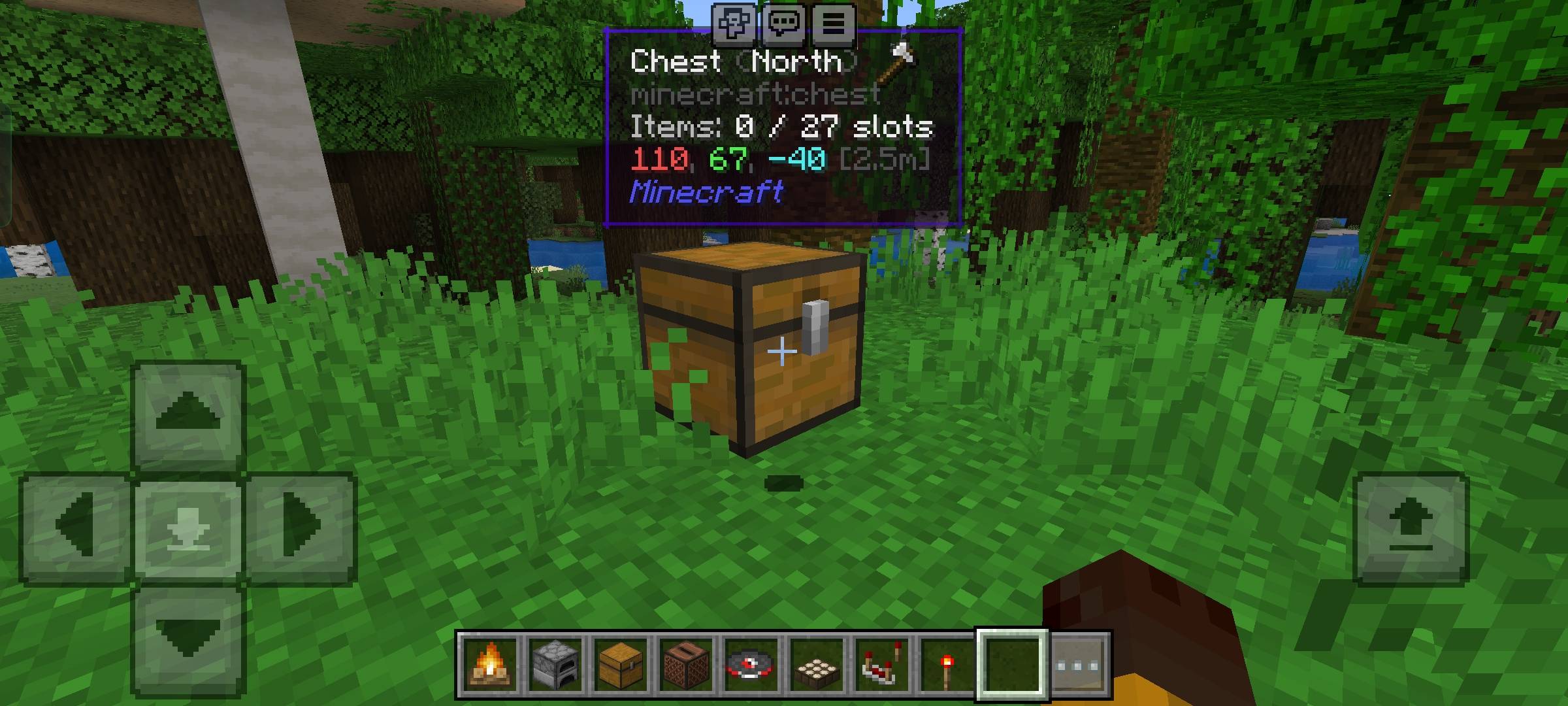
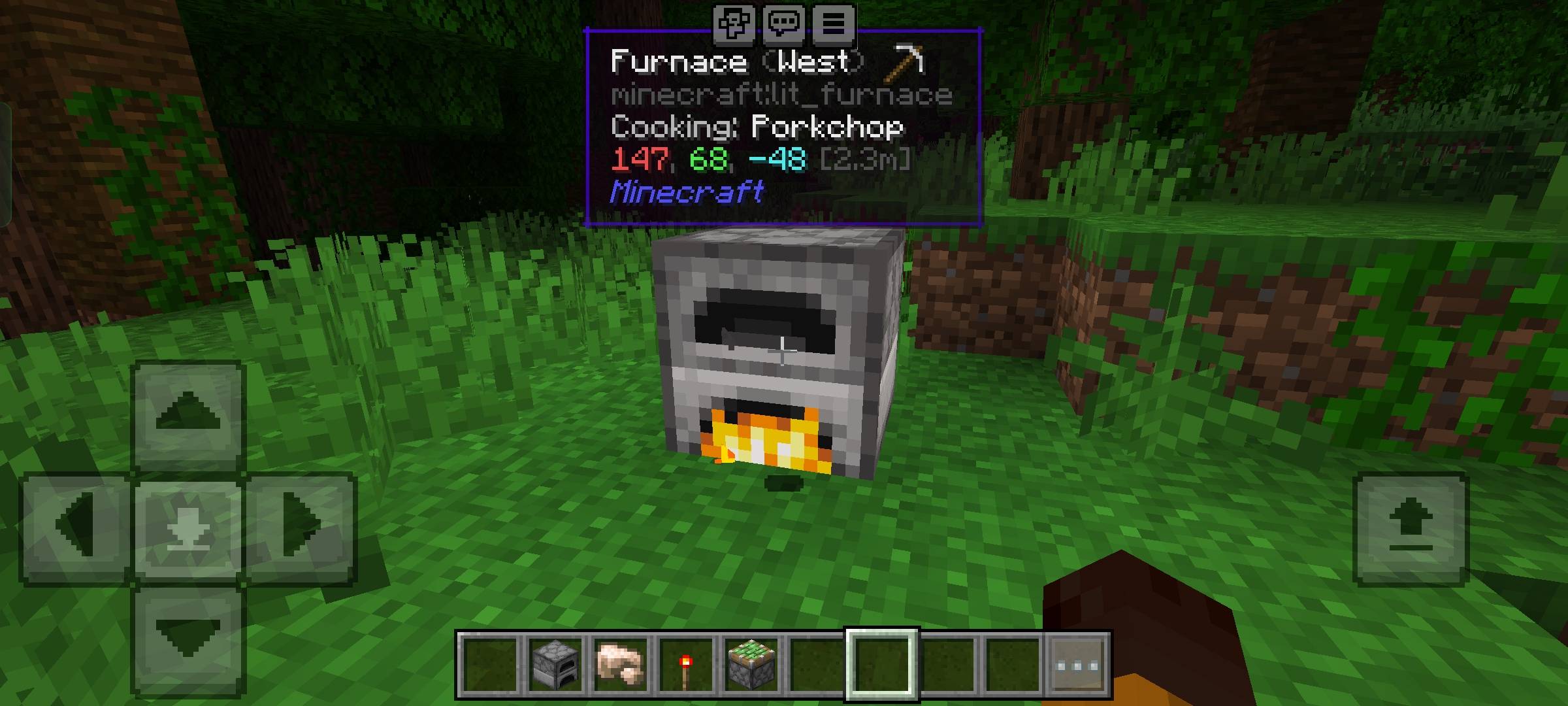
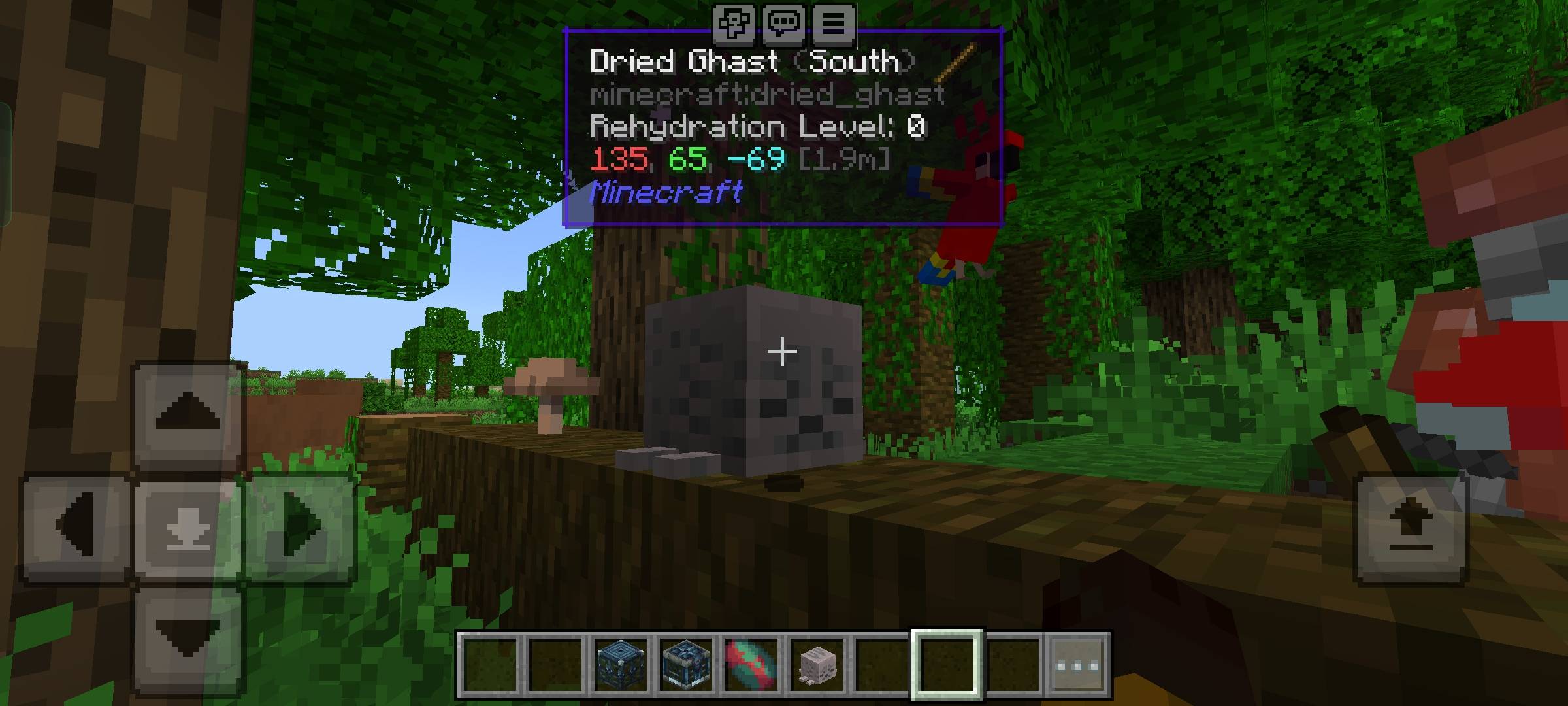
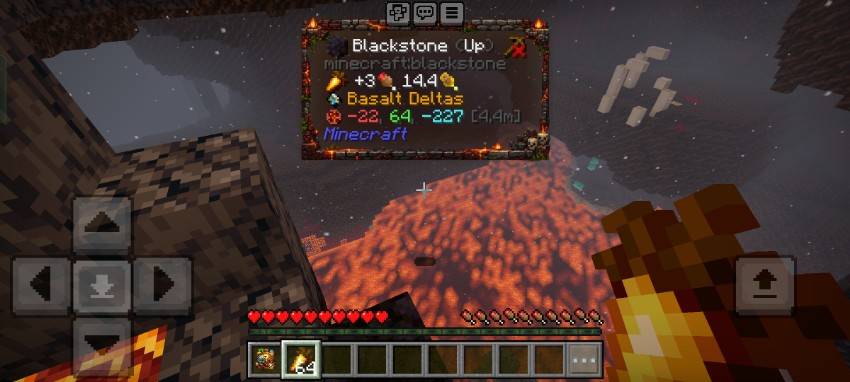
WIT Display useful information about blocks, entities, and items directly on your HUD as you look at them. Features: Real-time HUD tooltips for names and states Rich context for crop growth and redstone levels Entity health display and food saturation stats Craftable Wittings item for full settings customization Why You'll Love It: 1 Eliminates guesswork when building and farming. 2 Clean action bar integration with zero lag. 3 Highly customizable display options and sneak details. How to Get Started: 1 Download the WIT. 2 Install it in Minecraft PE. 3 Open your world and enjoy the new experience. See your Minecraft world in a whole new way!
Read the full details and screenshots
Open this resource in CraftyBox