
CRAFTYBOX
Preparing your block world
正在准备你的方块世界
First visit setup
首次访问设置
CRAFTYBOX
Preparing your block world
正在准备你的方块世界
First visit setup
首次访问设置
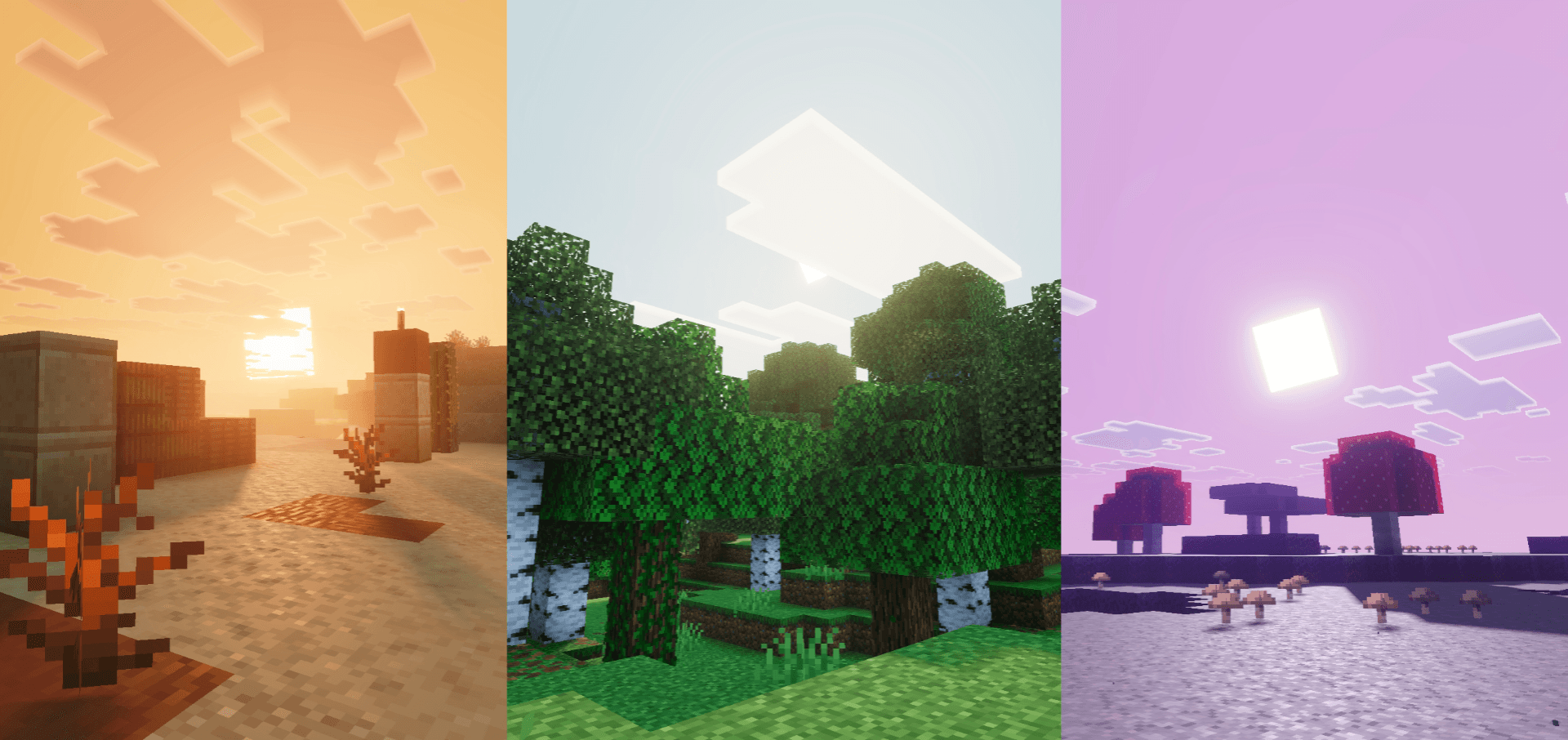
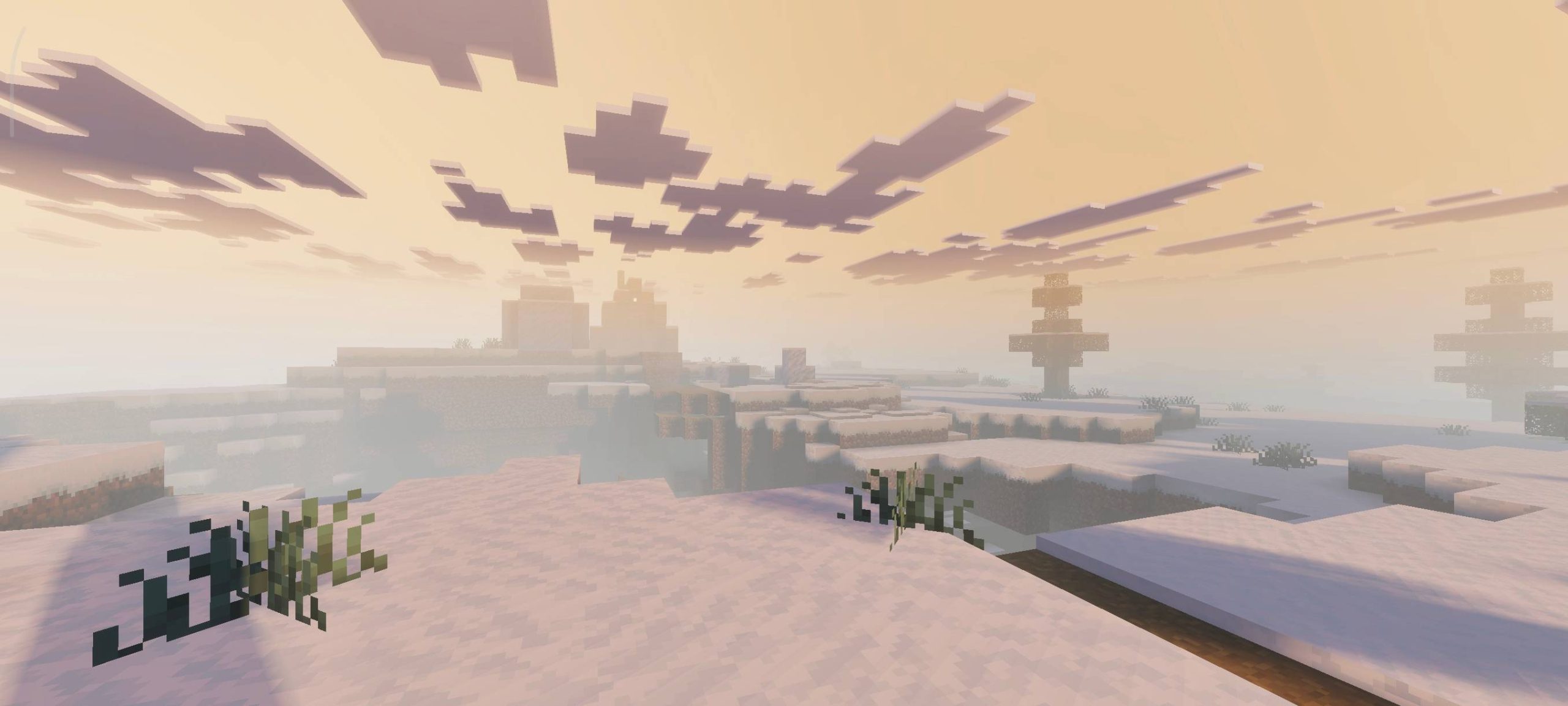
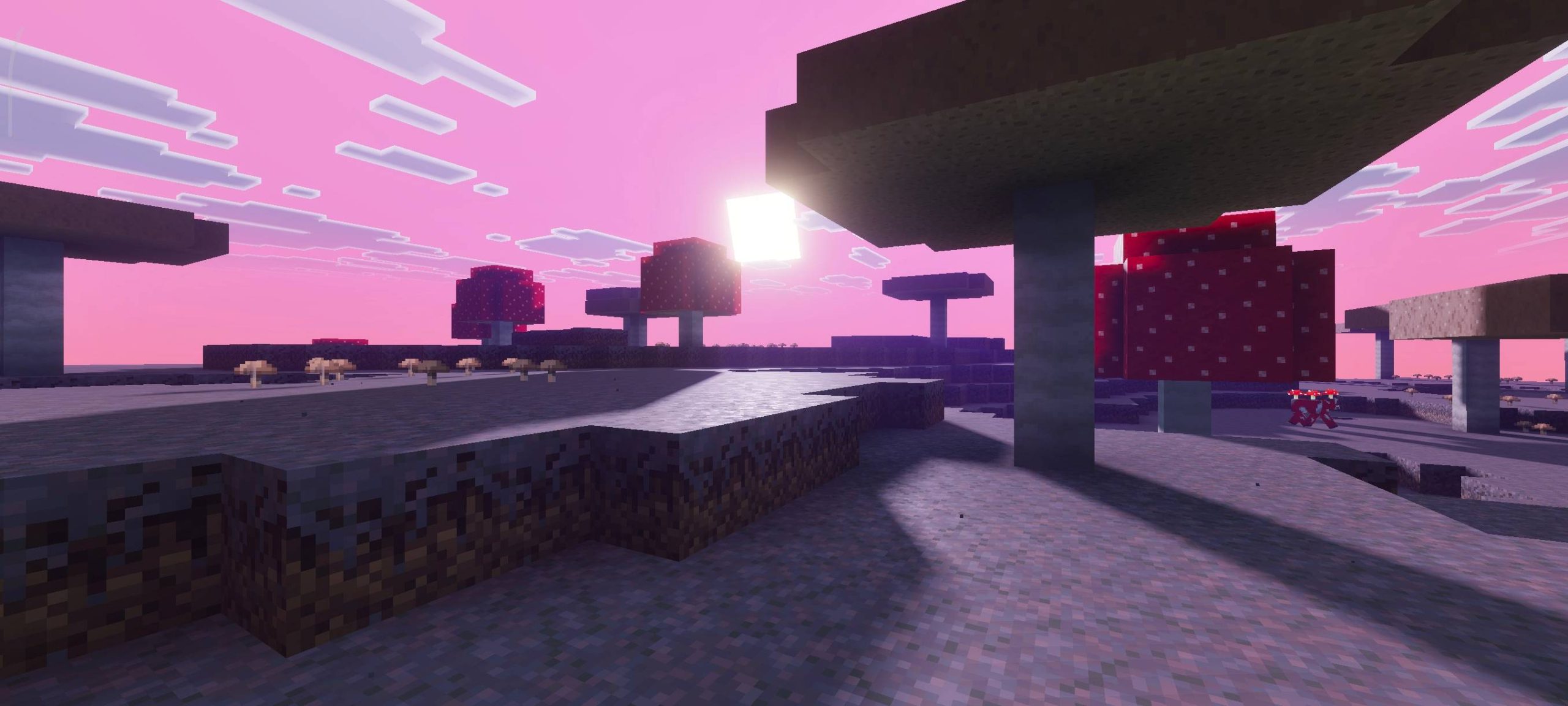
Zen Visuals Shader Find your calm — Zen Visuals wraps your Minecraft PE world in soft, soothing, balanced beauty. Features: Gentle color palette that's easy on the eyes Soft lighting and tranquil atmospheric tones Peaceful water visuals and subtle reflections Relaxed aesthetic perfect for long play sessions Why You'll Love It: 1 Playing feels genuinely relaxing and cozy 2 Ideal for chill building and exploration 3 Beautiful without being over-saturated How to Get Started: 1 Download the Zen Visuals Shader. 2 Install it in Minecraft PE. 3 Open your world and enjoy the new experience. Breathe in, build on, zen out!
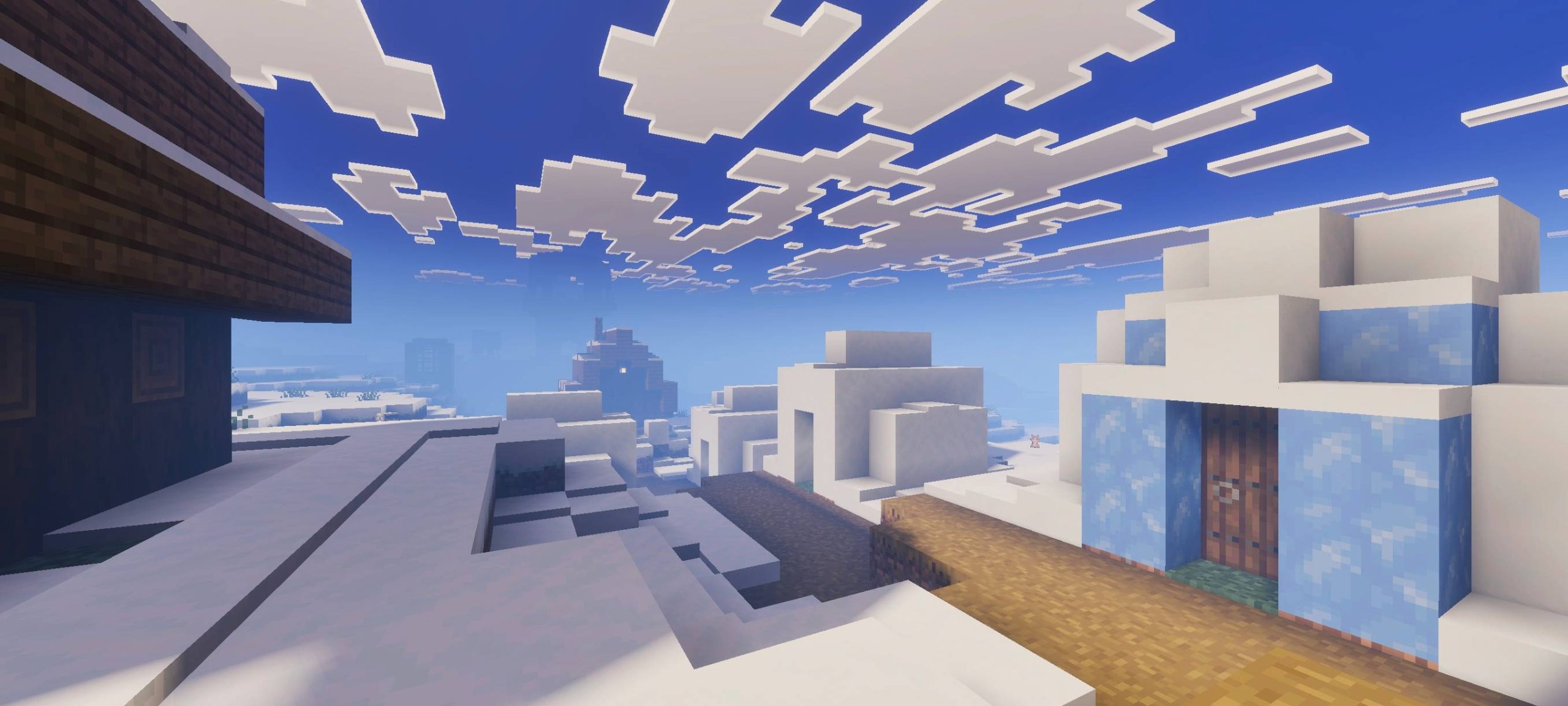
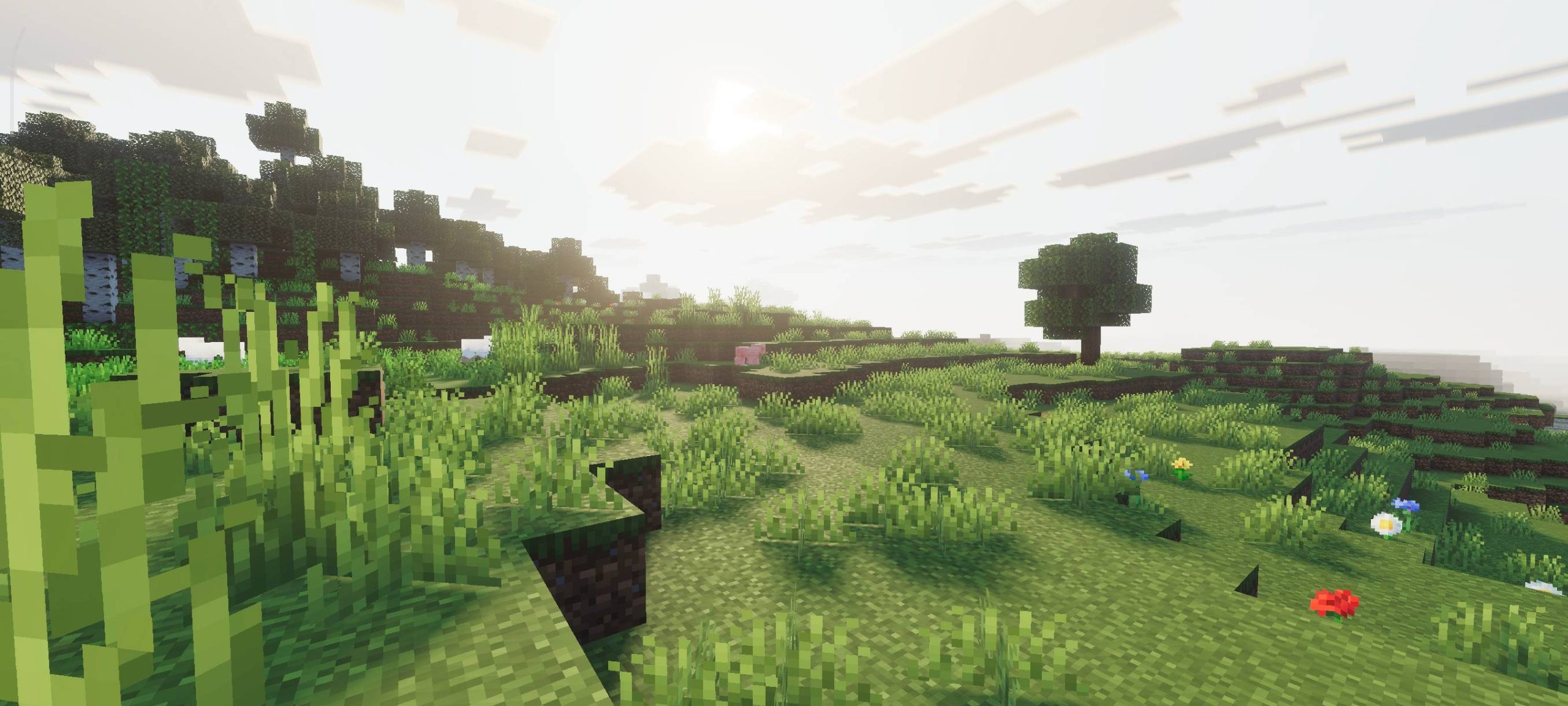
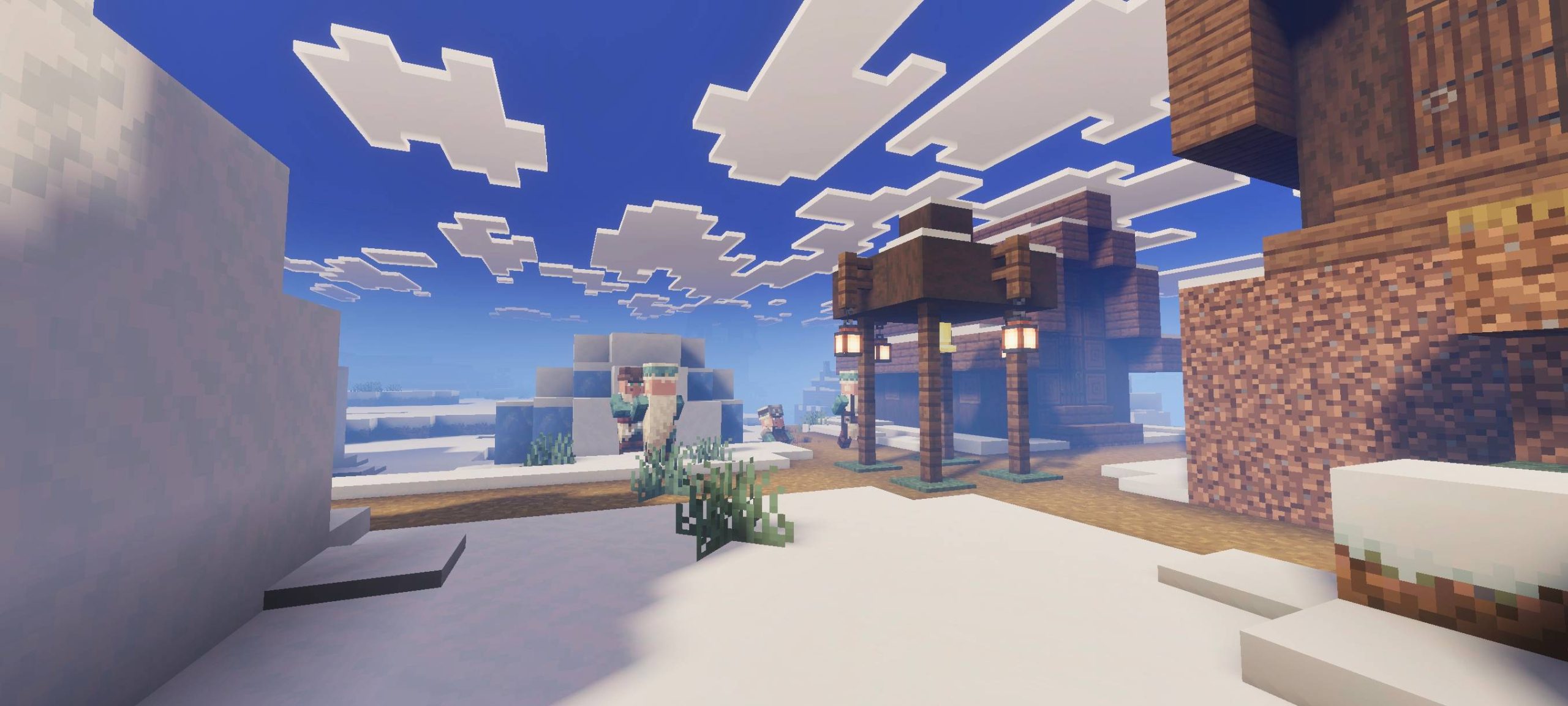
Read the full details and screenshots
Open this resource in CraftyBox