
CRAFTYBOX
Preparing your block world
正在准备你的方块世界
First visit setup
首次访问设置
CRAFTYBOX
Preparing your block world
正在准备你的方块世界
First visit setup
首次访问设置
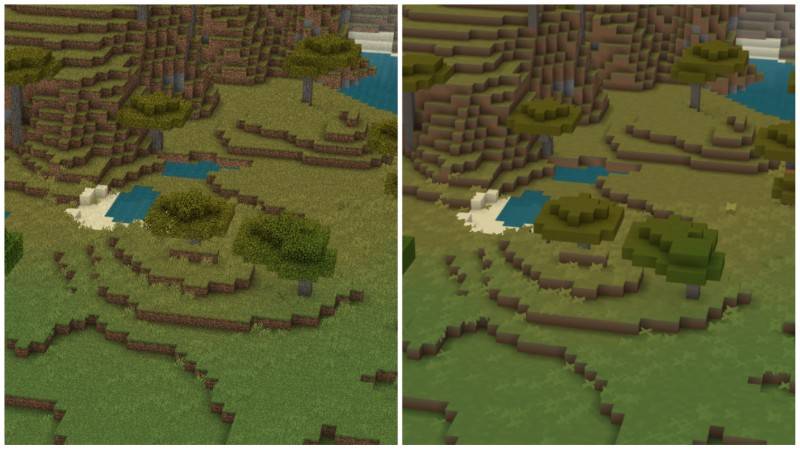
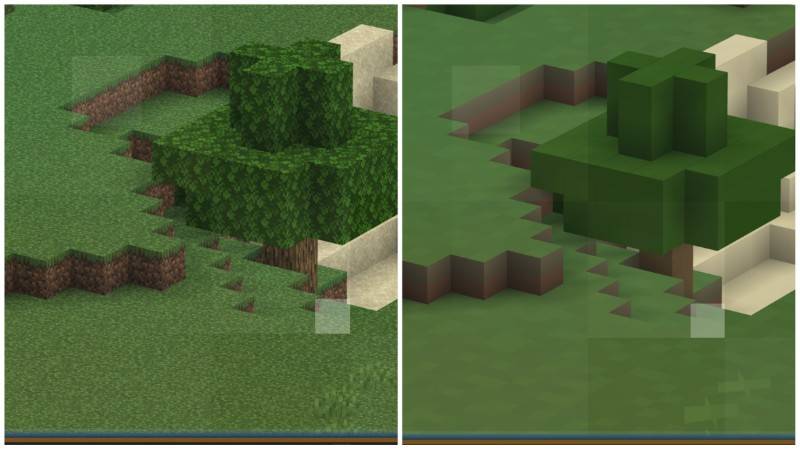
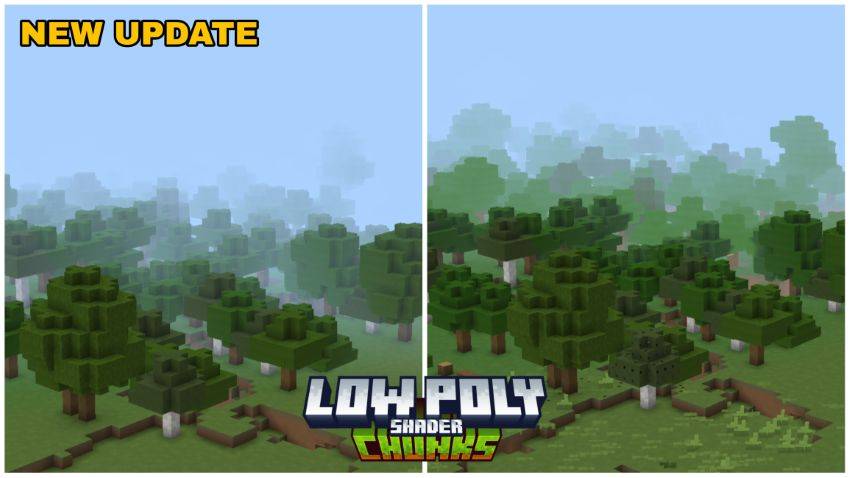
AZIFY Low Poly Chunks Shader A stylish low-poly makeover — AZIFY reshapes your terrain into a crisp, minimalist art style! Features: Unique low-poly aesthetic across your chunks Clean, stylized lighting and flat-shaded charm Extremely light on performance A fresh artistic look you won't see in other shaders Why You'll Love It: 1 Your world turns into playable low-poly art 2 Boosts FPS instead of draining it 3 Stands out from every realistic shader out there How to Get Started: 1 Download the AZIFY Low Poly Chunks Shader. 2 Install it in Minecraft PE. 3 Open your world and enjoy the new experience. Less polygons, more personality!
Open this resource in CraftyBox