
CRAFTYBOX
Preparing your block world
正在准备你的方块世界
First visit setup
首次访问设置
CRAFTYBOX
Preparing your block world
正在准备你的方块世界
First visit setup
首次访问设置
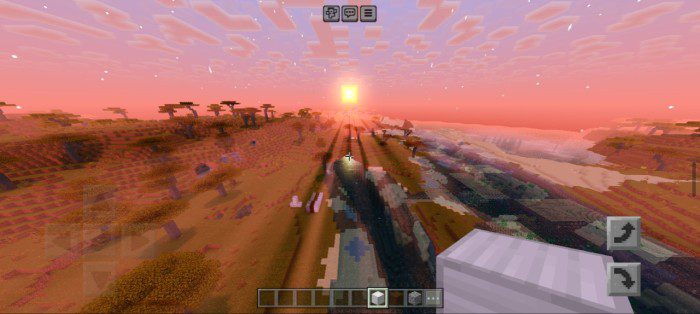
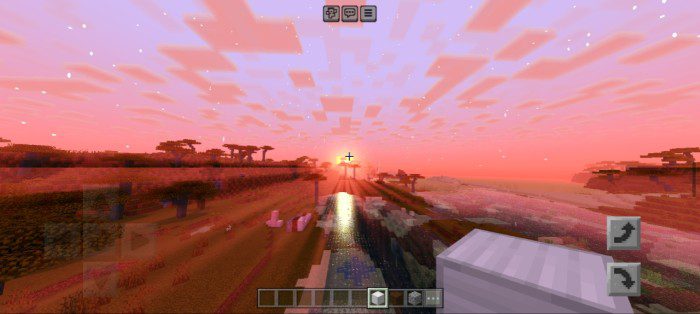
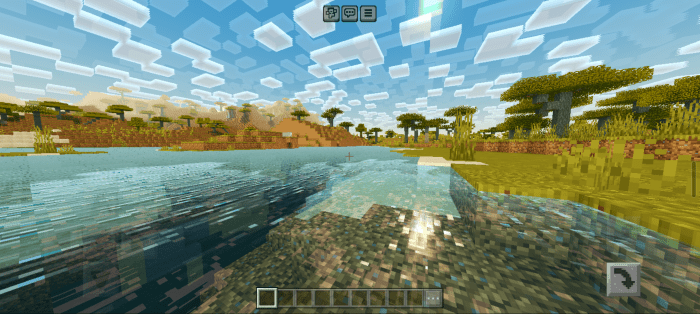
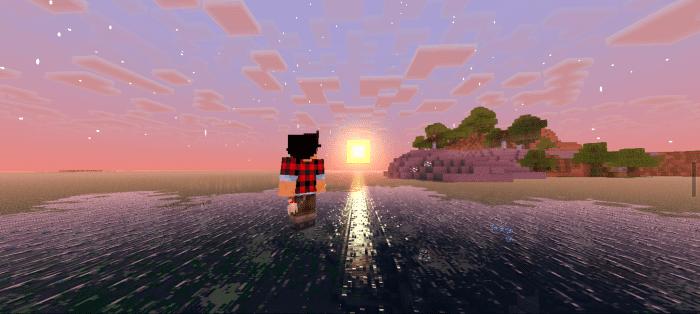
AziFy Revive Shader RTX-style brilliance in your pocket — AziFy Revive brings ray-traced-looking visuals to mobile devices on Bedrock! Features: RTX-inspired lighting designed for mobile hardware Glowing sunlight, bloom, and rich shadows Reflective water that mimics true ray tracing Smooth performance on Bedrock 1.26+ Why You'll Love It: 1 Get the RTX look without RTX hardware 2 Tuned specifically so phones stay playable 3 Your mobile screenshots will rival PC shaders How to Get Started: 1 Download the AziFy Revive Shader. 2 Install it in Minecraft PE. 3 Open your world and enjoy the new experience. Revive your world with RTX vibes — right from y
Read the full details and screenshots
Open this resource in CraftyBox