
CRAFTYBOX
Preparing your block world
正在准备你的方块世界
First visit setup
首次访问设置
CRAFTYBOX
Preparing your block world
正在准备你的方块世界
First visit setup
首次访问设置
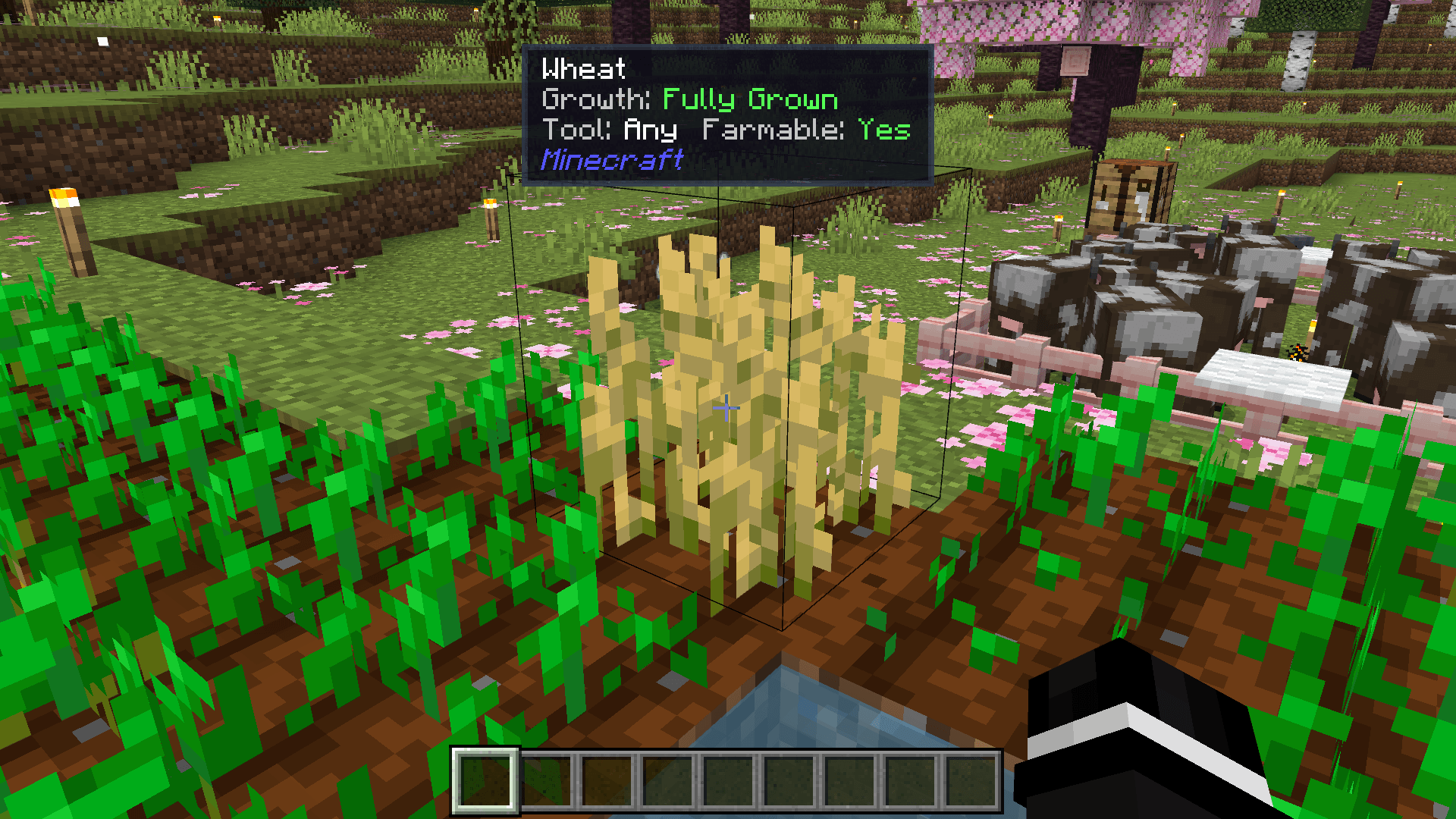
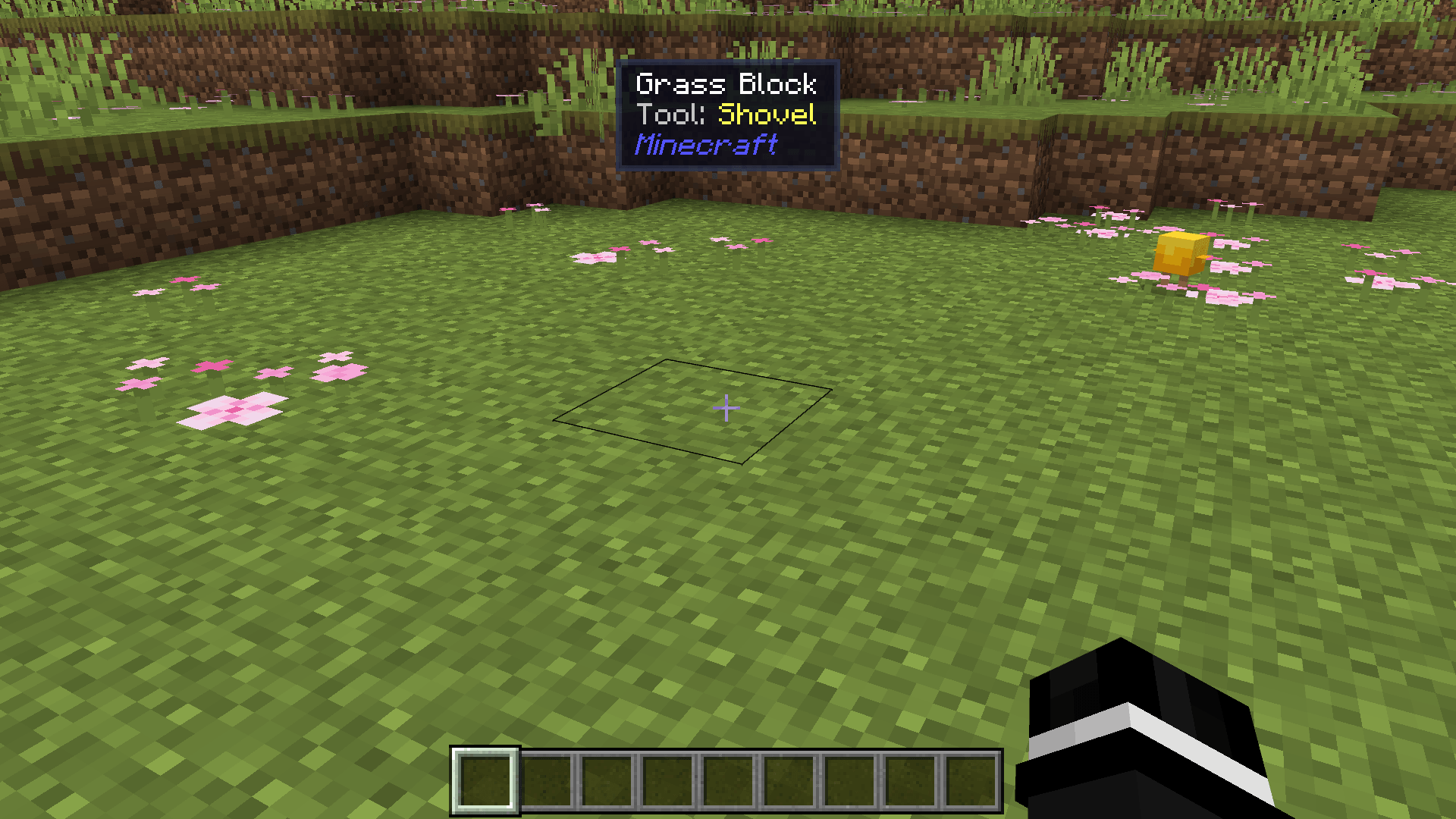
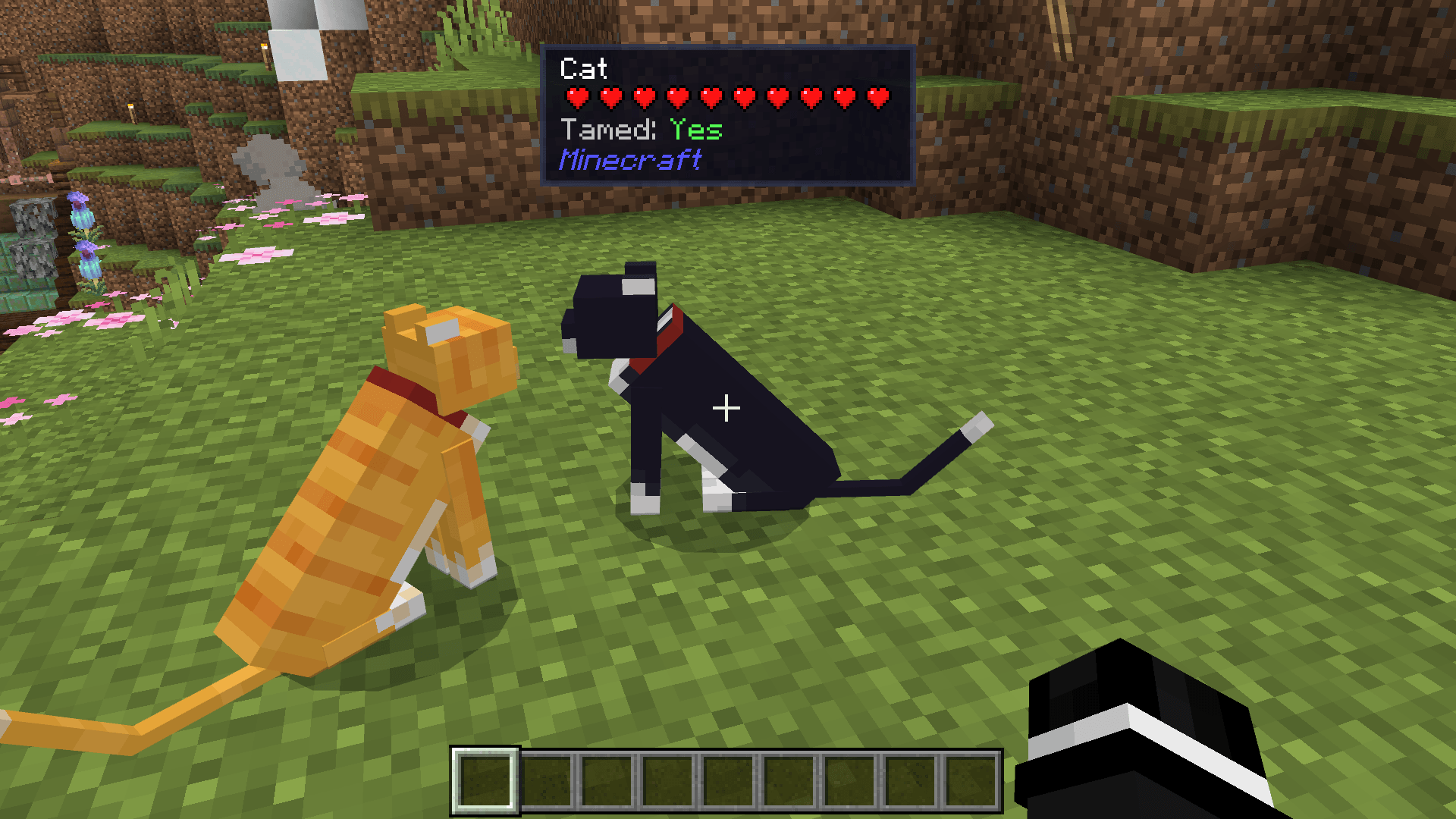
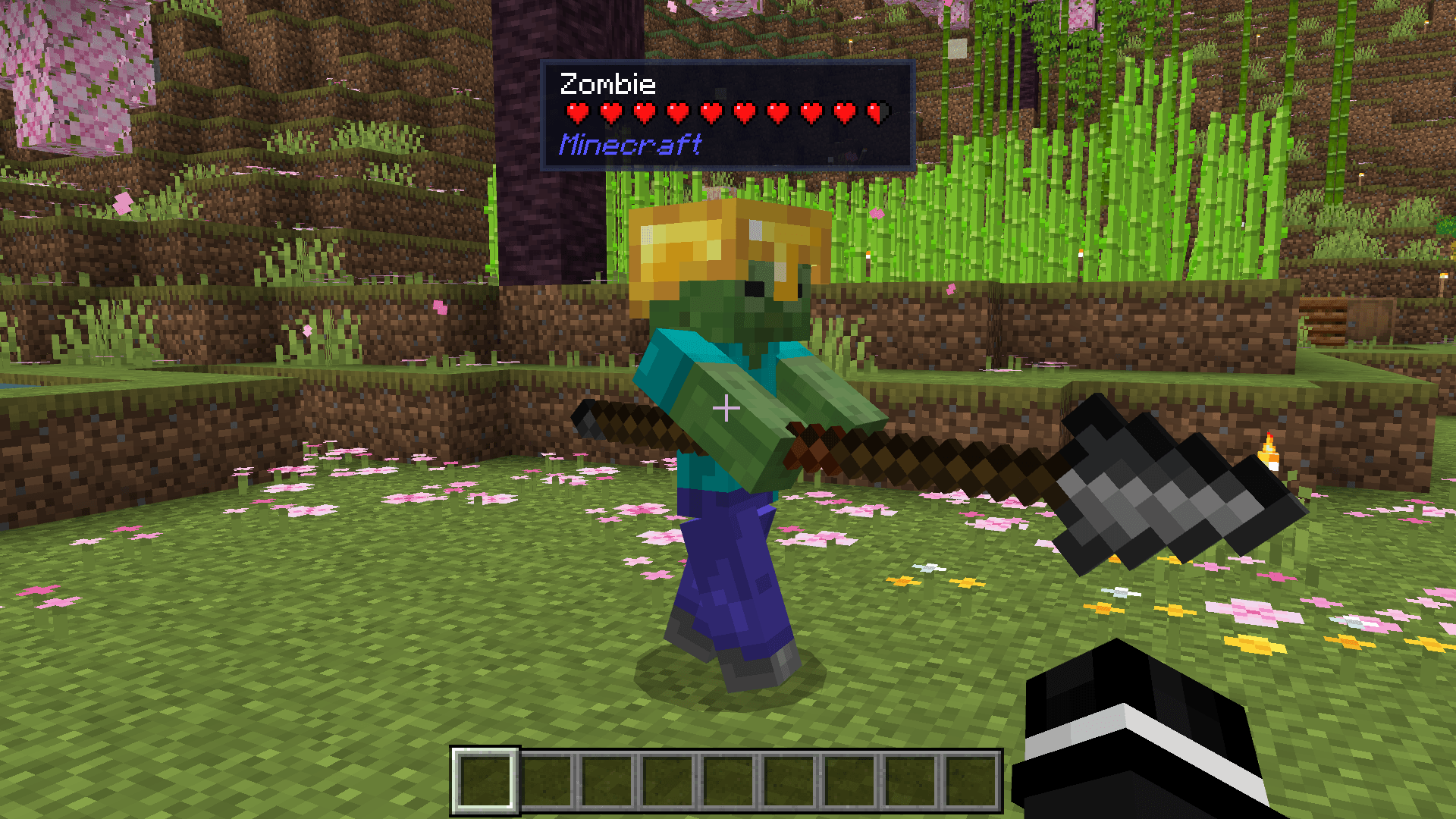
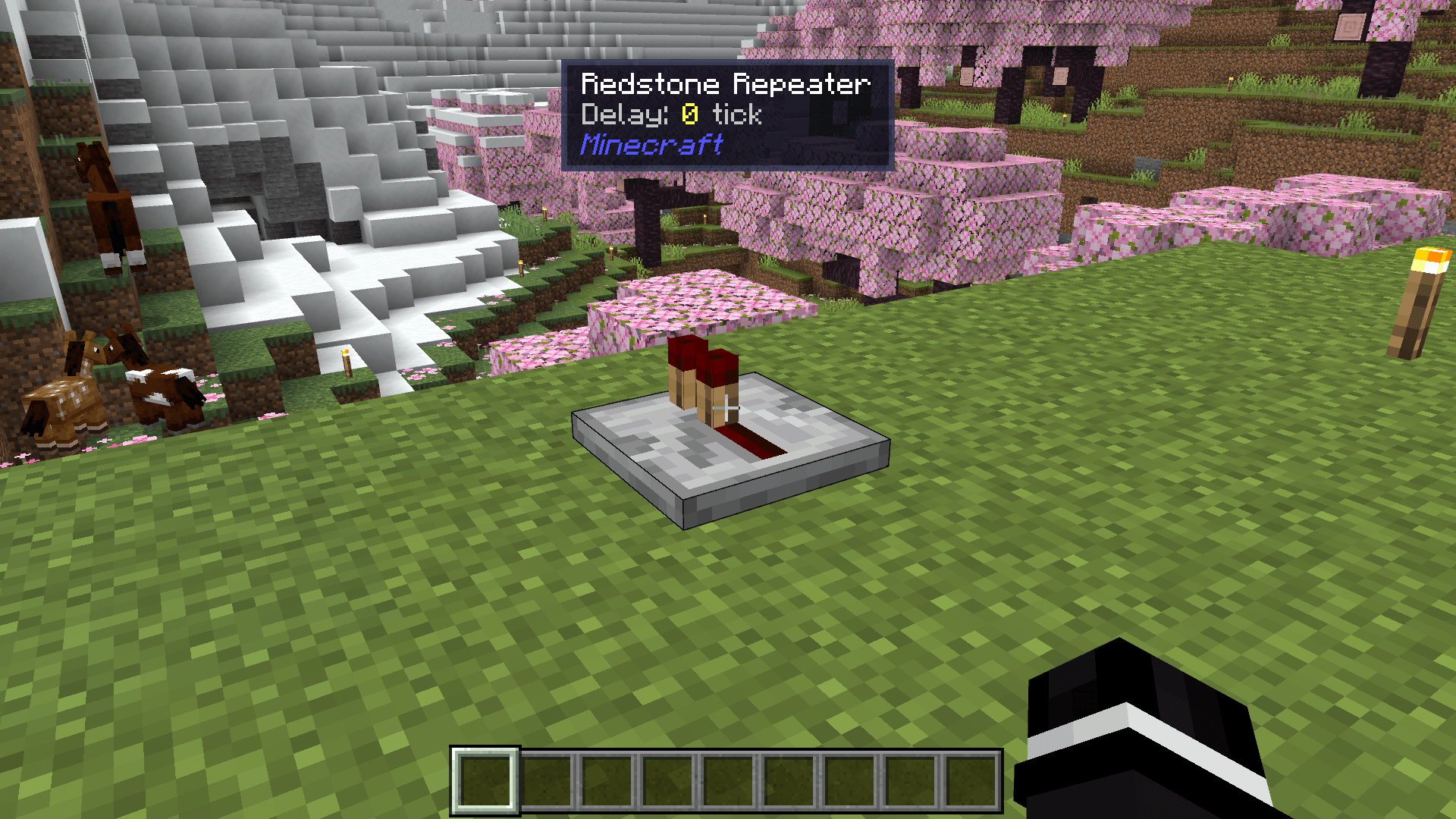
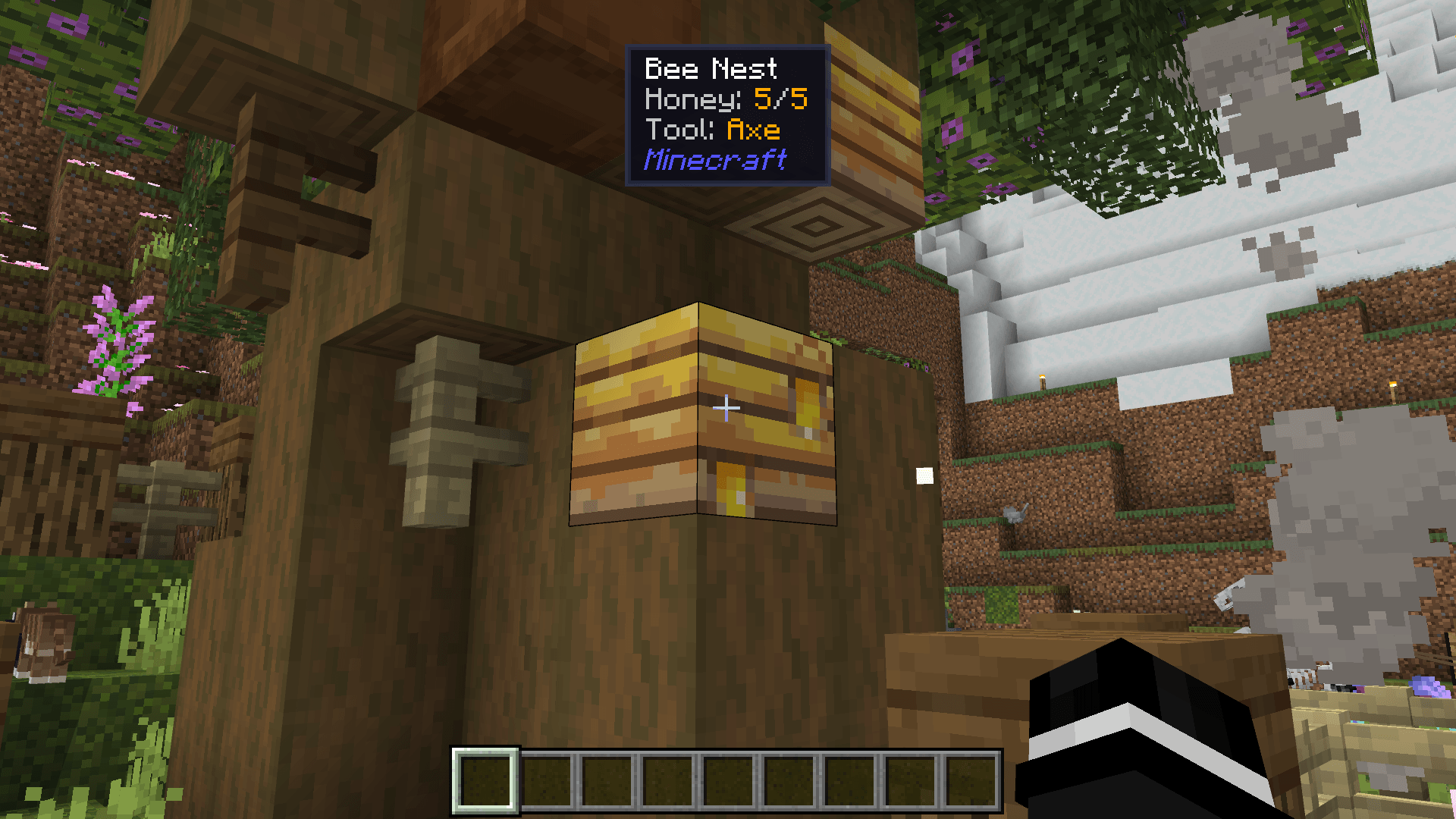
Block Entity Details Addon Get instant info on everything you look at with handy tooltips for both blocks and mobs. Features: On-screen tooltips displaying block and mob details Quick identification of what you're aiming at Useful stats and names shown in real time Cleaner way to inspect your surroundings Why You'll Love It: 1 Learn what blocks and mobs are at a glance 2 Great for new players and detailed builders alike 3 Adds a helpful information layer to the UI How to Get Started: 1 Download the Block Entity Details Addon. 2 Install it in Minecraft PE. 3 Open your world and enjoy the new experience. Know exactly what you're looking at, every ti
Read the full details and screenshots
Open this resource in CraftyBox