
CRAFTYBOX
Preparing your block world
正在准备你的方块世界
First visit setup
首次访问设置
CRAFTYBOX
Preparing your block world
正在准备你的方块世界
First visit setup
首次访问设置
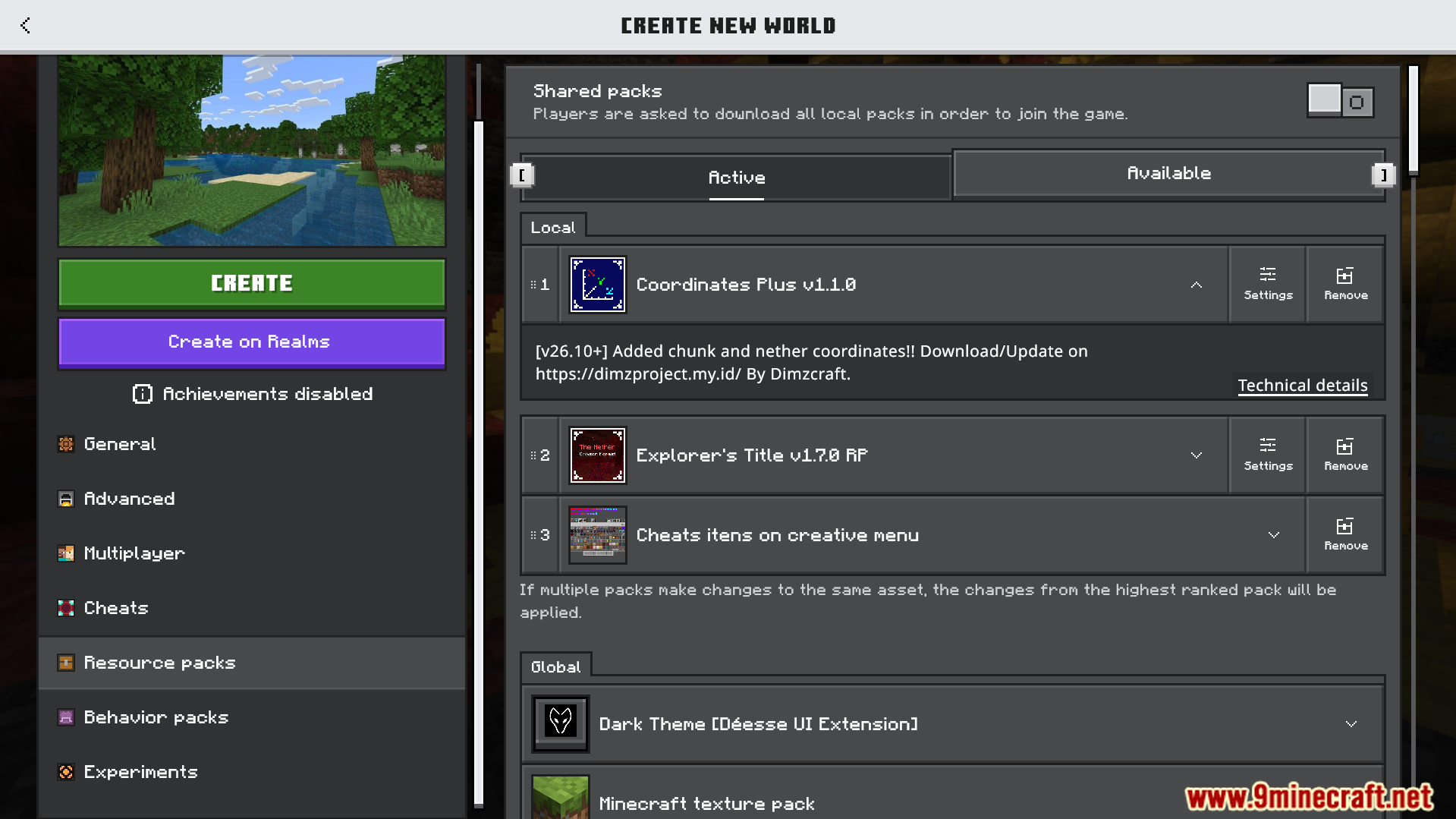
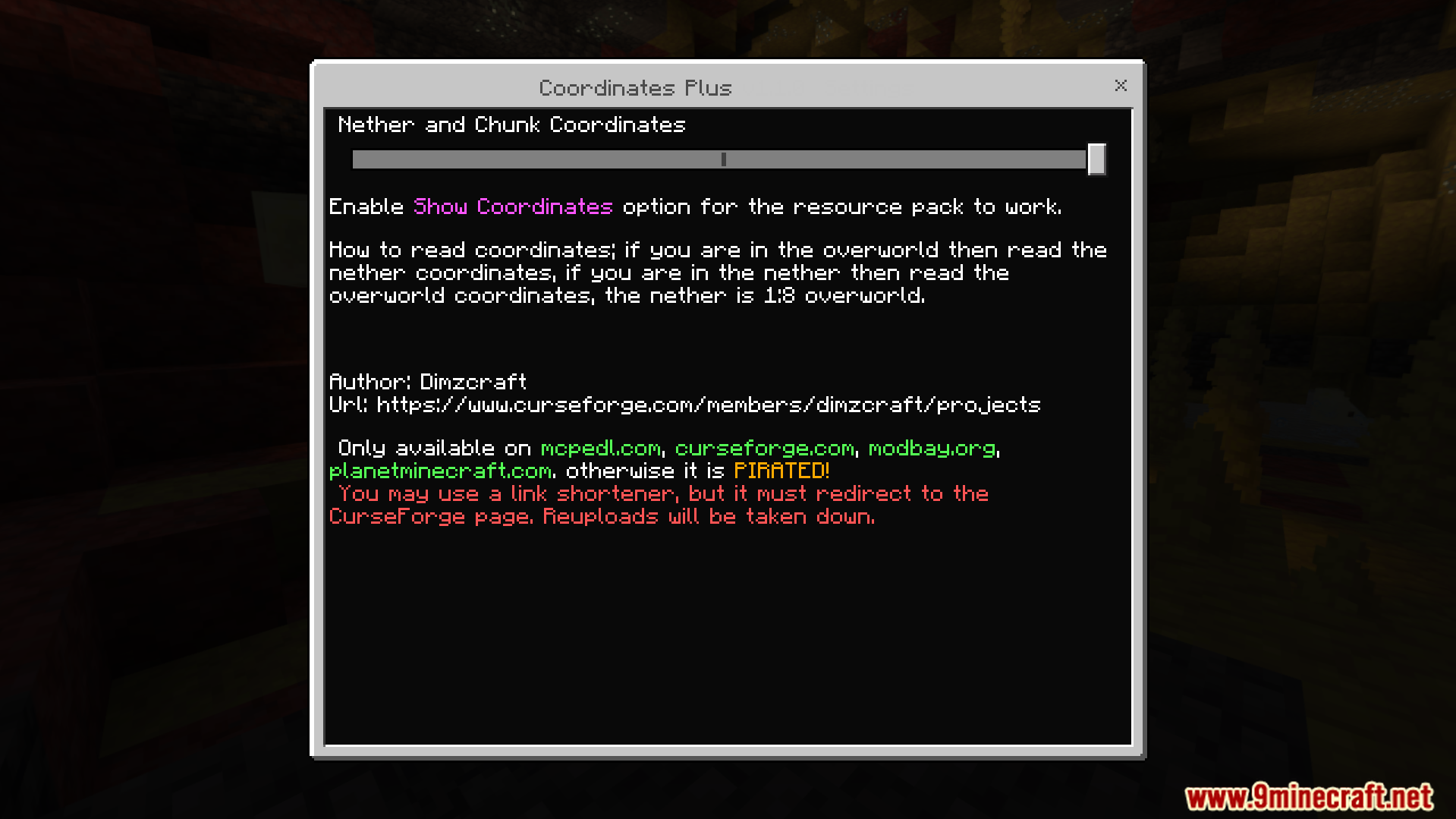
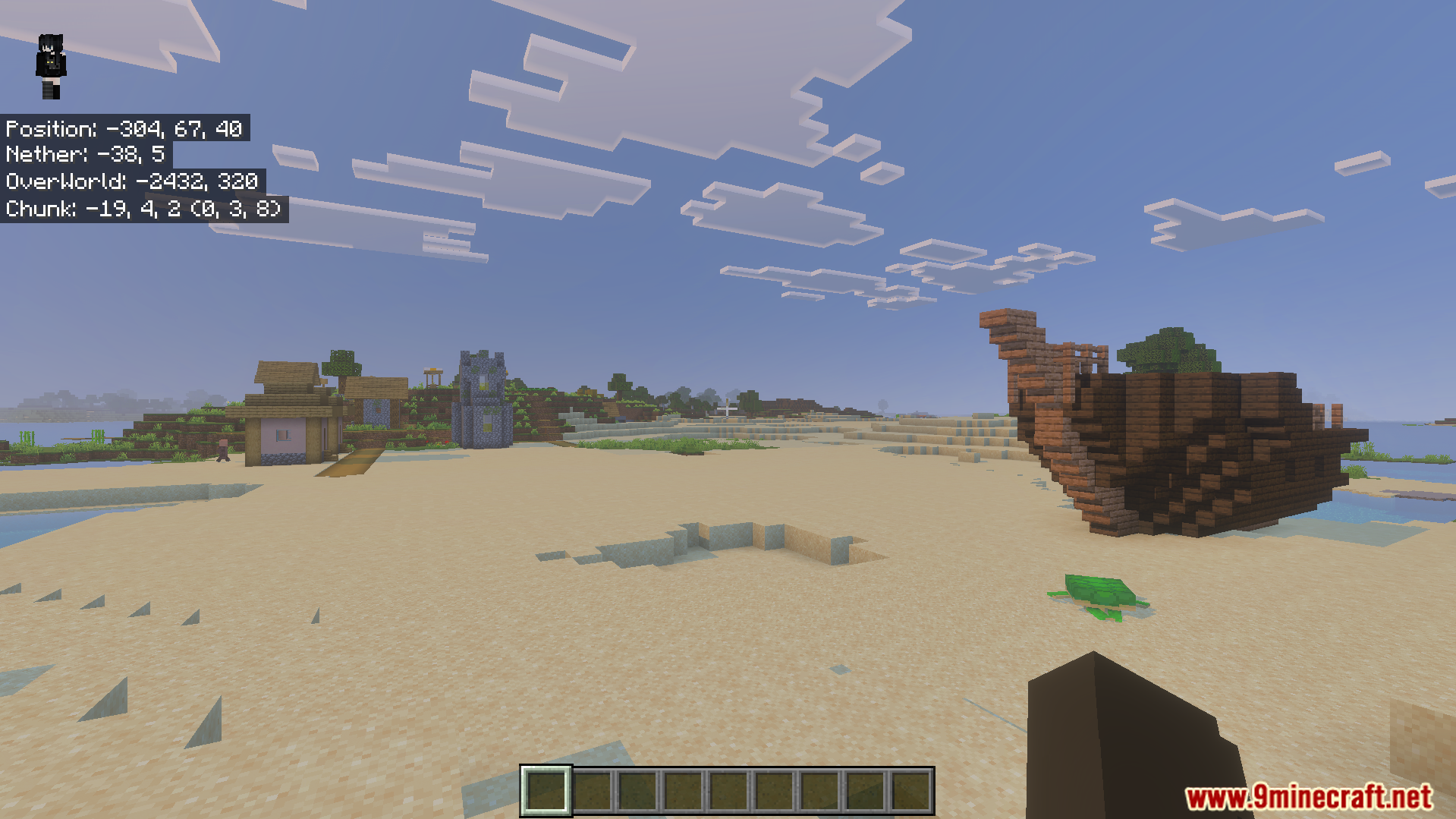
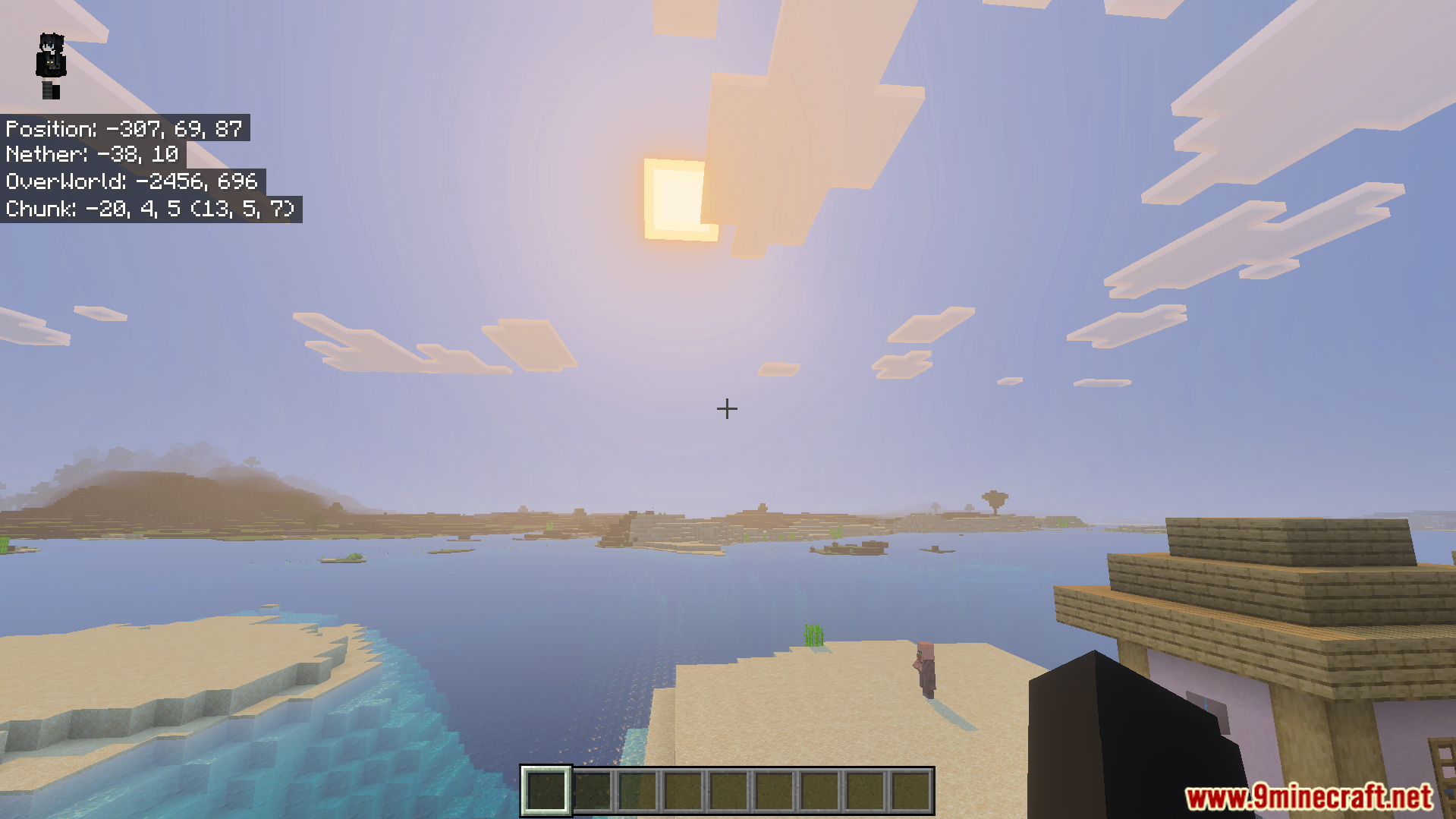
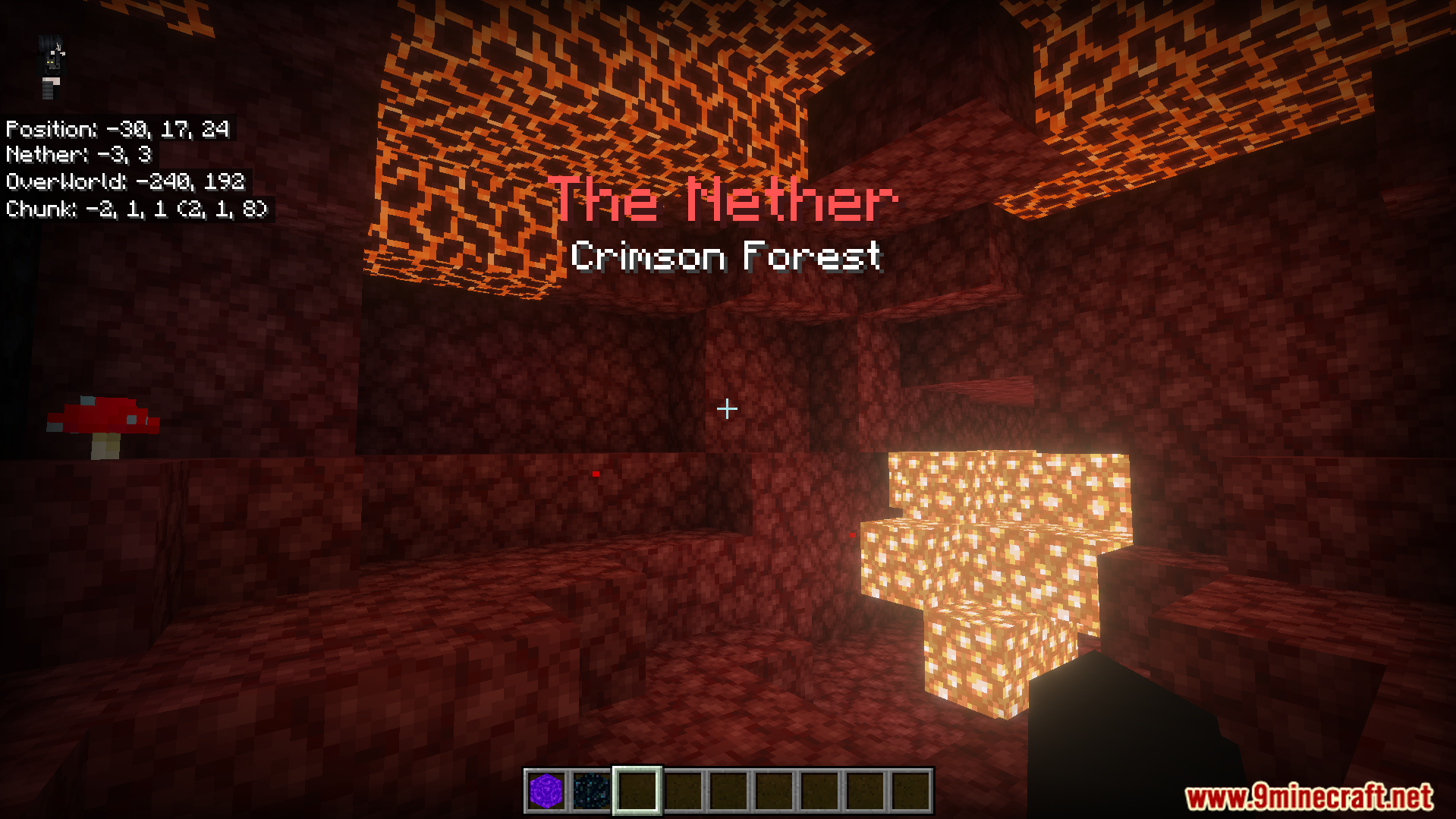
Coordinates Plus Texture Pack Never get lost again — track your position, chunk borders and even matching Nether coordinates right on your screen. Features: Live coordinate display in a clean overlay Automatic Nether coordinate conversion shown on screen Chunk position info for farms and technical builds Minimal HUD design that never blocks your view Why You'll Love It: 1 Nether portal linking becomes trivially easy 2 Essential for slime farms and chunk-based builds 3 Find your way home from any adventure How to Get Started: 1 Download the Coordinates Plus Texture Pack. 2 Install it in Minecraft PE. 3 Open your world and enjoy the new experience.
Open this resource in CraftyBox