
CRAFTYBOX
Preparing your block world
正在准备你的方块世界
First visit setup
首次访问设置
CRAFTYBOX
Preparing your block world
正在准备你的方块世界
First visit setup
首次访问设置
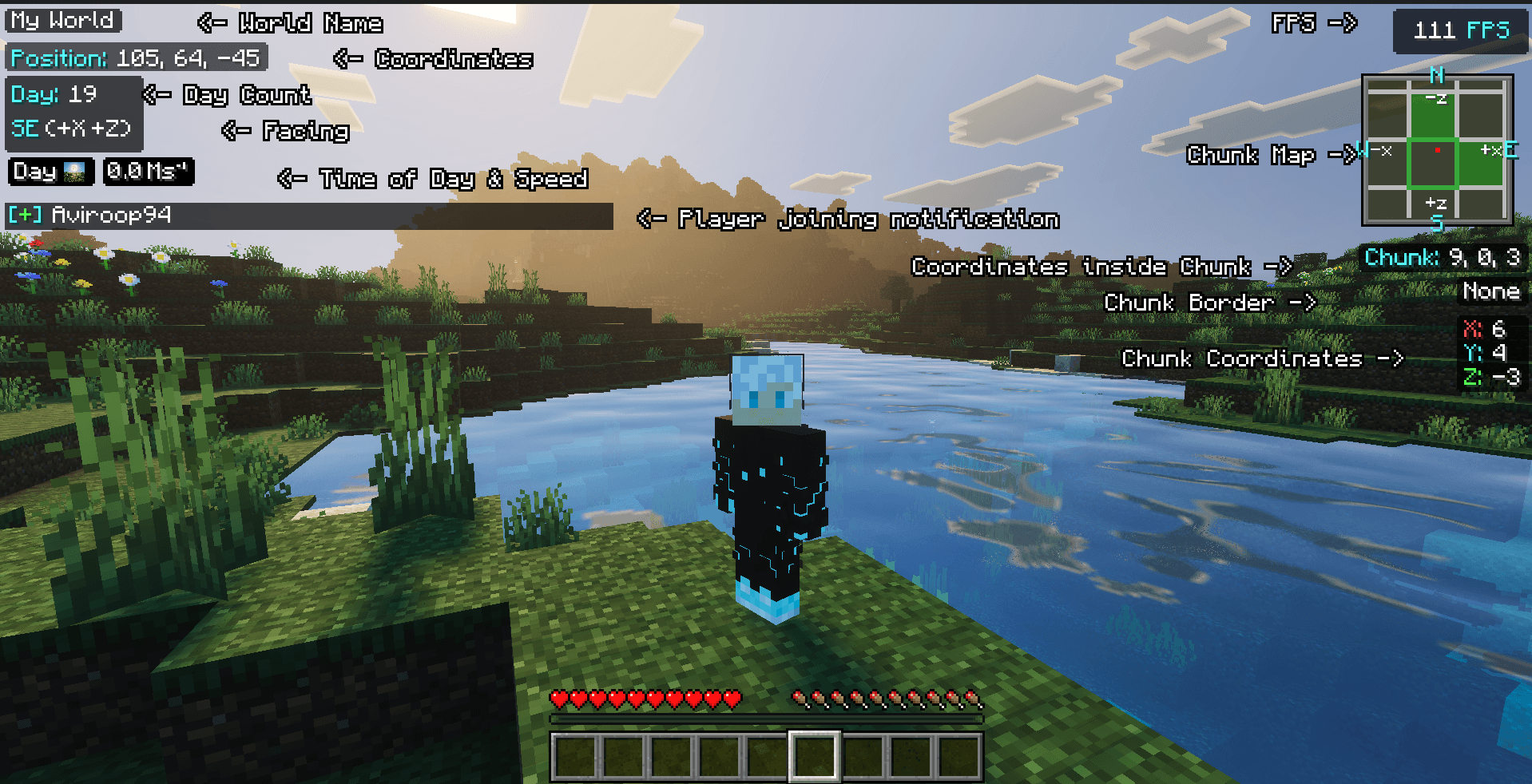
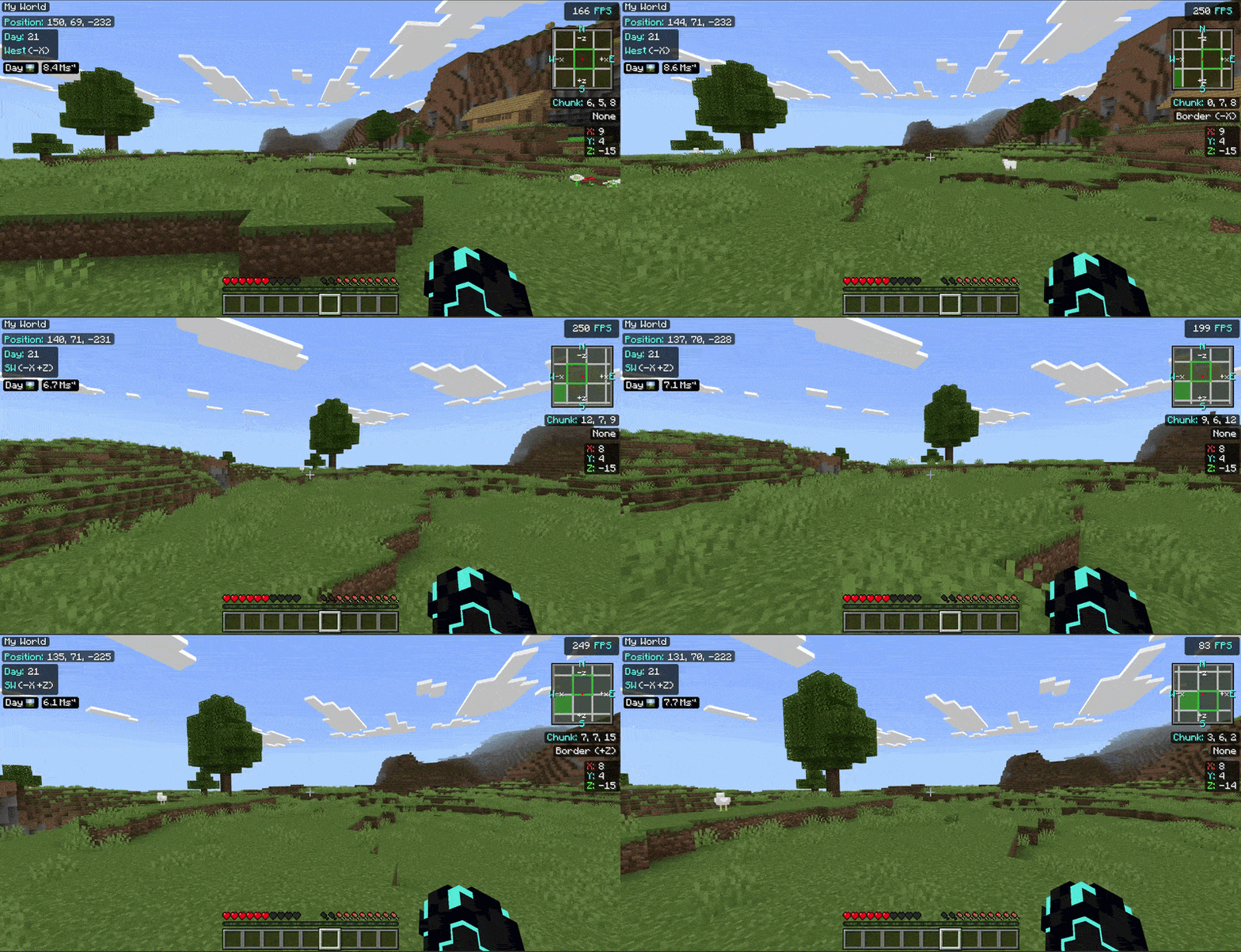
Debug Screen Pro Bring the classic Java Edition F3 debug overlay directly to Minecraft Bedrock Edition with tailored UI options! Features: Java-style F3 info display for coordinates and facing direction Custom high-definition icons for in-game time of day Optimized lightweight performance using pure JSON UI Achievement-friendly with no cheats or experimental toggles required Why You'll Love It: 1 Always know your exact position and orientation. 2 Choose between Classic and Pocket UI profile layouts. 3 Keep your survival achievements enabled while tracking stats. How to Get Started: 1 Download the Debug Screen Pro. 2 Install it in Minecraft PE. 3 Open



Read the full details and screenshots
Open this resource in CraftyBox