
CRAFTYBOX
Preparing your block world
正在准备你的方块世界
First visit setup
首次访问设置
CRAFTYBOX
Preparing your block world
正在准备你的方块世界
First visit setup
首次访问设置
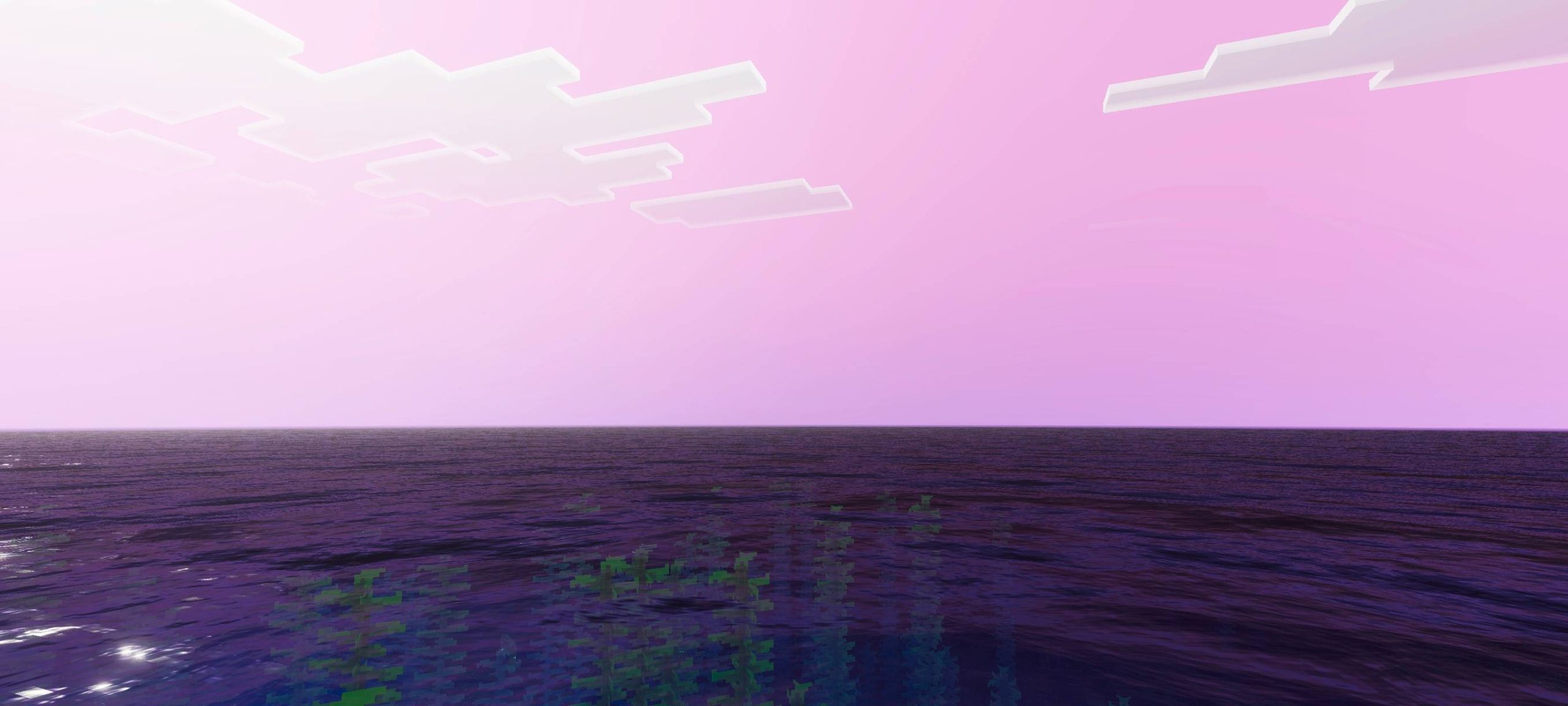
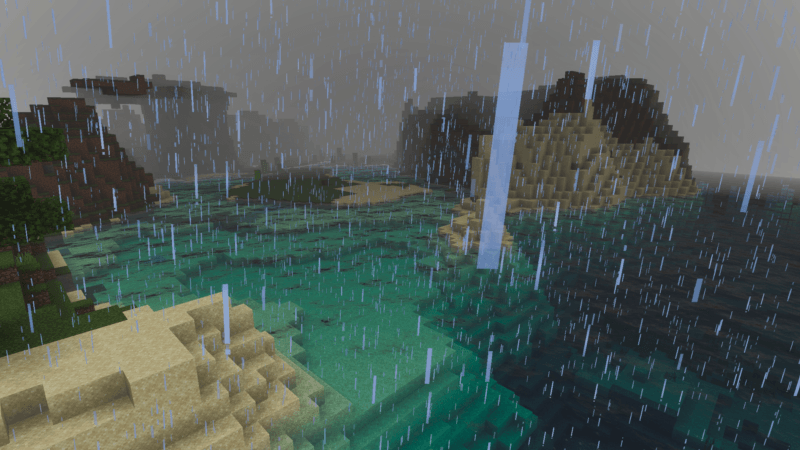
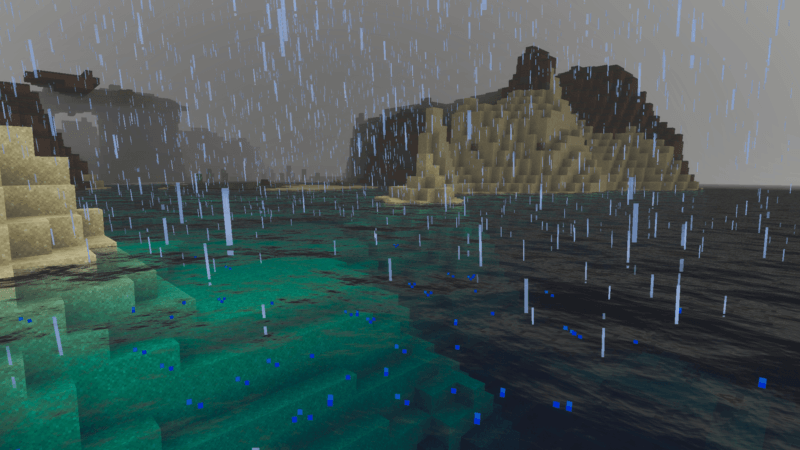
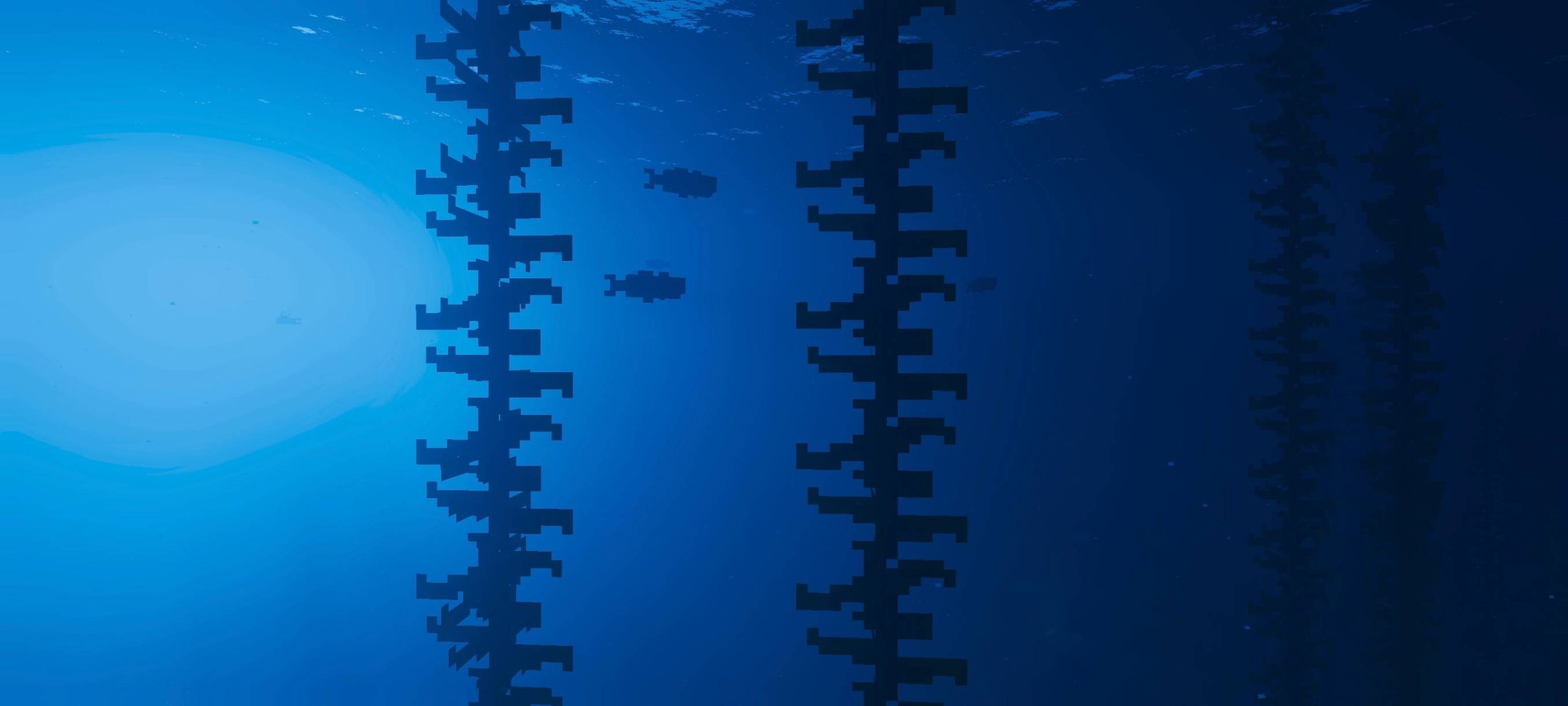
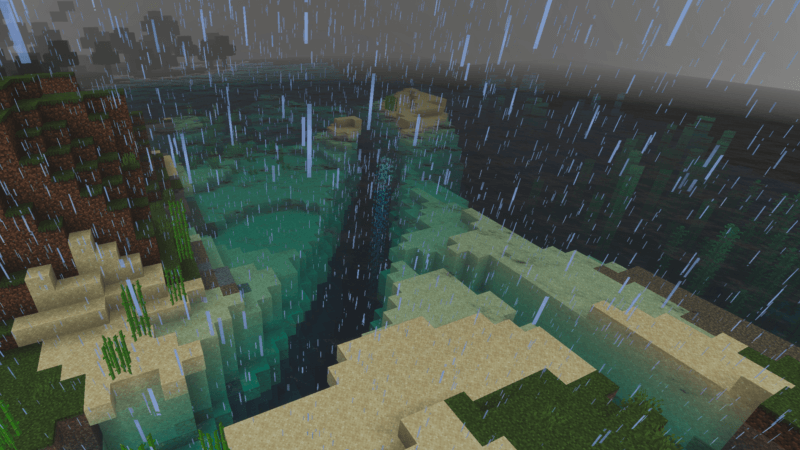
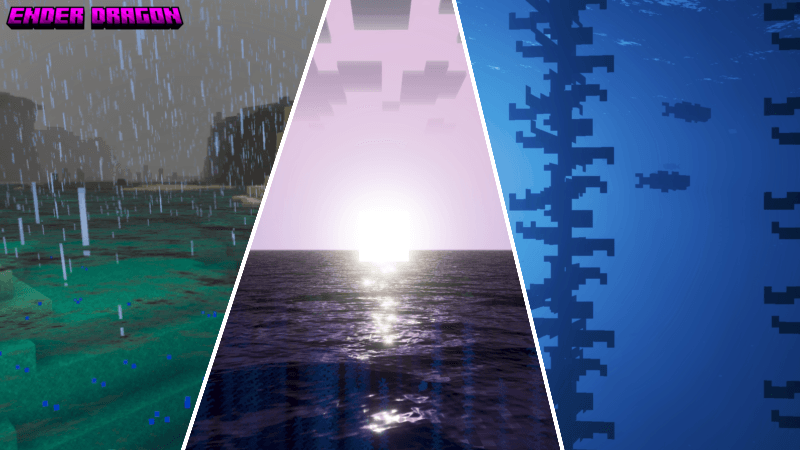
Ender Dragon Shader Channel the power of the End with the Ender Dragon Shader, wrapping your world in mysterious, dragon-worthy visuals. Features: Moody, End-inspired lighting and color grading Deep purple-tinted skies and atmospheric nights Enhanced shadows that give every scene epic weight Optimized for modern Bedrock versions Why You'll Love It: 1 A dark-fantasy atmosphere unlike typical bright shaders 2 Makes End raids and night adventures feel legendary 3 Distinctive style for standout screenshots How to Get Started: 1 Download the Ender Dragon Shader. 2 Install it in Minecraft PE. 3 Open your world and enjoy the new experience. Face the dra
Read the full details and screenshots
Open this resource in CraftyBox