
CRAFTYBOX
Preparing your block world
正在准备你的方块世界
First visit setup
首次访问设置
CRAFTYBOX
Preparing your block world
正在准备你的方块世界
First visit setup
首次访问设置
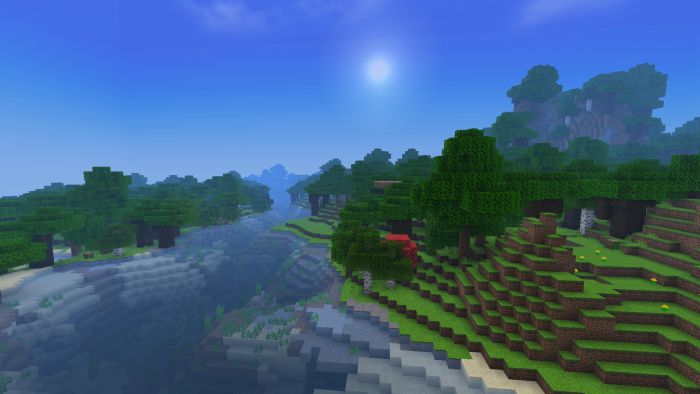
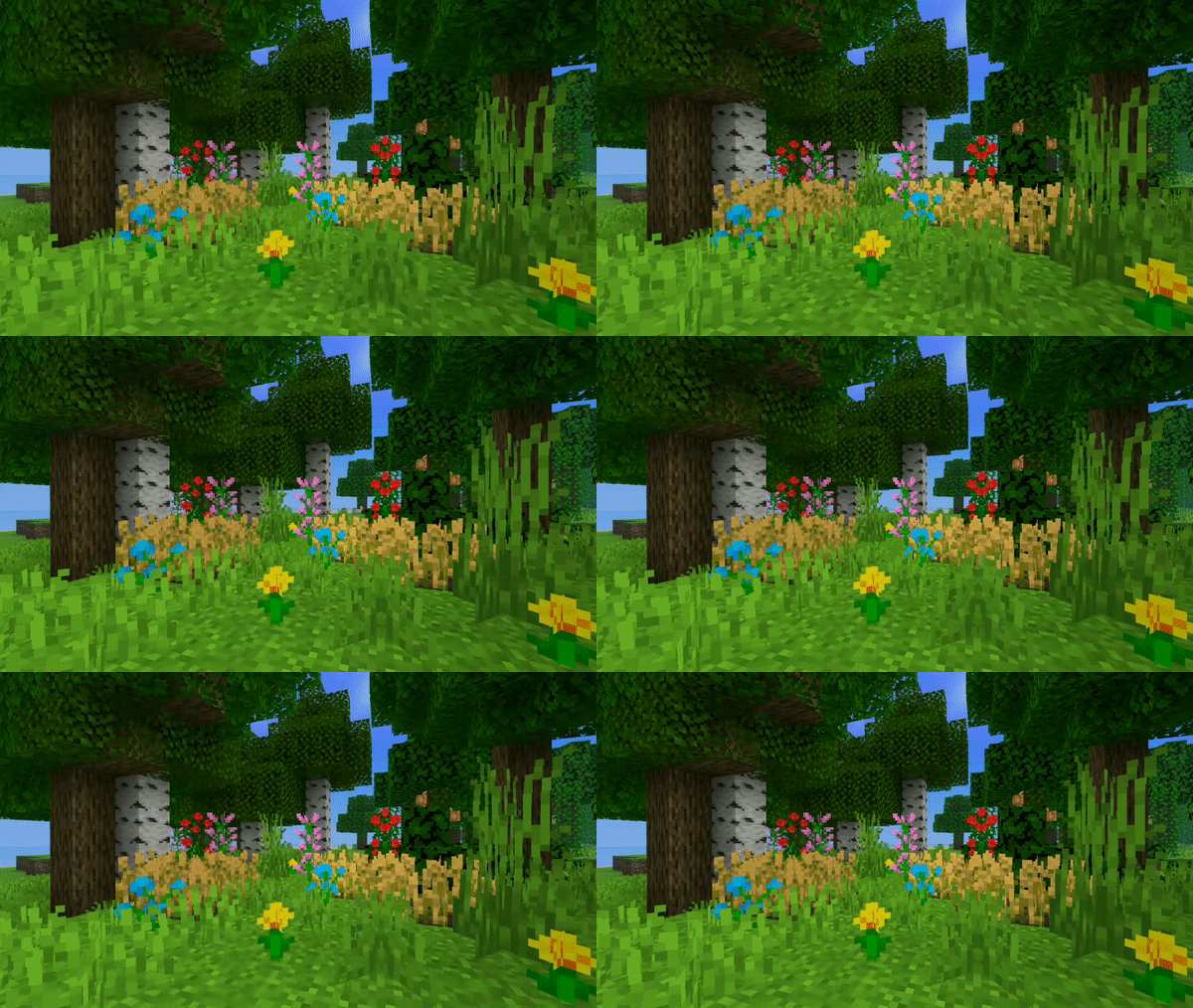
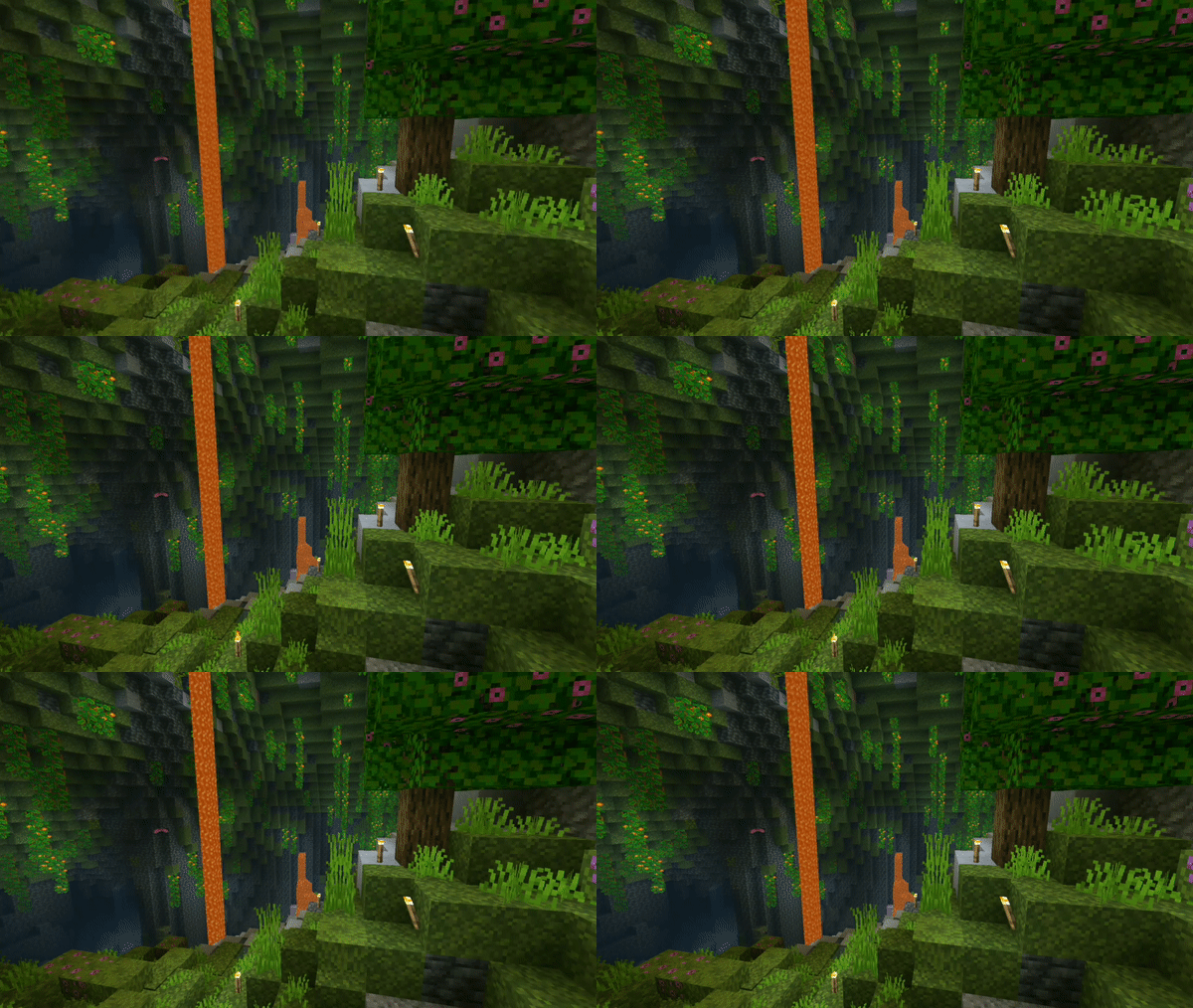
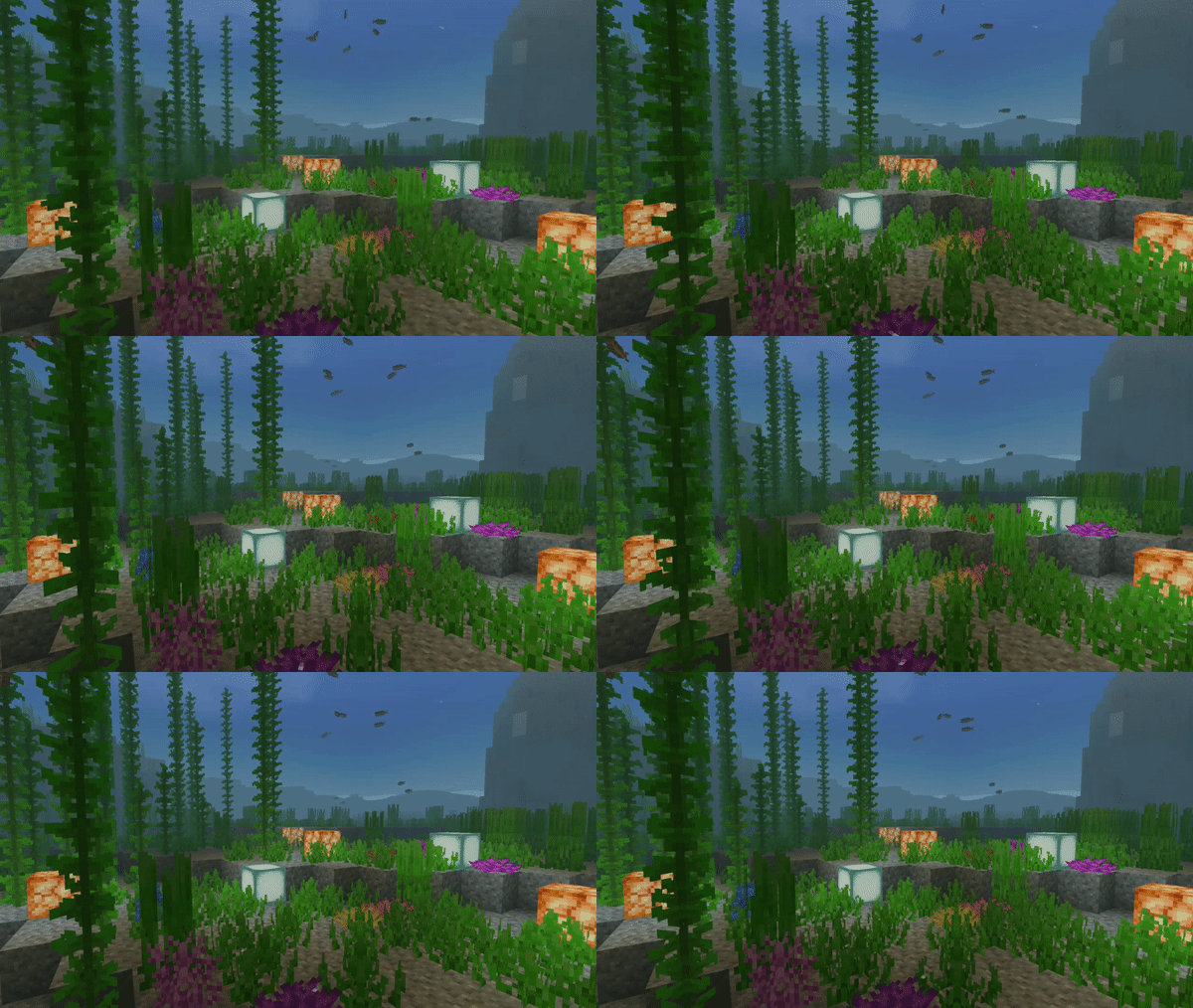
Fancy Shader Big visuals, tiny footprint — Fancy Shader brings RenderDragon-compatible beauty to low-end devices without the lag. Features: Enhanced lighting and colors tuned for weak hardware Full RenderDragon support for modern Bedrock versions Optimized code that keeps FPS high on budget phones Improved skies, water and shadows with minimal cost Why You'll Love It: 1 Finally, a real shader experience on low-end devices 2 No stutters, no overheating, just prettier Minecraft 3 Quick install with instant visual rewards How to Get Started: 1 Download the Fancy Shader. 2 Install it in Minecraft PE. 3 Open your world and enjoy the new experience. Fa
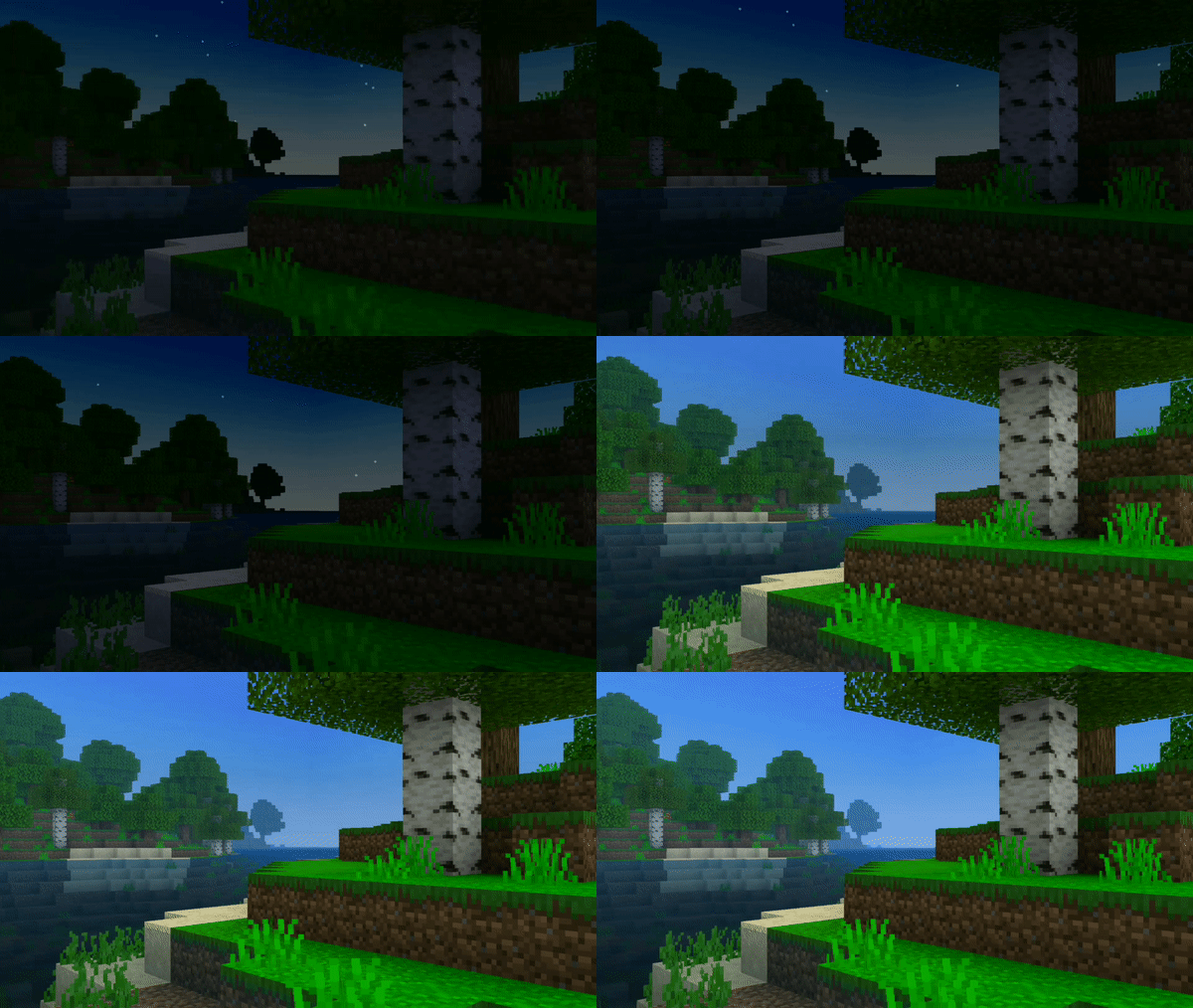

Read the full details and screenshots
Open this resource in CraftyBox