
CRAFTYBOX
Preparing your block world
正在准备你的方块世界
First visit setup
首次访问设置
CRAFTYBOX
Preparing your block world
正在准备你的方块世界
First visit setup
首次访问设置
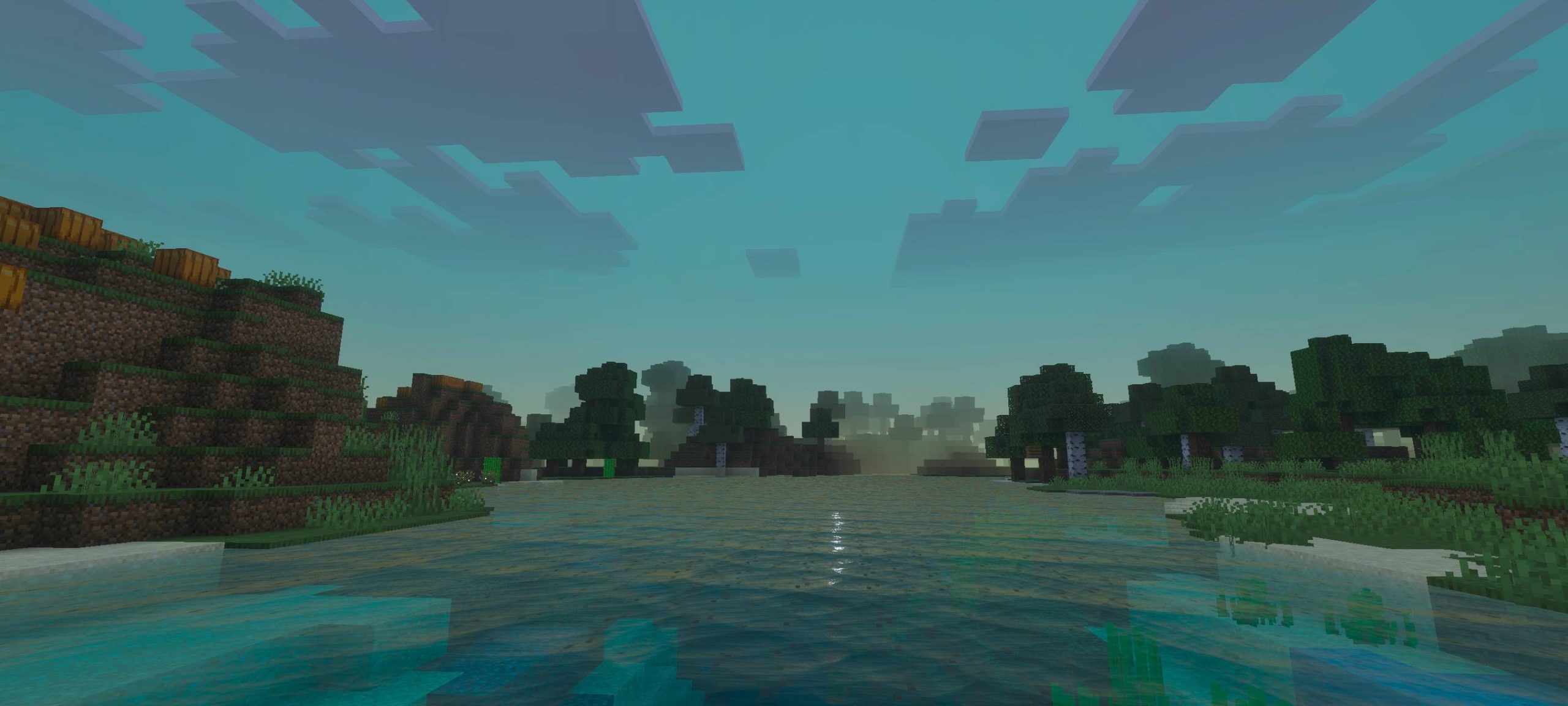
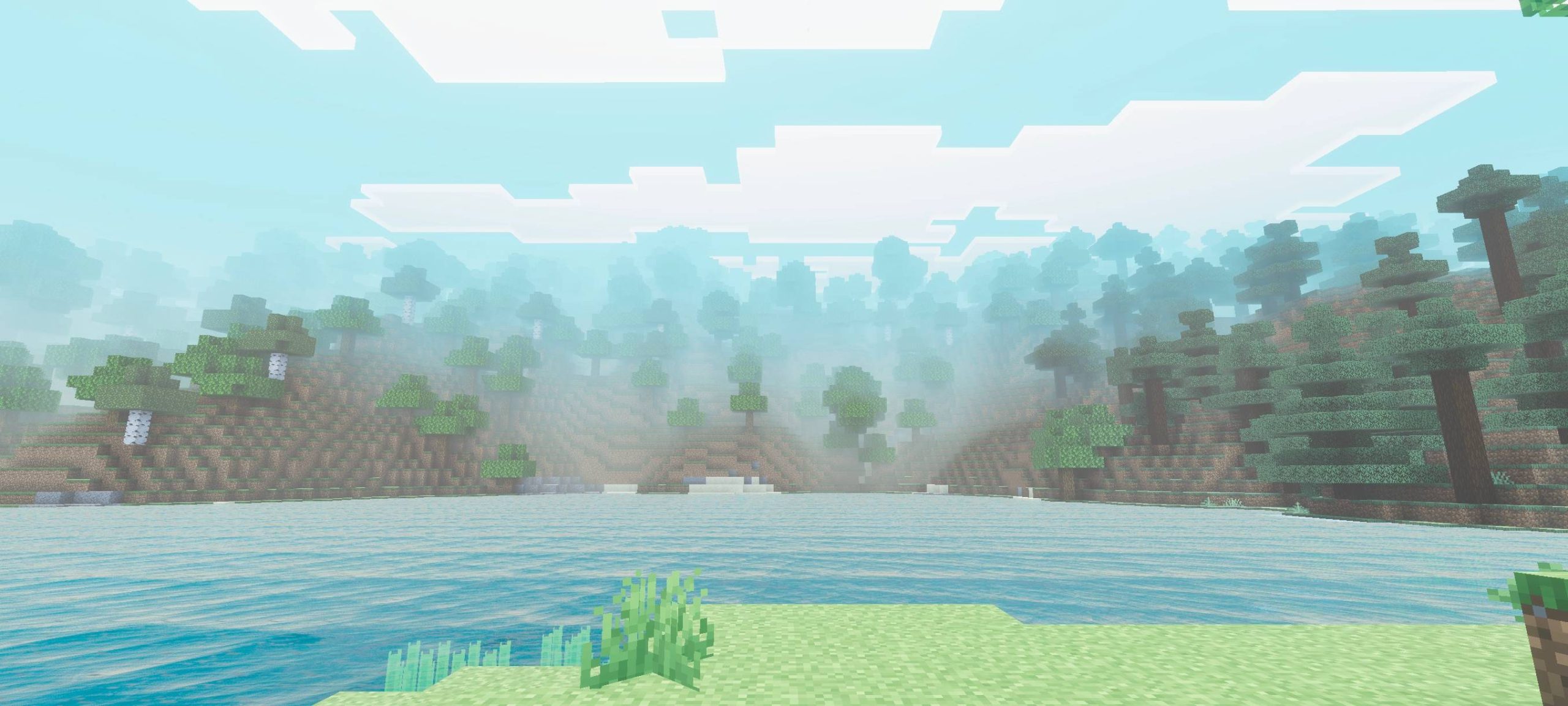
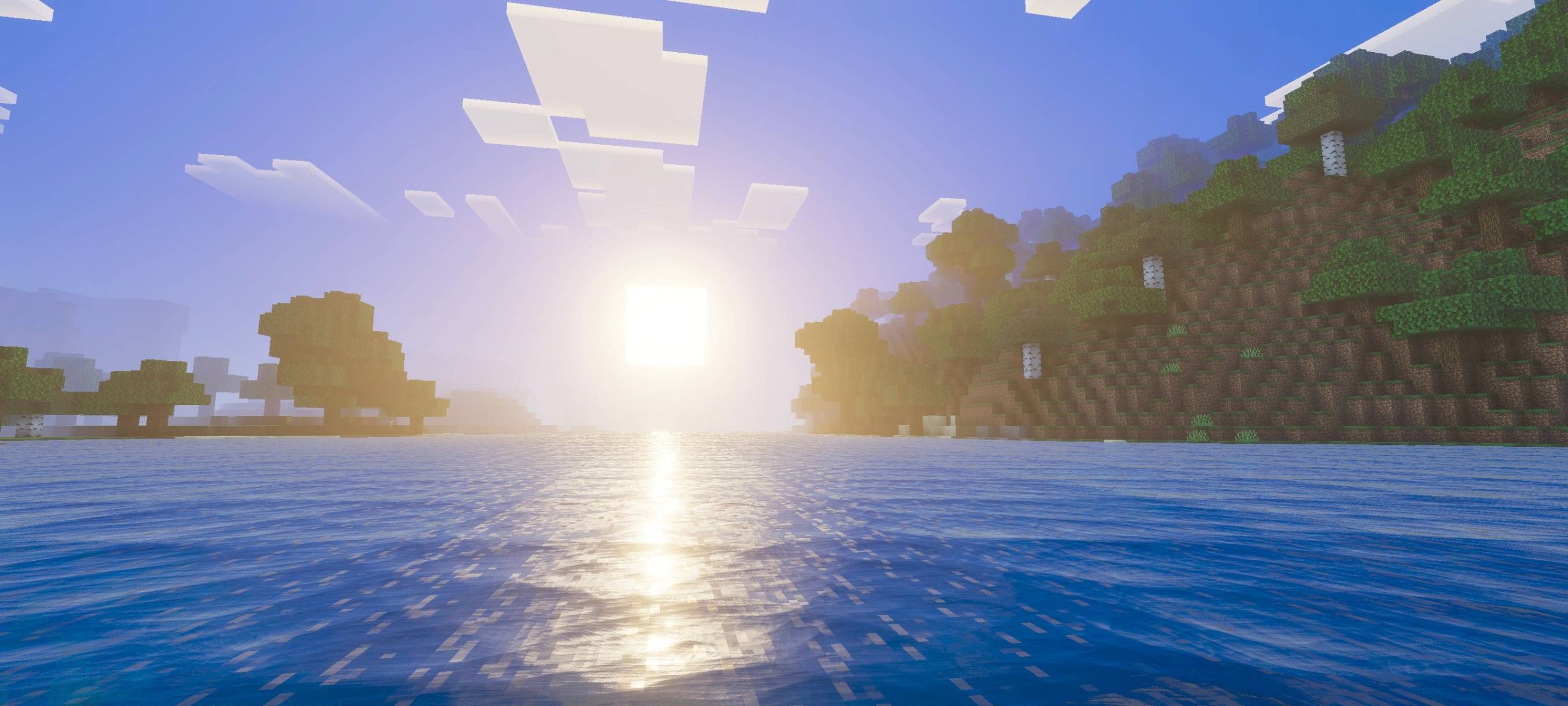
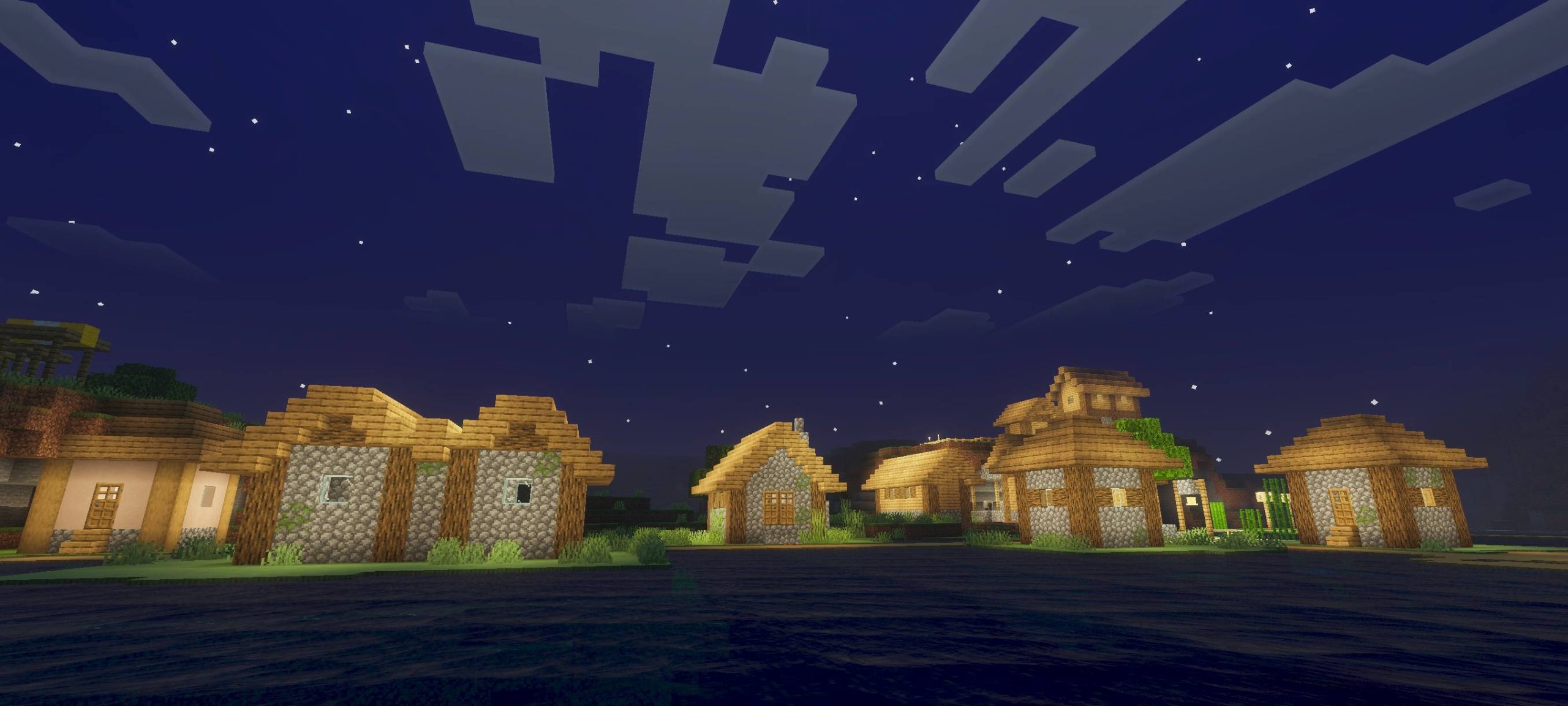
Fiena Visual Shade Shader Wrap your world in the smooth, stylized shading of Fiena Visual Shade for MCPE/Bedrock 1.26+. Features: Clean visual shading that deepens every scene Balanced contrast between light and shadow Subtle stylized color grading Made for MCPE/Bedrock 1.26+ RenderDragon Why You'll Love It: 1 A polished visual upgrade with zero fuss 2 Flattering shading for builds and screenshots 3 Smooth on modern Bedrock devices How to Get Started: 1 Download the Fiena Visual Shade Shader. 2 Install it in Minecraft PE. 3 Open your world and enjoy the new experience. A stylish shade over every corner of your world.
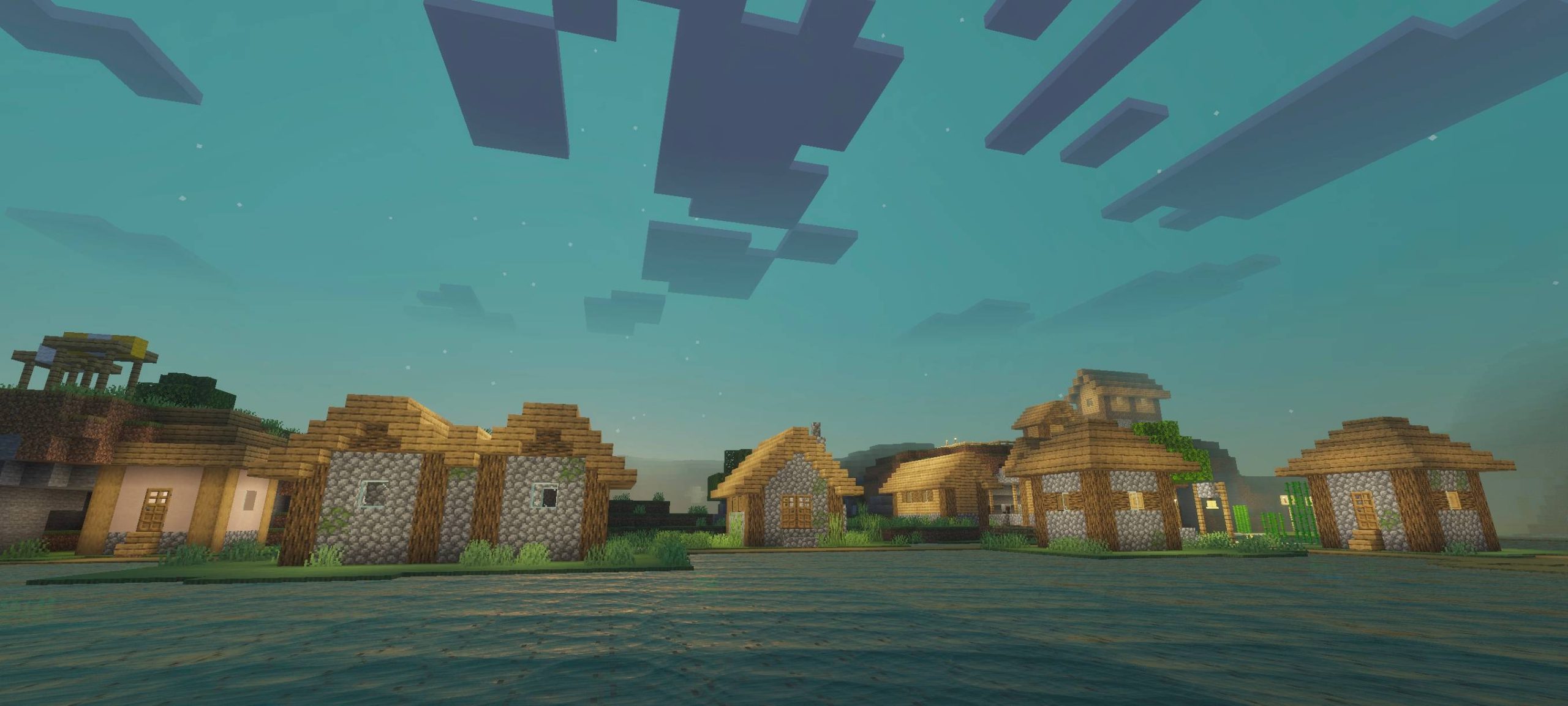
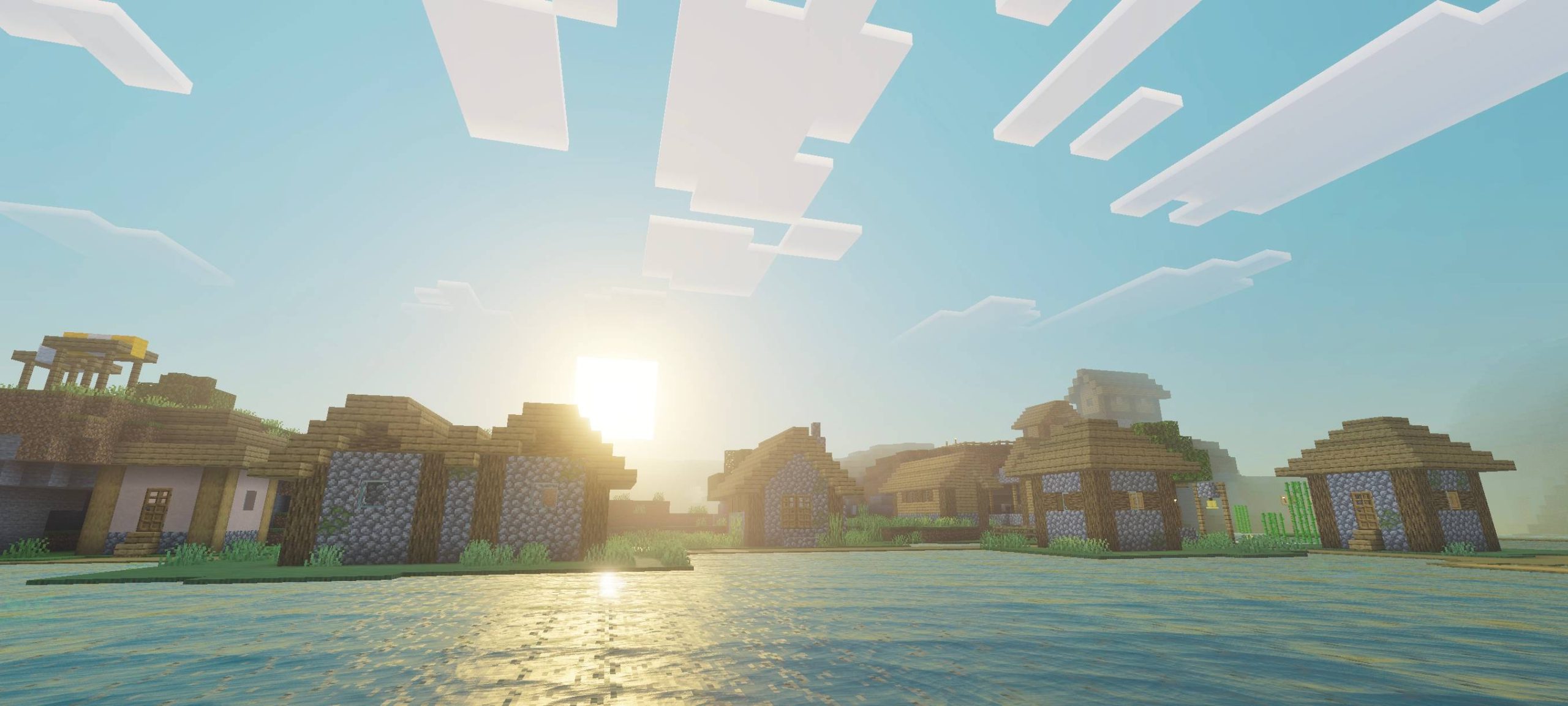
Read the full details and screenshots
Open this resource in CraftyBox