
CRAFTYBOX
Preparing your block world
正在准备你的方块世界
First visit setup
首次访问设置
CRAFTYBOX
Preparing your block world
正在准备你的方块世界
First visit setup
首次访问设置
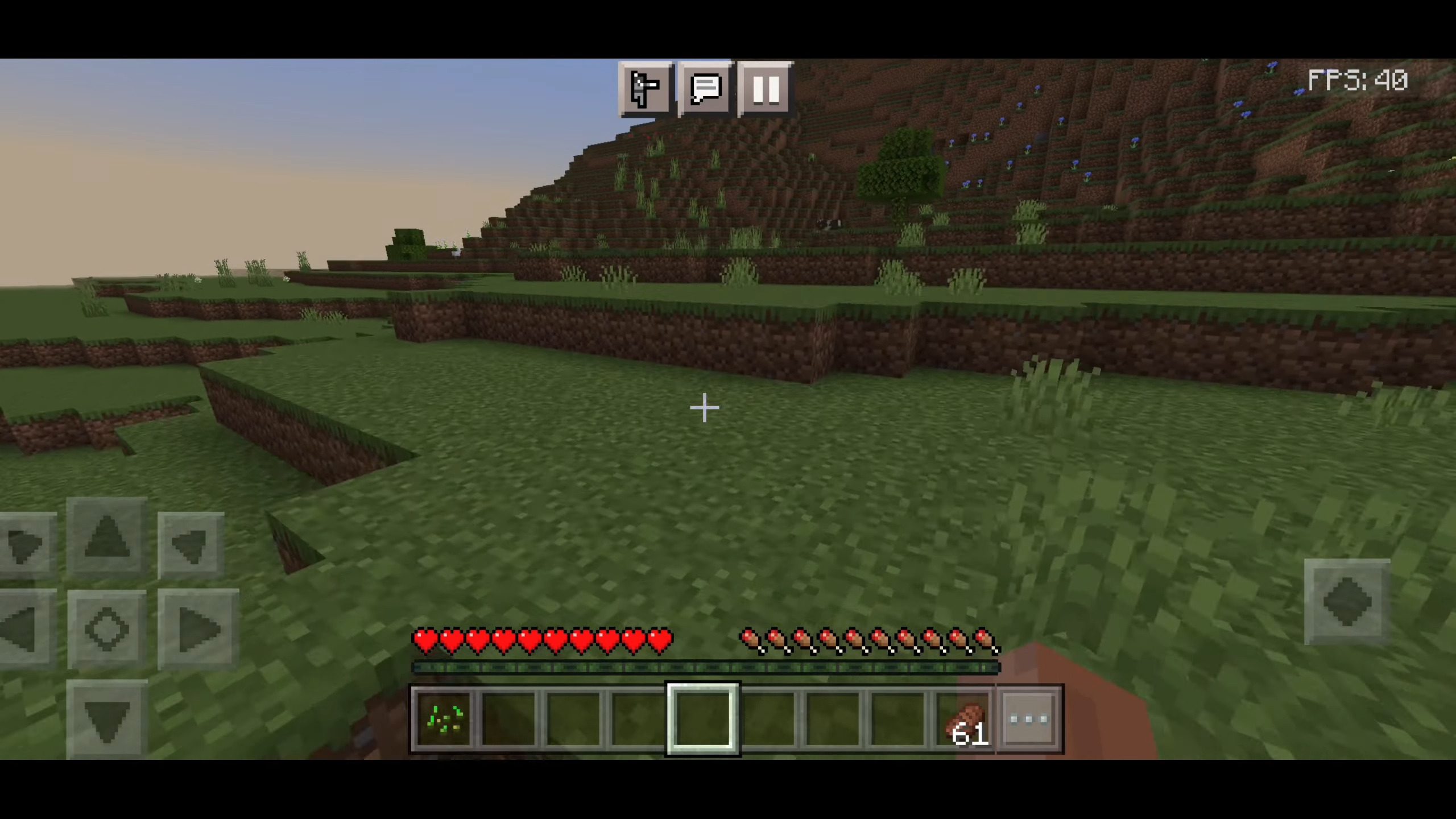
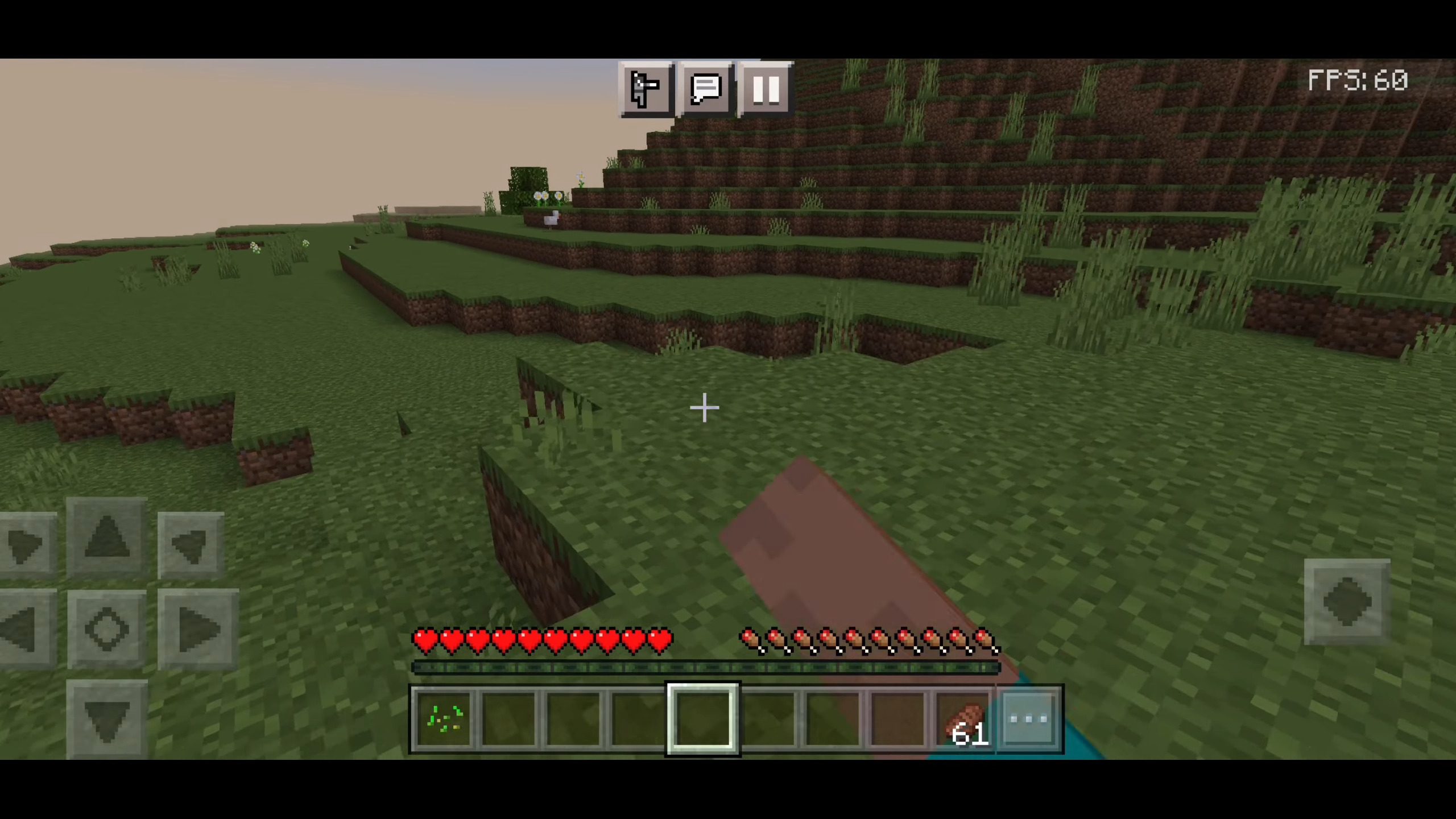
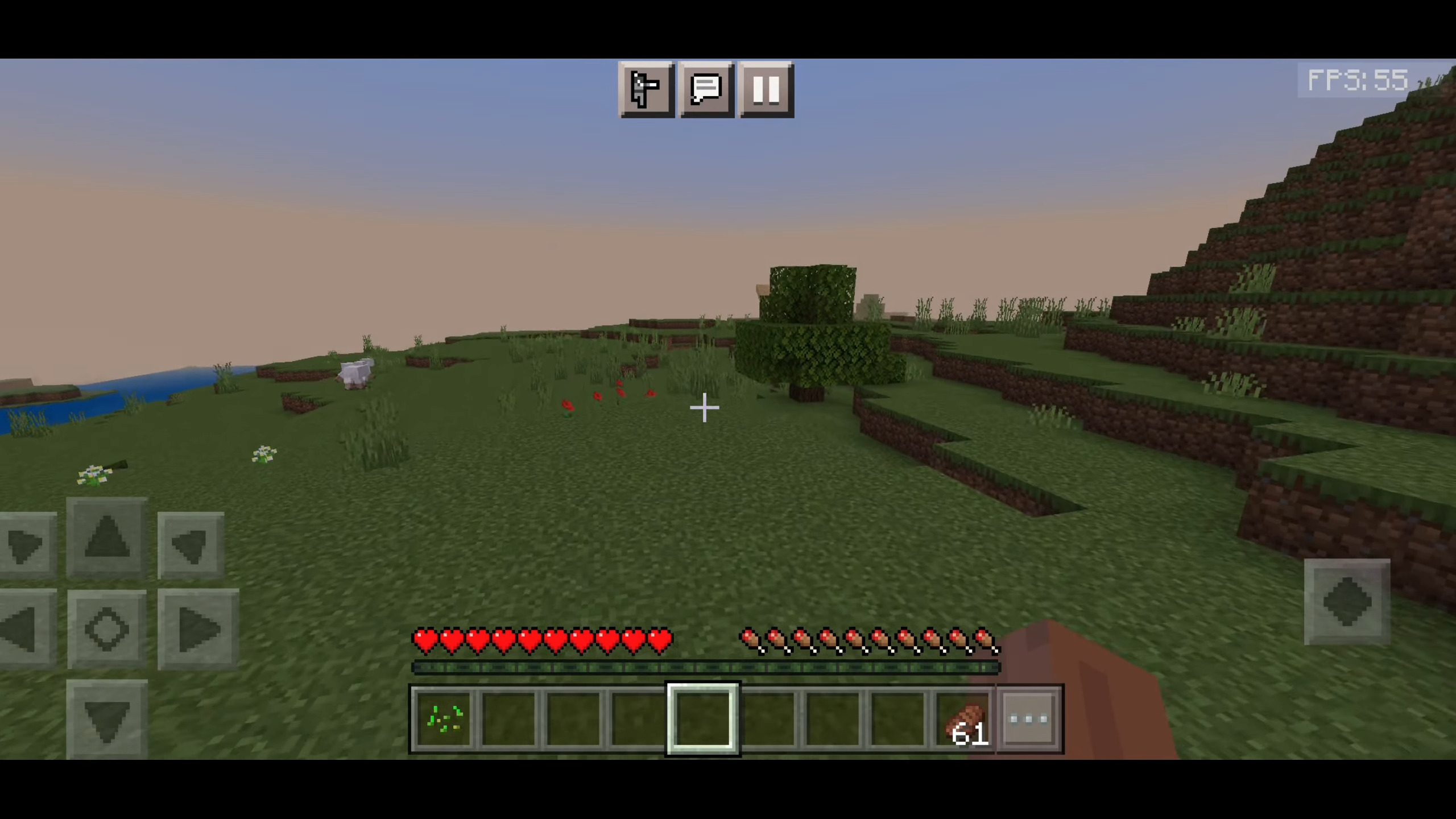
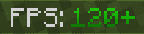
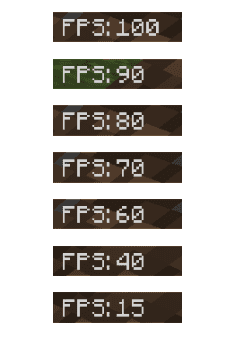
FPS Counter Texture Pack Know your numbers! The FPS Counter Texture Pack displays your frame rate right on screen in Minecraft PE 1.26+ and 1.19. Features: Live on-screen FPS counter while you play Instantly spot lag spikes and performance dips Perfect companion for testing shaders and addons Ultra-lightweight – zero impact on performance Why You'll Love It: 1 See exactly how smooth your game really runs. 2 Benchmark packs and settings like a pro. 3 Simple, clean display that stays out of your way. How to Get Started: 1 Download the FPS Counter Texture Pack. 2 Install it in Minecraft PE. 3 Open your world and enjoy the new experience. Measure it,

Open this resource in CraftyBox