
CRAFTYBOX
Preparing your block world
正在准备你的方块世界
First visit setup
首次访问设置
CRAFTYBOX
Preparing your block world
正在准备你的方块世界
First visit setup
首次访问设置
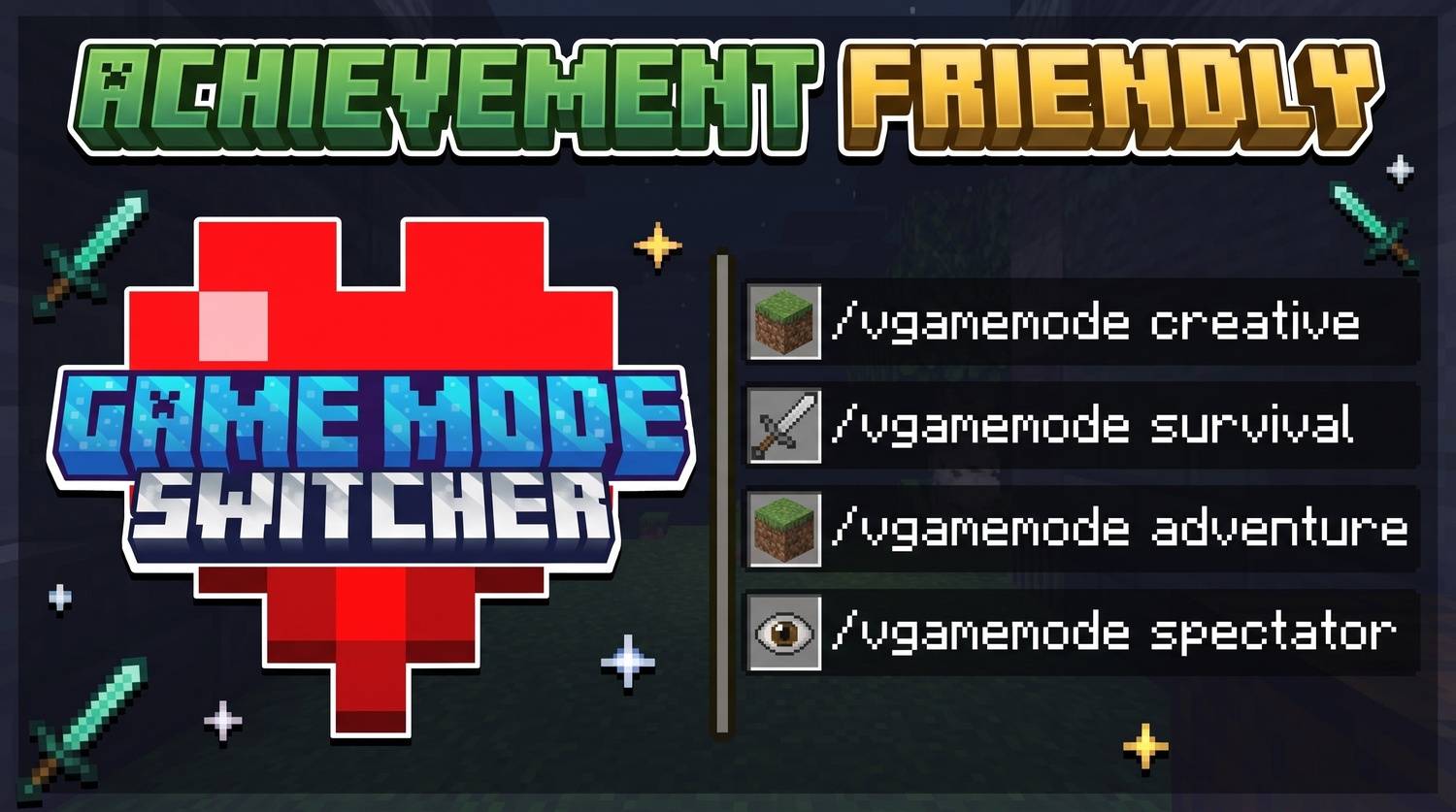
Game Mode Switcher Seamlessly switch between any game mode using a clean in-game menu or simple commands without enabling cheats. Features: Toggle between Survival, Creative, Adventure, and Spectator Change game modes for other players directly from the menu Highlight the currently active game mode automatically Open the menu instantly using a custom stick or chat command Why You'll Love It: 1 Switch game modes instantly without typing long commands. 2 Manage other players' modes with a user-friendly interface. 3 Keep your world completely cheat-free. How to Get Started: 1 Download the Game Mode Switcher. 2 Install it in Minecraft PE. 3 Open your worl
Read the full details and screenshots
Open this resource in CraftyBox