
CRAFTYBOX
Preparing your block world
正在准备你的方块世界
First visit setup
首次访问设置
CRAFTYBOX
Preparing your block world
正在准备你的方块世界
First visit setup
首次访问设置
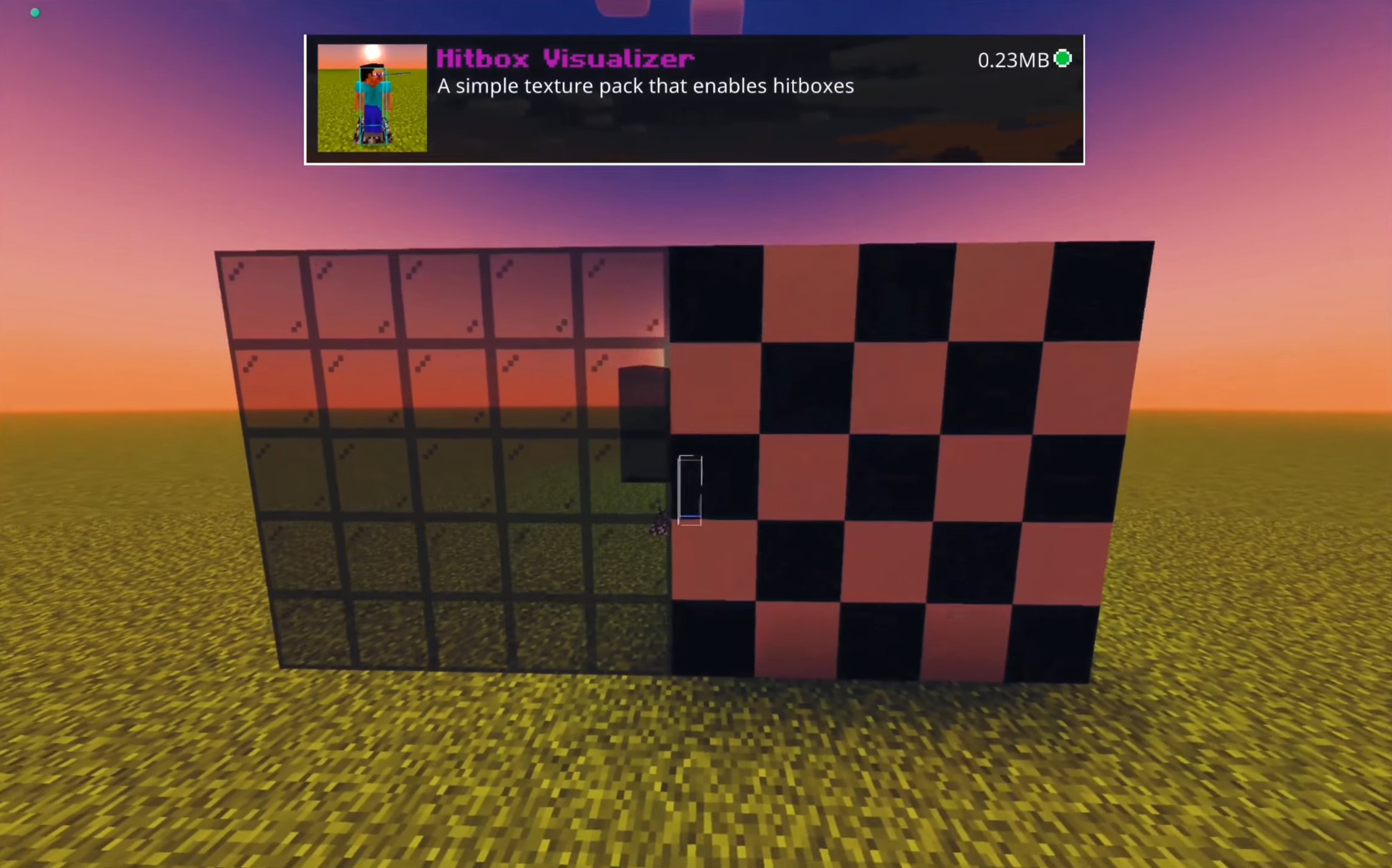
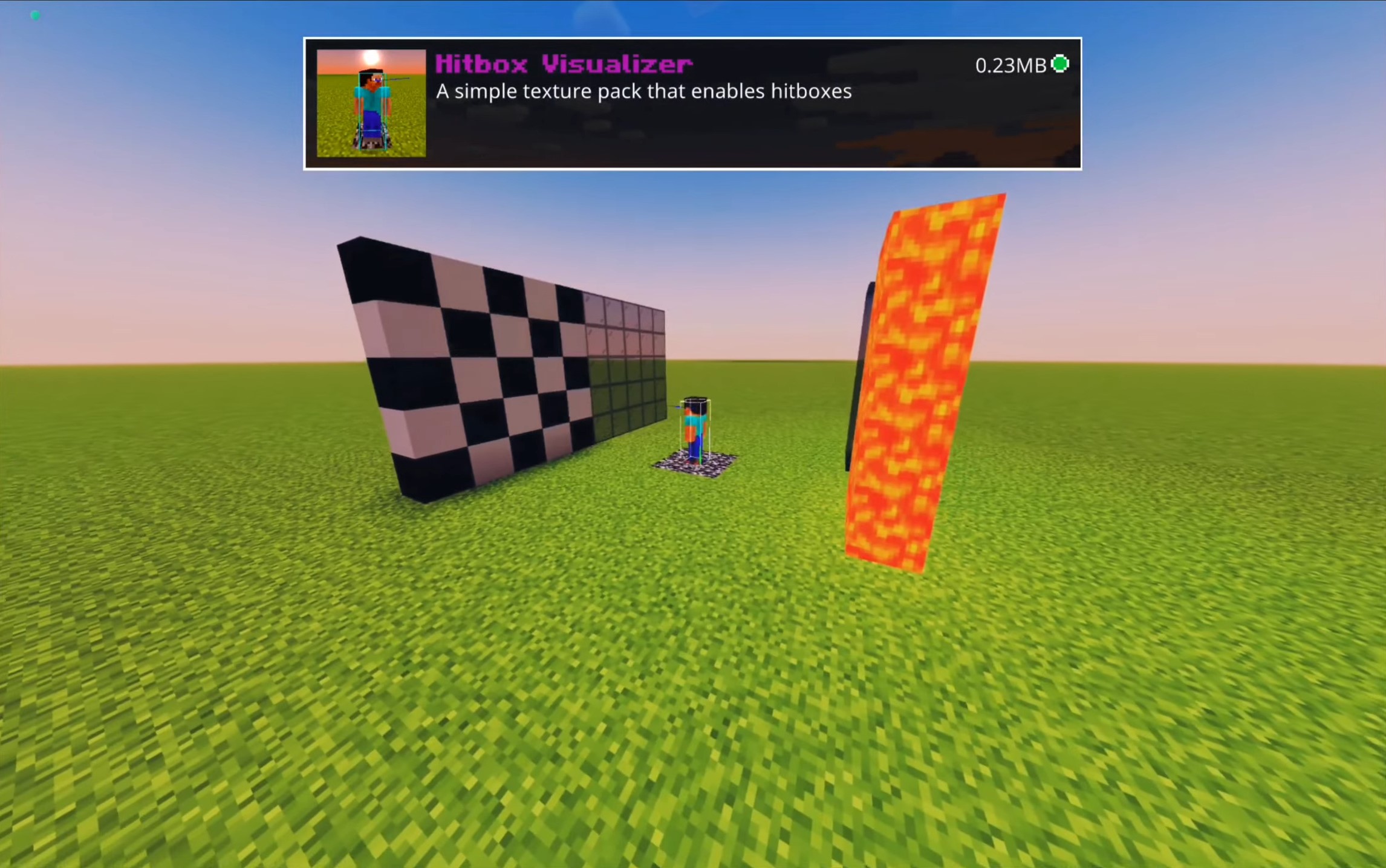
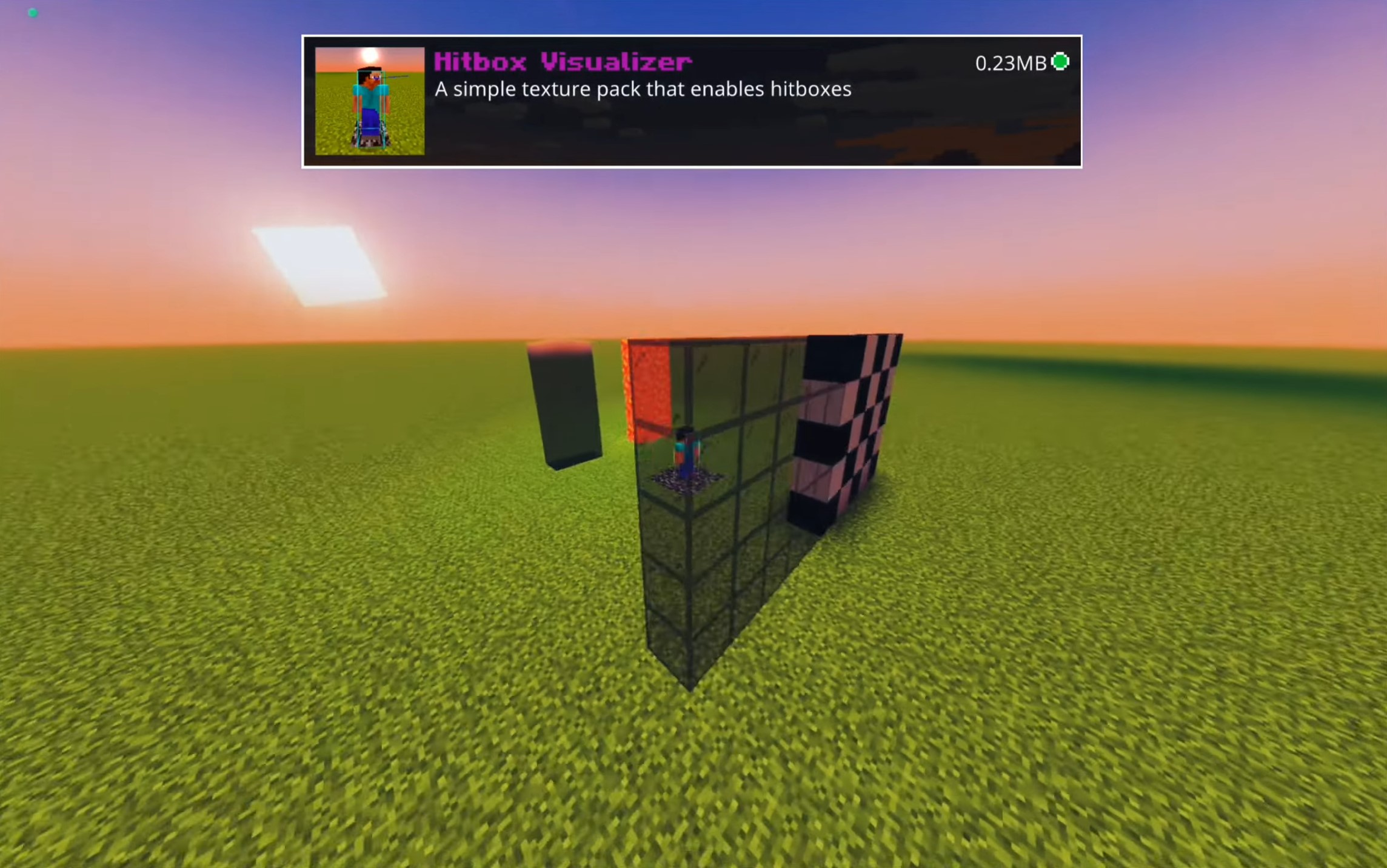
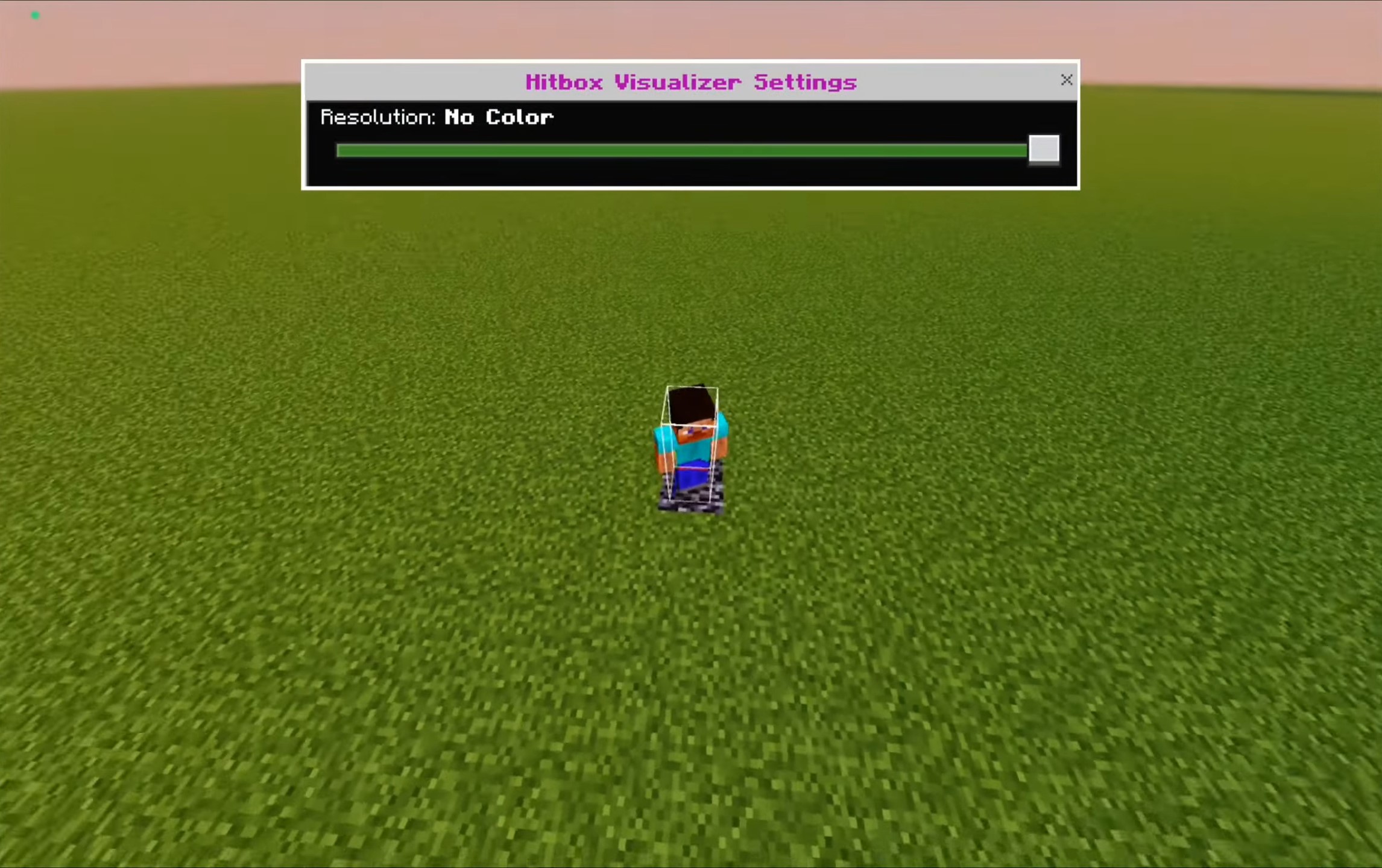
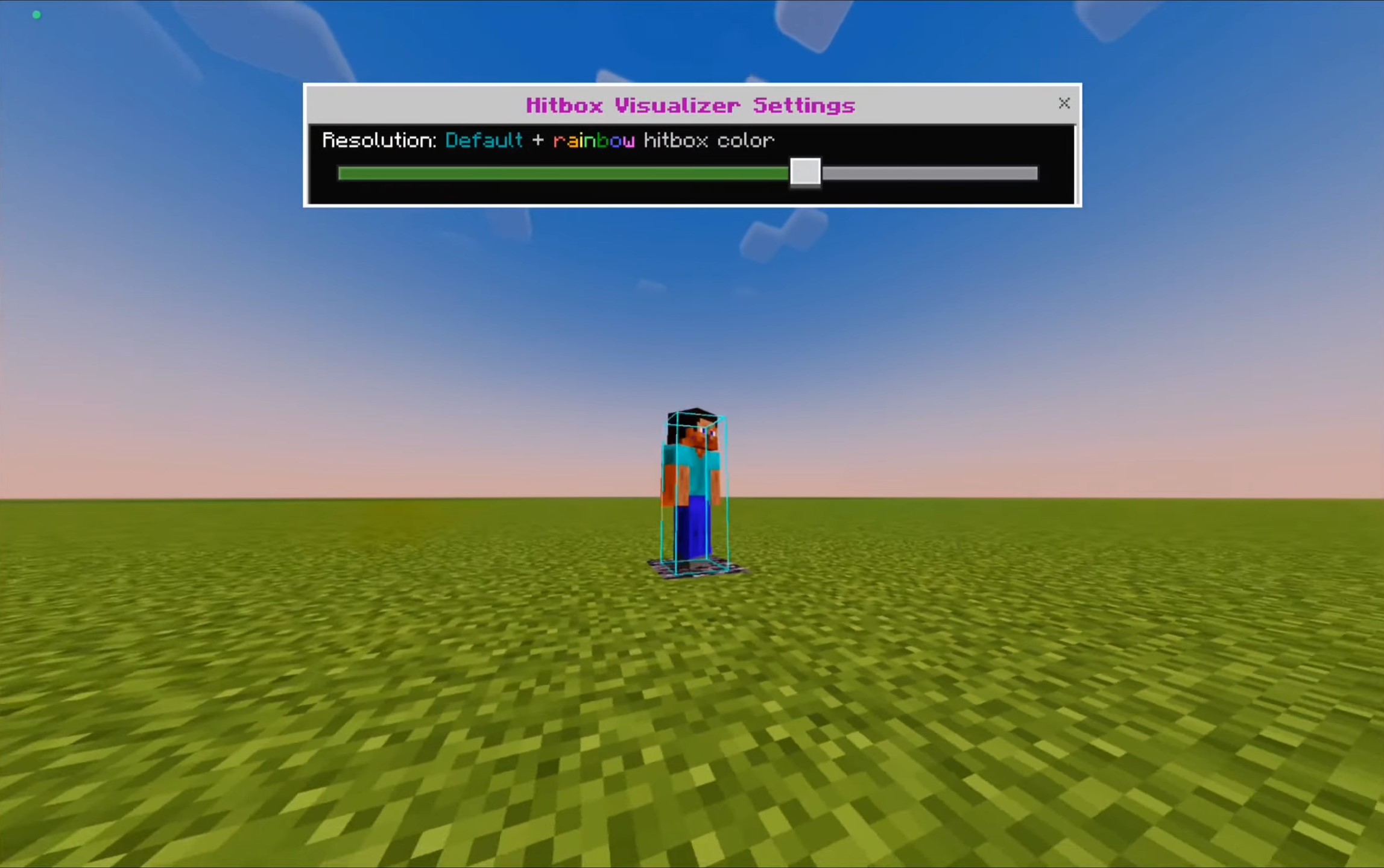
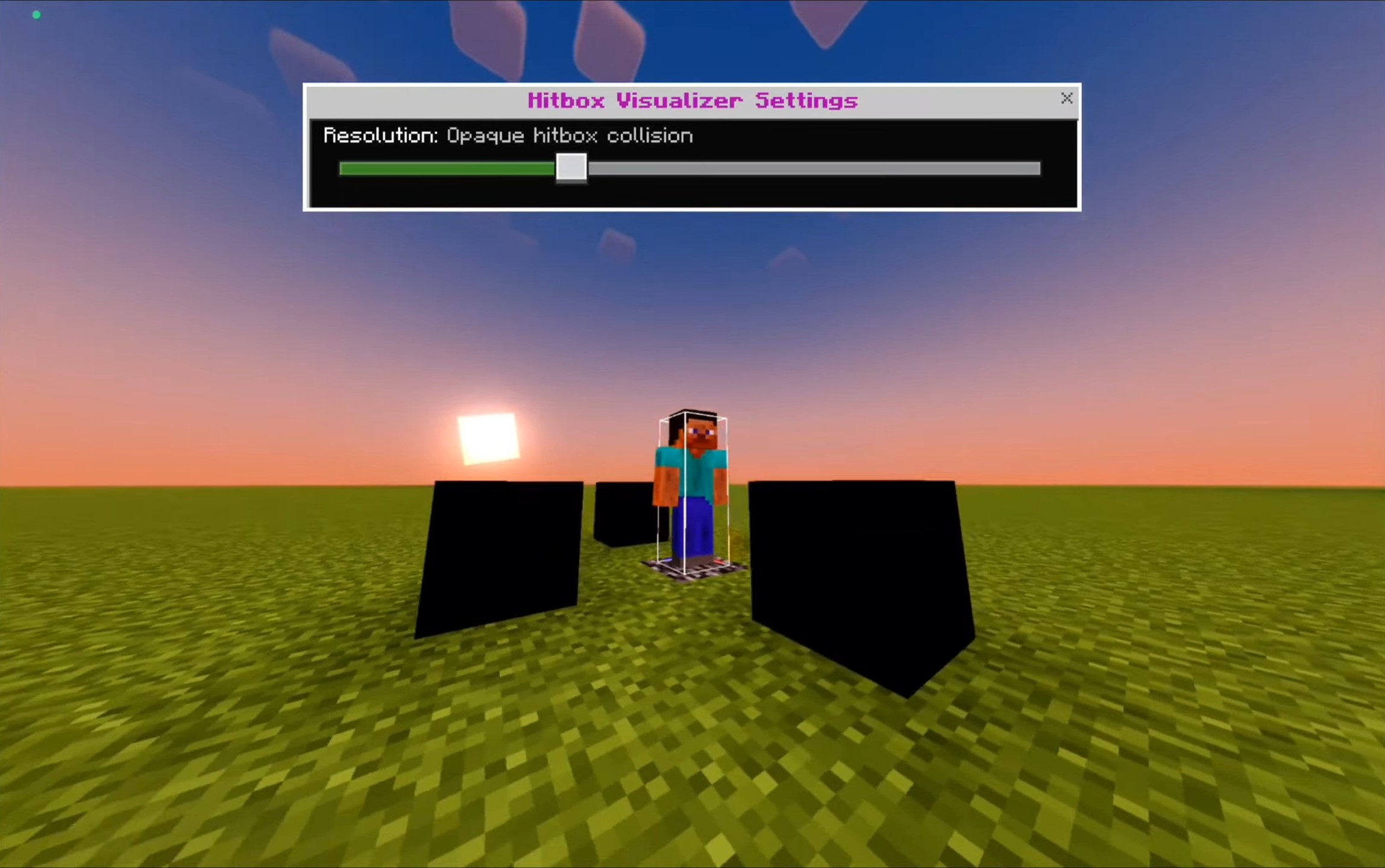
Hitbox Texture Pack See exactly where your hits land — visible hitboxes around players and mobs give you pixel-perfect precision in every fight! Features: Clear hitbox outlines on players and mobs Improve your aim in PvP and mob combat Spot entities easily through grass and clutter Lightweight pack for MCPE/Bedrock 1.21 Why You'll Love It: 1 Landing combos becomes dramatically more consistent 2 Great training tool for aspiring PvP players 3 No lag, no setup — just install and fight How to Get Started: 1 Download the Hitbox Texture Pack. 2 Install it in Minecraft PE. 3 Open your world and enjoy the new experience. Aim true — every swing counts when
Read the full details and screenshots
Open this resource in CraftyBox