
CRAFTYBOX
Preparing your block world
正在准备你的方块世界
First visit setup
首次访问设置
CRAFTYBOX
Preparing your block world
正在准备你的方块世界
First visit setup
首次访问设置
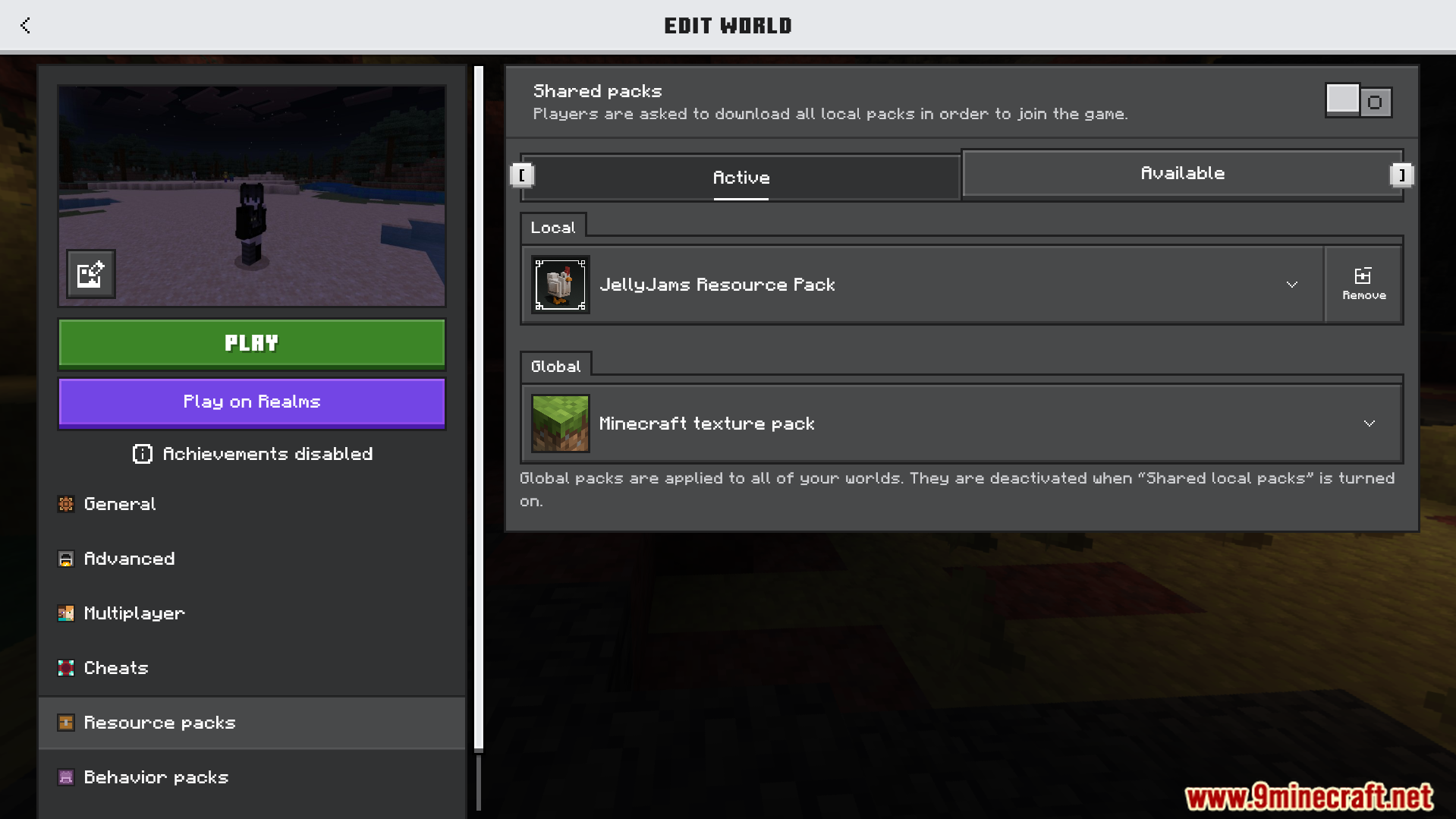
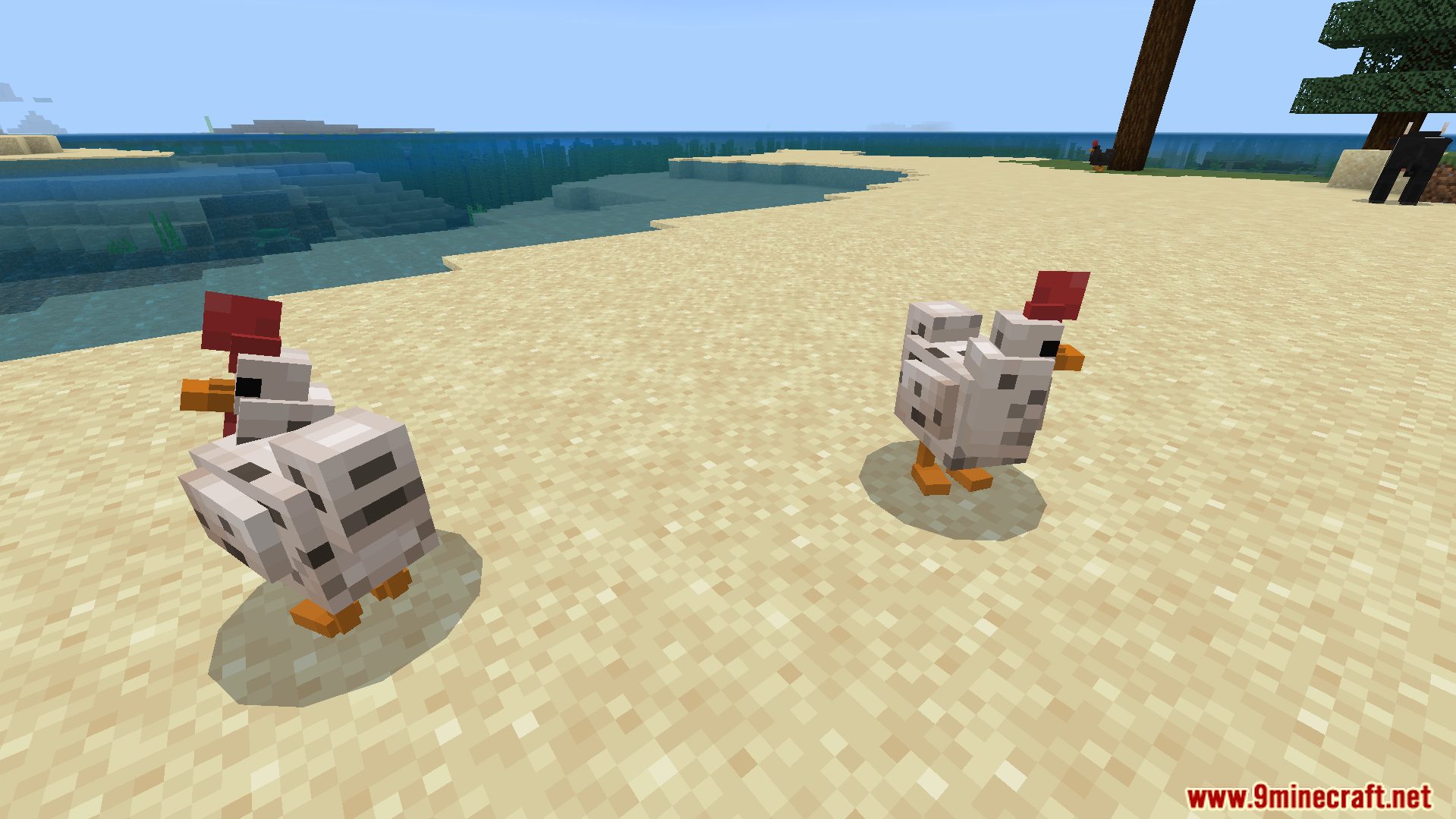
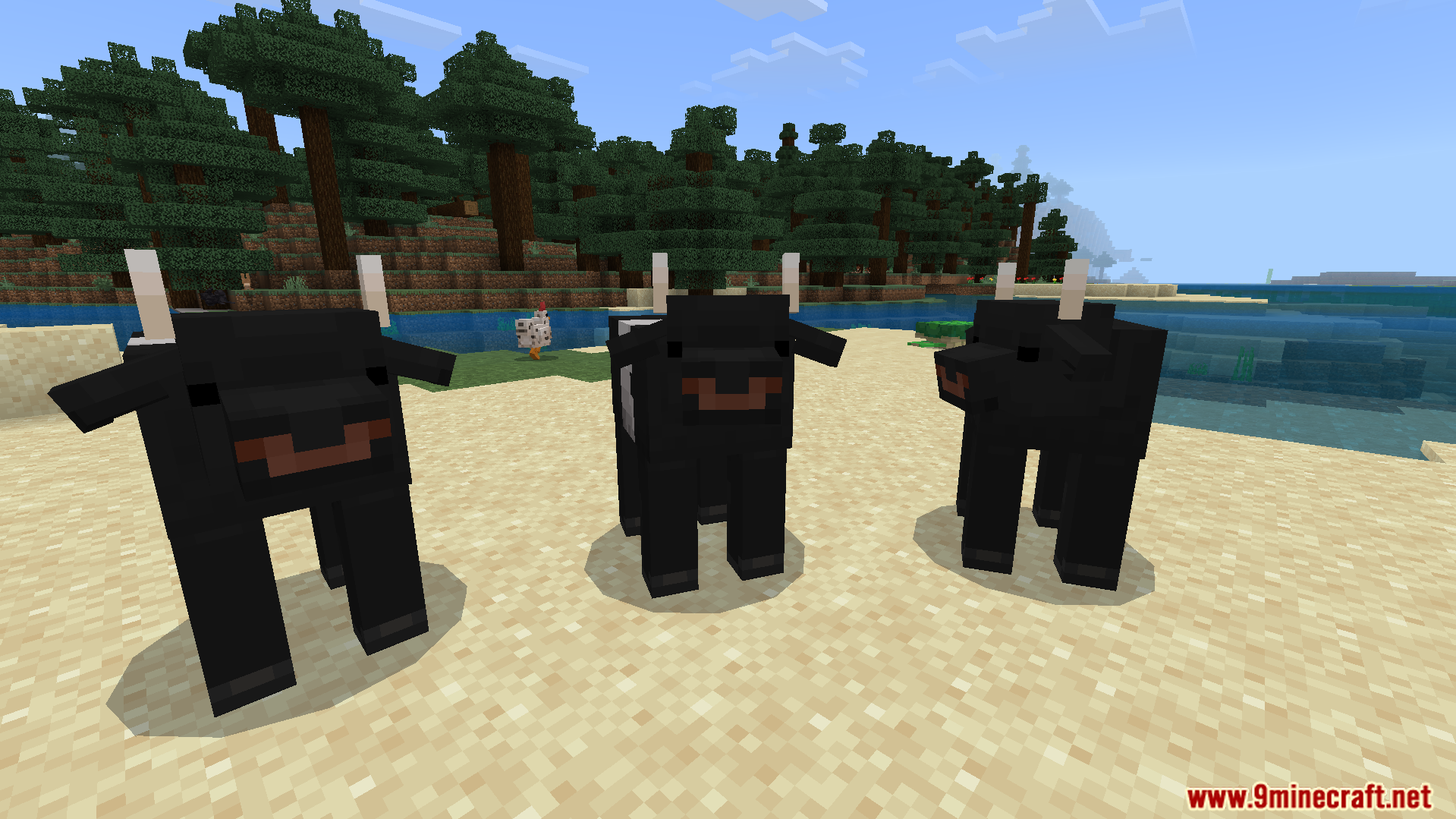
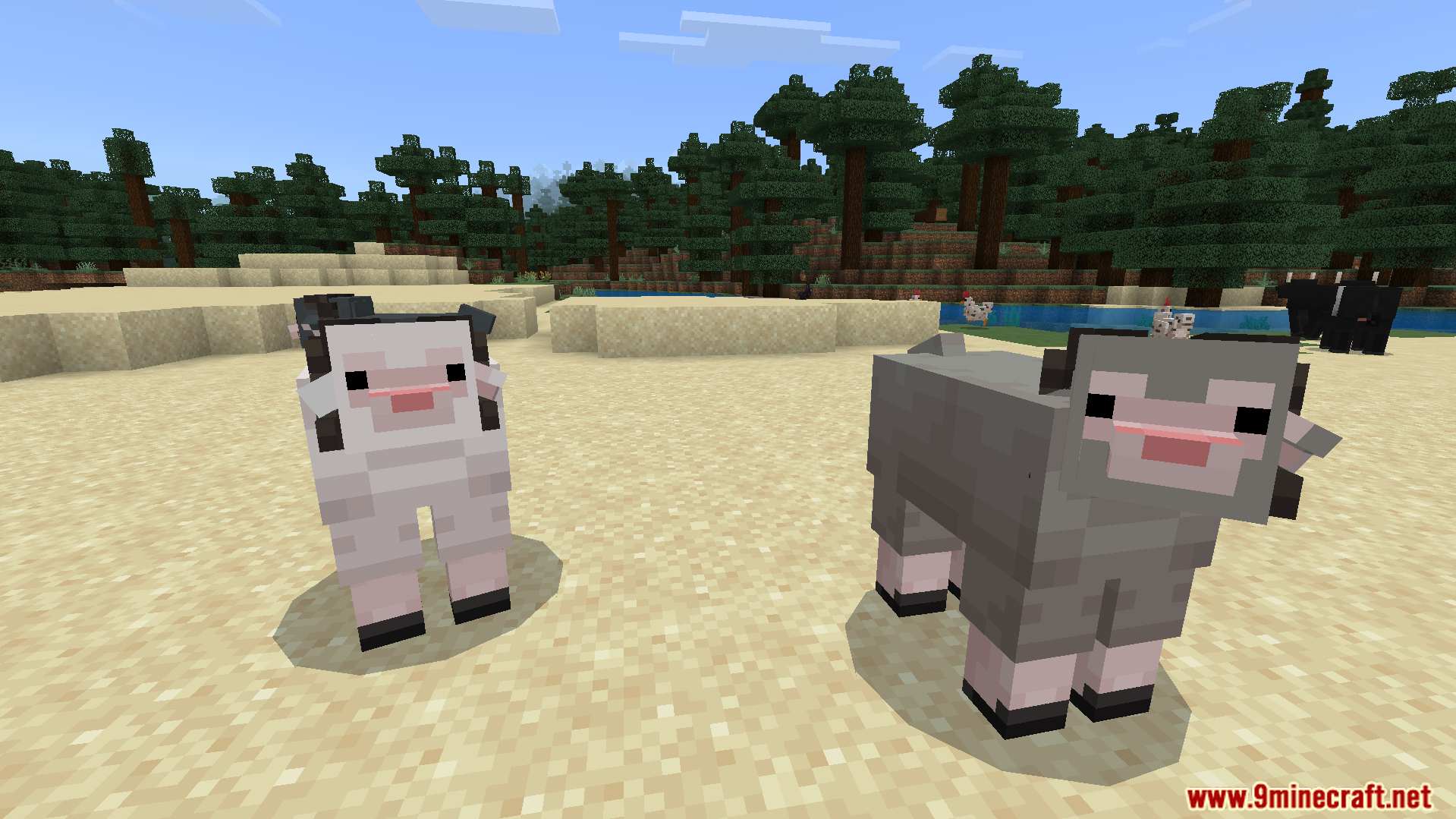
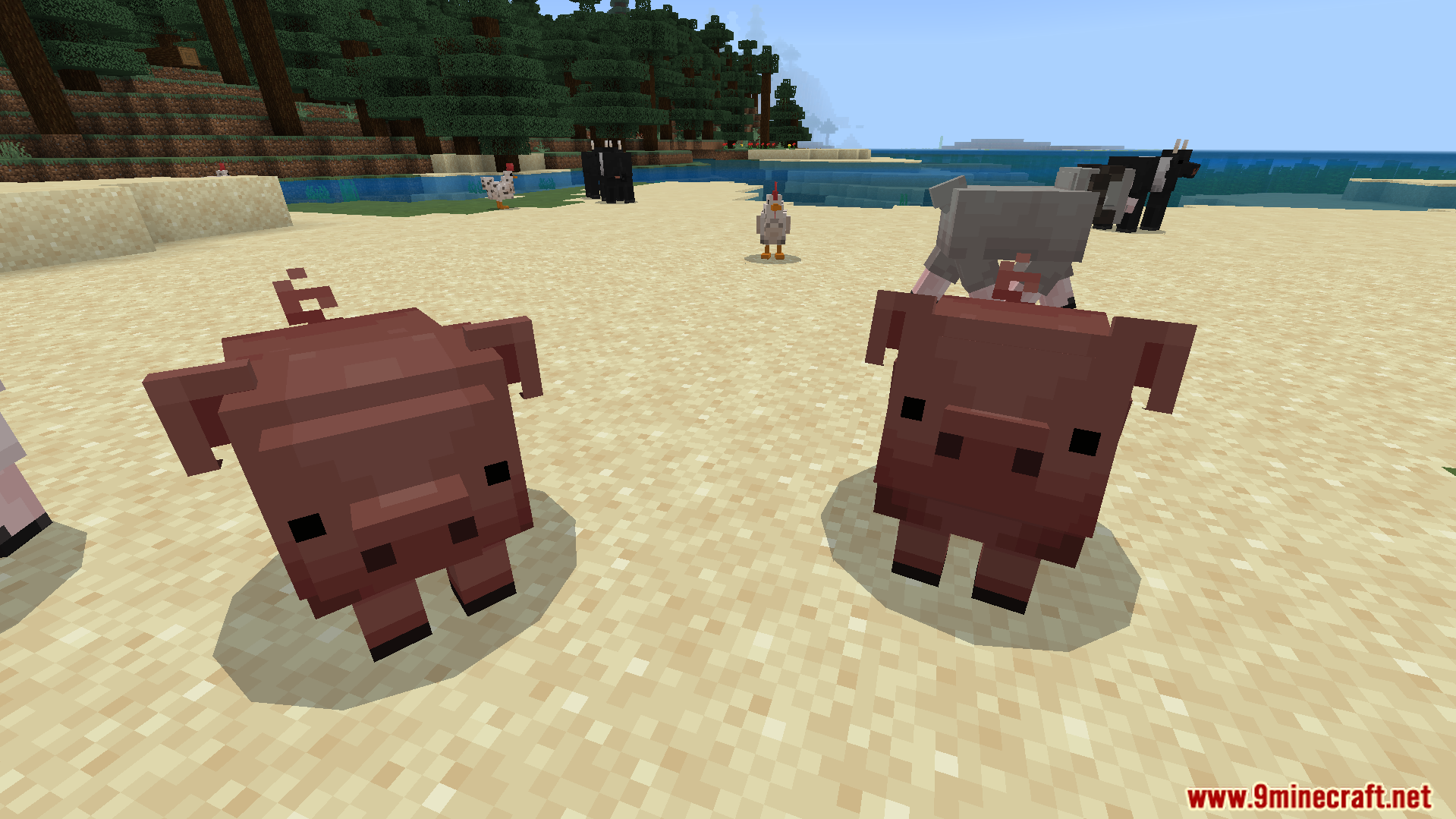
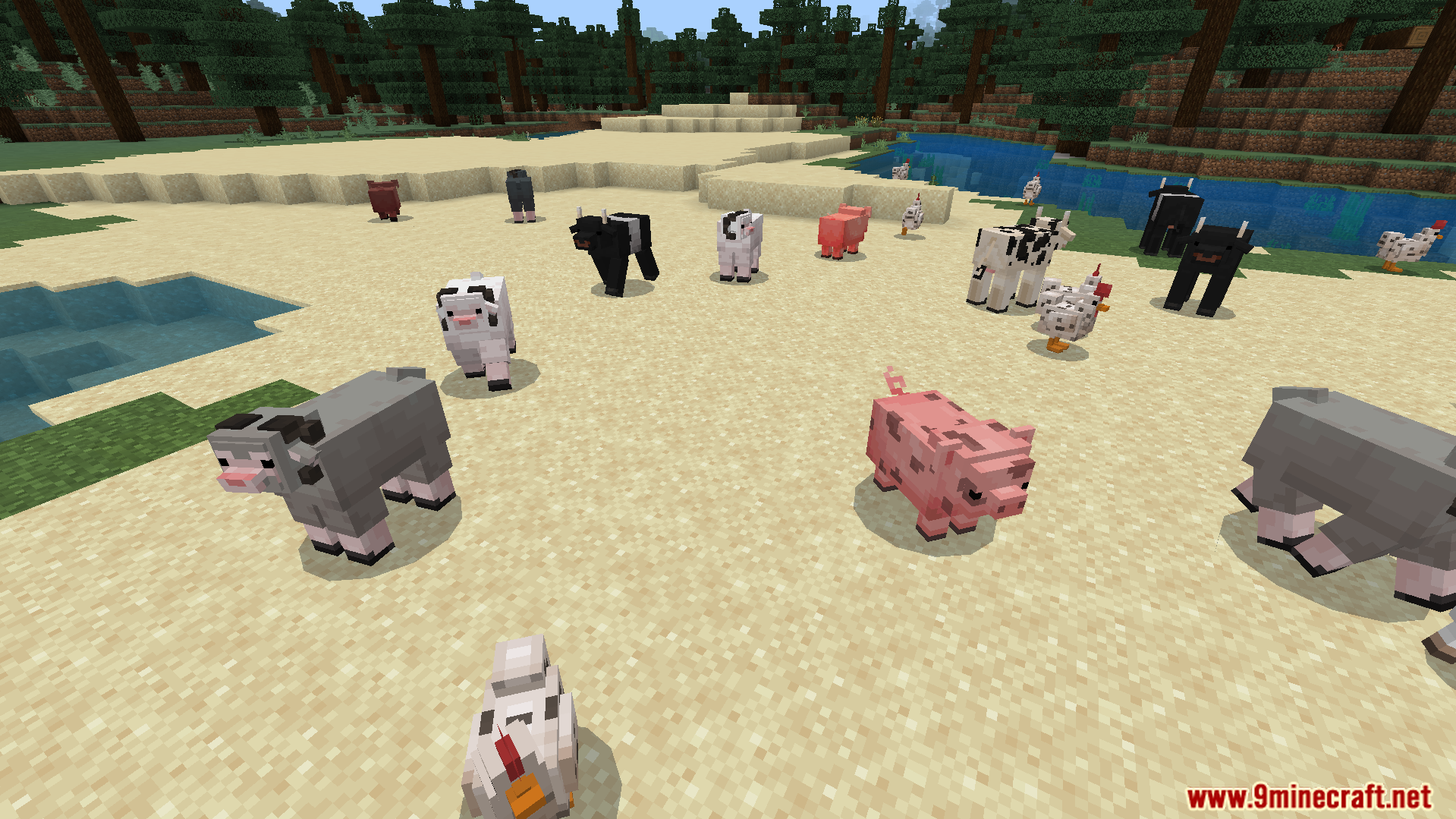
JellyJams Texture Pack Indulge in a sweet new visual style with the JellyJams Texture Pack, transforming your Minecraft PE world into a vibrant, playful realm! Features: Playful and vibrant block textures Redesigned items and environmental elements Adds a cheerful and unique aesthetic to your game Smoother and more cohesive visual experience Why You'll Love It: 1 Gives your Minecraft world a fresh, fun, and colorful look 2 Brightens your gameplay with its distinct artistic flair 3 Perfect for players seeking a whimsical visual overhaul How to Get Started: 1 Download the JellyJams Texture Pack. 2 Install it in Minecraft PE. 3 Open your world and enjoy
Read the full details and screenshots
Open this resource in CraftyBox