
CRAFTYBOX
Preparing your block world
正在准备你的方块世界
First visit setup
首次访问设置
CRAFTYBOX
Preparing your block world
正在准备你的方块世界
First visit setup
首次访问设置
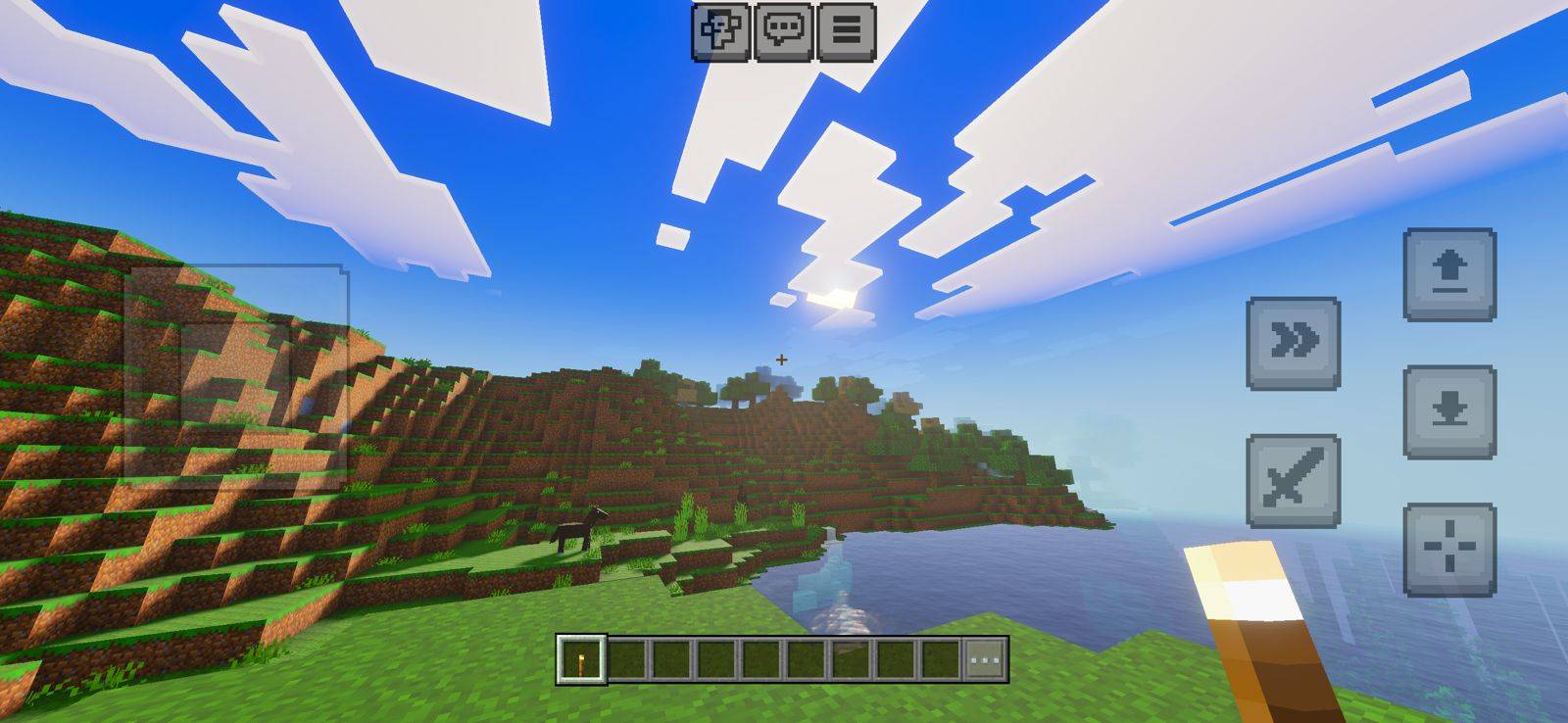
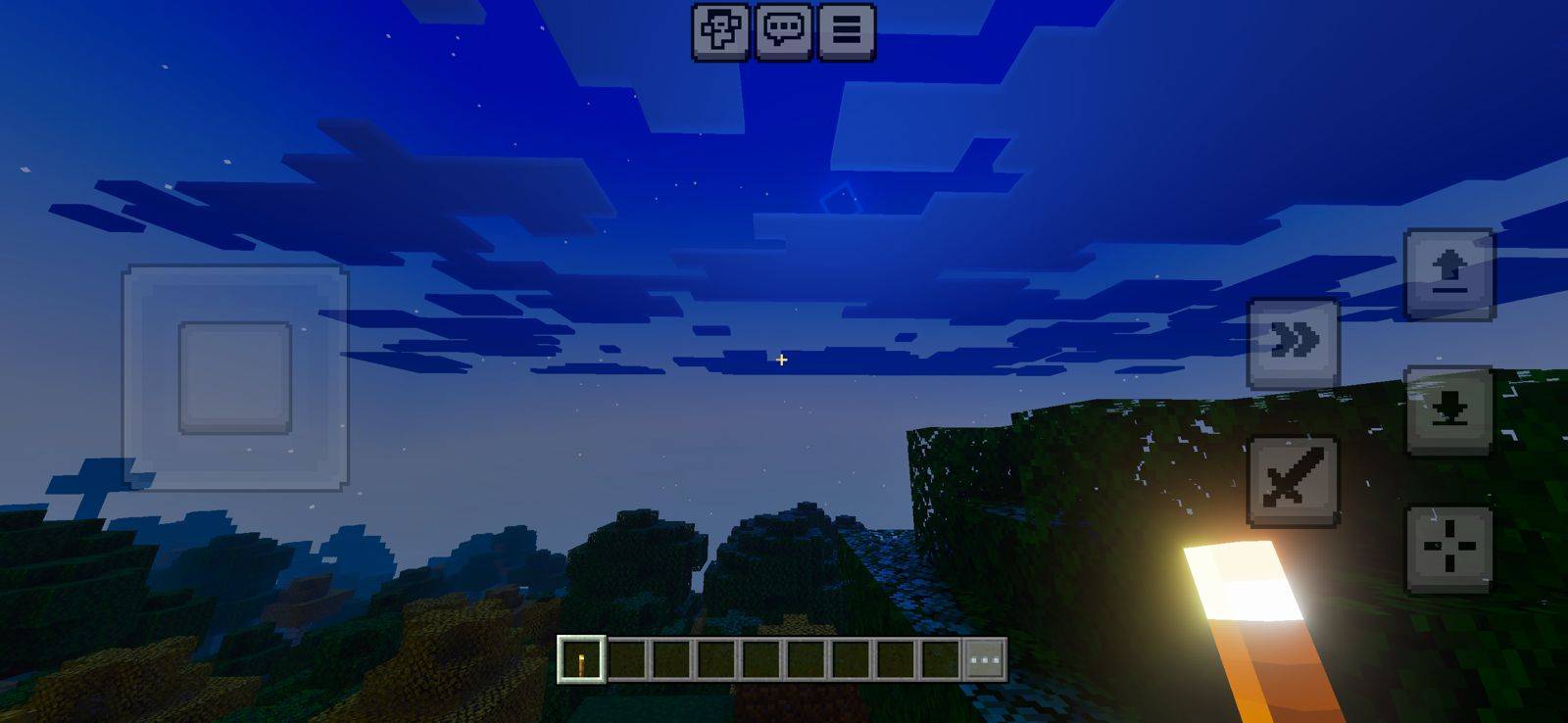
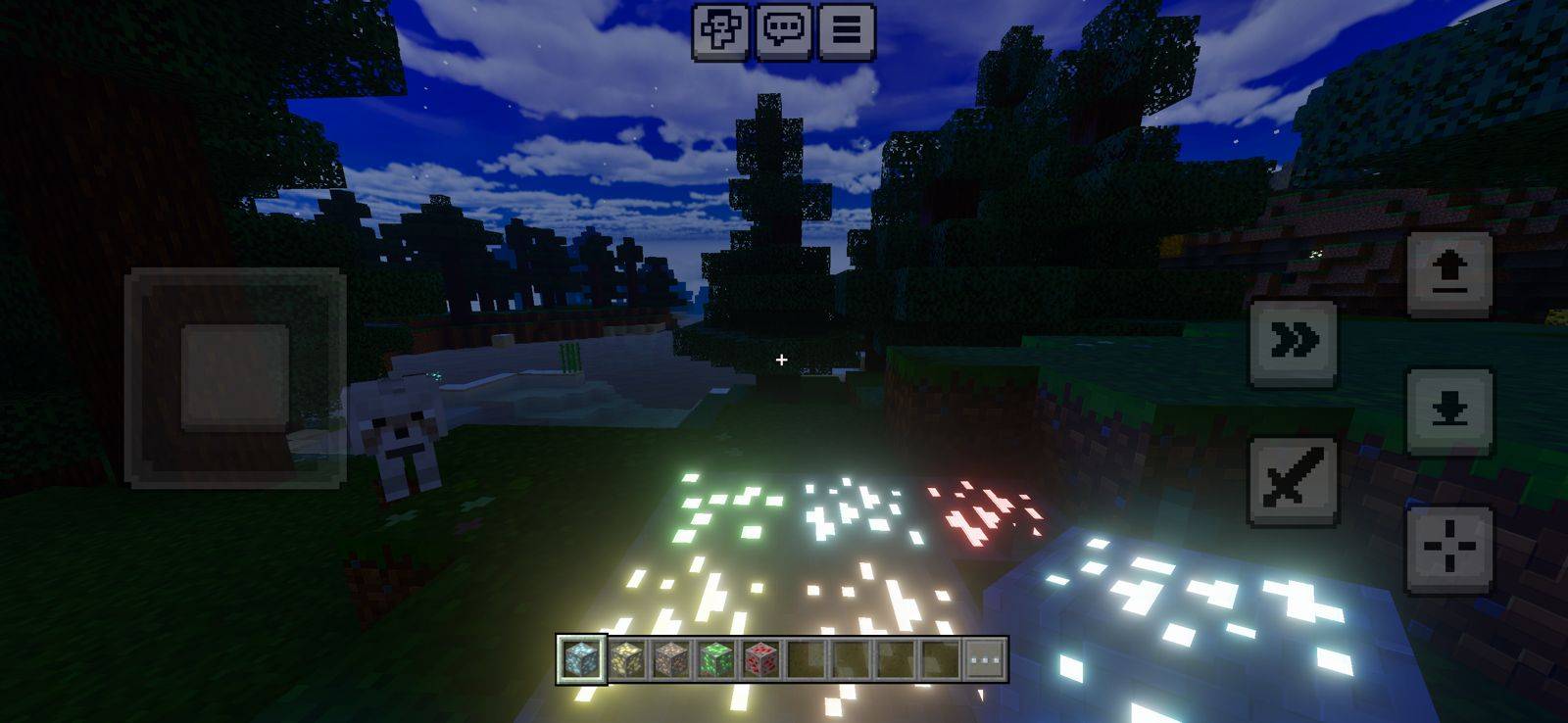
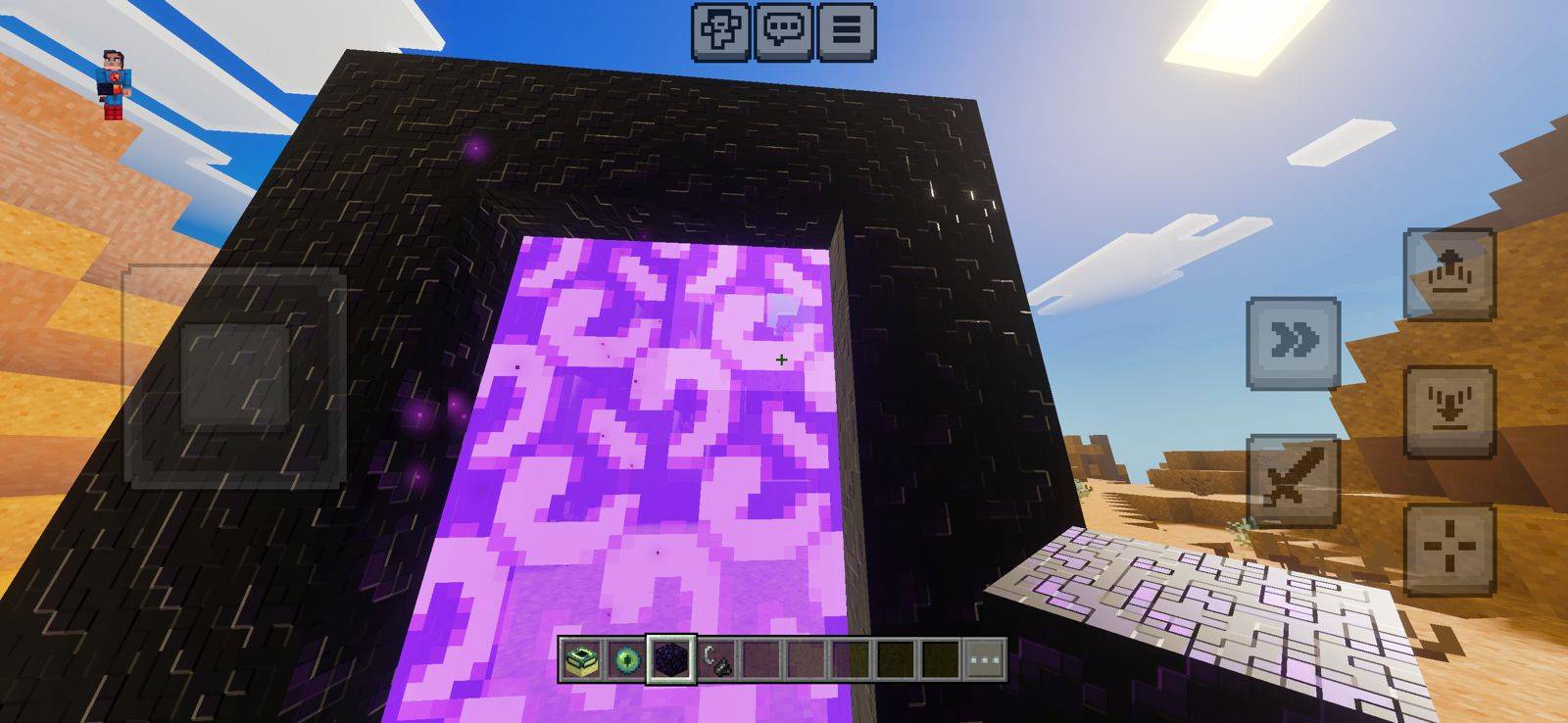
Lumen Visual Shader Illuminate your Bedrock worlds with the bright, glowing light propagation of Lumen Visual for MCPE 1.26+. Features: Enhanced light spread and glow from every source Warm, radiant ambient lighting Cleaner shadows and light falloff Made for MCPE/Bedrock 1.26+ Why You'll Love It: 1 Torches and lamps finally feel alive 2 Bright, welcoming atmosphere 3 Runs smoothly on modern devices How to Get Started: 1 Download the Lumen Visual Shader. 2 Install it in Minecraft PE. 3 Open your world and enjoy the new experience. Let light flow through every corner.
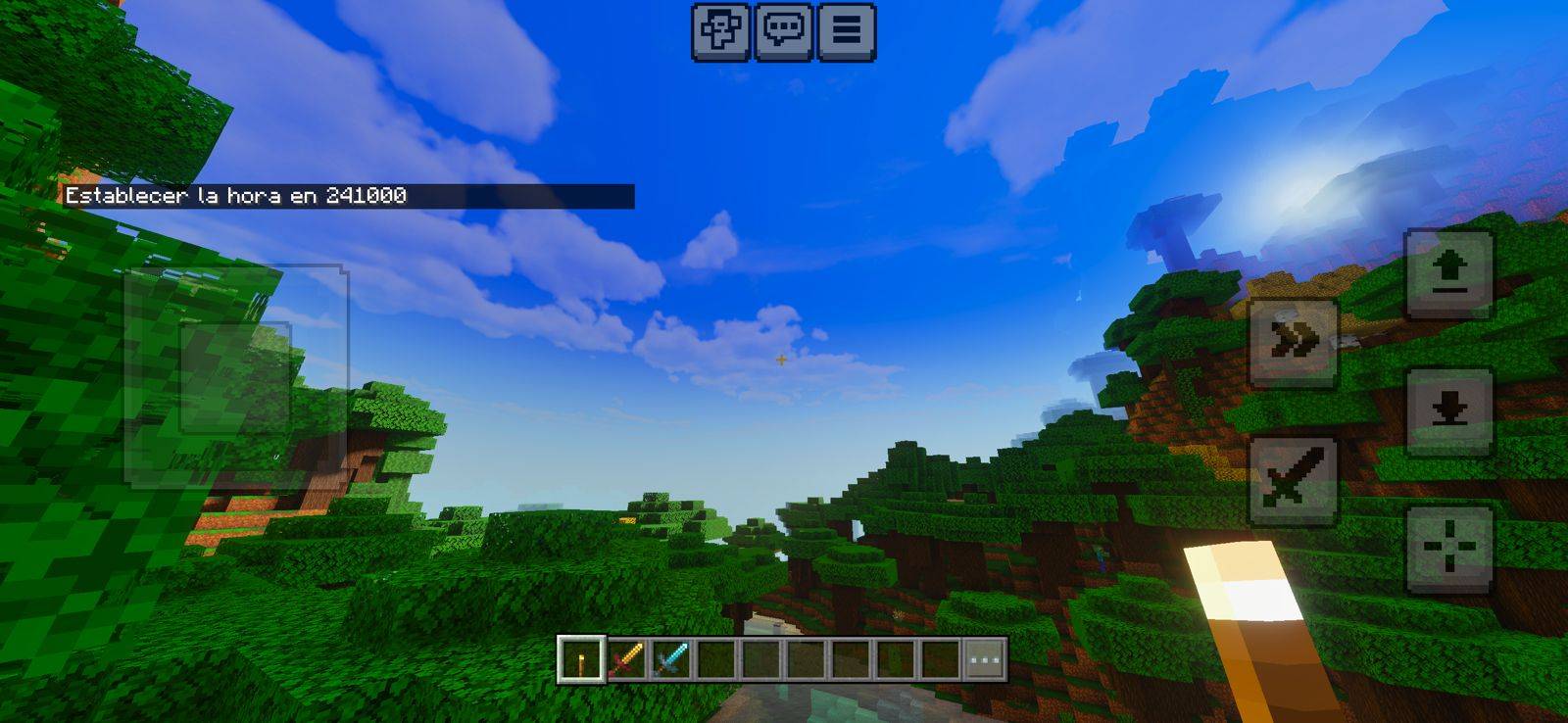
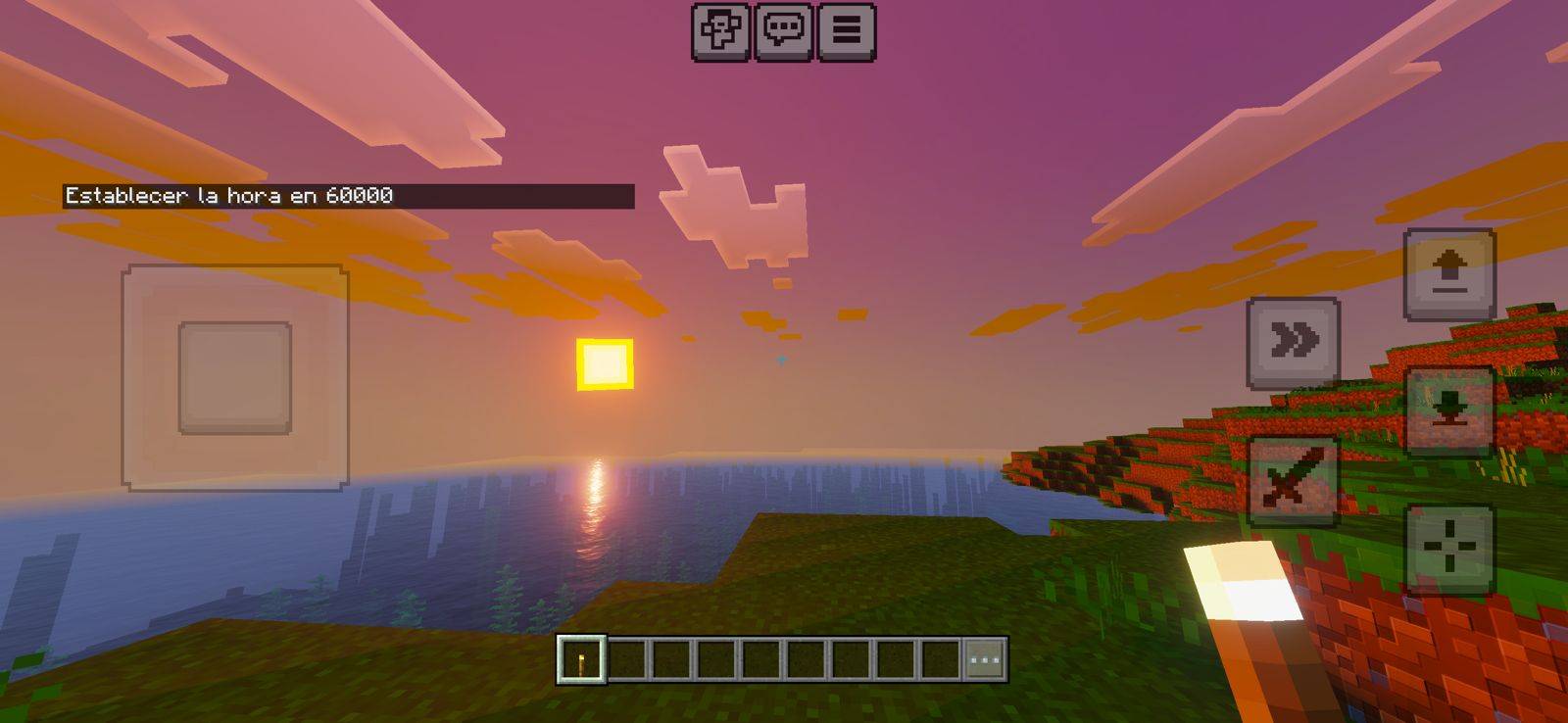
Read the full details and screenshots
Open this resource in CraftyBox