
CRAFTYBOX
Preparing your block world
正在准备你的方块世界
First visit setup
首次访问设置
CRAFTYBOX
Preparing your block world
正在准备你的方块世界
First visit setup
首次访问设置
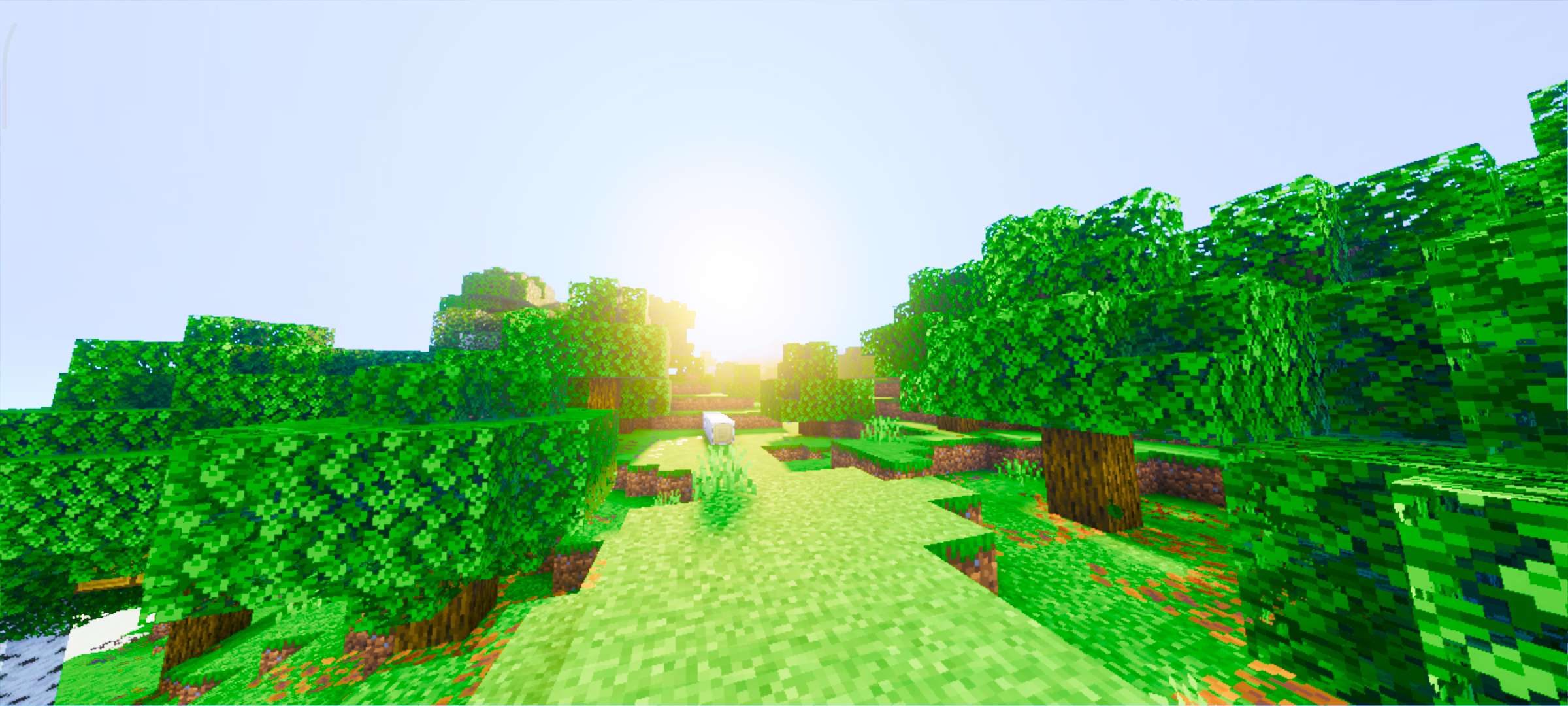
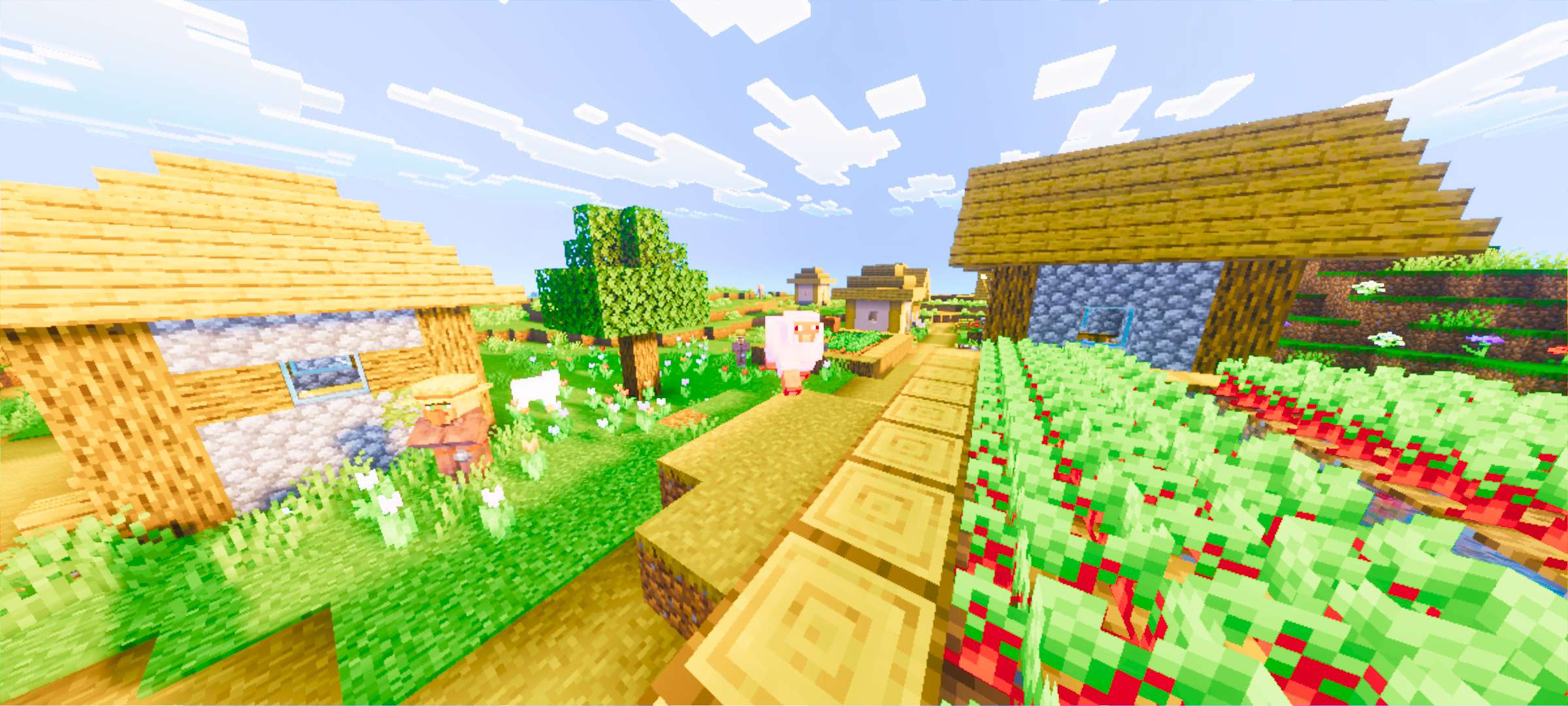
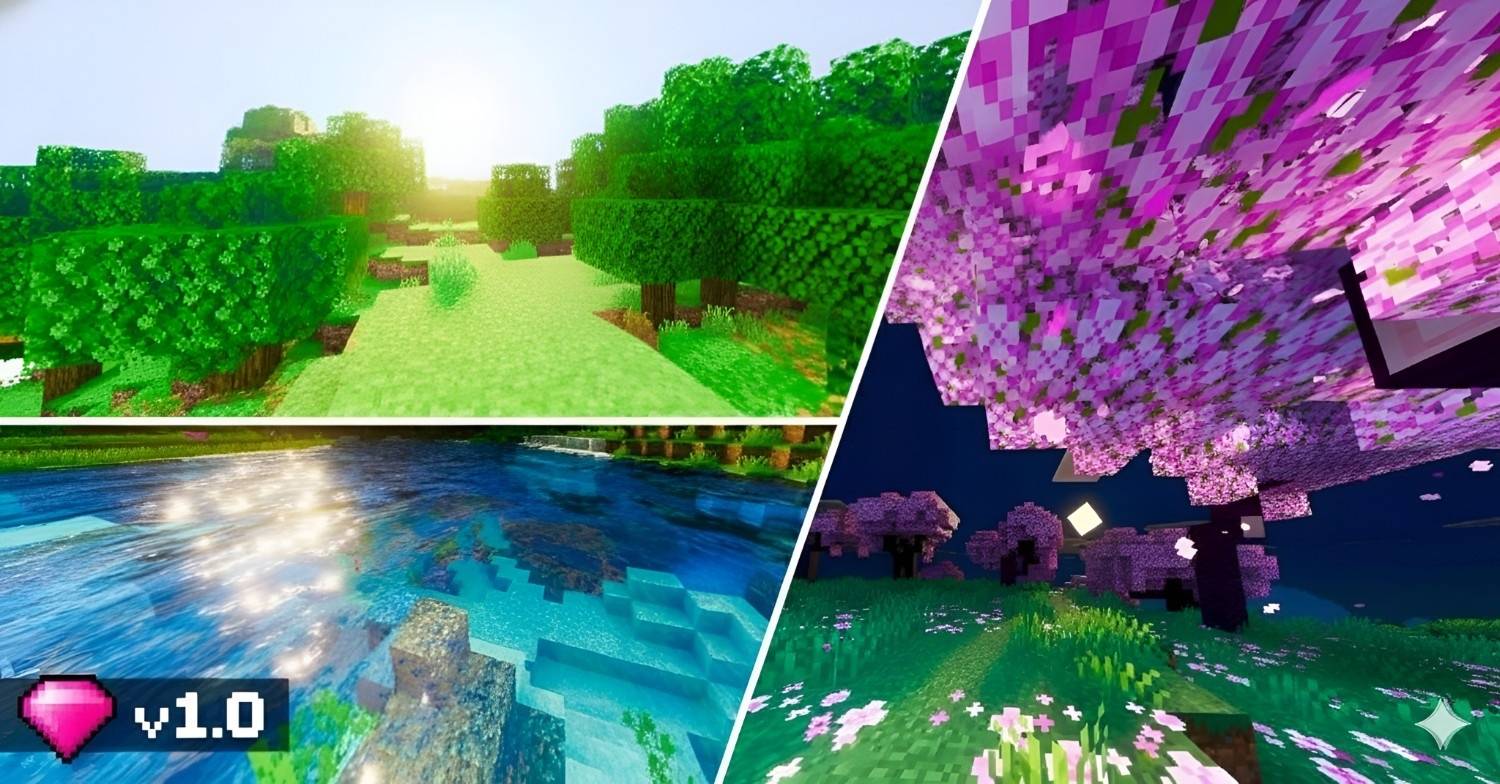
Lumenix Shader Light is the star of the show — Lumenix floods MCPE 1.26+ with luminous skies, glowing highlights and radiant ambience. Features: Luminous lighting engine with soft glow effects Bright, airy daytime atmosphere Sparkling night skies with gentle moonlight Polished bloom that never blinds you Why You'll Love It: 1 Everything feels illuminated and alive 2 Beautiful balance between brightness and detail 3 Made for the newest Bedrock versions How to Get Started: 1 Download the Lumenix Shader. 2 Install it in Minecraft PE. 3 Open your world and enjoy the new experience. Let there be light — Lumenix style!



Read the full details and screenshots
Open this resource in CraftyBox