
CRAFTYBOX
Preparing your block world
正在准备你的方块世界
First visit setup
首次访问设置
CRAFTYBOX
Preparing your block world
正在准备你的方块世界
First visit setup
首次访问设置
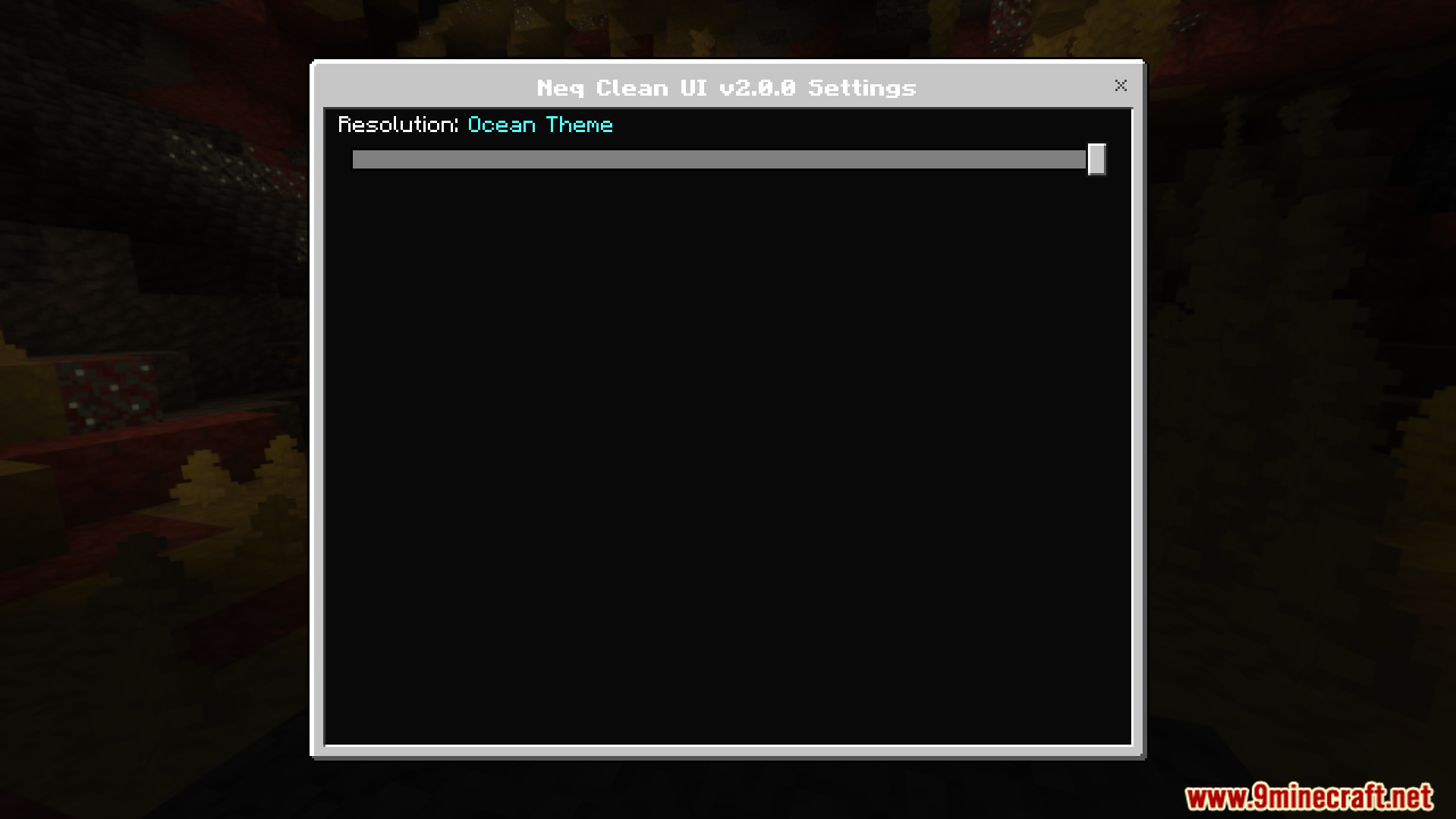
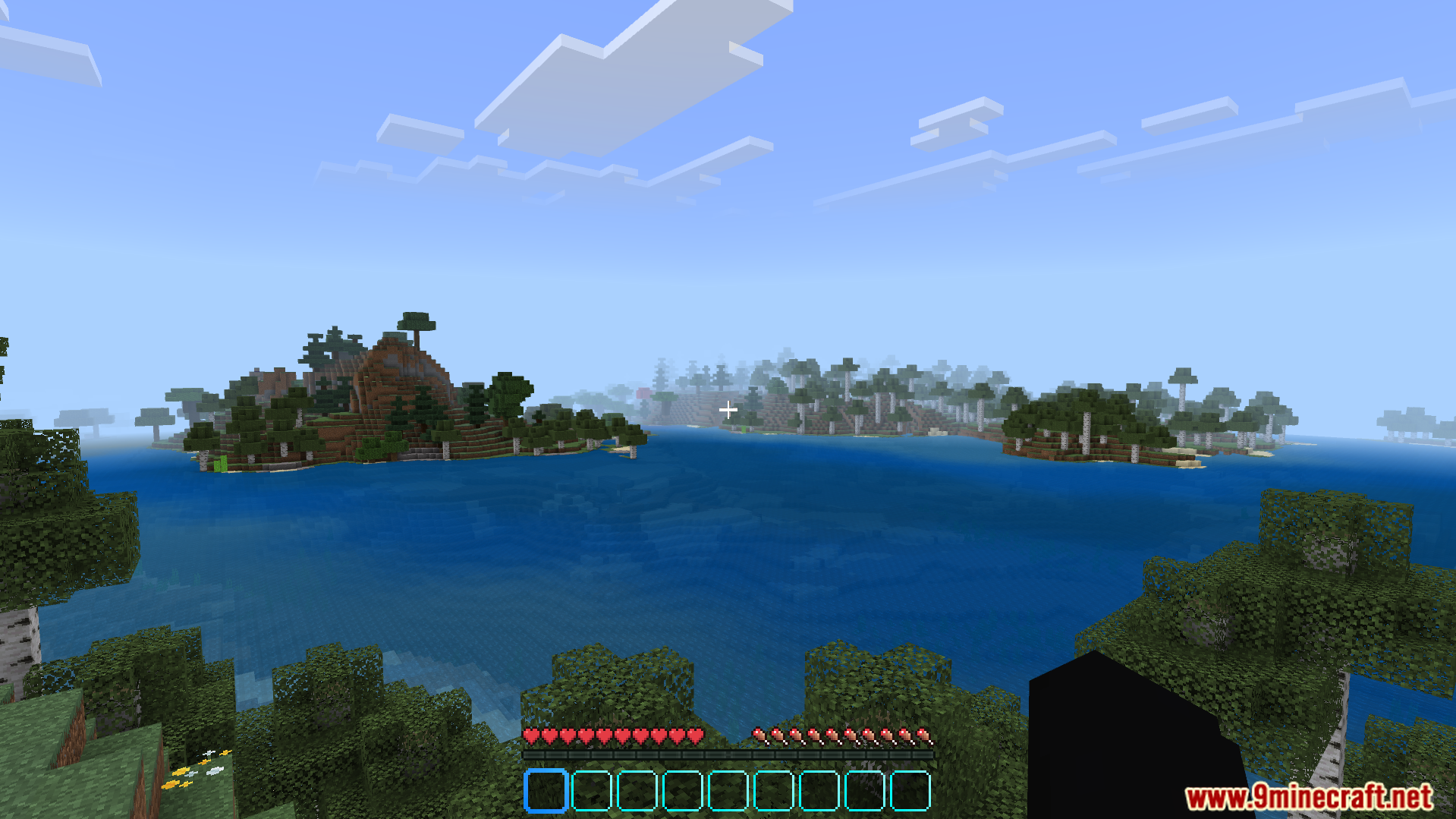
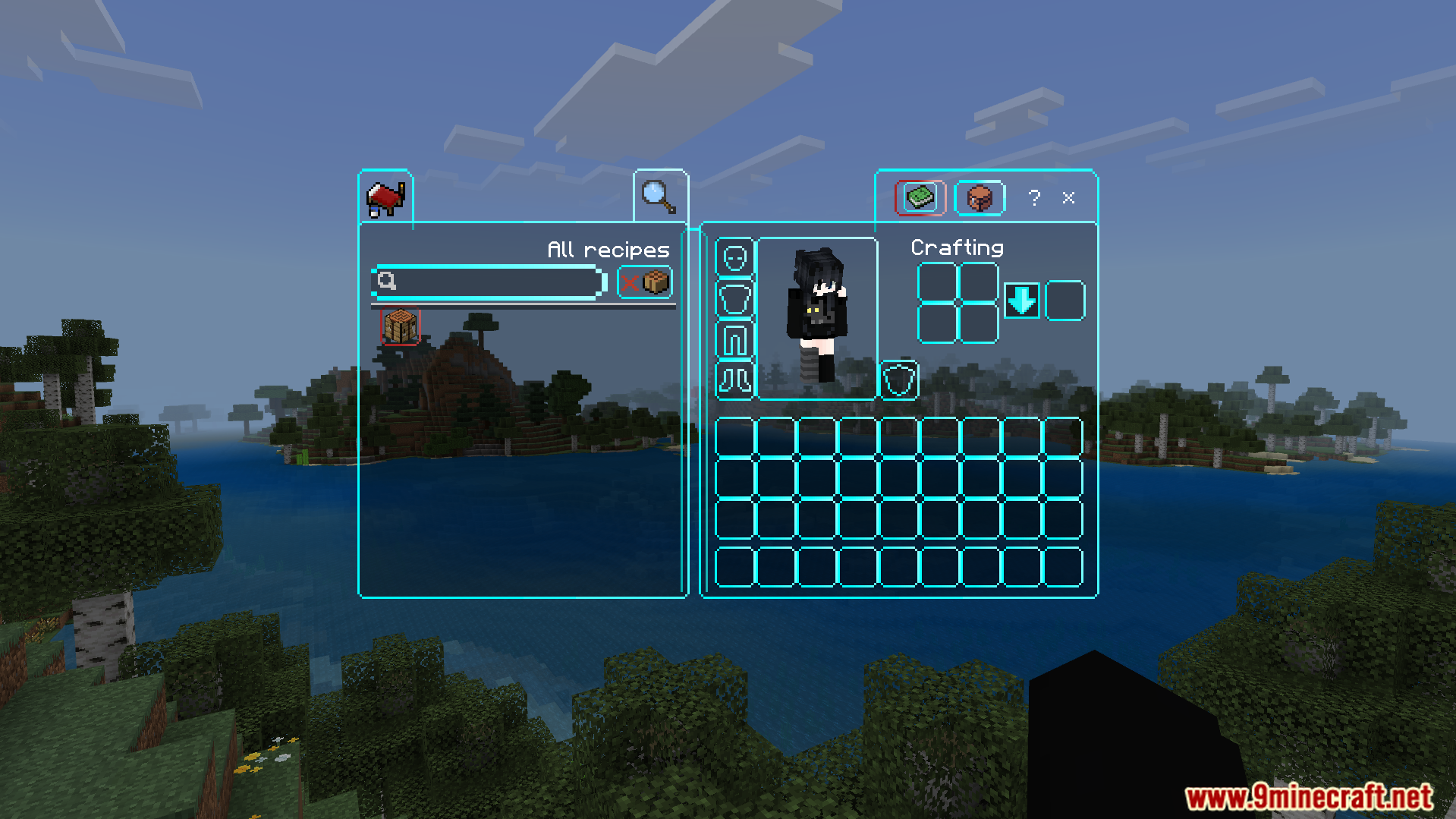
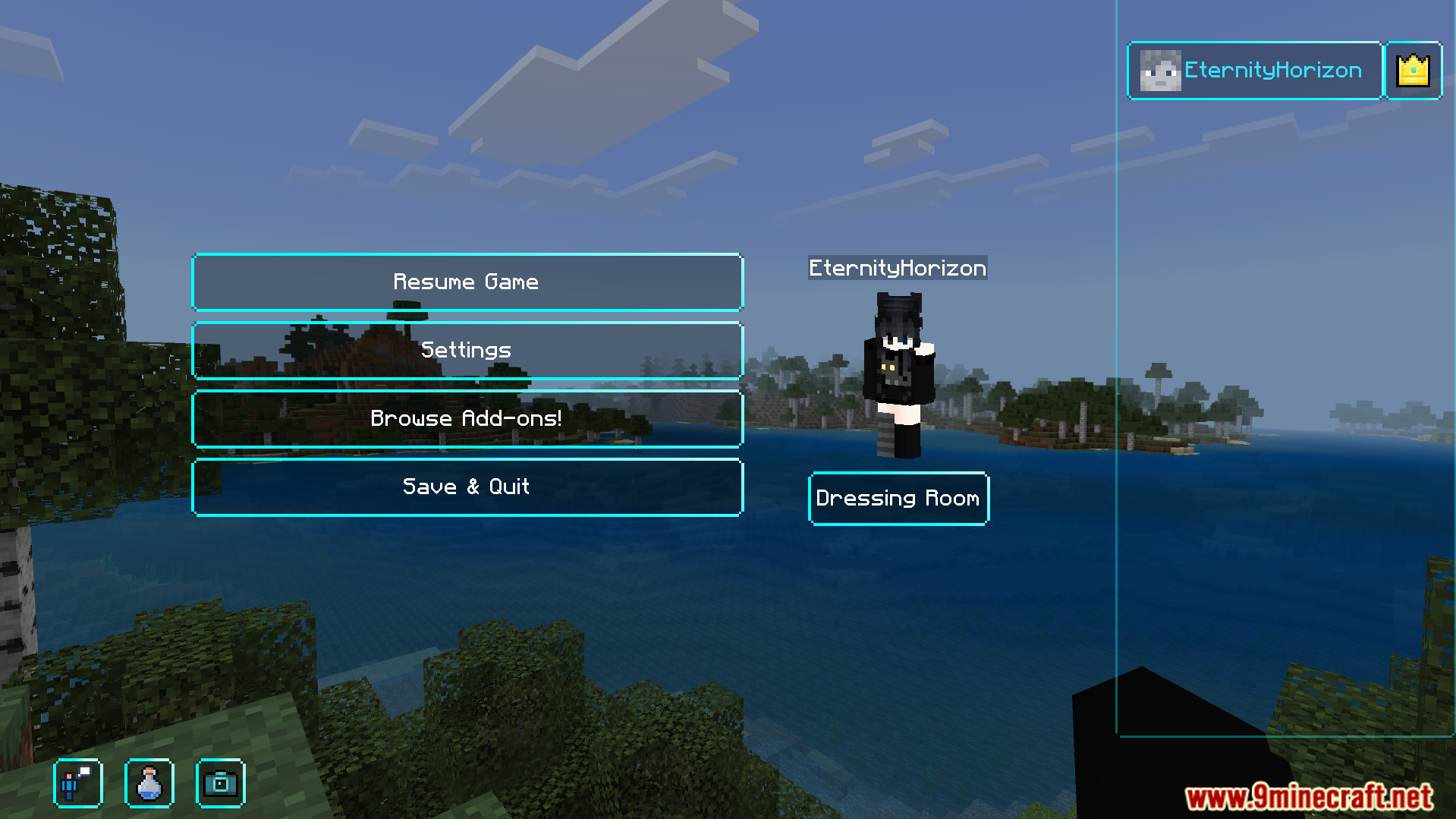
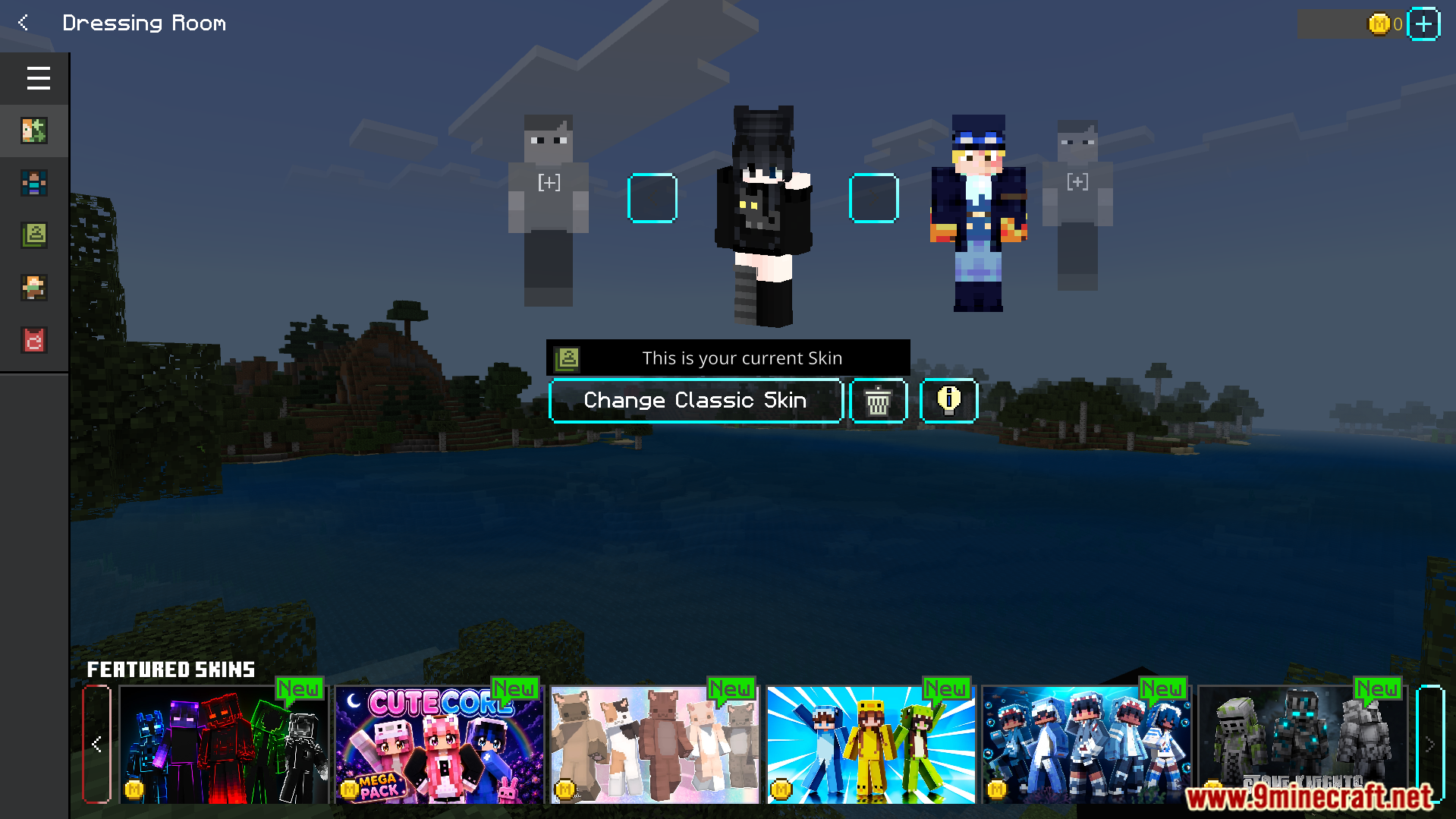
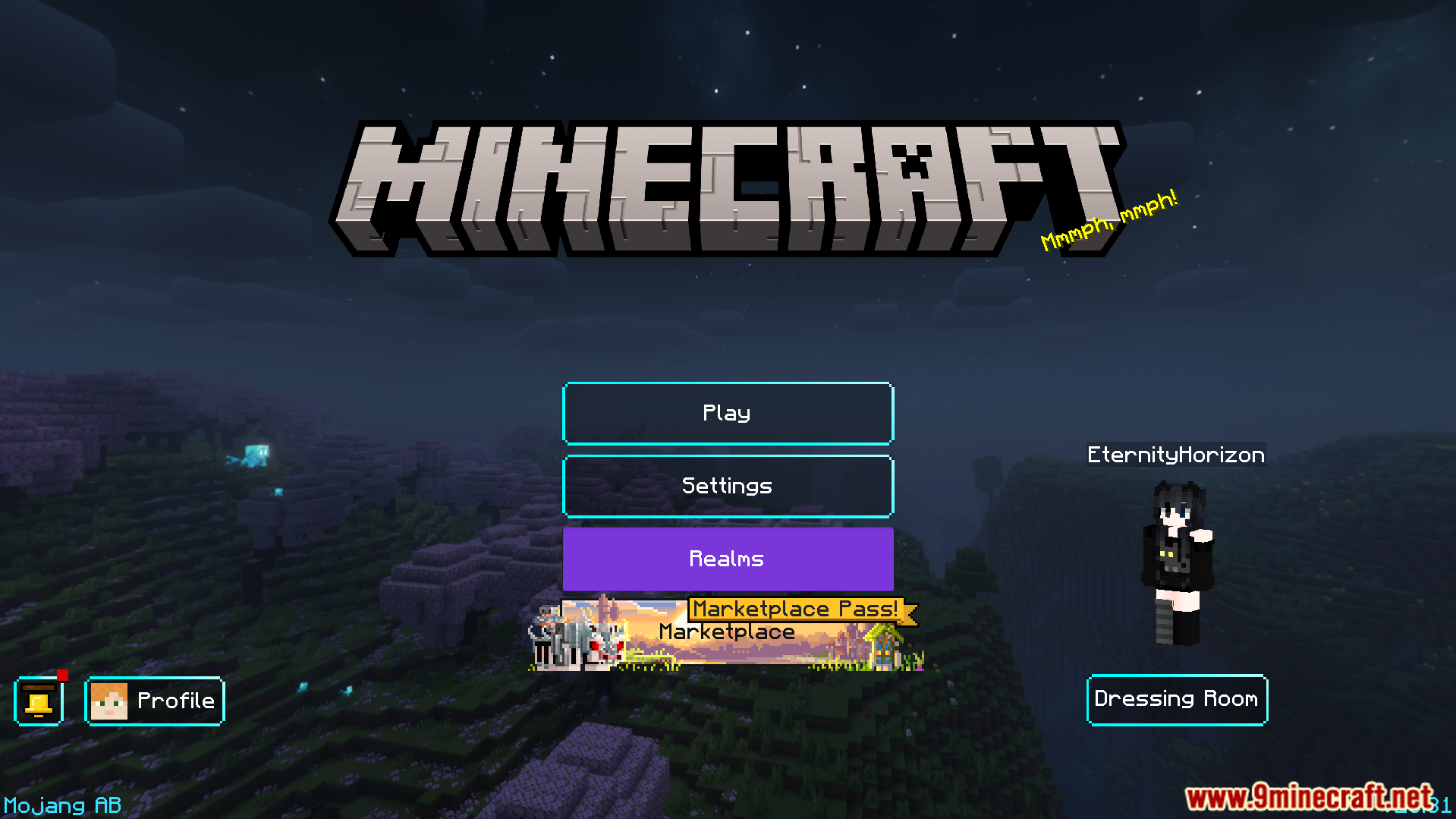
Neqs Clean UI Texture Pack A fresh, modern interface makeover for Bedrock — minimalist menus, crisp buttons and a clutter-free look across your whole game. Features: Sleek modern redesign of every menu screen Minimalist buttons, panels and inventory layouts Improved readability on phones and tablets Consistent clean styling from title screen to HUD Why You'll Love It: 1 Your game instantly looks premium and polished 2 Easier navigation with less visual noise 3 Light on resources, heavy on style How to Get Started: 1 Download the Neqs Clean UI Texture Pack. 2 Install it in Minecraft PE. 3 Open your world and enjoy the new experience. Clean screen,
Open this resource in CraftyBox