
CRAFTYBOX
Preparing your block world
正在准备你的方块世界
First visit setup
首次访问设置
CRAFTYBOX
Preparing your block world
正在准备你的方块世界
First visit setup
首次访问设置
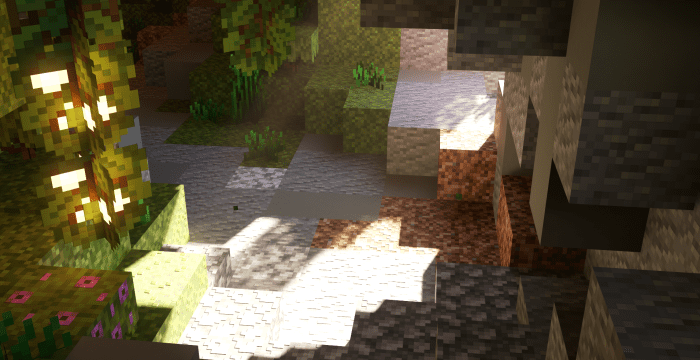
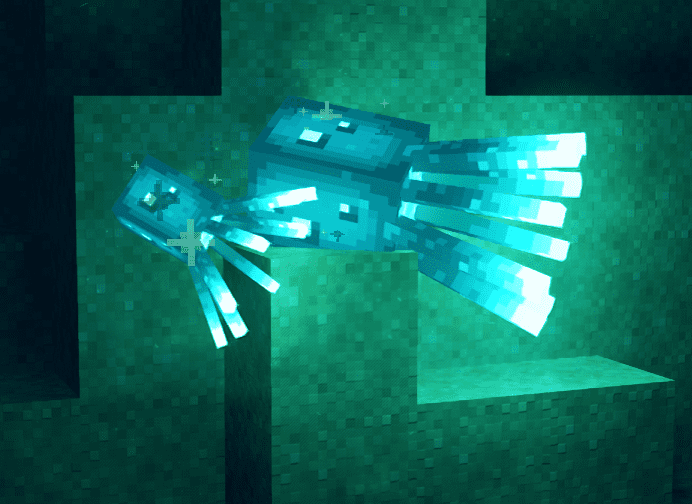
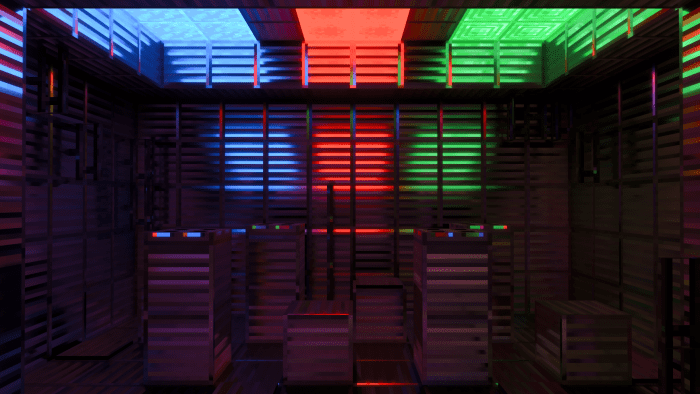
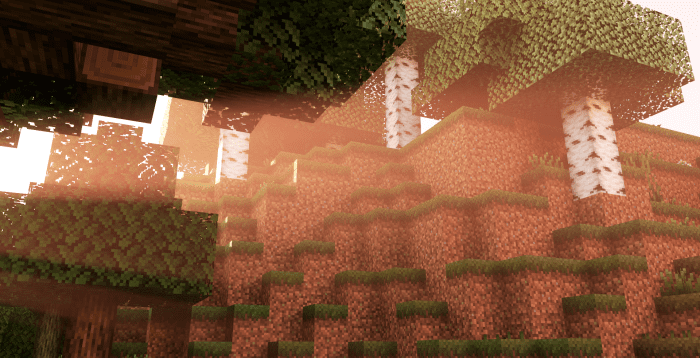
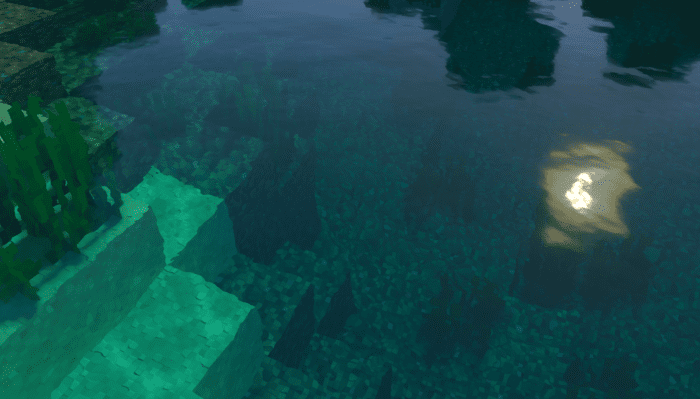
Prizma RTX Texture Pack Light up your world with the LumenRTX pack, delivering ray-traced style visuals with stunning reflections and glow. Features: LumenRTX visuals with realistic ray-traced lighting Gorgeous reflections and vivid glow effects Rich, vibrant colors across every block Cinematic look for 1.20 and 1.21 Why You'll Love It: 1 Transforms your world into a photoreal showcase 2 Perfect for RTX-capable devices 3 Breathtaking lighting in every scene How to Get Started: 1 Download the Prizma RTX Texture Pack. 2 Install it in Minecraft PE. 3 Open your world and enjoy the new experience. See Minecraft glow like never before.

Read the full details and screenshots
Open this resource in CraftyBox