
CRAFTYBOX
Preparing your block world
正在准备你的方块世界
First visit setup
首次访问设置
CRAFTYBOX
Preparing your block world
正在准备你的方块世界
First visit setup
首次访问设置
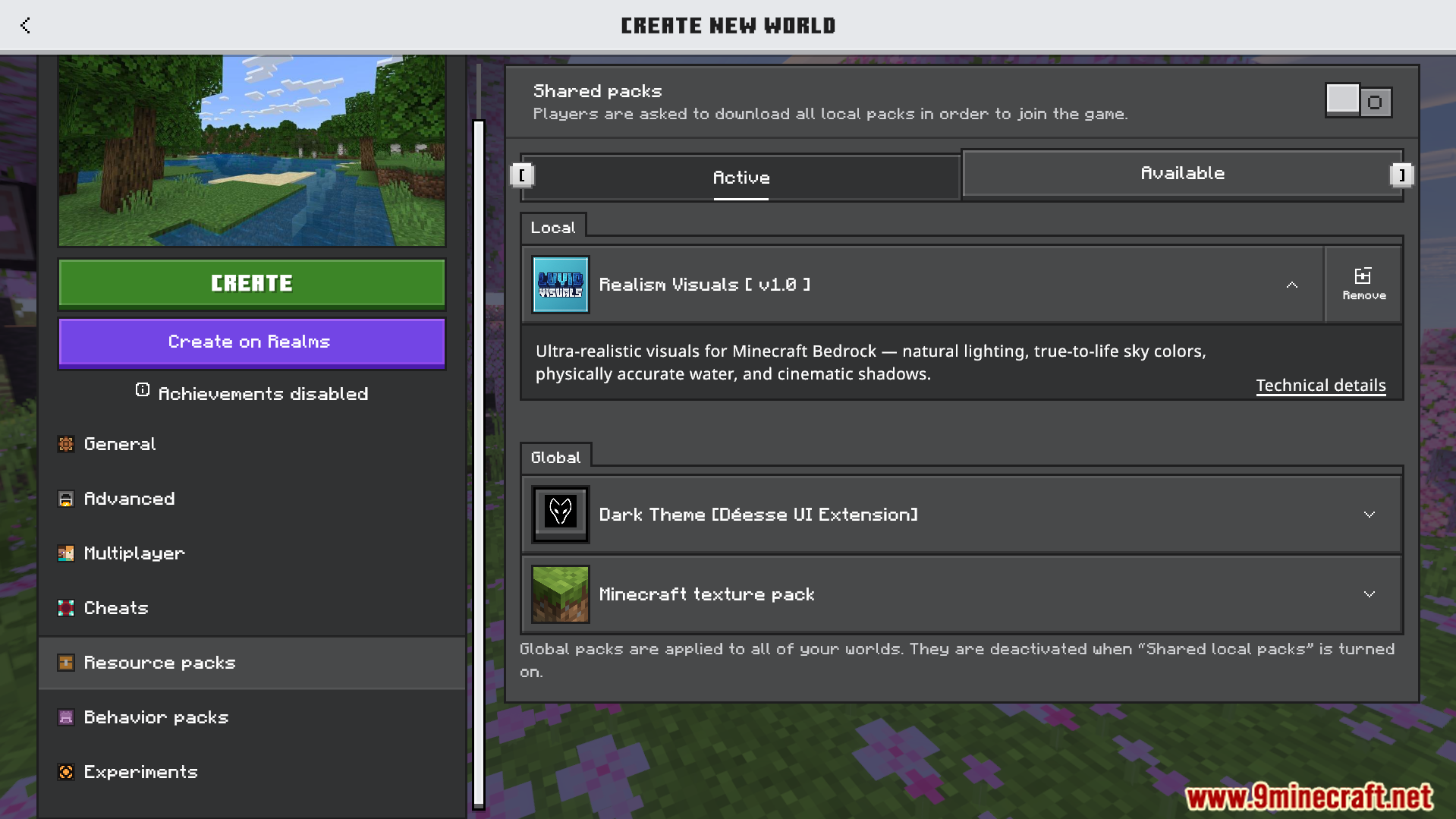
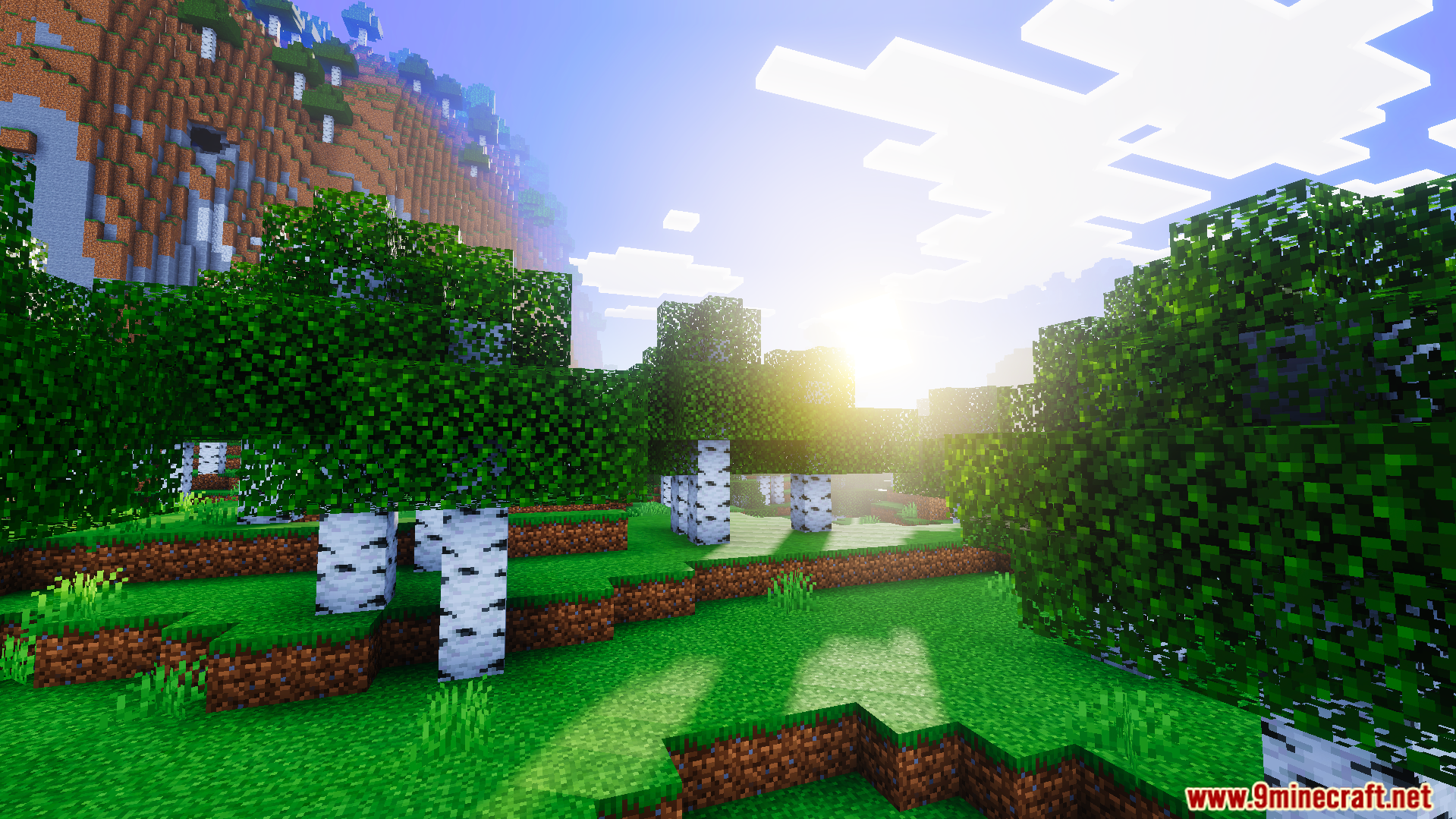
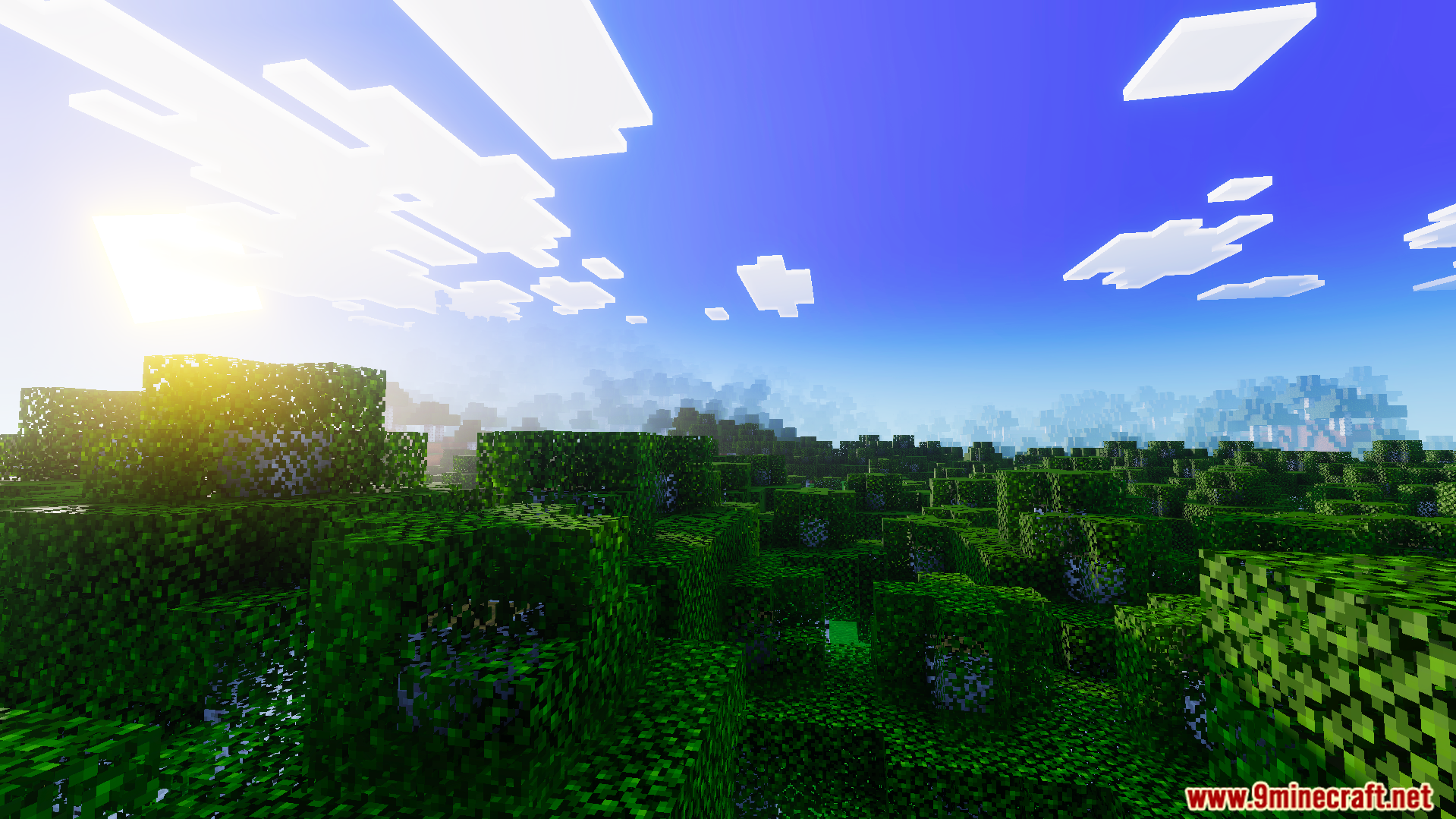
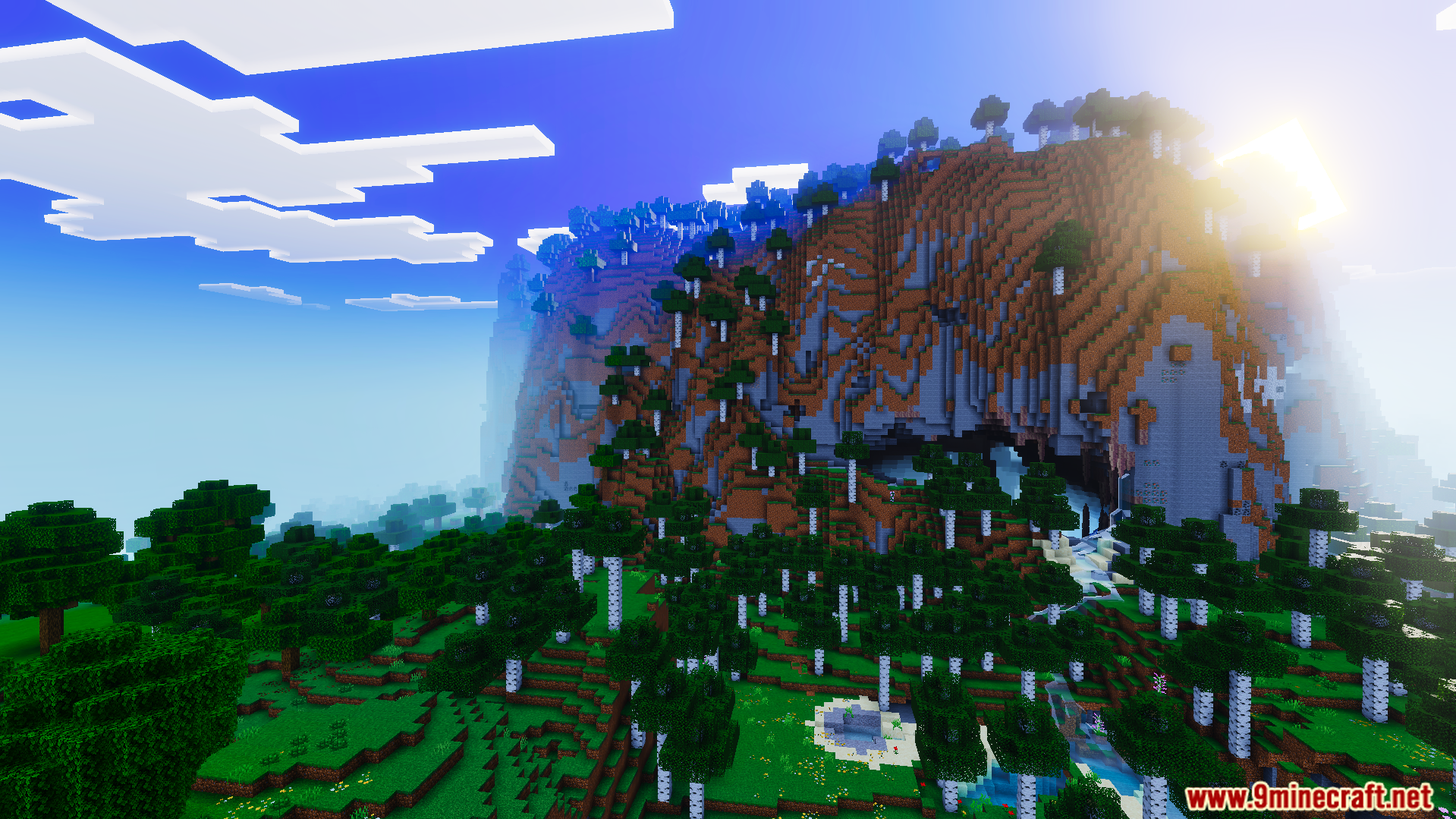
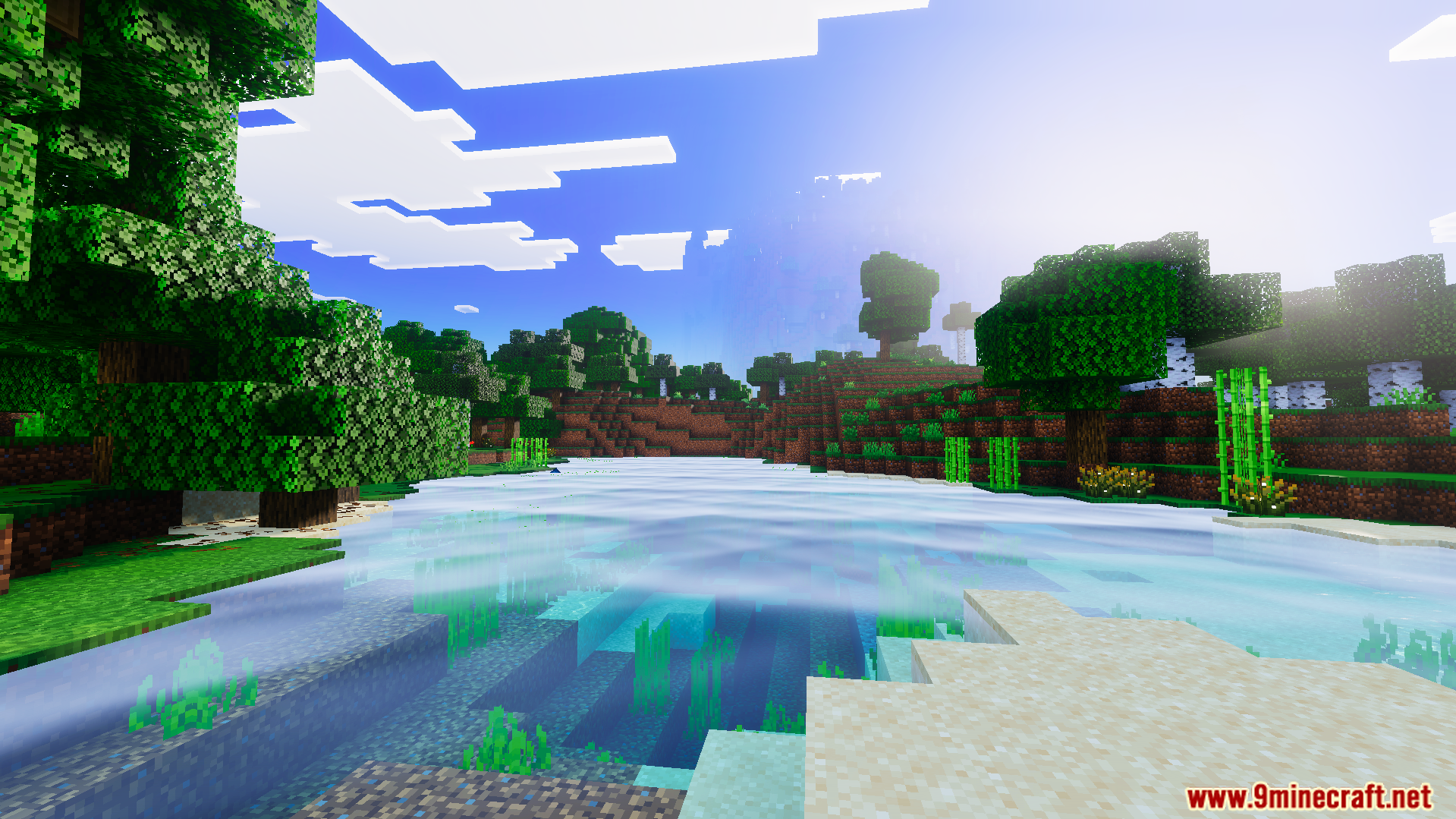
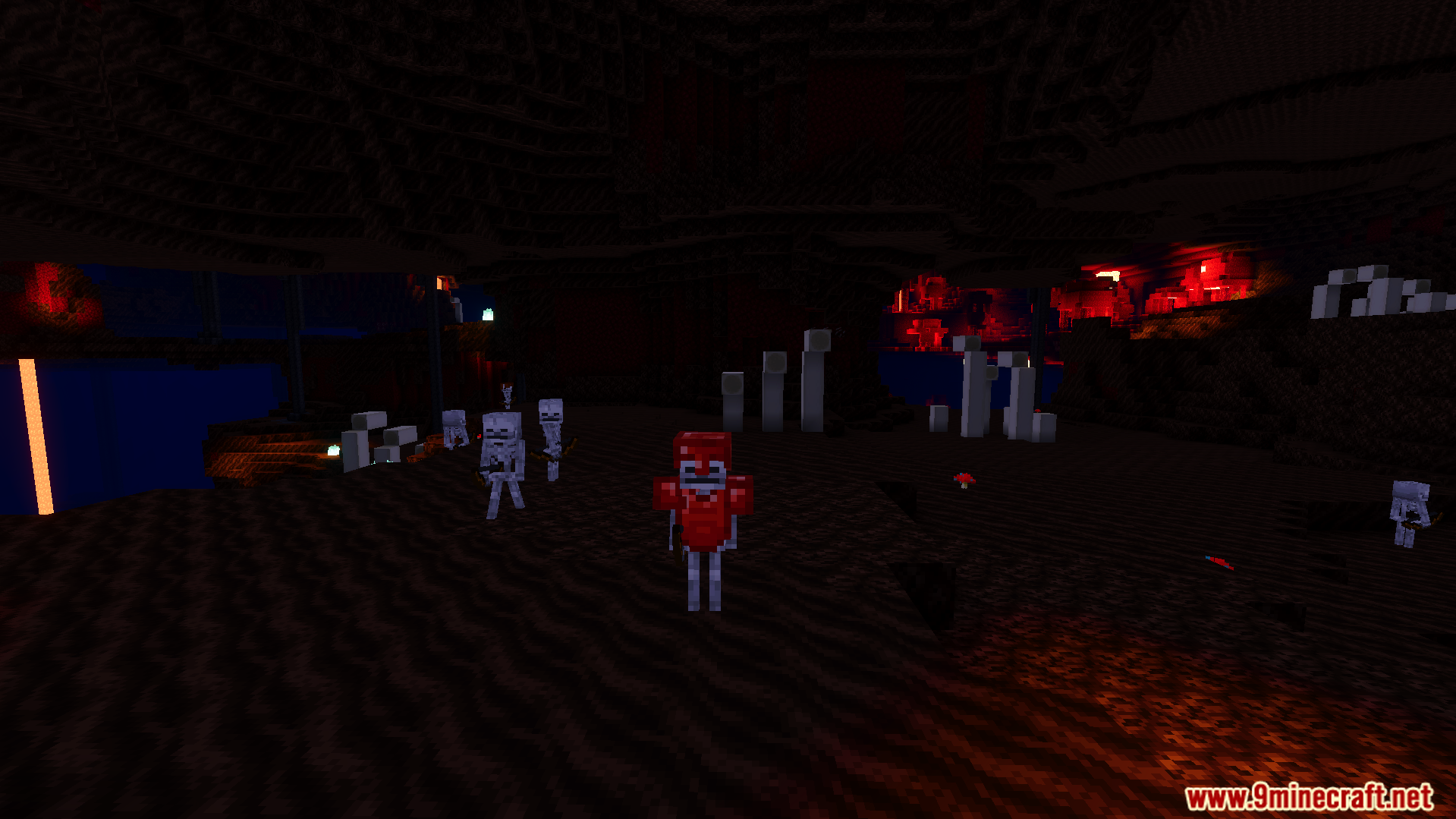
Realism Visuals Shader Realism Visuals brings soft shadows and silky smooth water to Minecraft PE 1.26+ – and it runs on any device, from budget phones to flagships. Features: Soft, natural shadows that follow the sun Smooth, flowing water with gentle reflections Optimized to run on low-end and high-end devices alike Balanced lighting for day, night, and stormy weather Why You'll Love It: 1 Realistic visuals without sacrificing FPS. 2 No fancy hardware needed – it just works everywhere. 3 Shadows and water look better than vanilla ever could. How to Get Started: 1 Download the Realism Visuals Shader. 2 Install it in Minecraft PE. 3 Open your world a
Read the full details and screenshots
Open this resource in CraftyBox