
CRAFTYBOX
Preparing your block world
正在准备你的方块世界
First visit setup
首次访问设置
CRAFTYBOX
Preparing your block world
正在准备你的方块世界
First visit setup
首次访问设置
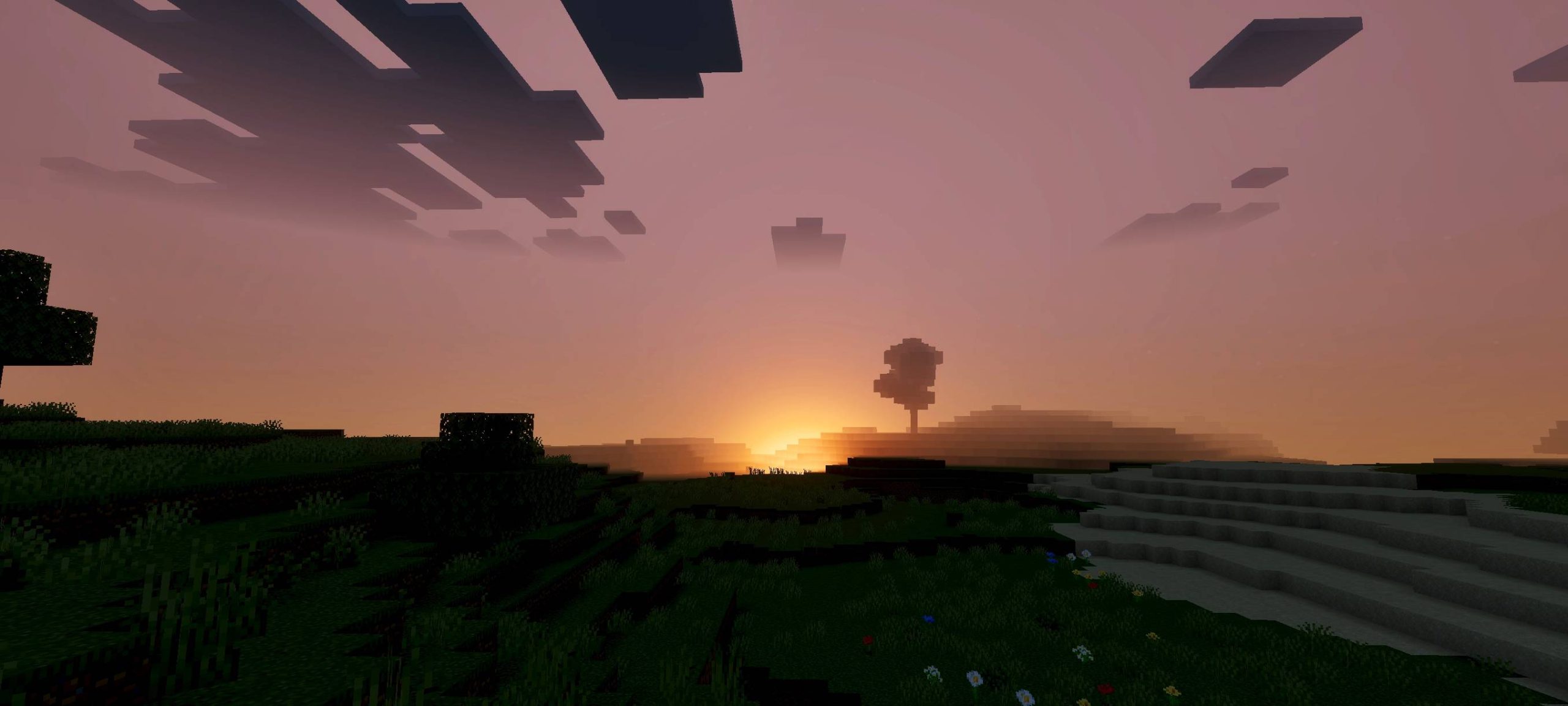
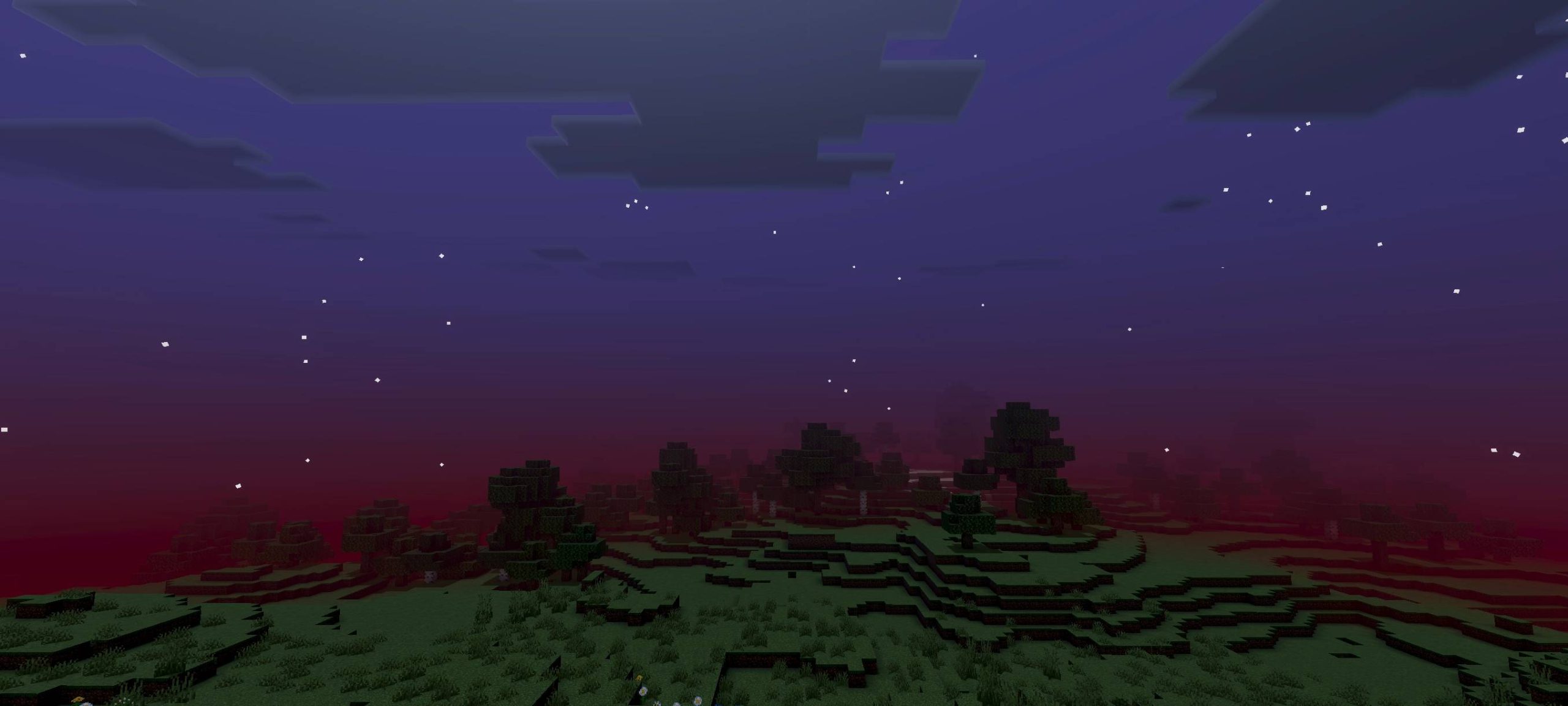
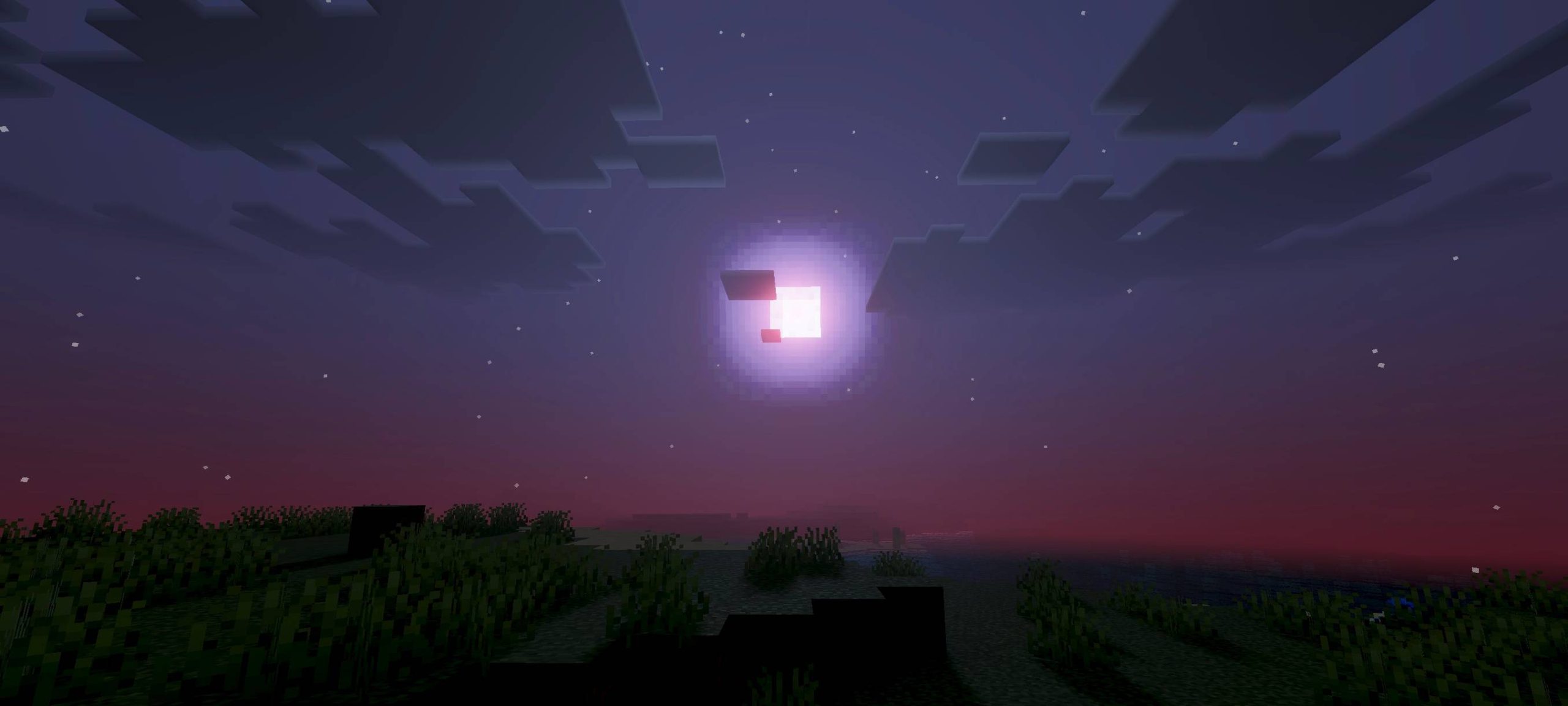
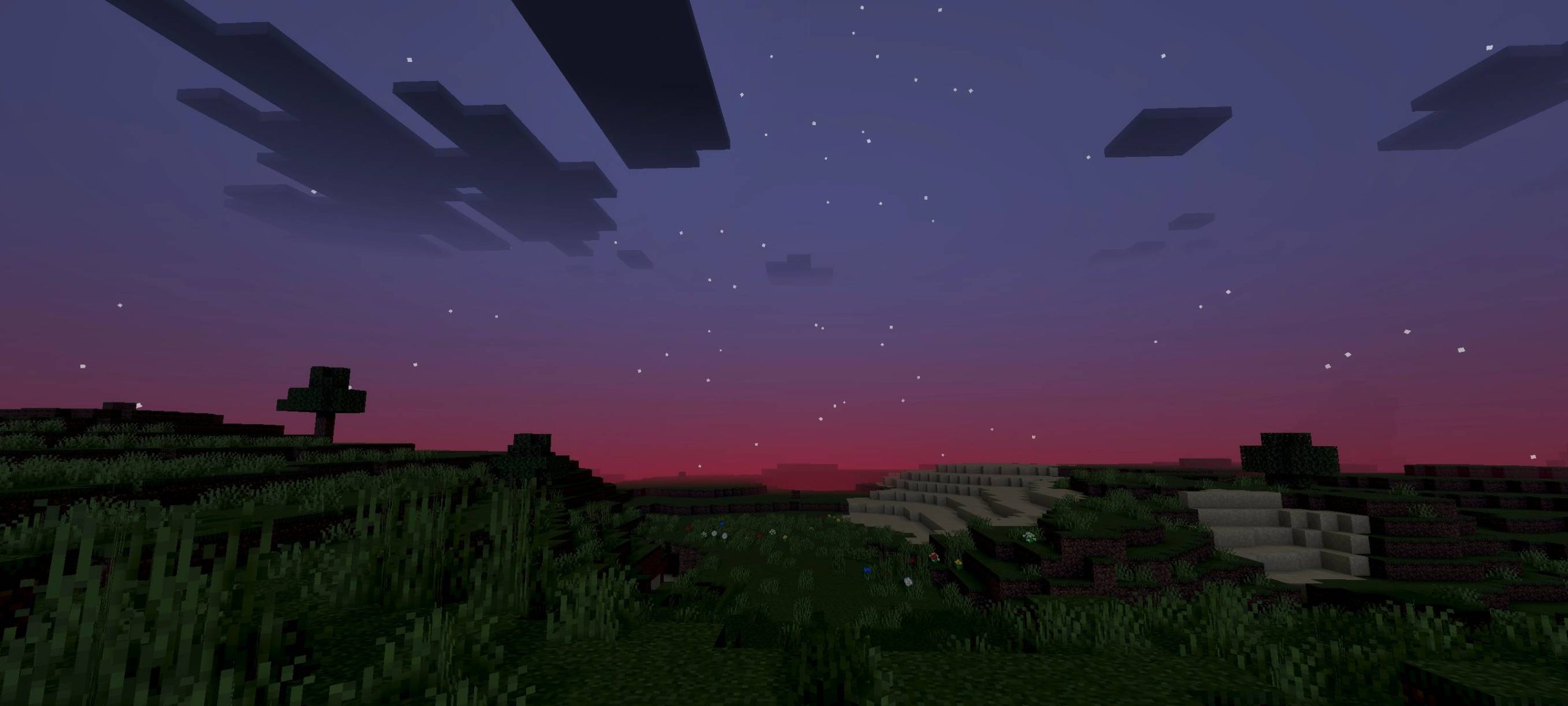
Sukuna Visual Theme Shader Transform your Minecraft world with the visually stunning Sukuna Visual Theme Shader! Immerse yourself in a world of vibrant colors and enhanced lighting. Features: Unique color palette inspired by Sukuna. Improved lighting and shadows. Enhanced visual effects for a dramatic look. Why You'll Love It: 1 A breathtaking visual overhaul for your game. 2 Experience Minecraft like never before with artistic flair. 3 Perfect for creators and players who love aesthetic visuals. How to Get Started: 1 Download the Sukuna Visual Theme Shader. 2 Install it in Minecraft PE. 3 Open your world and enjoy the new experience. Elevate your Mine

Read the full details and screenshots
Open this resource in CraftyBox