
CRAFTYBOX
Preparing your block world
正在准备你的方块世界
First visit setup
首次访问设置
CRAFTYBOX
Preparing your block world
正在准备你的方块世界
First visit setup
首次访问设置
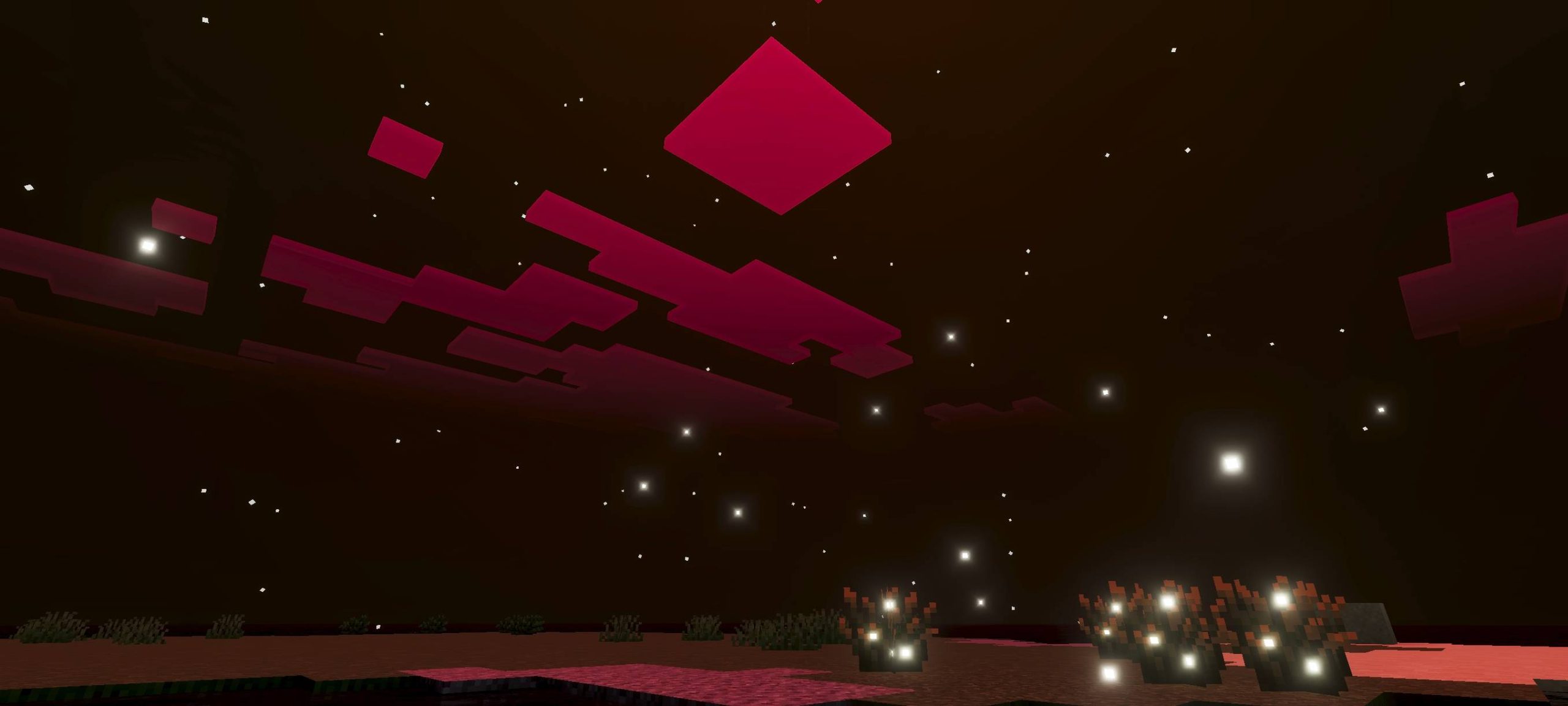
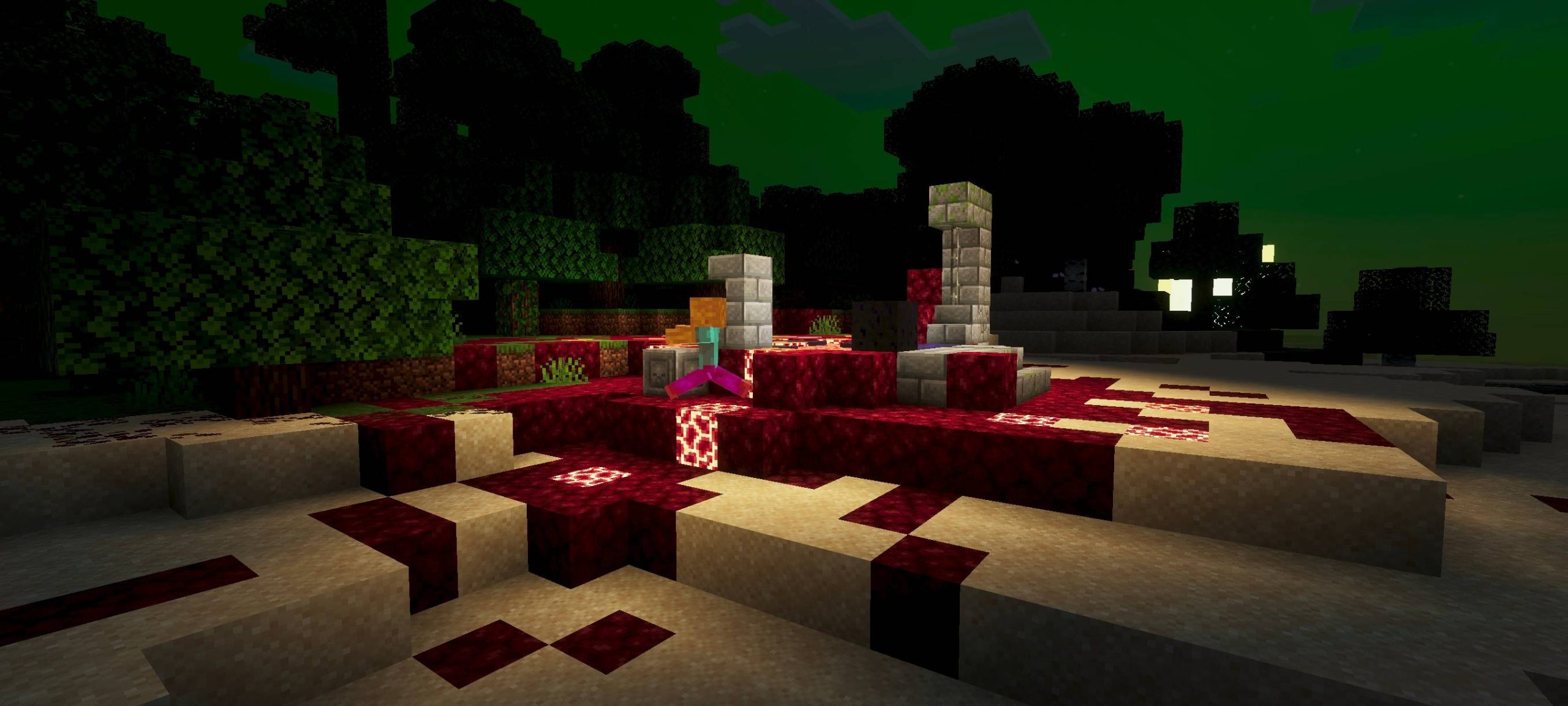
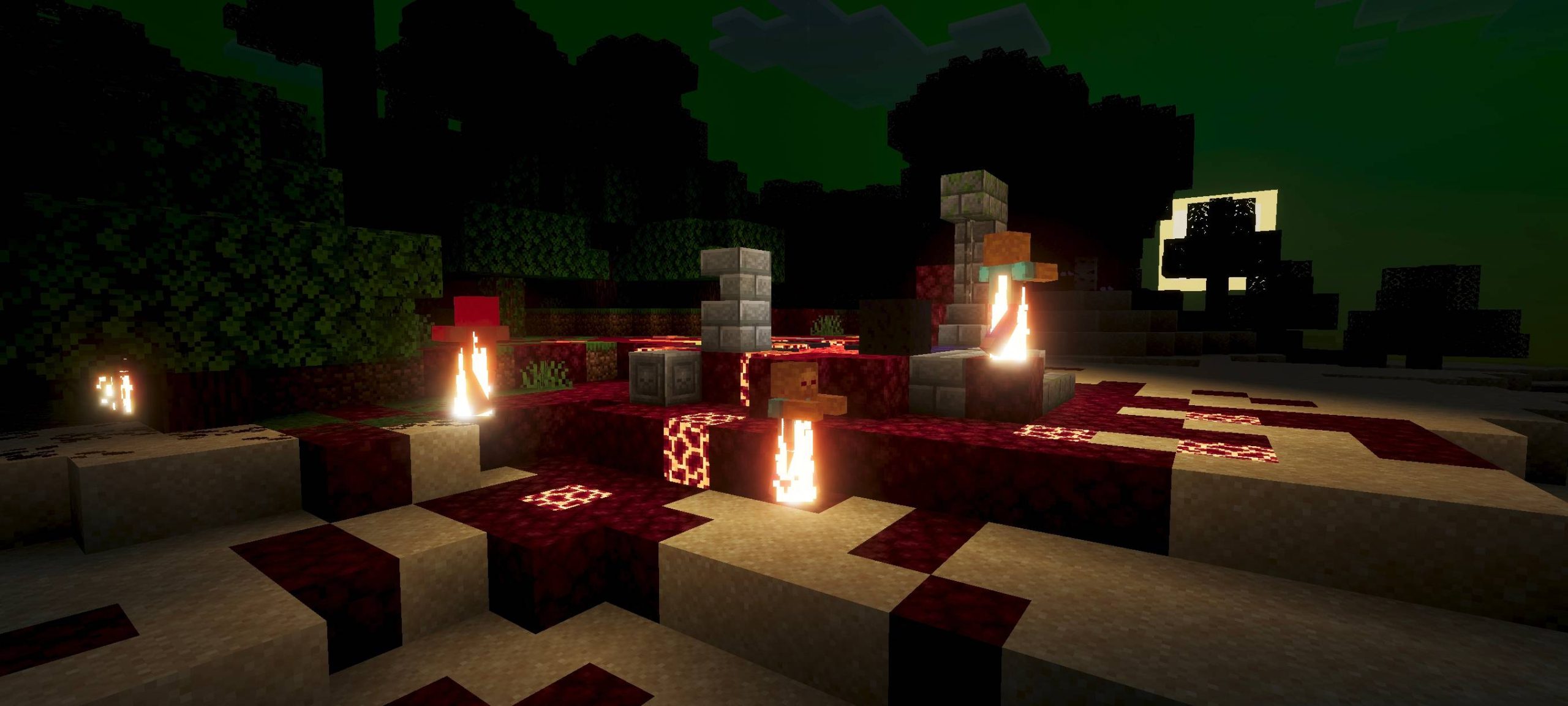
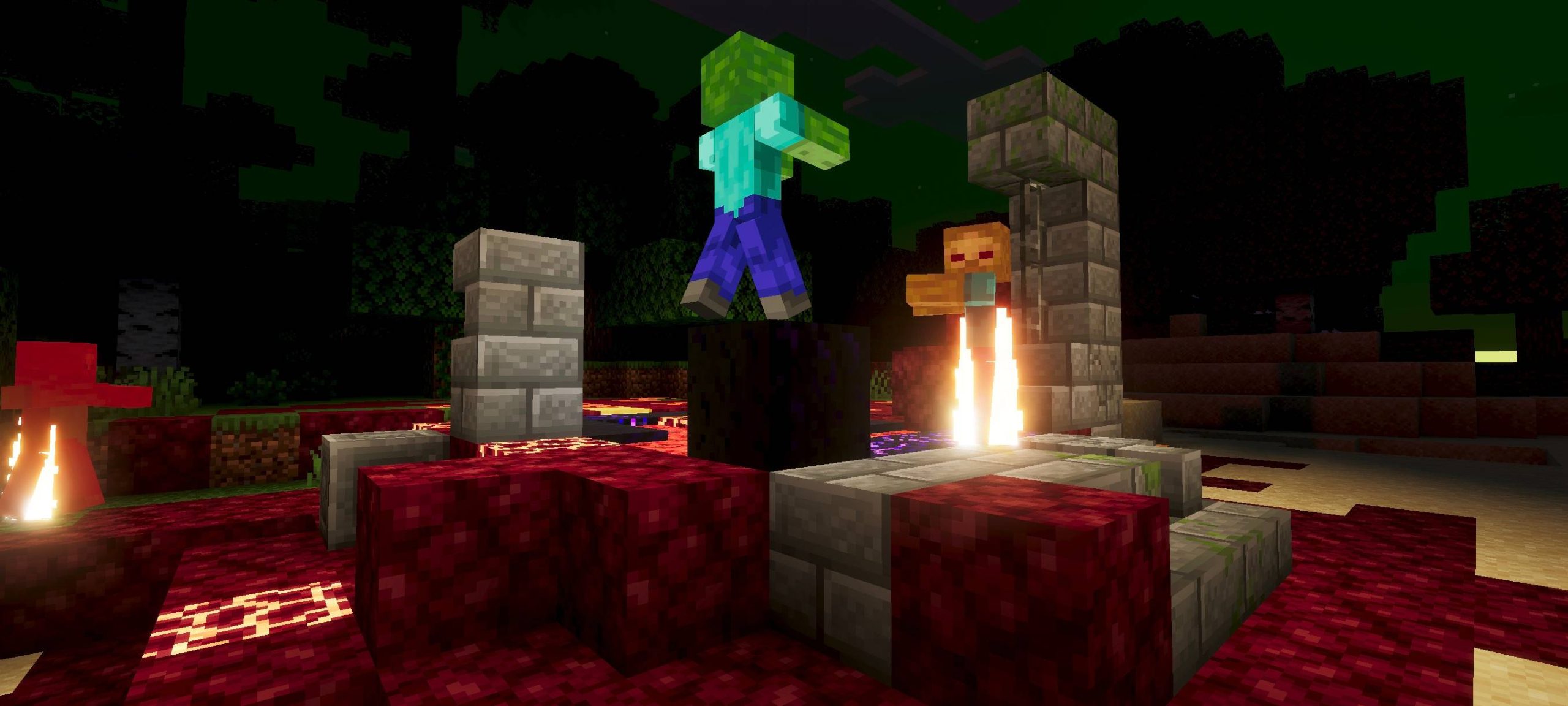
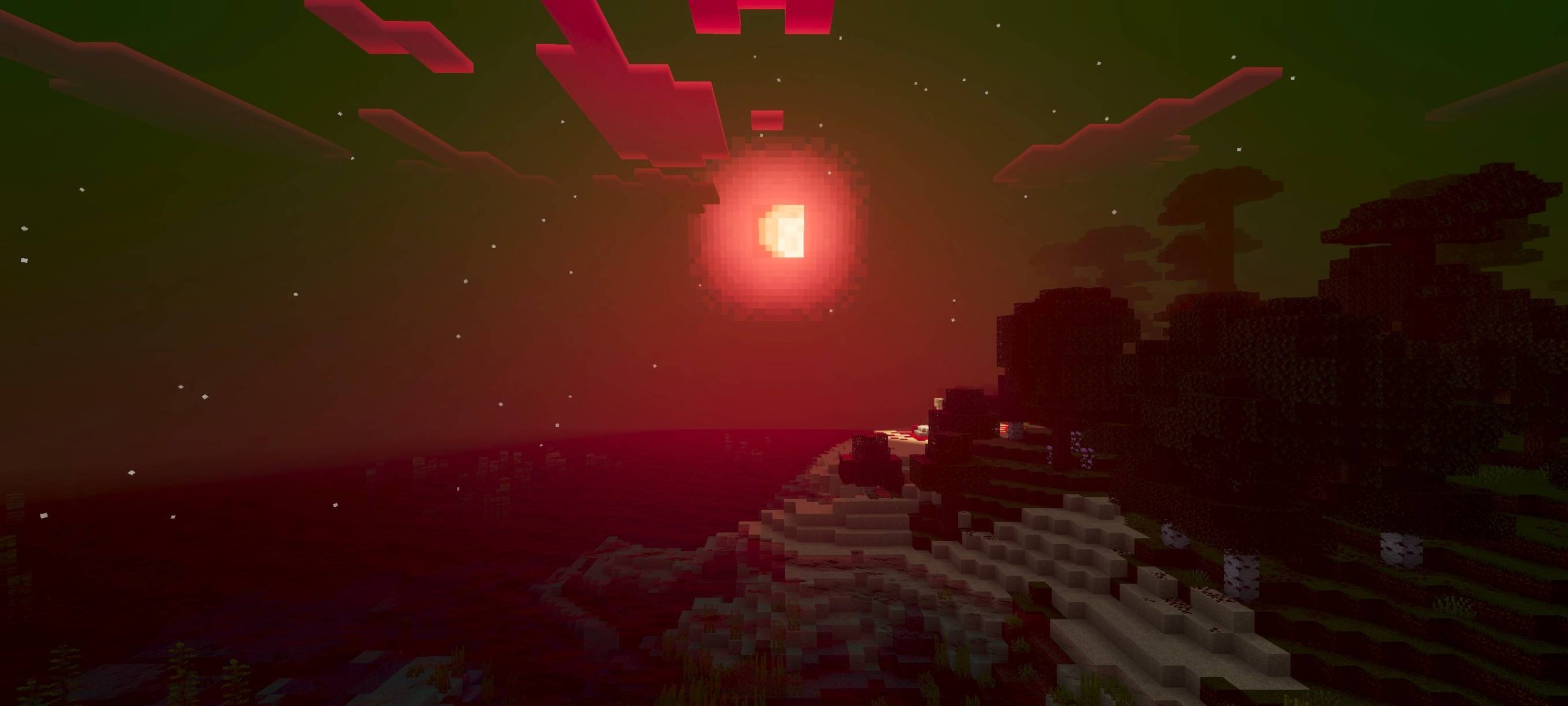
Zombie Shader Immerse yourself in a terrifyingly beautiful Minecraft world with the Zombie Shader! Features: Realistic lighting effects that cast eerie shadows. Enhanced mob appearances for a more menacing feel. Atmospheric fog and particle effects. Unique color grading for a spooky ambiance. Why You'll Love It: 1 Adds a chilling atmosphere to your gameplay. 2 Perfect for horror maps and survival challenges. 3 Transforms your Minecraft world into a nightmare. How to Get Started: 1 Download the Zombie Shader. 2 Install it in Minecraft PE. 3 Open your world and enjoy the new experience. Prepare for a frightfully good time!
Read the full details and screenshots
Open this resource in CraftyBox