
CRAFTYBOX
Preparing your block world
正在准备你的方块世界
First visit setup
首次访问设置
CRAFTYBOX
Preparing your block world
正在准备你的方块世界
First visit setup
首次访问设置
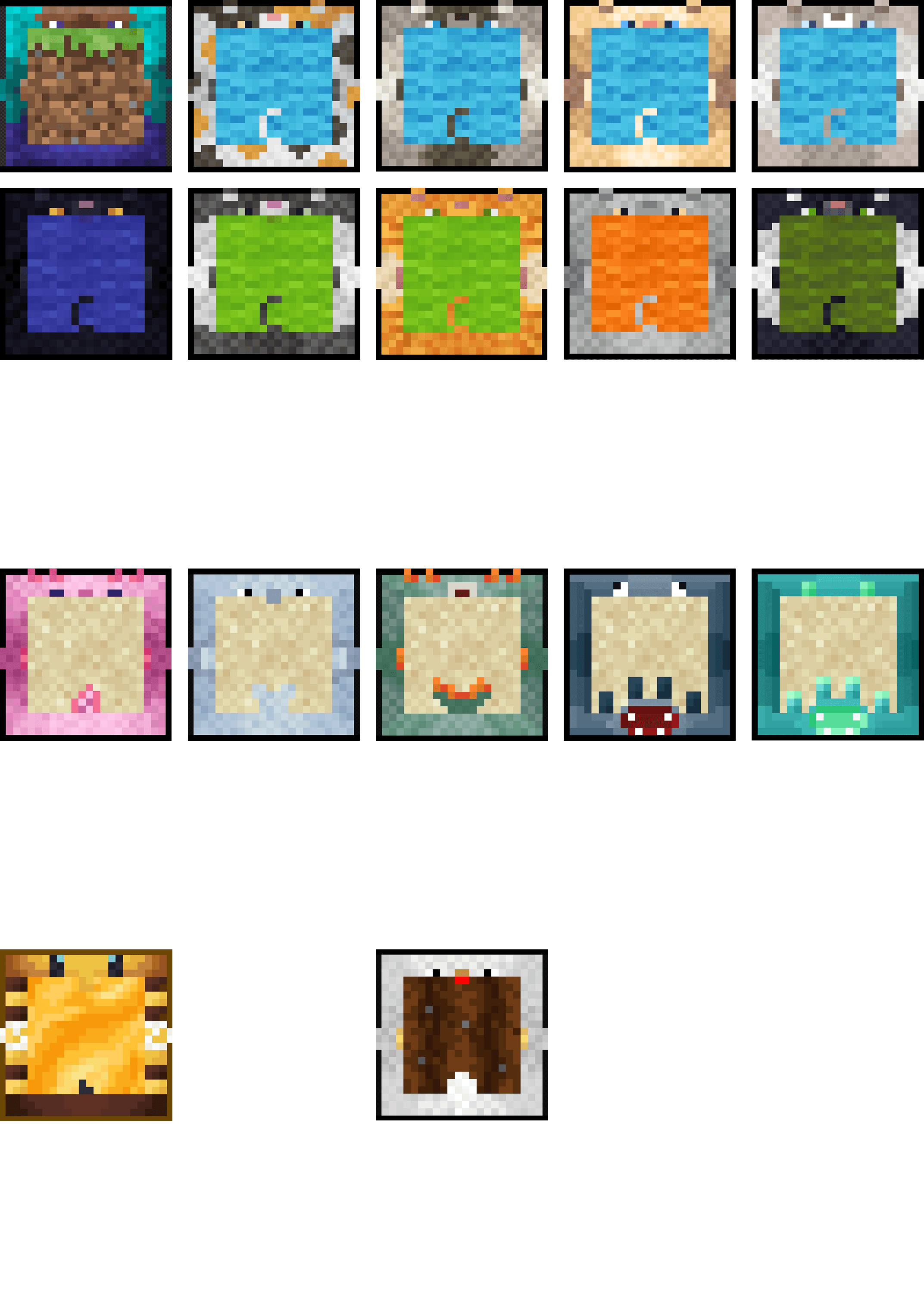
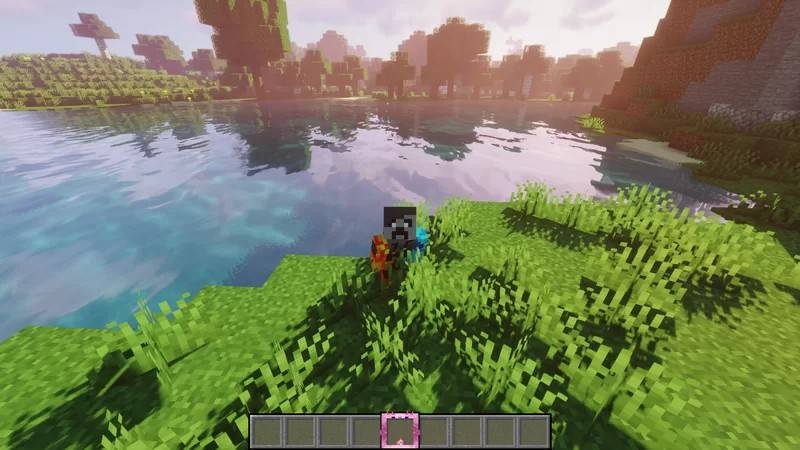
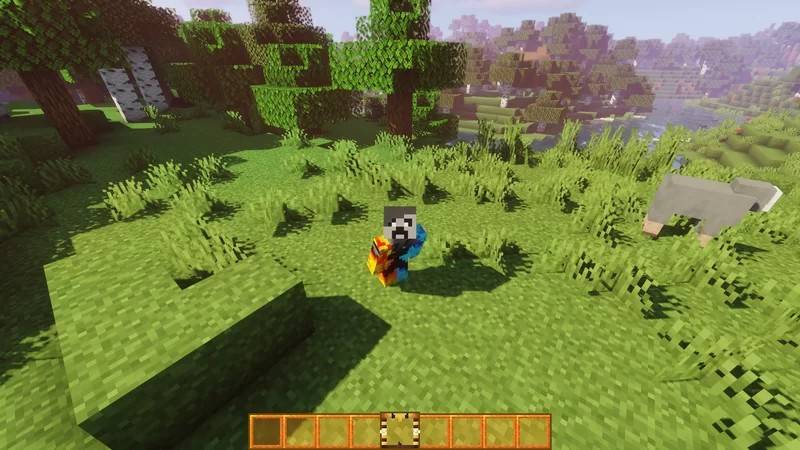
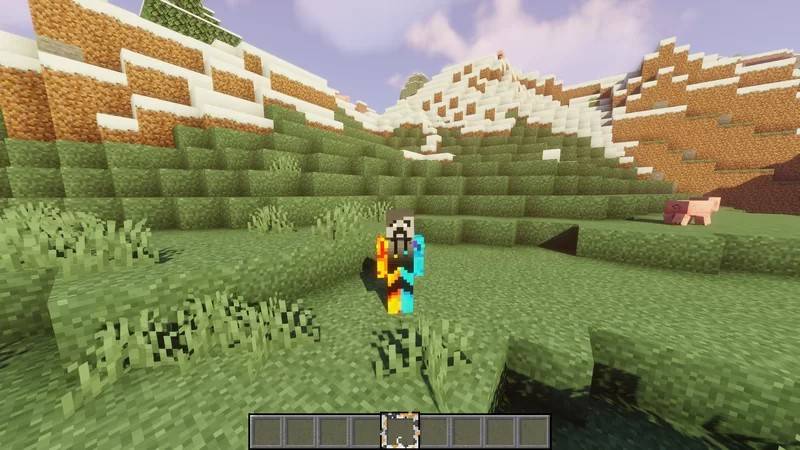
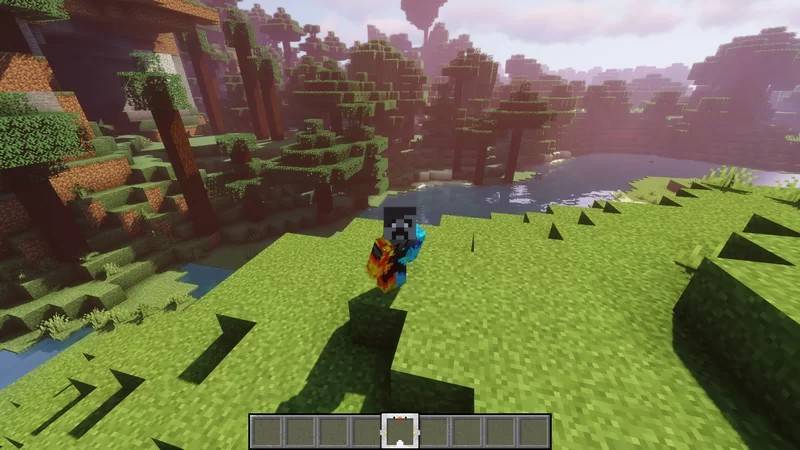
Cyber's Hotbar Collection Texture Pack Refresh your interface with a whole collection of custom hotbar designs that let you personalize the look of your inventory bar in Minecraft PE. Features: Multiple stylish hotbar designs to choose from Clean, modern UI reskins for your bottom bar Fits perfectly over the vanilla interface Lightweight pack that won't affect performance Why You'll Love It: 1 Personalizes your HUD to match your style 2 Great variety in one convenient pack 3 Instantly freshens up your screen How to Get Started: 1 Download the Cyber's Hotbar Collection Texture Pack. 2 Install it in Minecraft PE. 3 Open your world and enjoy the new ex
Read the full details and screenshots
Open this resource in CraftyBox