
CRAFTYBOX
Preparing your block world
正在准备你的方块世界
First visit setup
首次访问设置
CRAFTYBOX
Preparing your block world
正在准备你的方块世界
First visit setup
首次访问设置
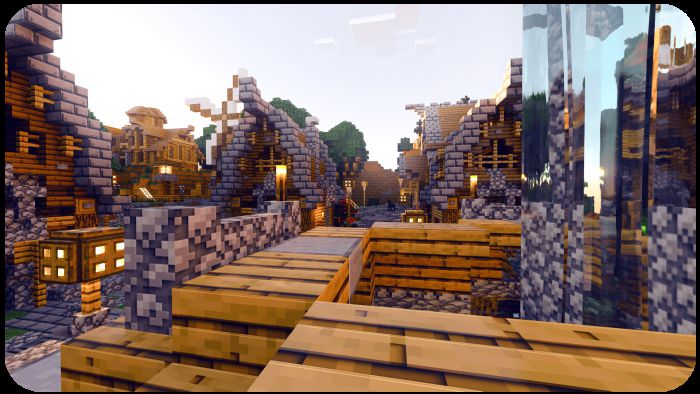
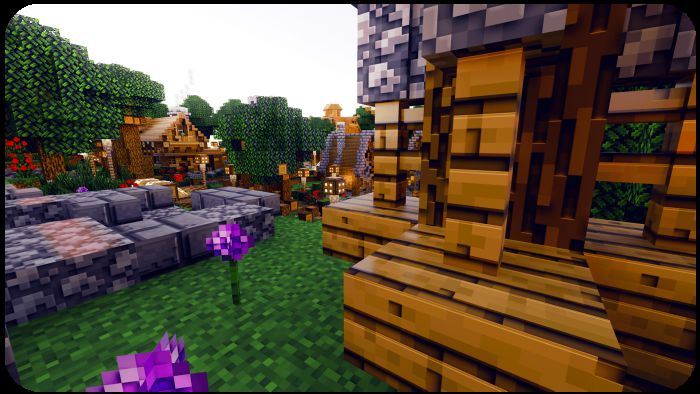
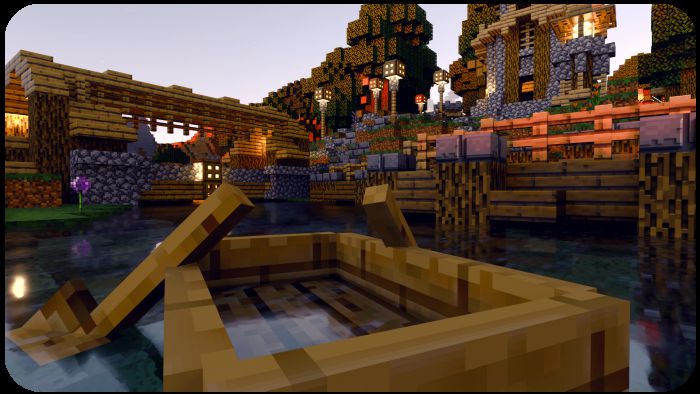
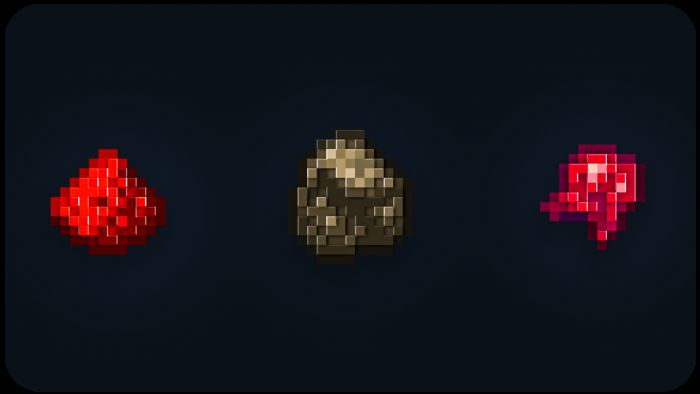
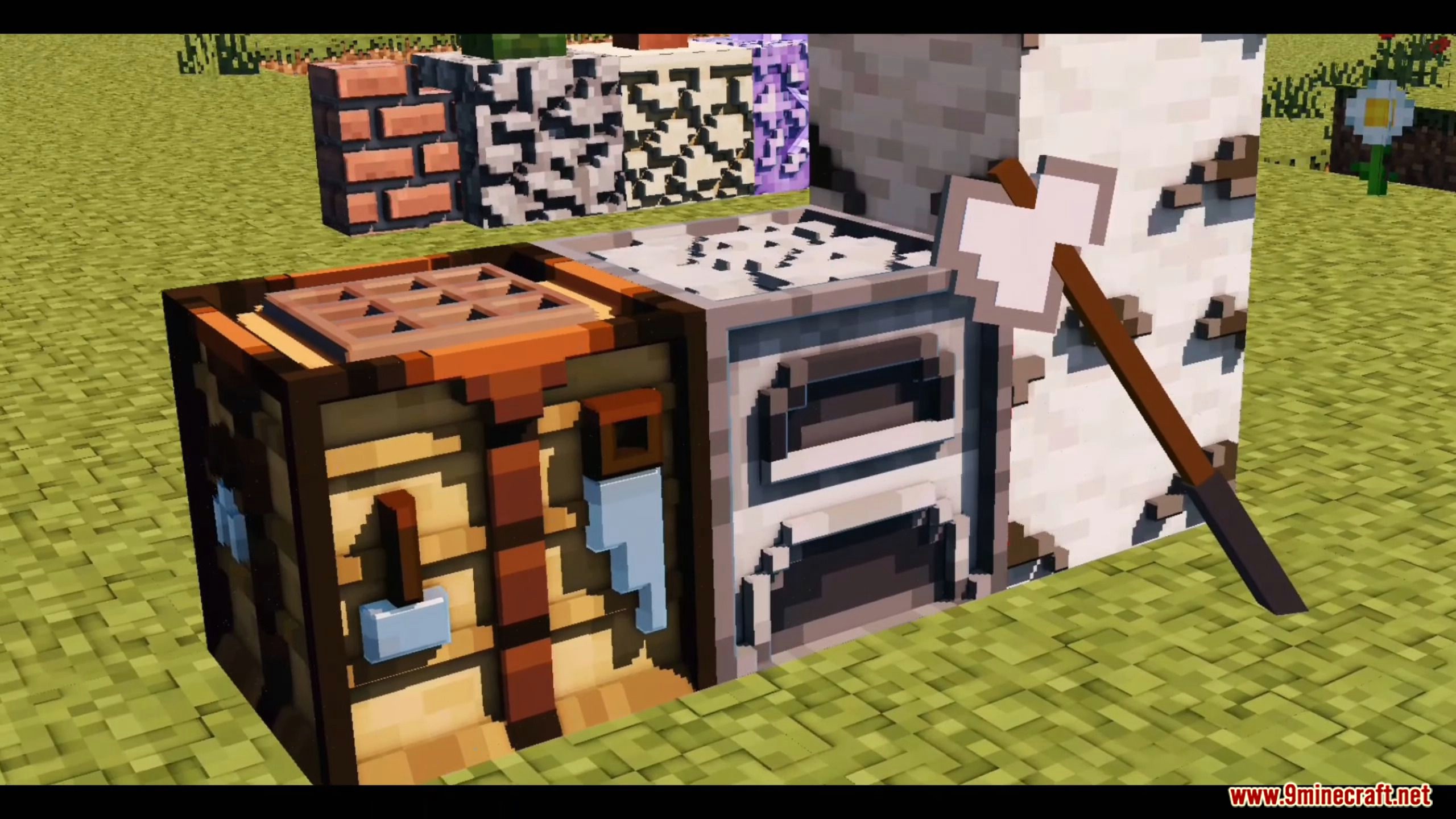
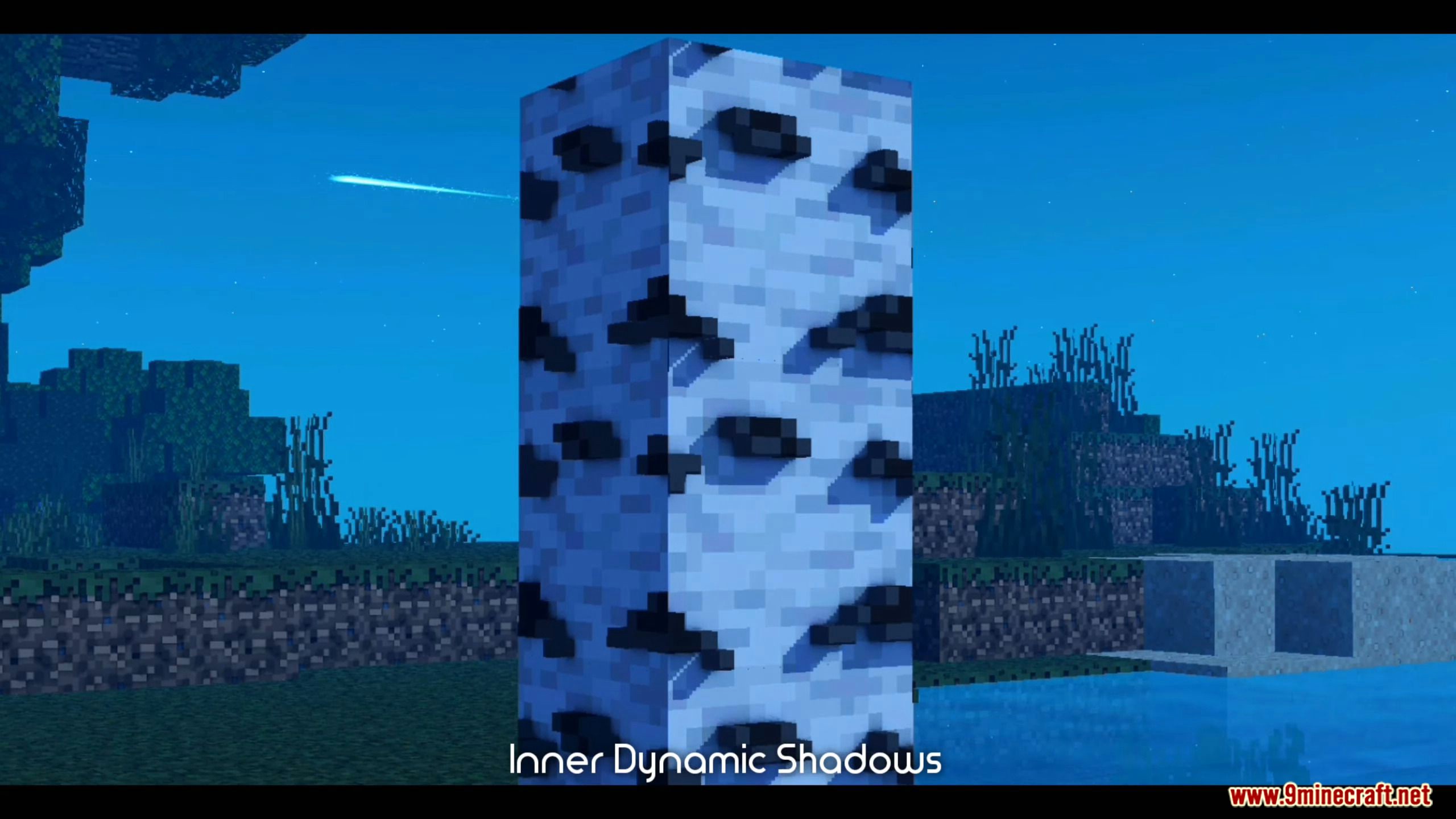
Minecraft 3D Texture Pack Add real depth to your blocks! This 3D Texture Pack for MCPE 1.26 and 1.21 turns flat surfaces into detailed three-dimensional models. Features: 3D block models with real depth and shape Ores, tools, and items that pop out in 3D Detailed doors, rails, ladders, and more Vanilla-style colors so everything stays familiar Why You'll Love It: 1 Your world literally gains a new dimension. 2 Familiar textures, dramatically upgraded depth. 3 Great on both 1.26 and 1.21 versions. How to Get Started: 1 Download the Minecraft 3D Texture Pack. 2 Install it in Minecraft PE. 3 Open your world and enjoy the new experience. Flat is borin
Read the full details and screenshots
Open this resource in CraftyBox