
CRAFTYBOX
Preparing your block world
正在准备你的方块世界
First visit setup
首次访问设置
CRAFTYBOX
Preparing your block world
正在准备你的方块世界
First visit setup
首次访问设置
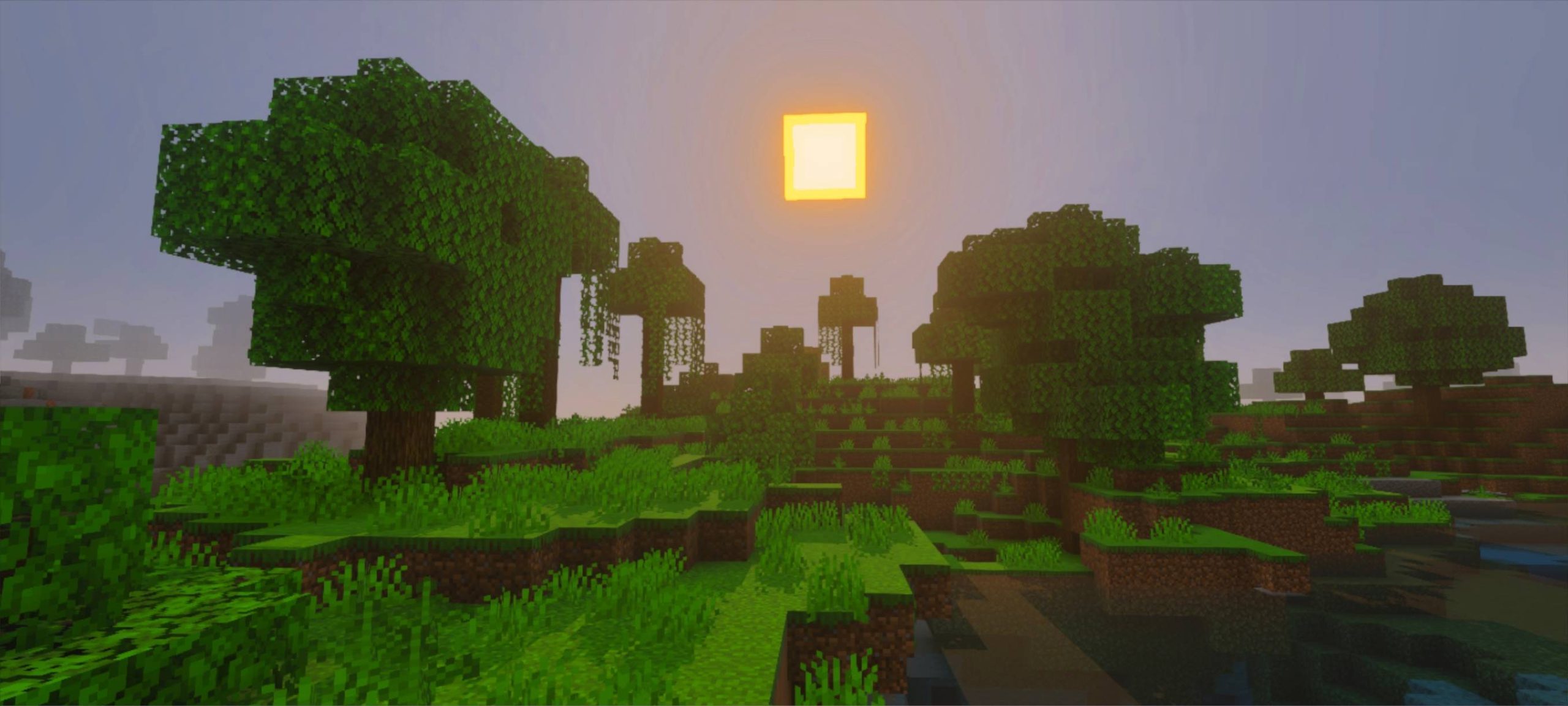
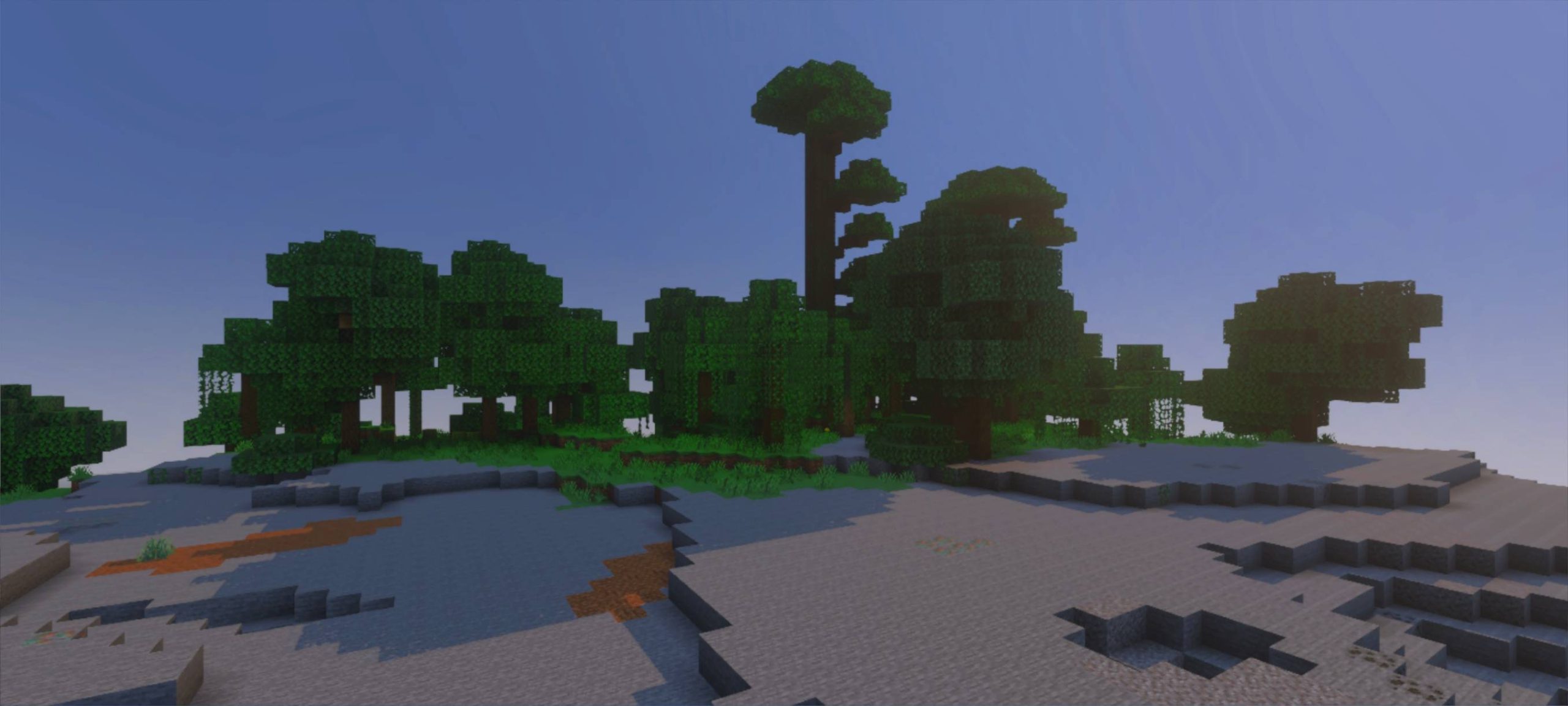
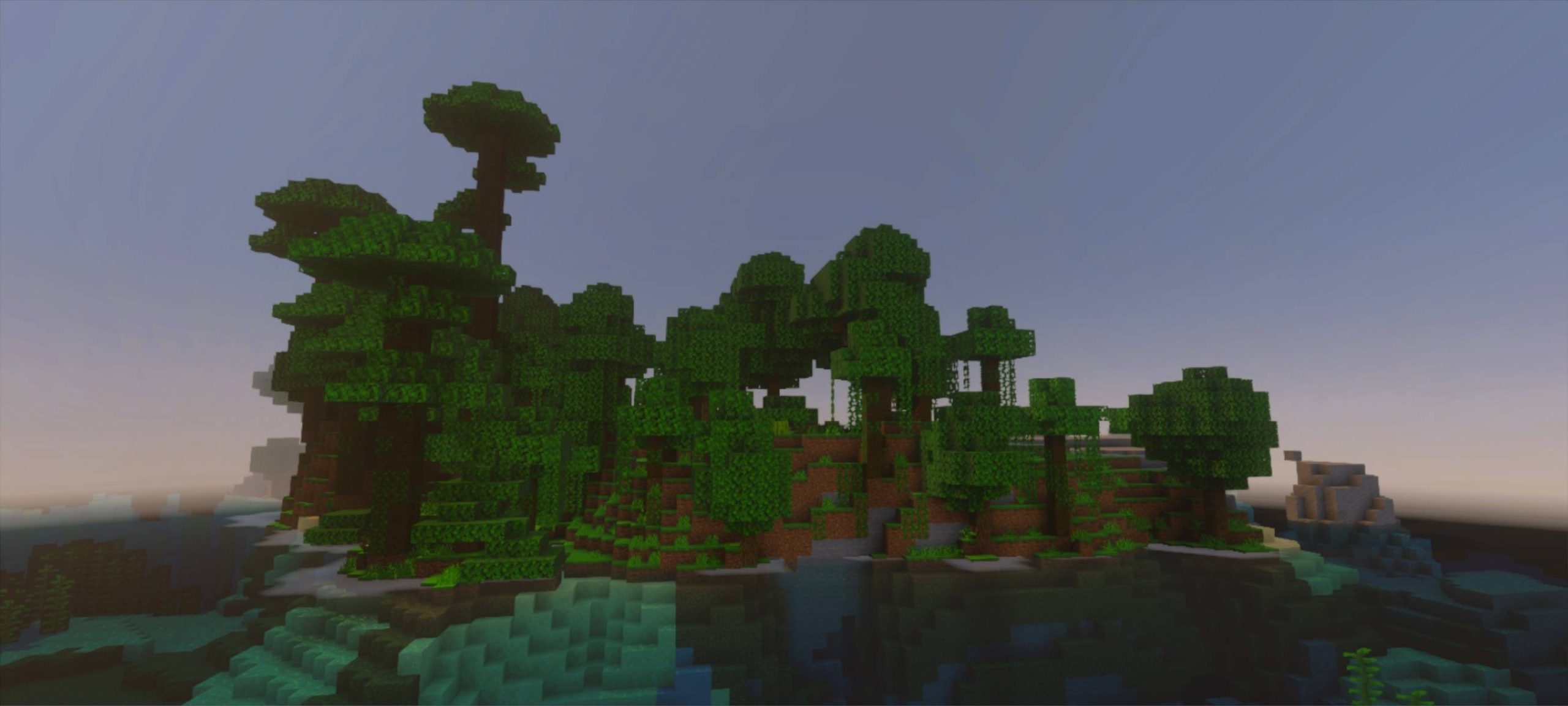
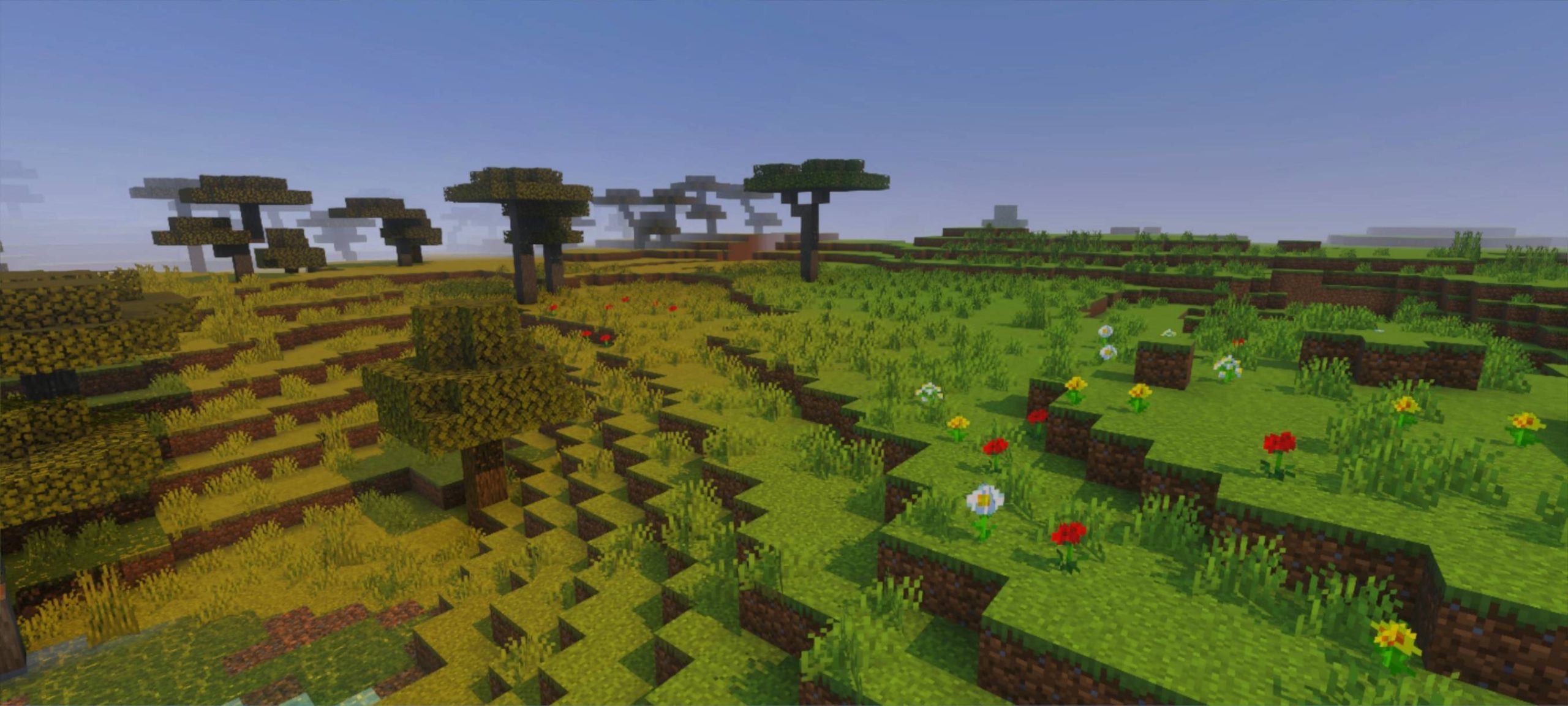
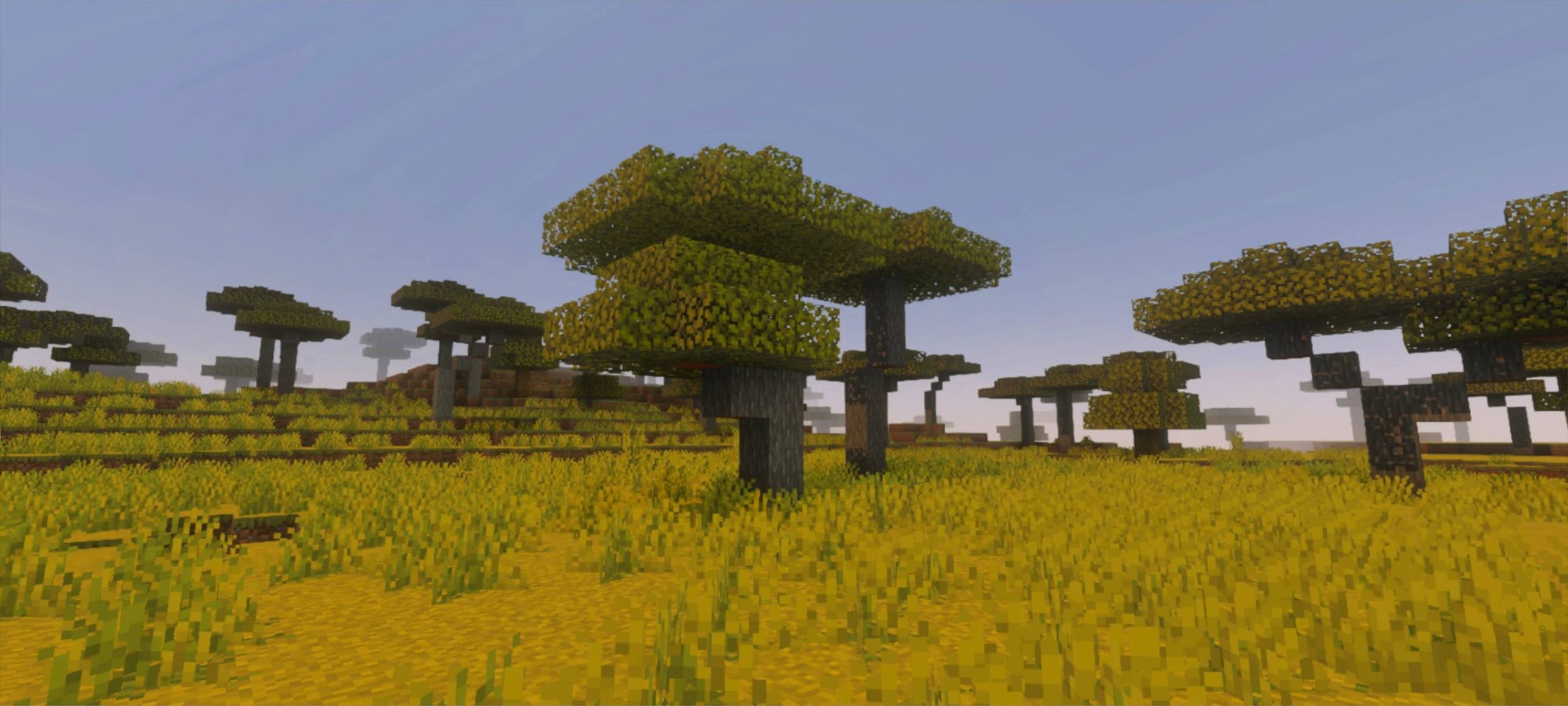
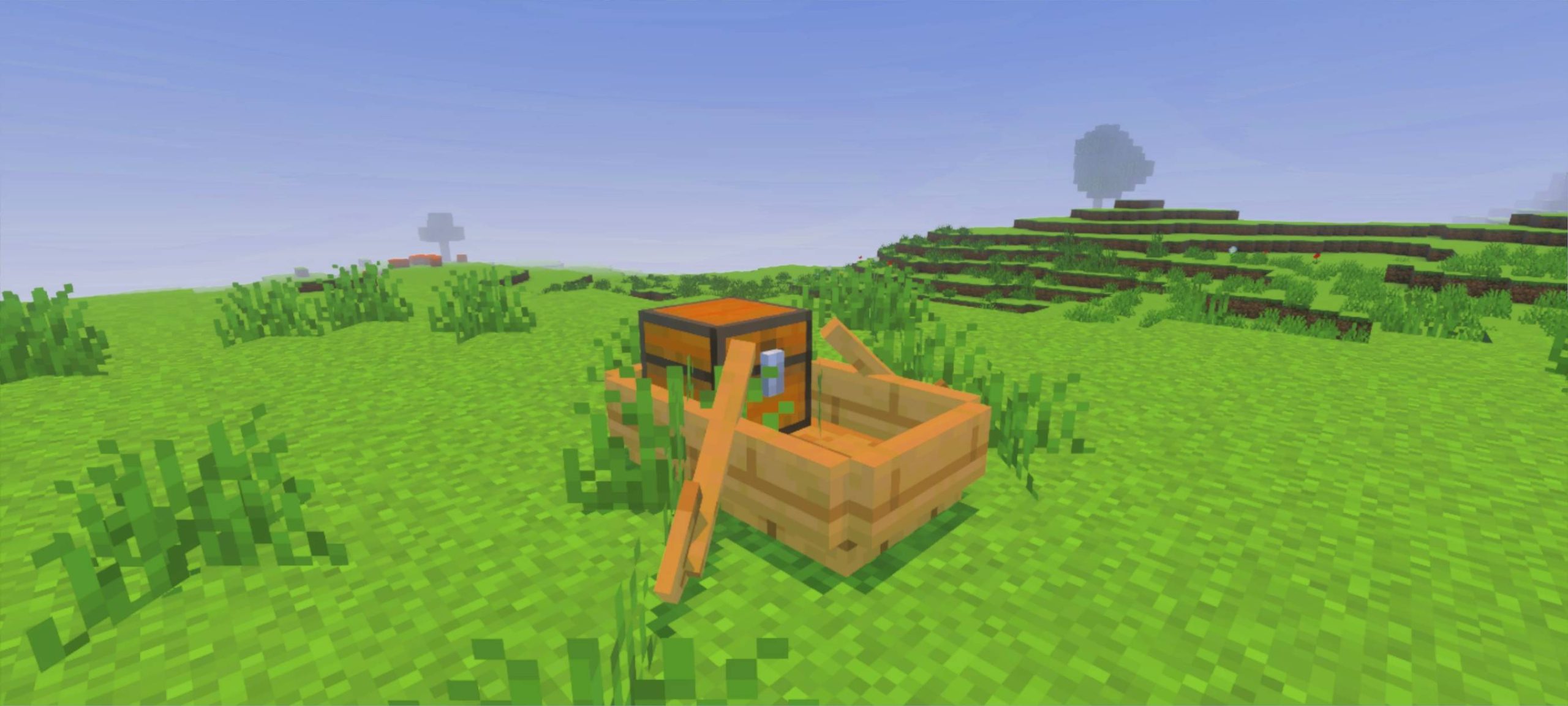
Vibrant Brightness Shader The Vibrant Brightness Shader for MCPE/Bedrock 1.21+ lights up your world with crisp, luminous visuals — no more squinting into dark caves and gloomy nights. Features: Enhanced brightness that keeps dark areas readable Vivid color boost across terrain, water, and sky Clearer cave visibility without breaking the mood Smooth performance on phones and tablets Why You'll Love It: 1 Mining and night exploration become way less frustrating 2 Colors stay rich and lively at every hour 3 Simple, effective upgrade with instant results How to Get Started: 1 Download the Vibrant Brightness Shader. 2 Install it in Minecraft PE. 3 Open yo
Read the full details and screenshots
Open this resource in CraftyBox